
Kinematic Chains
A kinematic chain is a robot arm (or leg, or any linked set of servos) that a kinematics robot skill knows how to move by position. Instead of setting each servo, you ask for the end of the arm, the end effector, to go to a point in space, and the robot skill works out the servo angles. Each chain is published under a name, and any robot skill, script or Blockly block in the project can move it by that name.
This screen lists every chain published in the project with where its end effector is right now, and has a Try It panel for sending a chain to a position without writing a script. It is the quickest way to find out whether an arm is configured sensibly.
Where to find it: Side menu → Views → Kinematic Chains
Contents
Position units and directions
Every chain uses the same convention, whichever robot skill publishes it:
- Positions are in millimetres, measured from the base of the chain.
- +X is forward, +Y is left and +Z is up.
- When a chain supports orientation, roll, pitch and yaw are in degrees. Roll turns about X, pitch about Y and yaw about Z.
The chain list
If no chain is published, the page says No kinematic chains in this project and offers Add Kinematics Skill, which opens Robot Skills → Add with a search for "kinematics". Add a kinematics robot skill (such as Kinematics Service), configure a chain in it, and the chain appears here.
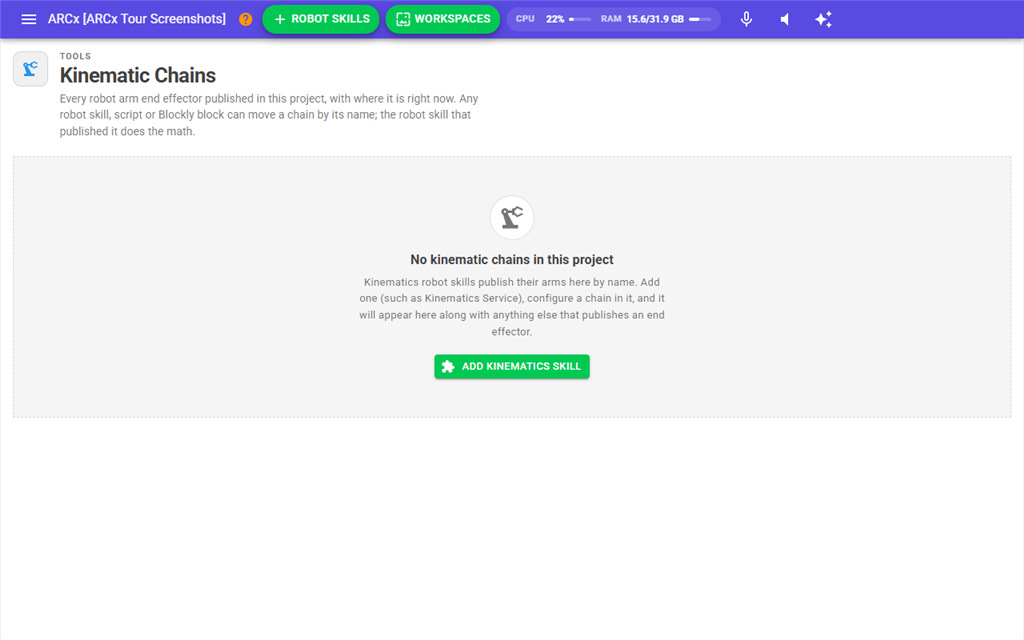
The table updates live as chains are added, removed or reconfigured, and while an arm is moving.
| Column | What it shows |
|---|---|
| Name | The chain's name. This is the name you use in scripts, Blockly and other robot skills. Names are unique in a project. |
| Provided By | The robot skill that published the chain and does the math for it. |
| Description | A description the robot skill gives the chain. |
| Joints | How many joints the chain has. |
| Features | orientation when the chain can aim the end effector as well as position it, and linear when it can move the end effector in a straight line. |
| End Effector | The last reported position, for example X:150 Y:0 Z:100, with R, P and Yw added for chains that report orientation. It shows not reported yet until the chain reports a position. |
| State | moving while a move is in progress, otherwise idle. |
| Moves | How many move requests the chain has accepted since it was published. |
| Variables | The global variables a script can read for this chain's position, such as KinematicLeftArmX / Y / Z. The name is "Kinematic" followed by the chain name with spaces and symbols removed. There is also an IsMoving variable, and Roll, Pitch and Yaw variables for chains with orientation. off means the robot skill does not publish variables for this chain. |
Try It
The Try It panel appears below the table whenever at least one chain is published.
- Choose a chain in the drop-down. The chain's current position is shown under it as X, Y and Z chips, with a moving chip while it moves.
- Press Read to fill X, Y and Z with where the end effector is right now. This is the safest starting point: change one value a little from there.
- Enter the target X, Y and Z in millimetres. The fields start at X 150, Y 0, Z 100.
- Press Move or Linear.
- Watch the End Effector column and the robot. Press Stop to abort the move in progress.
| Button | What it does |
|---|---|
| Read | Asks the chain for its current position and copies it into the fields, rounded to 0.1 mm. |
| Move | A joint move. Every servo goes straight to its final angle. This is the fastest way to get there, but the end effector does not travel in a straight line. |
| Linear | A linear move. The end effector travels in a straight line from where it is to the target. It is slower, but the path is predictable, which matters when something is in the way. |
| Stop | Aborts the move in progress on the selected chain. |
Moves sent from this panel use the speed configured in the robot skill that provides the chain. The buttons are disabled until a chain is selected.
Messages
The result of each button appears in a box under the panel.
| Message | What it means |
|---|---|
| Moving to X:… Y:… Z:… | The target can be reached and the chain is moving there. |
| Target is out of reach. Moving to the nearest point … (… mm short). | The robot skill could not reach the target, so it is moving to the closest point it can reach. The distance shows how far short of the target that is. |
| Current pose: … | The result of Read. |
| Stopped | Stop was sent. |
| There is no kinematic chain named '…'. Published chains are: … | The chosen chain is no longer published, for example because its robot skill was removed. |
Any other message in red comes from the robot skill that provides the chain, which refused the move. Its own configuration or log usually explains why.
Notes
- A chain only exists while the robot skill that provides it is in the project. Closing the project or removing the robot skill removes its chains.
- Hobby arms with three to five joints usually cannot aim the end effector independently of its position, which is why most chains do not show orientation. The Try It panel only sends a position.