
Startup Errors
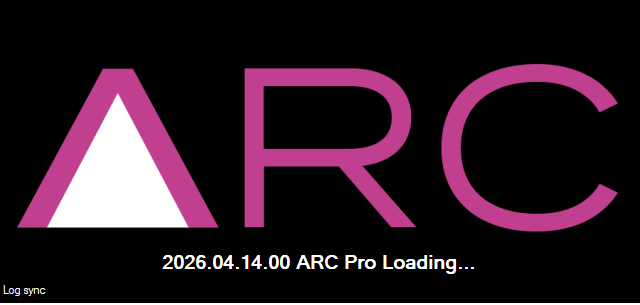
When ARC is loading, a loading screen appears and the bottom-left corner displays the current initialization step. If loading seems to pause for a while, ARC may still be initializing or synchronizing a large amount of data. During this time, any robot skill updates in the Skill Store will also sync if an internet connection is available.
Cef Chromium Embedded Browser
ARC uses a Chromium Embedded Browser (WebView) for rich media content, including Blockly. If you see an error similar to the example below, the installer can be ran again, or a required redistributable library may be missing from your system
=== Exception Information ===
Type: System.InvalidOperationException
Message: Cef.IsInitialized was false!. Check the log file for errors. See https://github.com/cefsharp/CefSharp/wiki/Trouble-Shooting#log-file for details.
HResult: -2146233079
Source: CefSharp.WinForms
TargetSite: Void InitializeCefInternal()
-
First: Re-Run The Installer
Download the latest Synthiam ARC and reinstall. During installation, select the REPAIR option.
-
Second: Download the Required Runtime
If the above repair option did not work, and ARC still cannot initialize the Chromium Embedded Browser, install the Visual C++ Redistributable runtime below.