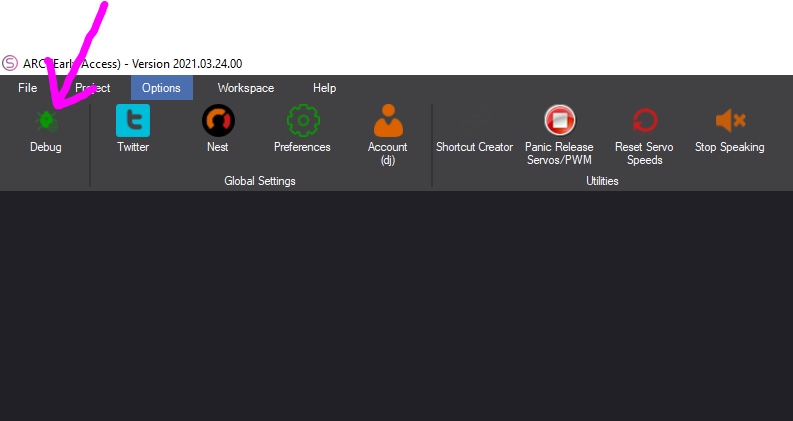
Debug
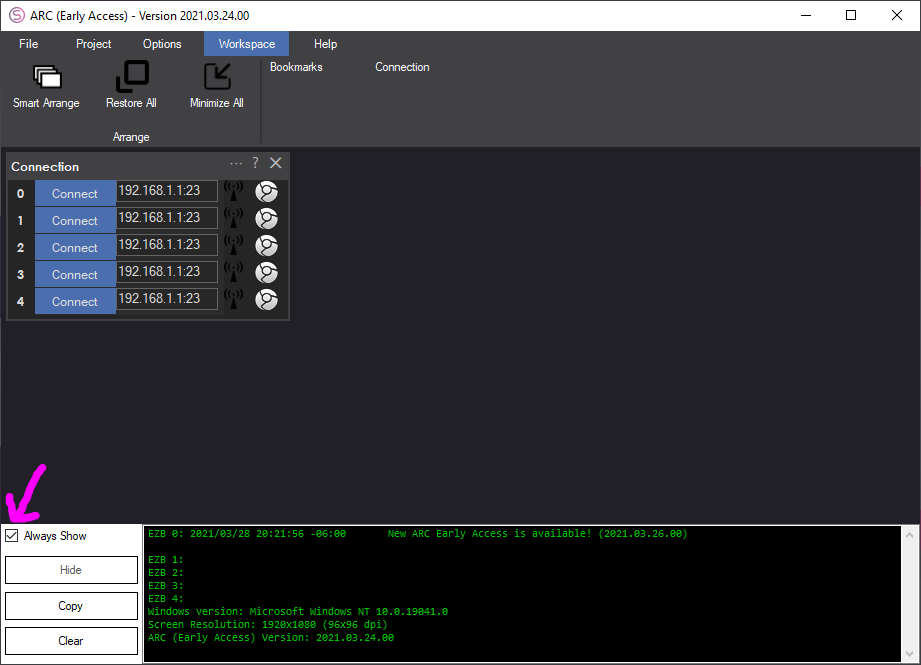
The DEBUG menu option will permanently open the debug popup at the bottom of the ARC workspace. The debug popup normally is displayed when new messages are added to the debug log. By pressing this button, the debug window will always be displayed.
To have the debug menu stop being permanently displayed, uncheck the Always Show option.