The software runs on the robot
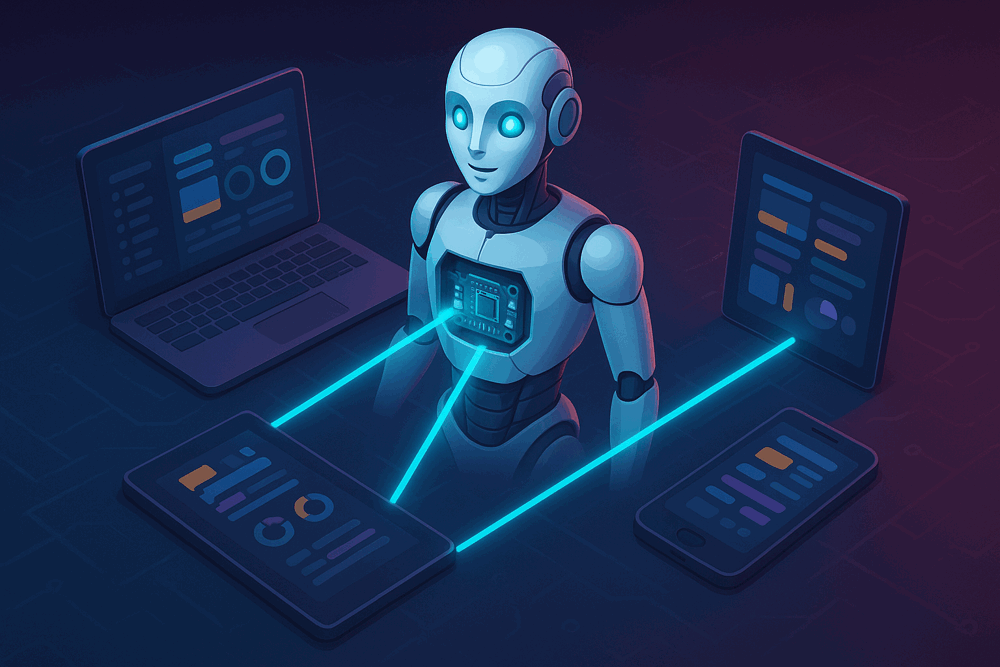
ARC taught millions of people to program robots — but it needed Windows, it needed a screen, and it stopped when you closed it. ARCx is built differently. The software runs on the robot; the interface runs in a browser on whatever device you have to hand.
Close the browser and the robot keeps working. Every capability is a robot skill you add, configure and remove while the robot is running. The x stands for the versatility of the platform — many audiences, many technologies, many kinds of hardware.
What's in ARCx
One codebase, every platform a robot builder actually uses.
Cross platform, for real
Windows 64-bit, Linux 64-bit and Linux ARM64 from a single codebase. The same project, the same robot skills, the same interface — on a workstation or on the Raspberry Pi bolted inside the robot.
No screen required
ARCx has no desktop window to keep open. It runs headless on a single board computer, so a robot no longer needs a monitor, a keyboard or a remote desktop session to be worked on.
Program from any device
Phone, tablet, laptop, Chromebook, TV — if it has a browser it can program and drive the robot. No VNC, no remote desktop, no app to install on the second device.
Several people, one robot
More than one browser can be open on the same running robot at once, and every one of them stays live as the robot updates. Useful in a classroom, or with a phone in your hand and a laptop on the bench.
The robot keeps running
Every skill is a worker, a main interface and a configuration screen. The worker has no dependency on the interface, so a UI problem — or simply closing the browser — cannot take down the process driving the robot.
Scales and follows your theme
The interface is HTML, so it reflows for any resolution — zoom in for bigger targets, zoom out to fit more on screen. It matches your browser's light or dark mode, or you pick in options.
An AI assistant with real access to your project
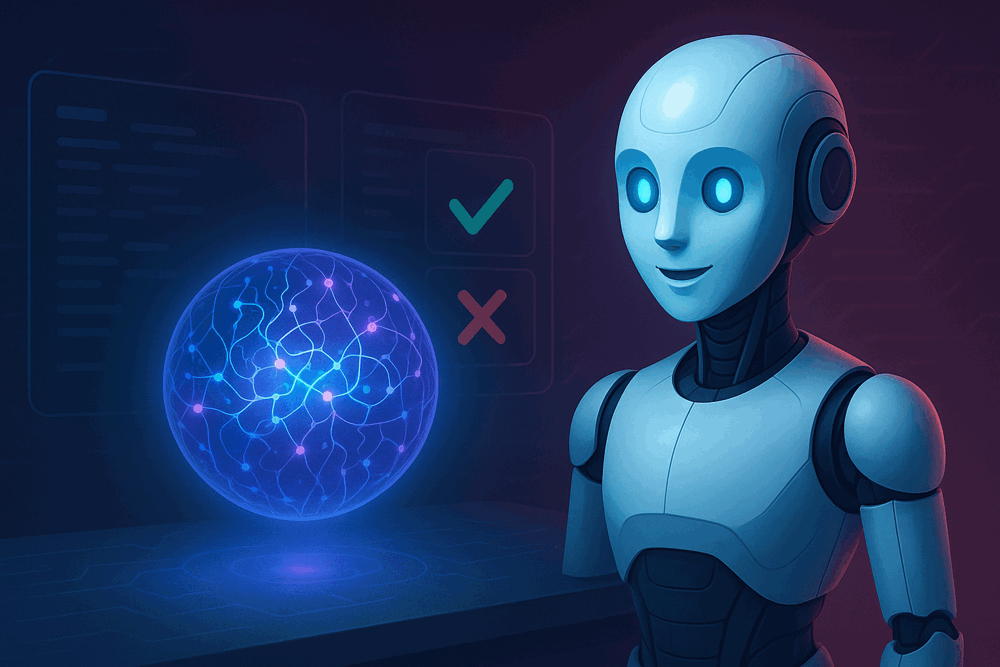
Athena is not a chat window bolted on the side. She works on the project you are building, in the project you are building.
- She can act on the project. List the robot skills in it, add and remove them, read and write their configuration, read and write their scripts, query their control commands, read your global variables, and send control commands.
- Nothing changes without your approval. Read-only actions run on their own. Anything that would modify your project stops and asks you first, inline, with the exact change shown.
- Trained on 14 years of the community. Athena has the Synthiam forum behind her — hundreds of thousands of real questions and answers from people building real robots.
Everything is a skill
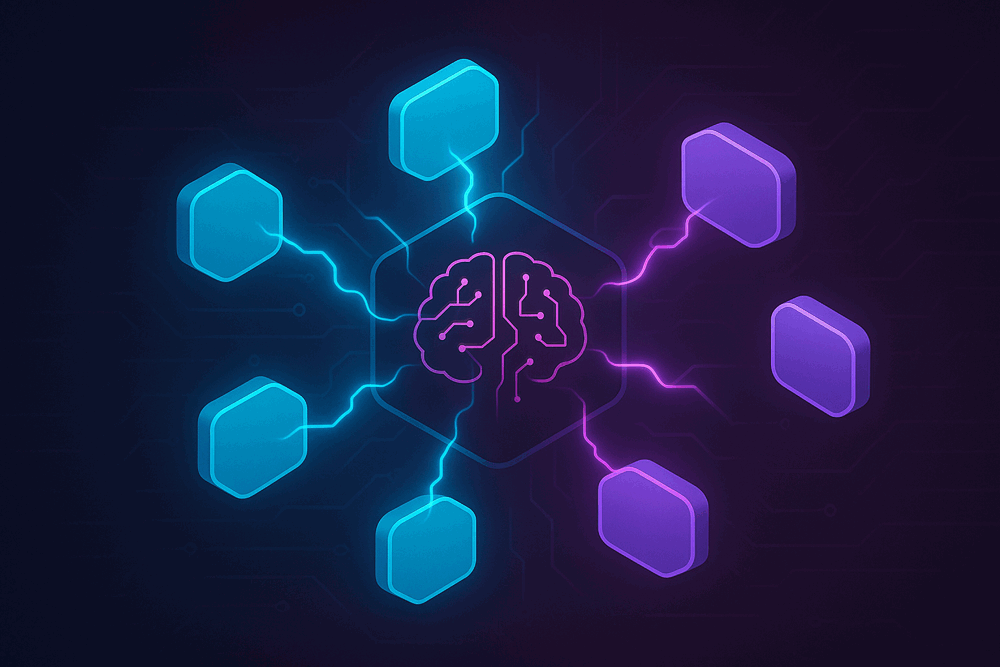
Cameras, movement panels, speech, scripting, tracking, connections — each is an independent module with its own interface, added only if you need it.
- Add and remove while the robot runs. Skills load and unload without restarting the platform.
- Write your own, from inside ARCx. Create Robot Skill generates a complete, ready-to-build project — worker, interface and configuration screen — registered to your Synthiam account and wired to the skill store.
- Skills declare their platforms. A skill that depends on something OS-specific says so, and only appears where it can actually run.
- Find things fast. Filter the skill store by category, by author, or search — and a skill can belong to several categories rather than being forced into one.
- Recently used, one click away. The Add Skill button lists the skills you last added, and any skill can be duplicated from its menu.
Blockly, JavaScript and Python
Drag blocks together to get moving, then switch to JavaScript or Python when you need real code. All three drive the same robot and the same robot skills.
- A script API that covers the hardware. Servos, digital, ADC, PWM, I2C, UART, serial, audio, movement, navigation, networking, ping, file access, logging, console and UI — all available from script.
- Control commands that return values. Robot skills talk to each other with control commands, and in ARCx a command can hand a value back rather than publishing it as a global variable.
- Hover help on every command. Control commands appear in a tab beside the script editor, with their description and parameters on hover — no trip to the online manual to remember what a command does.
- Startup scripts with a countdown. Load a project and have it connect and start on its own. A countdown appears first so you can cancel before it runs.
var cameraStatus = ControlCommand("Camera", "IsActive");

print("The camera status is: " + cameraStatus);
A control command returning a value straight into your script.
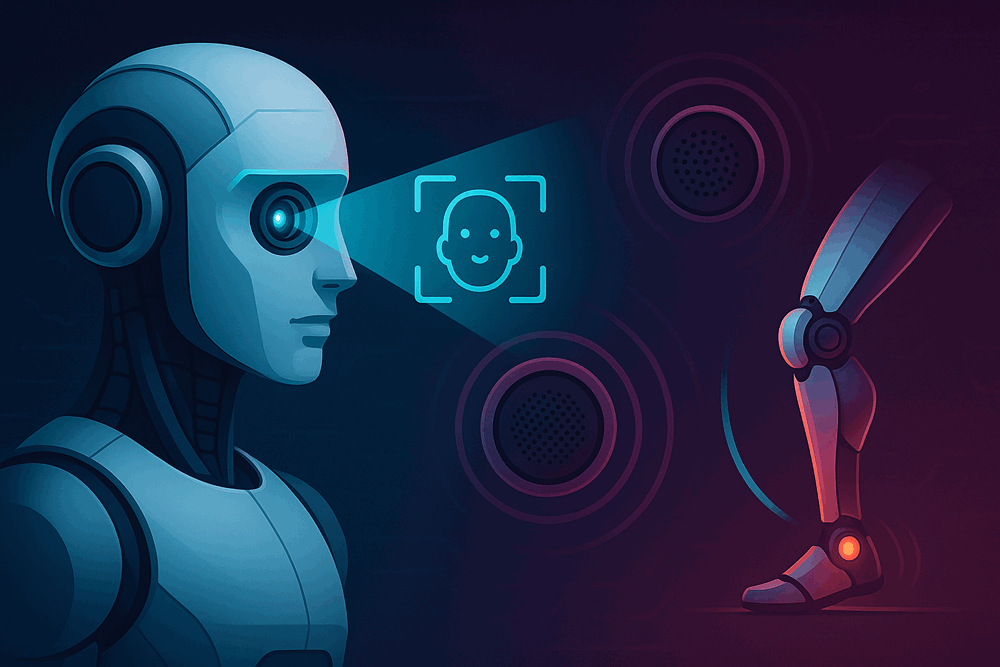
See, speak and move
- OpenCV under the hood. Vision is built on OpenCV, chosen for maturity and for licensing that lets skill developers build on it too.
- Camera sources, plural. USB cameras and EZB camera streams, routed to whatever wants them — tracking, recording, or your own skill. Any source can be sent straight to a file.
- Face tracking. Haar cascade face detection with consecutive-frame filtering to reject false positives, and detection cost that stays constant no matter what resolution the camera captures at.
- Speech in and out. Built-in English synthesis, Microsoft Windows voices and natural Azure voices across many languages; Azure and Windows recognition, plus a phrase-recognition skill that runs a script when it hears what you told it to listen for.
- Movement panels and a joystick. Any movement panel responds to the same movement commands, so the on-screen joystick, a script or a speech phrase all drive the robot the same way.
- Auto Position gaits. Build walking gaits and poses frame by frame for humanoids and hexapods, then bind actions to forward, reverse, left, right and stop. The engine ramps movement in software, so servos with no acceleration control of their own still start and stop smoothly.
Hardware, projects and the day to day
The unglamorous parts that decide whether a robot project stays workable.
Multiple controllers at once
Drive several EZBs from one project, each with its own connection settings, baud rate and incoming TCP listener. The discovery service runs continuously and populates the address list with the USB and WiFi controllers it finds.
Name your ports and boards
Give a port a description — "Vertical Neck Servo" — and a board a name, so a project with three controllers and forty servos stays readable.
The full peripheral set
Servos, digital I/O, ADC, PWM, I2C, UART, HC-SR04 distance sensors, audio in and out, music synthesis and power management.
Tag, sort, search — and backed up
Tag projects so a folder of a hundred of them stays navigable. ARCx writes a timestamped backup on every save, so reverting to an earlier version is always possible. Save to the machine or to your Synthiam cloud account.
Multiple workspaces
Organise skills across several named desktops instead of one crowded screen.
Errors come to you
Warnings and errors raise a popup rather than waiting silently in a log — click through to the detail. Behind them sit a debug log, script monitor, serial port monitor, file monitor, network info and a video source inspector.
The community, in the app. The home page shows the newest robot skills and the latest community activity from synthiam.com, so you see what's happening without leaving what you're building.
Already using ARC?
- ARC is the released, supported platform — download it today.
- Millions of robots have been built with it, and it is not going anywhere.
- Your projects, skills and hardware keep working exactly as they do now.
Why ARCx is being built
- Runs on Linux and Raspberry Pi, not only Windows.
- Runs headless — the robot needs no screen of its own.
- An interface you can open from any device on your network, several at a time.
- A cleaner skill architecture, so a skill can be added or removed without restarting.
- An AI assistant with real access to the project it is helping you build.
Quick specs
| Platforms | Windows 64-bit, Linux 64-bit, Linux ARM64 |
|---|---|
| Interface | Web browser, from any device on the network |
| Scripting | Blockly, JavaScript, Python |
| Vision | OpenCV |
| Extensibility | Robot skills — independent modules, hot add and remove, published to the Synthiam skill store |
| AI | Athena, with project read and write access and approval-gated changes |
| Controllers | Multiple EZB-firmware controllers per project, auto-discovered |
| Status | In development — not yet released |
Download ARCx
One codebase, every platform a robot builder uses. Builds are on the way for all three.
Version 2024.06.05.00ARCx is still in development. Follow along in the community and we will post here the moment the first builds land.
Follow ARCx development Download ARC todayBuild a robot while you wait
ARCx is not ready yet — but Synthiam ARC is, and everything you learn building robots with it carries straight across.
Get Synthiam ARC Getting Started Guide