AI Script Assistant
Project-aware AI that writes, debugs, and explains ARC robot scripts in JavaScript or Python — using your real globals, ports, and Robot Skills.
Try the AI Assistant →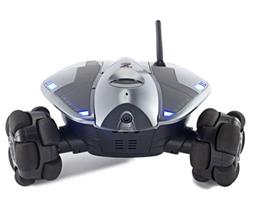 Wowwee Rovio
— Movement panel integrating WowWee Rovio with Synthiam ARC for remote drive, live camera, audio and docking control. Under development.
Try it →
Wowwee Rovio
— Movement panel integrating WowWee Rovio with Synthiam ARC for remote drive, live camera, audio and docking control. Under development.
Try it →
Build DIY and classroom robot projects with ARC for Windows, or robot products and industrial systems with ARCx for Windows, Linux and Raspberry Pi. Add Robot Skills for computer vision, speech, movement and AI, with visual programming and scripting tools to connect them.
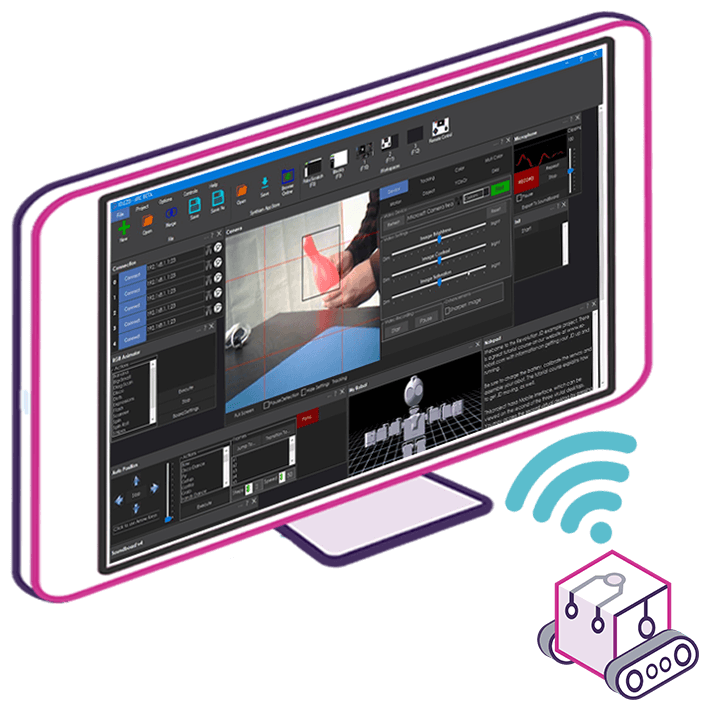
ARC is the low-code robot programming software for DIY builders, hobbyists, makers and classrooms, and it makes advanced robotics approachable. Drag-and-drop Robot Skills add vision, speech, navigation, and AI to your robot in minutes — no coding background required. When you're ready to go deeper, full JavaScript, Python, and Blockly scripting are built right in.

ARCx is the Synthiam platform for robot builders, product companies and industrial automation. It runs on the robot itself, headless and unattended, and you open its interface in a web browser to build and control your project from a laptop, tablet or phone — on the same network or from anywhere with Remote ARCx. The robot keeps running when you close the browser.
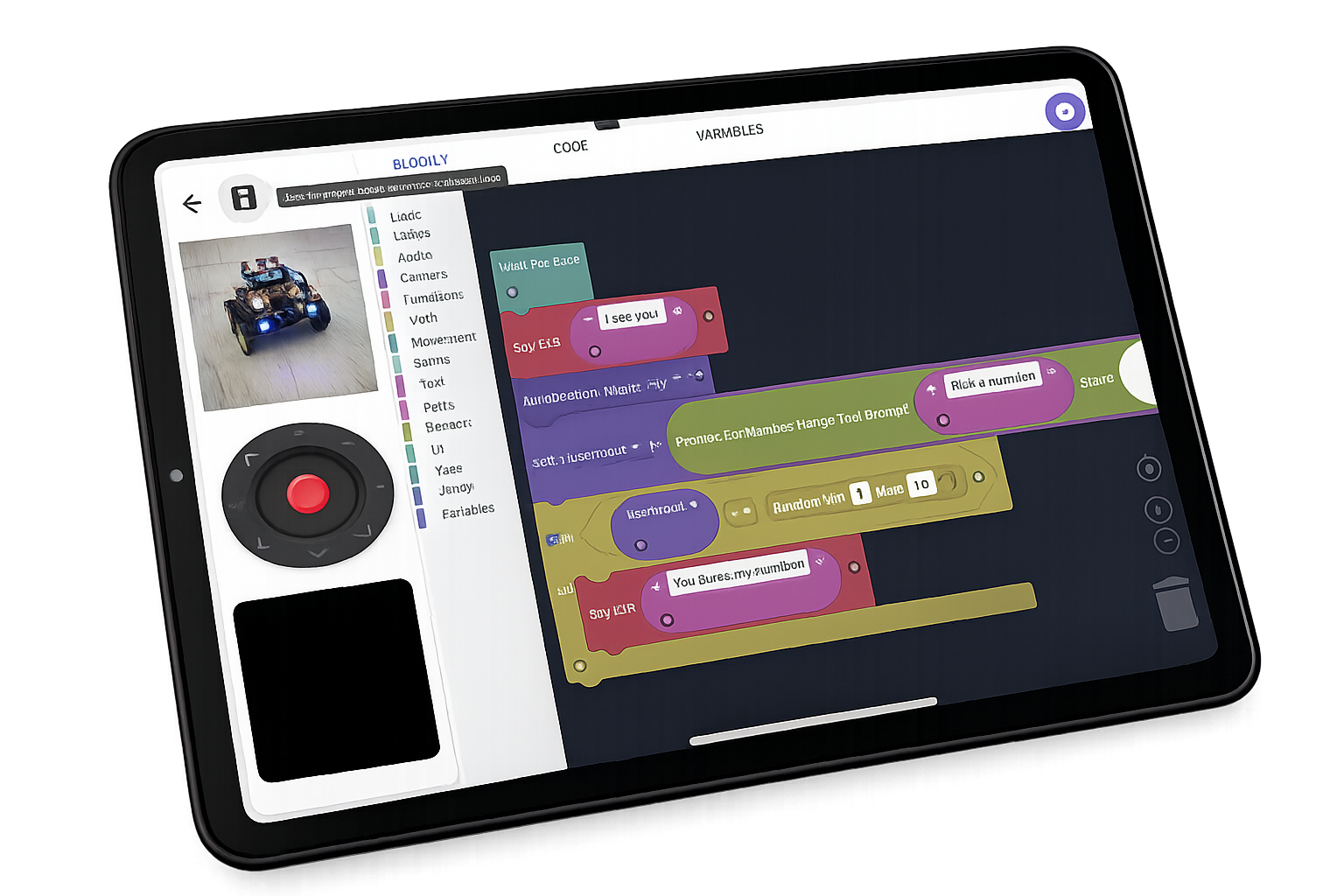
ARC-Lite is the free robotics app for classrooms, clubs and first-time builders. Guided activity lessons walk students through robot programming step by step, and Blockly visual programming lets them control a real robot in minutes. Available for Android, Chromebook and Windows, with iOS and macOS versions coming soon.
Extend your robotics toolkit with AI scripting, the Robot Skill Store, telepresence, and gear for builders.
Project-aware AI that writes, debugs, and explains ARC robot scripts in JavaScript or Python — using your real globals, ports, and Robot Skills.
Try the AI Assistant →
Hundreds of free Robot Skills built by Synthiam and the community — AI, computer vision, navigation, speech recognition, and more. One-click install into ARC and ARCx.
Browse Skills →
Control your robot from anywhere in a web browser, invite others to drive it, and use it as your telepresence at meetings and events.
Try Exosphere →
Robotics-themed apparel, accessories, and gear for makers, builders, and AI enthusiasts. Wear your love of robots.
Shop Swag →The most powerful MCP servers in robotics. Connect Claude Code, Claude Desktop, Cursor, VS Code Copilot, ChatGPT or any MCP client, and the AI can control your robot and program it: add and configure Robot Skills, write code and firmware, create whole robot projects, and test the result on the real hardware. With MCP, there is really no limit to what your robot can do.
See what AI agents can do →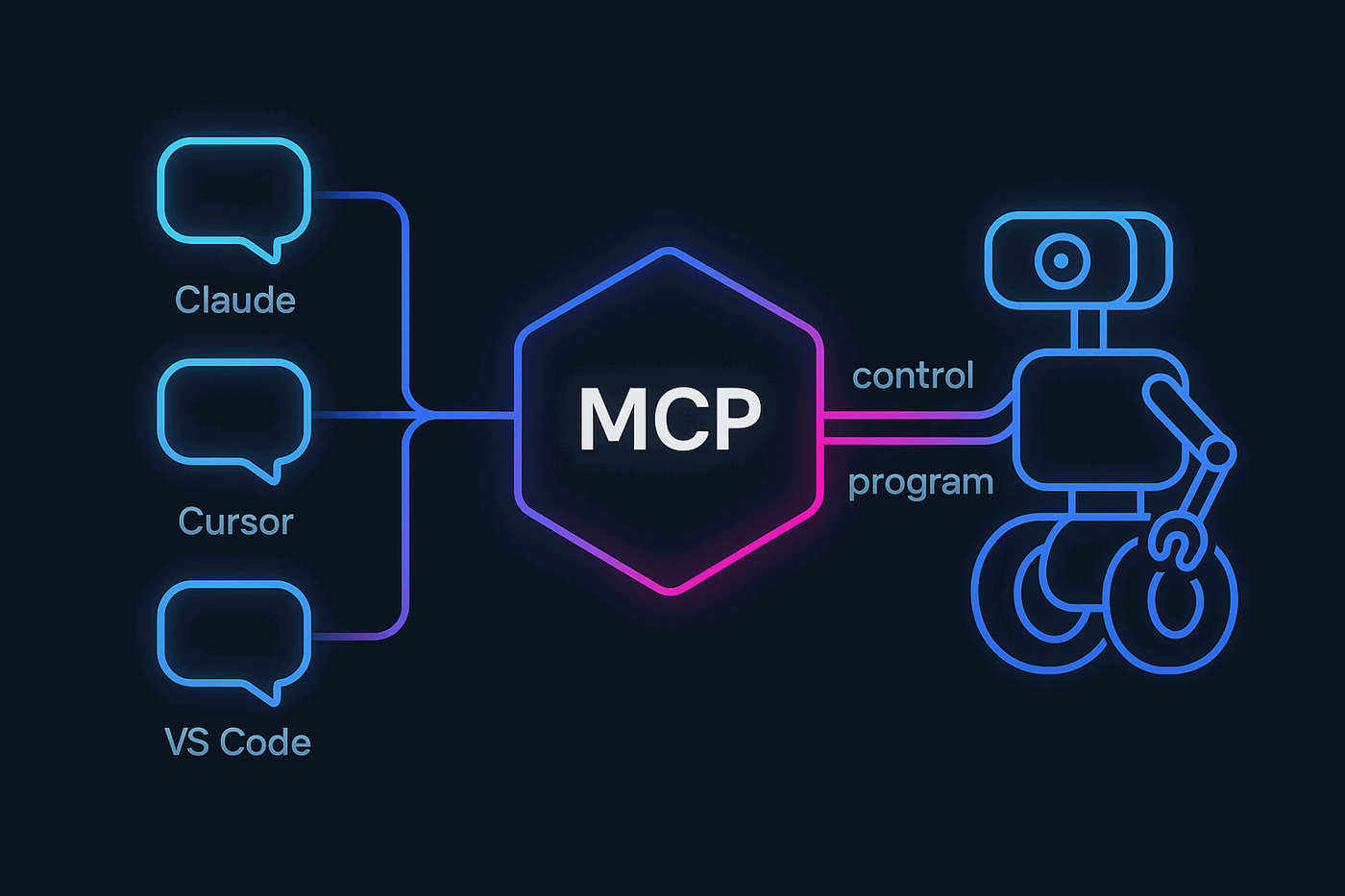
Since 2010, we have worked side by side with robot builders around the world. More than 4 million robot connections have shown us what works, what breaks and what builders actually need, and every lesson has gone back into the software. Through the Robot Skill Store, we connect 600+ partners directly with those builders, so every new sensor, service and AI integration one partner adds is ready for everyone.
The secret is simple: the more our software is used, the better it gets.
The Windows platform for hobbyists, makers, students and teachers, with the full Robot Skill Store, Blockly, JavaScript and Python, and ARC Pro for advanced projects and courses.
Our next-generation platform, rewritten from the ground up with modern technology. It runs on the robot itself on Windows, Linux or Raspberry Pi, talks to industrial PLCs, and is programmed from a browser on your network or from anywhere.
Our free robotics education app for Android, Chromebook and Windows. Guided lessons and Blockly activities teach robot programming step by step, then grow into JavaScript and Python. No robotics background required.
Download ARC for DIY and classroom robots on Windows, or ARCx for robot products and industrial systems that run on the robot itself, and bring your project to life in minutes with hundreds of ready-made Robot Skills, optional scripting, and step-by-step tutorials.
Get ARC Free → Get ARCx →