
3. EZB Microcontroller
When a generic I/O controller (Arduino, Microbit, etc.) is programmed with Synthiam firmware compatible with ARC, we refer to it as an EZB. The firmware then allows the EZB I/O controller to use additional capabilities available in ARC. An EZB connects sensors, motors, and peripherals to the computer.
What is an EZB Microcontroller?
a low-power device that allows sensors, servos, LEDs, and motor controllers to be connected. The EZB provides an interface between your computer and the
robot hardware. Popular EZB Microcontrollers are Arduinos or EZ-Robot EZB v4/IoTiny, etc. You will find a list of compatible microcontrollers below in this guide.
Each EZB will provide various hardware and custom commands. To identify the capabilities of an EZB, ARC provides abstract methods that represent the EZB's capabilities. For example, if the connected EZB supports a hardware UART, the respective EZB index in ARC will provide hardware UART commands. The Firmware Capability Manager determines the capabilities of each EZB. An EZB will report its capabilities to ARC. ARC will notify you if an unsupported command is issued to an EZB.
Natively Supported EZBs
Based on the type of computer selection (embedded SBC or remote PC), EZBs will support different connection types. For example, a connection type of USB requires the computer to be embedded in the robot. An EZB that has Wi-Fi supports a remote computer or embedded computer configuration.
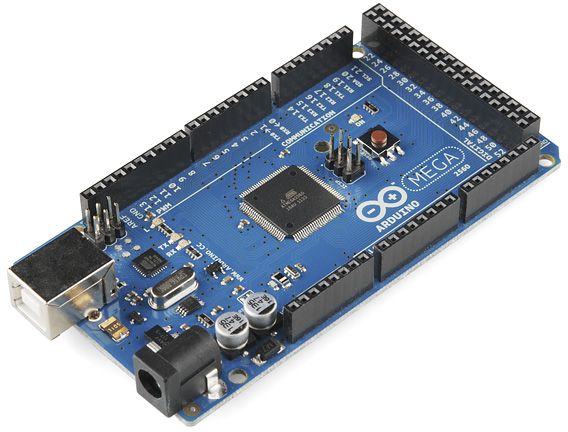
.syn-hw { --syn-indigo: #6366f1; --syn-teal: #0a8ca0; --syn-ink: #1e293b; --syn-muted: #475569; color: var(--syn-ink); } .syn-hw img {...
Connection: USB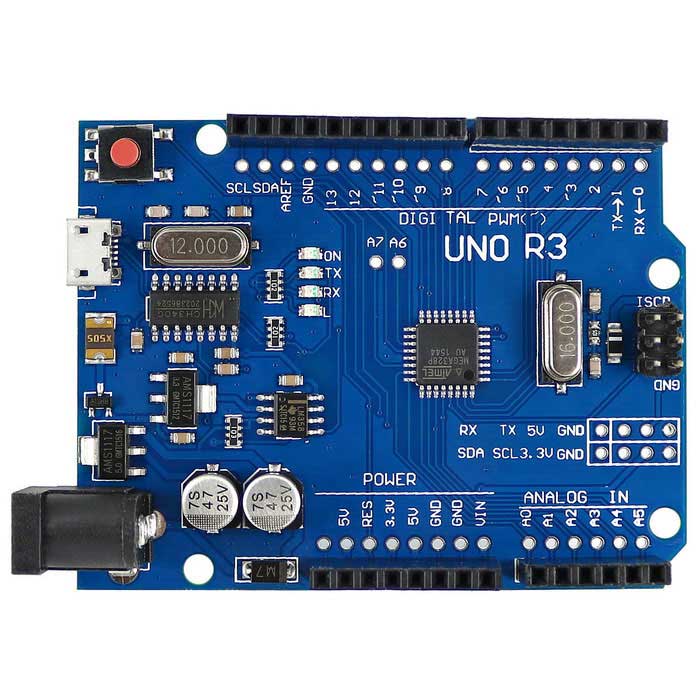
.syn-hw { --syn-indigo: #6366f1; --syn-teal: #0a8ca0; --syn-ink: #1e293b; --syn-muted: #475569; color: var(--syn-ink); } .syn-hw img {...
Connection: USB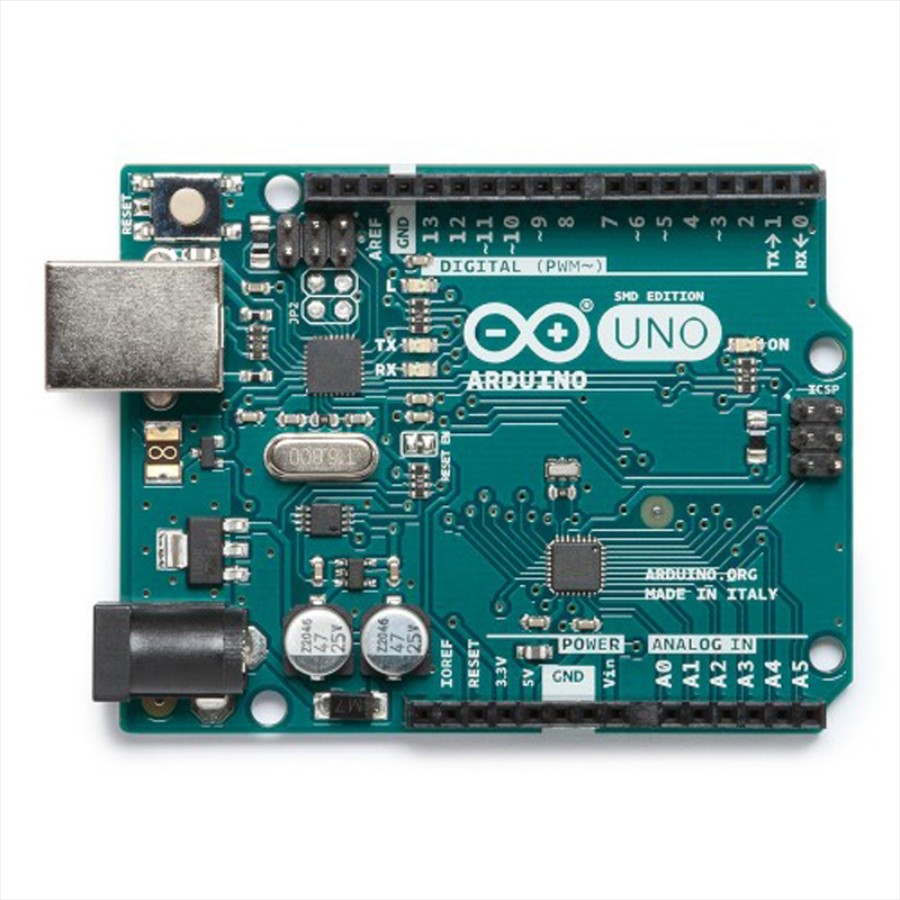
.syn-hw { --syn-indigo: #6366f1; --syn-teal: #0a8ca0; --syn-ink: #1e293b; --syn-muted: #475569; color: var(--syn-ink); } .syn-hw img {...
Connection: USB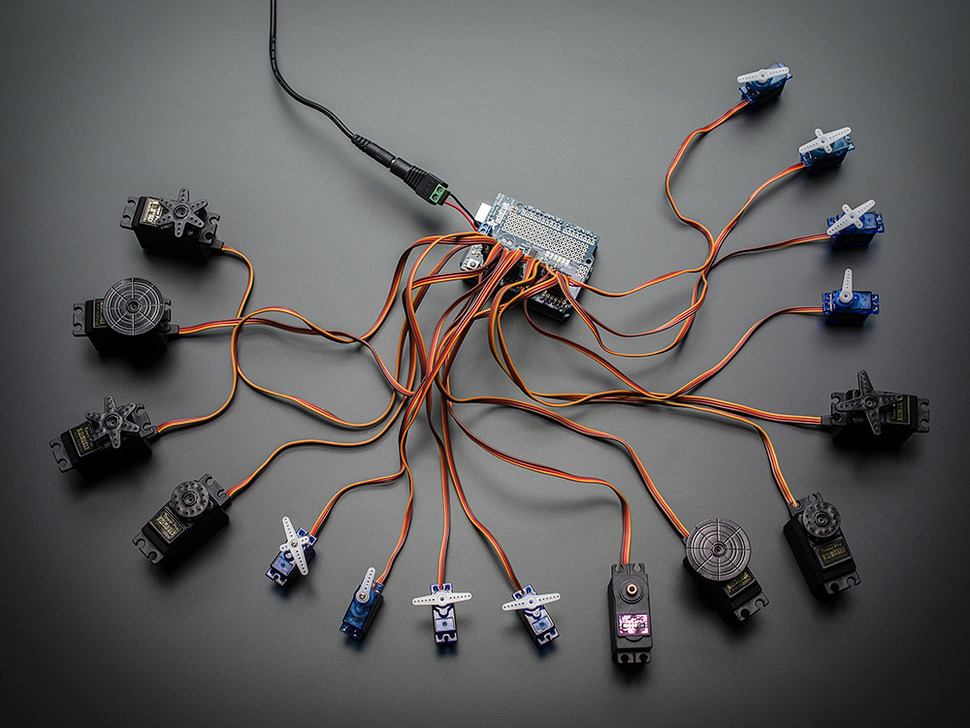
.syn-hw { --syn-indigo: #6366f1; --syn-teal: #0a8ca0; --syn-ink: #1e293b; --syn-muted: #475569; color: var(--syn-ink); } .syn-hw img {...
Connection: USB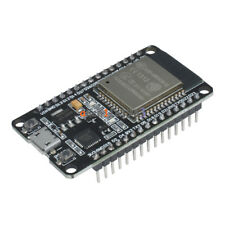
.syn-hw { --syn-indigo: #6366f1; --syn-teal: #0a8ca0; --syn-ink: #1e293b; --syn-muted: #475569; color: var(--syn-ink); } .syn-hw img {...
Connection: Wi-Fi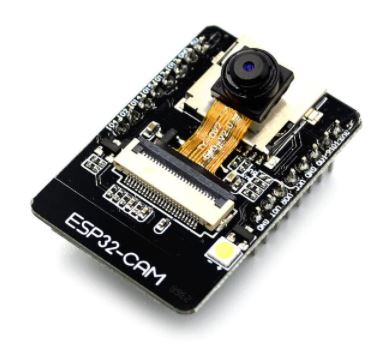
.syn-hw { --syn-indigo: #6366f1; --syn-teal: #0a8ca0; --syn-ink: #1e293b; --syn-muted: #475569; color: var(--syn-ink); } .syn-hw img {...
Connection: Wi-Fi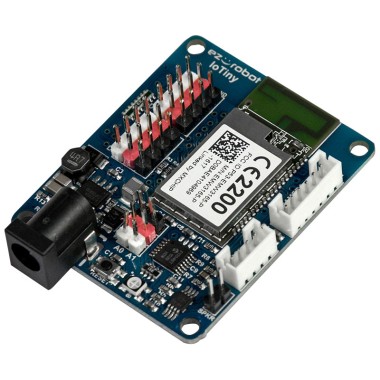
.syn-hw { --syn-indigo: #6366f1; --syn-teal: #0a8ca0; --syn-ink: #1e293b; --syn-muted: #475569; color: var(--syn-ink); } .syn-hw img {...
Connection: Wi-Fi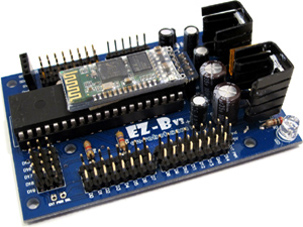
.syn-hw { --syn-indigo: #6366f1; --syn-teal: #0a8ca0; --syn-ink: #1e293b; --syn-muted: #475569; color: var(--syn-ink); } .syn-hw img {...
Connection: Bluetooth
.syn-hw { --syn-indigo: #6366f1; --syn-teal: #0a8ca0; --syn-ink: #1e293b; --syn-muted: #475569; color: var(--syn-ink); } .syn-hw img {...
Connection: Wi-Fi / USB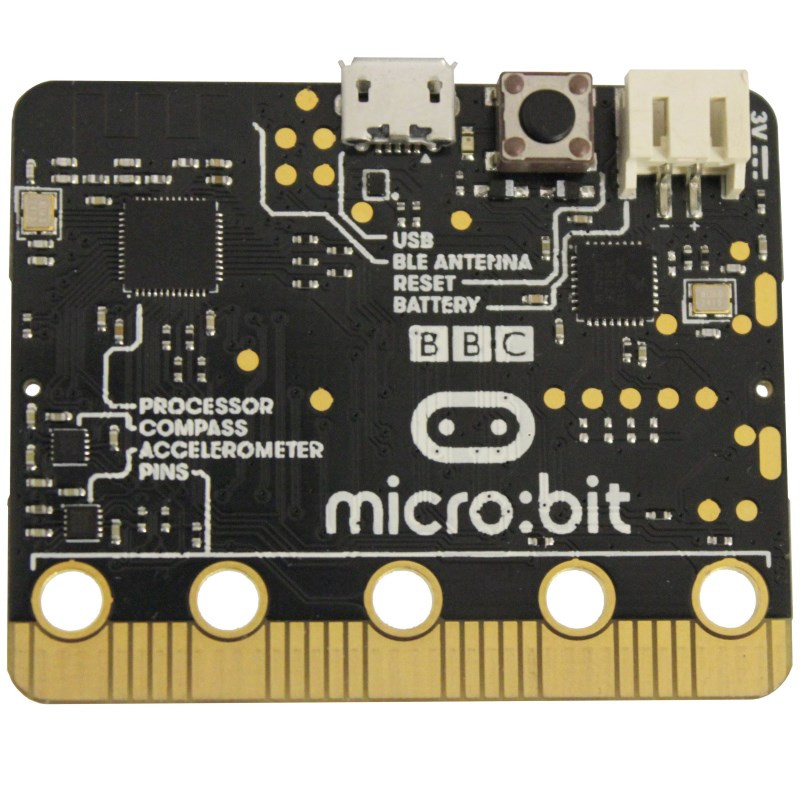
.syn-hw { --syn-indigo: #6366f1; --syn-teal: #0a8ca0; --syn-ink: #1e293b; --syn-muted: #475569; color: var(--syn-ink); } .syn-hw img {...
Connection: USB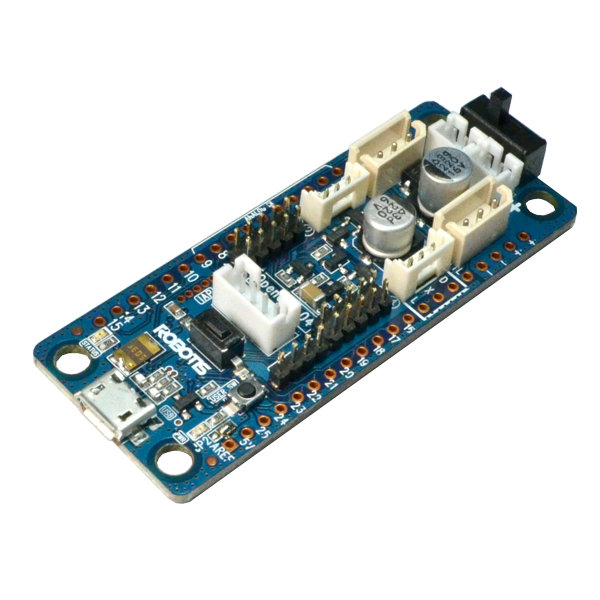
.syn-hw { --syn-indigo: #6366f1; --syn-teal: #0a8ca0; --syn-ink: #1e293b; --syn-muted: #475569; color: var(--syn-ink); } .syn-hw img {...
Connection: USB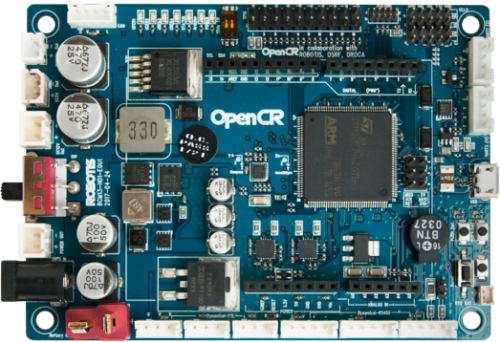
.syn-hw { --syn-indigo: #6366f1; --syn-teal: #0a8ca0; --syn-ink: #1e293b; --syn-muted: #475569; color: var(--syn-ink); } .syn-hw img {...
Connection: USB
Don't see your hardware listed?
Add any robot product, hardware, PLC, or microcontroller to the Synthiam-supported EZB list. We have published the EZB communication protocol for anyone to use.
EZB Communication Protocol Details