
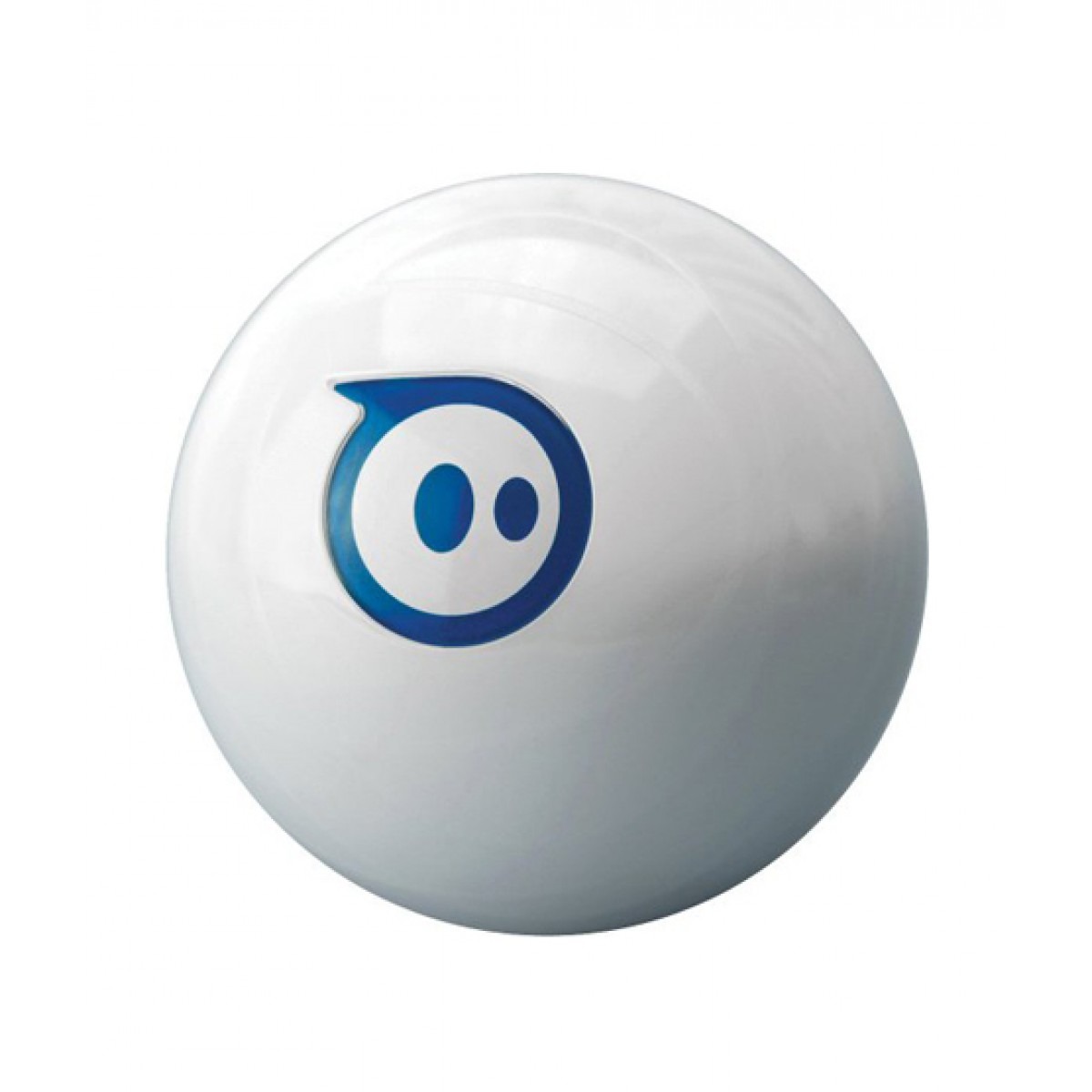
Sphero by Sphero
Control the Bluetooth Sphero with Synthiam ARC to add speech recognition, scripting and PandoraBot AI via the Sphero Movement Panel.
Connection Type
Bluetooth
Number of Servos
None
Audio Support
No
Camera Support
No
UARTs
None
I2C Support
No
ADC Ports
None
Digital Ports
None
Sphero is a popular remote-control robotic ball that connects over Bluetooth. When you use Sphero with Synthiam ARC, you can control the ball from your computer and also unlock beginner-friendly robot features that go far beyond the standard Sphero phone app.
Beginner note: ARC is the software “brain” that runs on your PC. Sphero is the robot you connect to ARC using Bluetooth.
After the connection is made, ARC can send movement commands (drive, stop, change heading) and you can layer in additional ARC features.
What you can do with Sphero in ARC
- Drive Sphero from your PC: Use on-screen controls to roll forward/backward and turn.
- Add voice control: Use ARC’s speech recognition so you can say commands like “forward”, “stop”, or “turn left”.
- Create behaviors with scripting: Make Sphero patrol, spin, pause, or perform a sequence of actions automatically.
- Add AI conversations: Connect features like PandoraBots so your project can respond conversationally while moving.
- Combine with other ARC skills: Mix movement with sound, camera tracking, automation, and more.
Before you start (quick checklist)
- Charge Sphero so it doesn’t disconnect mid-session.
- Bluetooth on your PC: Make sure your computer has Bluetooth enabled (or use a USB Bluetooth adapter).
- Pairing: If your operating system requires pairing, pair Sphero first before connecting from ARC.
- Keep it close: For reliable setup, place Sphero within a few feet of the computer.
Troubleshooting tip: If ARC can’t find Sphero, restart Bluetooth on your PC, power-cycle Sphero, and try again.
Only one app/program can usually control Sphero at a time—close any other Sphero apps that might be connected.
To learn how to add the movement controls in ARC and start driving your Sphero, use the Sphero Movement Panel manual page:
Open the Sphero Movement Panel ManualOnce you have the Movement Panel working, you can start adding skills like speech recognition, scripts, and AI—one step at a time.

What are the com port speed settings to attach the sphere? I have tried both ports to no avail.
Sphero didn't make it very easy on that front. Every time you pair the PC to Sphero over bluetooth a different COM port is set. Once you power-off the sphero, the bluetooth COM port must be removed and repaired again.
You'll find "a bit" more info about that here: https://synthiam.com/Support/Skills/Movement-Panels/Sphero-Movement-Panel?id=16124