
Overview
ARCx does not ask you to throw away the robot software you already have. A robot built on ROS 2, a machine running Viam, a Python program you wrote last year, a dashboard on a tablet: each can work alongside ARCx and its robot skills, sharing the same sensors, the same cameras and the same motors. ARCx becomes the place where the parts meet, and its interface becomes the way you see and drive all of them.
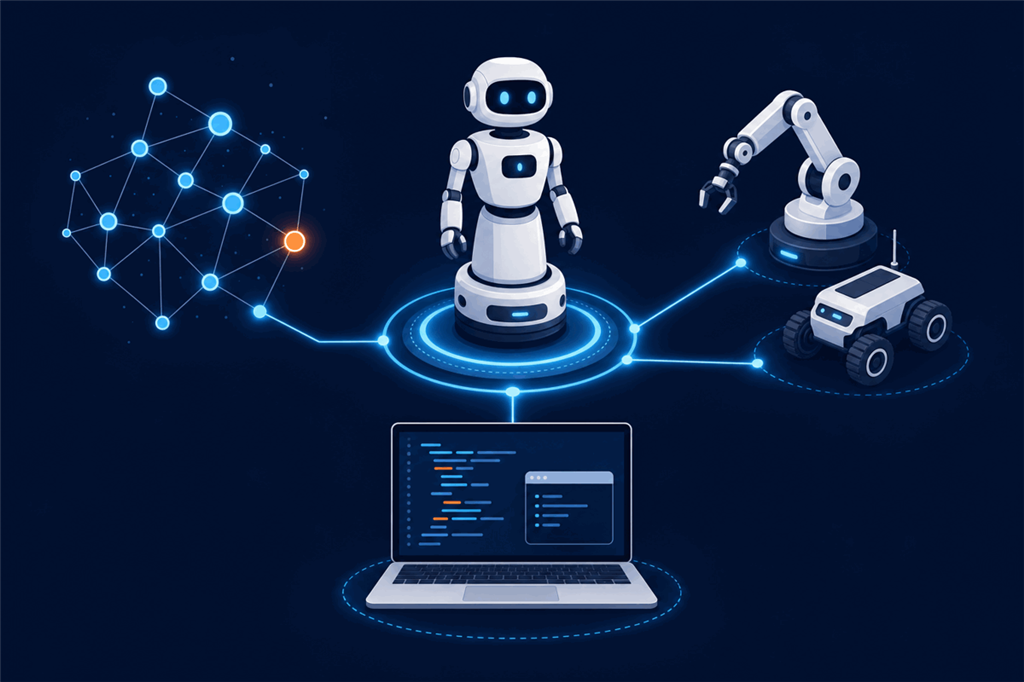
This section explains what each integration does, what you need, and what to expect, so you can decide which one fits before you start. The robot skill manuals linked from each page have every setting.
Contents
- The Robot Bus: the common ground
- Which integration do I need?
- What ARCx adds
- The pages in this section
The Robot Bus: the common ground
Every integration in this section ends up on the Robot Bus, ARCx's shared layer of topics, services and frames. Robot skills, scripts and ARCx itself publish what they sense on topics (the lidar, the robot's pose, what the camera sees, what was heard), offer what they can do as services (drive, speak, move a servo, run a script), and place their sensors in a tree of frames.
Because everything meets there, an integration is never a dead end. A ROS topic carried onto the bus can be read by a Python program, recorded and replayed, watched in Views → Robot Bus, or handed to an AI assistant. A Viam sensor's readings can drive an ARCx script. A service your own program provides can be called by a ROS node through the ROS Connector. You connect each system once, and everything else on the bus can use it.
The Robot Bus page in this section explains it in full, including how programs in any language connect to it directly.
Which integration do I need?
| You have | Use | What you get |
|---|---|---|
| A robot running ROS 2 (or ROS 1) | The ROS 2 Connector robot skill | ROS topics and services joined to ARCx: a ROS navigation stack driving the robot, a ROS lidar in ARCx's mapping, ARCx's camera and sensors in ROS, ROS services called from ARCx scripts. |
| A machine running Viam | The Viam Robot Controller robot skill | Every component on the machine in ARCx: its base as the movement panel, its servos, arms, grippers and motors on servo ports, its cameras as video sources, its sensors as variables. |
| Your own program in Python, JavaScript or any language | The Robot Bus API, built into ARCx | Read every topic, publish your own, call and provide services, look up frames, over a WebSocket or plain HTTP. Ready made Python and JavaScript clients are served by the robot. |
| An AI assistant (Claude, ChatGPT, Cursor and others) | The MCP server, built into ARCx, under AI Integration | The assistant can see, drive and configure the robot, including everything on the Robot Bus. |
You can use several at once. A typical mixed robot might have the ROS 2 Connector bringing in a navigation stack, a Python program providing a custom planner, and an AI assistant asked to "drive to the kitchen and tell me what you see", all on the same bus.
What ARCx adds
Joining another platform to ARCx gives that robot everything ARCx already does:
- An interface you do not have to build. Workspaces, live camera views, joysticks, servo sliders, Custom UI touch screens and Remote ARCx access from any browser.
- Robot skills from the store. Face and object tracking, speech recognition and synthesis, conversational AI, animations, navigation and many more work on the other platform's hardware once it is mapped into ARCx.
- Scripting without a toolchain. JavaScript, Python and Blockly run inside ARCx, with the other platform's data and commands available to them.
- Record and replay. The Robot Bus recorder captures what the robot sensed, from any source, and plays it back at your desk.
ARCx does not need to be installed on the other robot, and the other platform does not need to change. Both integrations talk to their platform over the network using that platform's own standard interface, so the robot keeps running the software it runs today.
The pages in this section
- Robot Bus: the topics, services, frames and recorder every integration shares, and how programs in any language connect.
- ROS 2: what the ROS 2 Connector robot skill does, what you need on the ROS side, and what to expect.
- Viam: what the Viam Robot Controller robot skill does, how it connects to a Viam machine, and what to expect.