Overview
Event-based Programming in ARC
ARC uses an event-based programming model, where robot behaviors are implemented as scripts that run in response to events. Triggers can include the camera beginning to track an object, a joystick button press, a Robot Skill function call, or a ControlCommand() message. Each Robot Skill contains event scripts that implement its intended behavior. ARC also includes several programming options, allowing users to choose the approach that best fits their experience level and project goals.
Synthiam designed ARC to scale from beginner to advanced users. The goal is to make robot programming more accessible while increasing the likelihood of successful development and deployment.
Programming Modes
Choose a programming method based on your experience level and the complexity of your project.
RoboScratch
Very easy
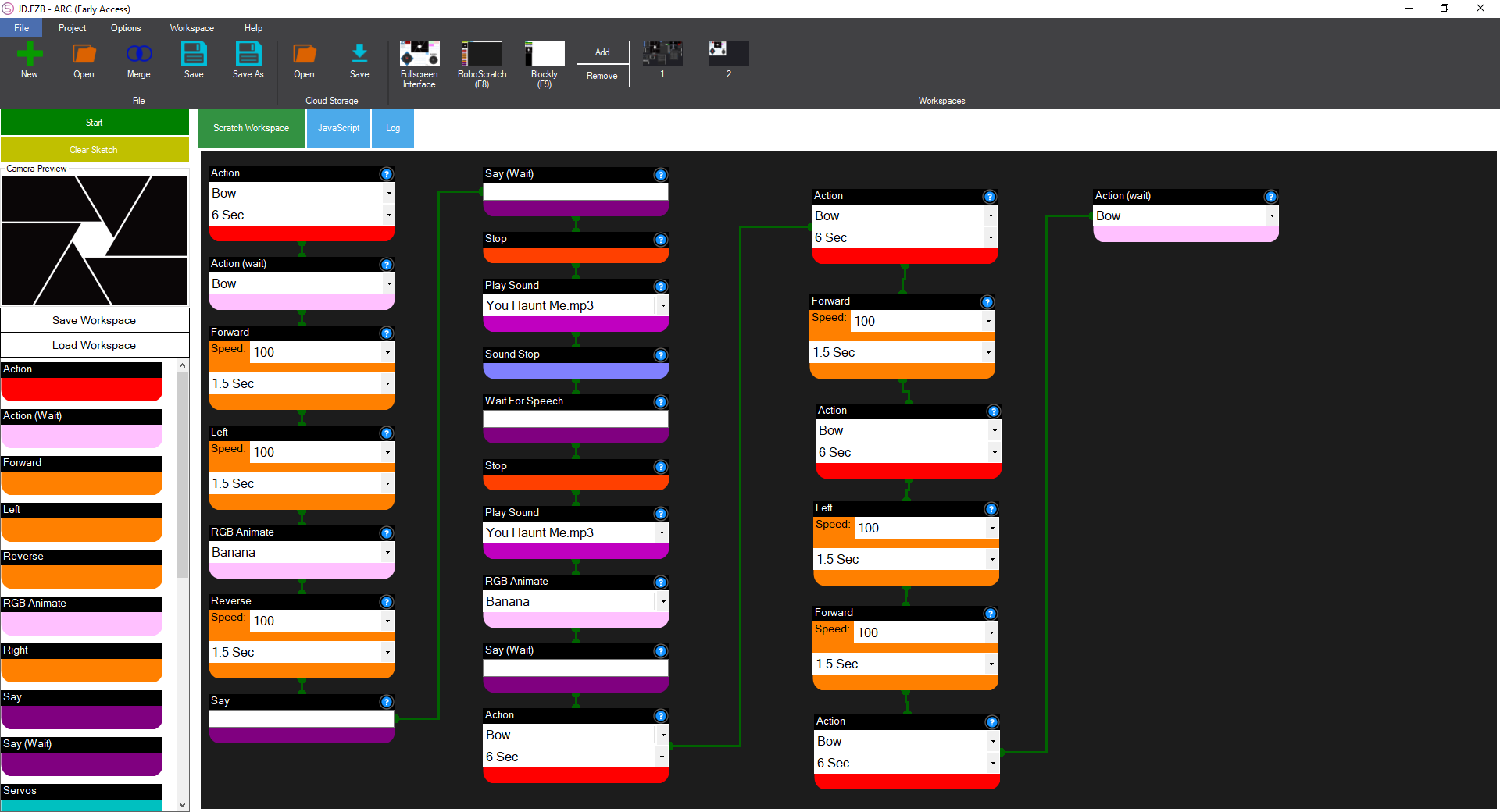
RoboScratch is a block-based interface built into ARC for learning programming fundamentals. Users add function blocks to a workspace to create a sketch. Blocks include triggers such as when the camera sees an object or speech is detected, along with action blocks such as movement commands. By linking blocks together, users can teach robots to perform simple tasks without typing code.
Blockly
Easy
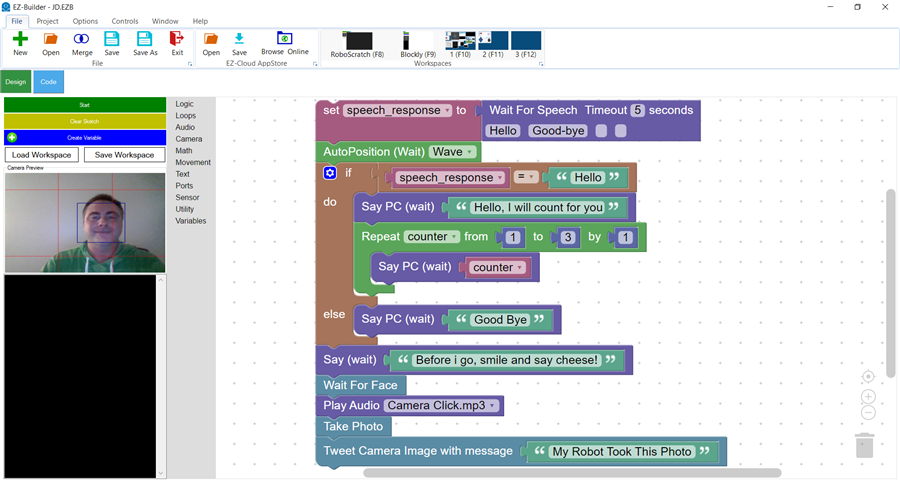
Blockly introduces programming concepts through draggable blocks that represent functions, logic, and control flow. It gives users access to advanced capabilities and allows them to create more complex behaviors visually, without needing to learn syntax or type traditional code.
Scripting
Intermediate
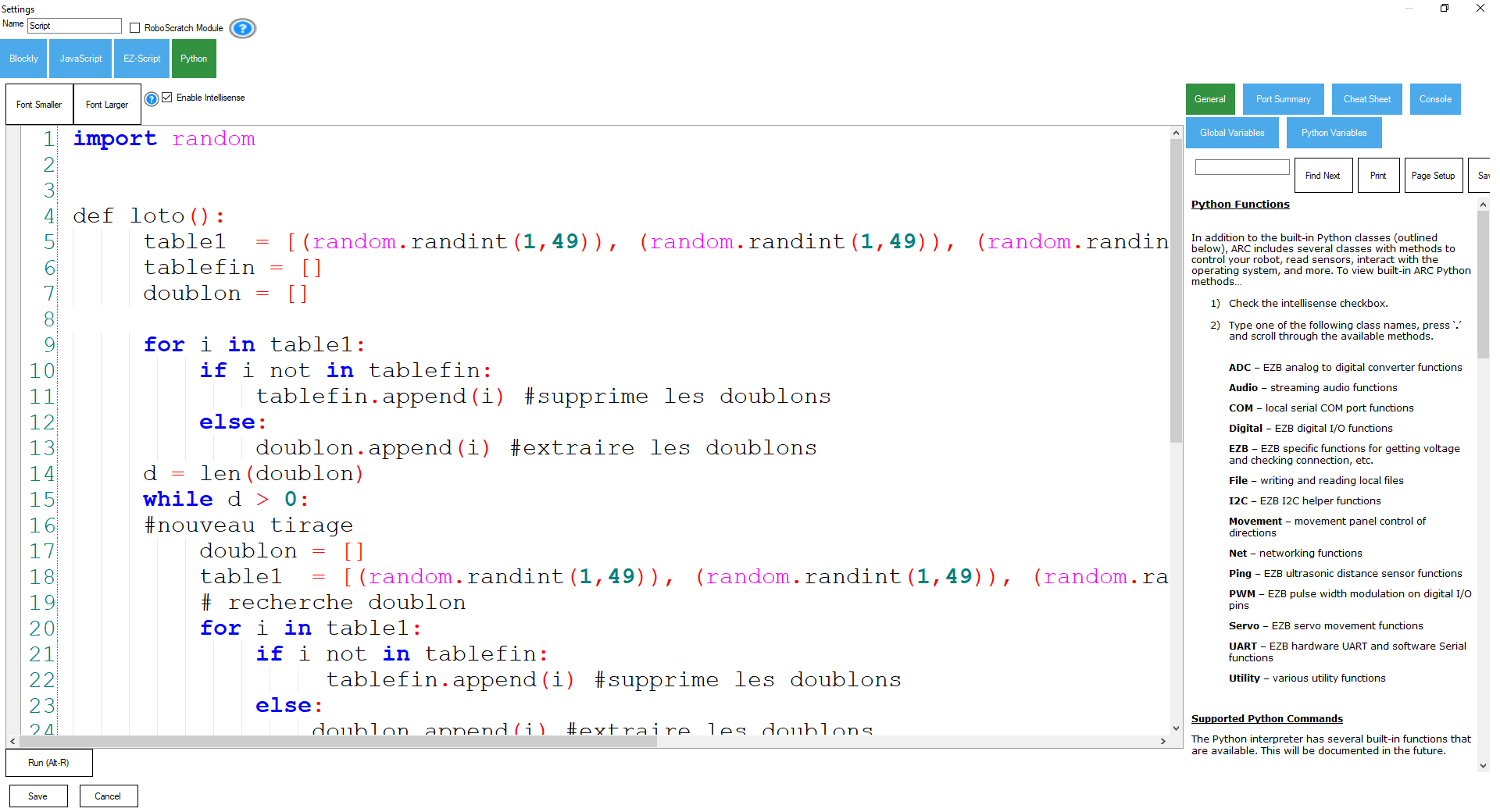
ARC supports text-based scripting in JavaScript, EZ-Script, and Python. Scripts written in different languages can interact within the same project. Using the ControlCommand messaging system, Robot Skills can send events and triggers to one another, making it possible to create modular and coordinated robot behaviors.
Programming
Advanced
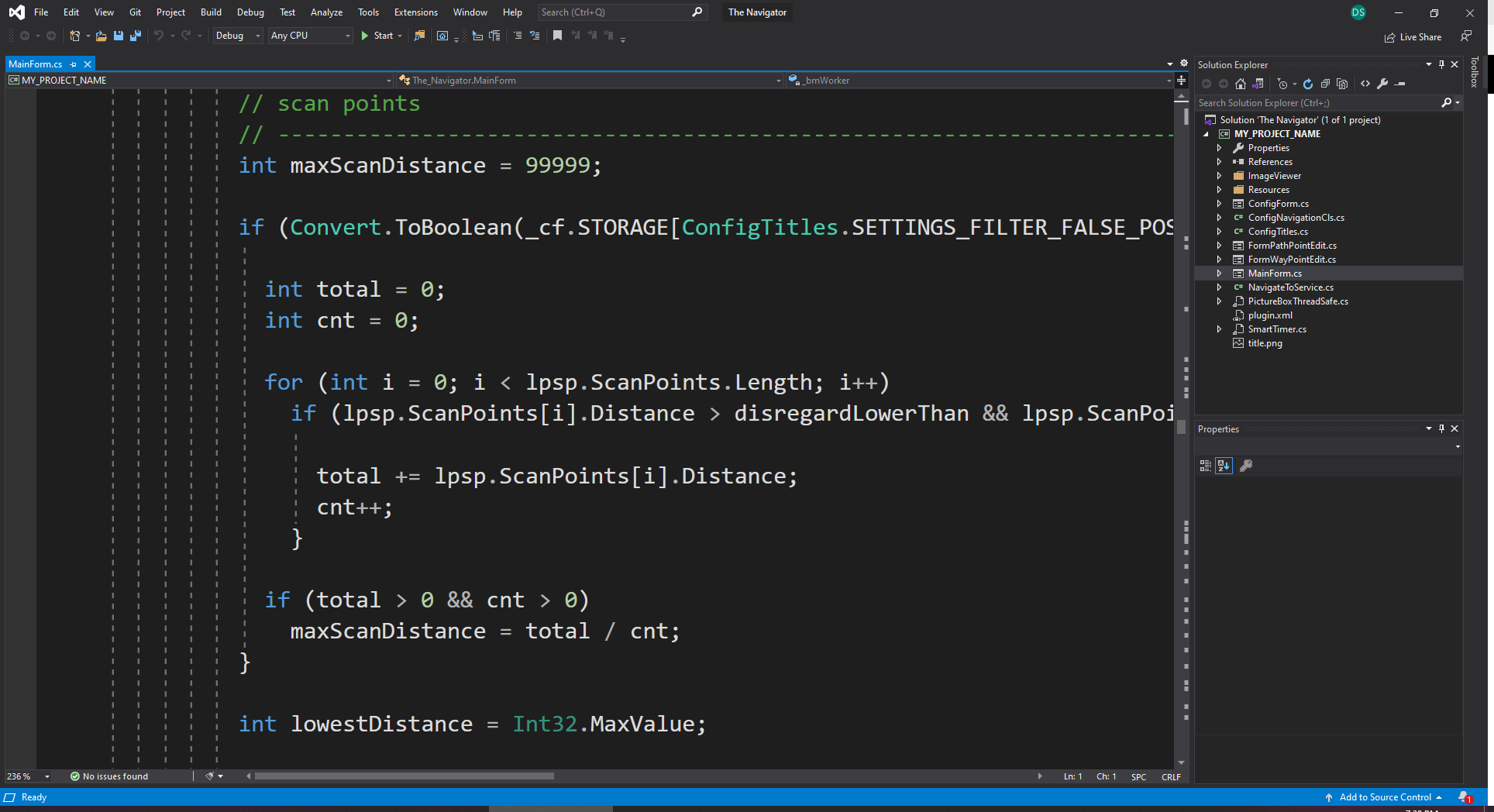
For advanced development, users can compile programs and libraries that interface with the ARC API. Robot Skills can be created in managed CLR languages such as C#, or in native languages such as C and C++. These skills can be packaged for distribution, published to the Robot Skill Store, or integrated into custom solutions.
Block Programming
Block-based programming separates executable actions into modular blocks that can be dragged, connected, and arranged to define behavior. Blocks often include icons and labels for readability, making this approach ideal for beginners, educators, and students.
Text-Based Programming
Text-based programming languages provide more detailed control and are appropriate when projects require greater complexity, custom algorithms, or integration with external libraries and services.
Robot Skill Development
Custom Robot Skills allow users and companies to add services, features, and hardware support to ARC. Robot Skills are typically developed using CLR-supported languages such as C#, or native languages when appropriate. To learn how to build and package a Robot Skill, see the Create Robot Skill documentation.
Choosing a Programming Language
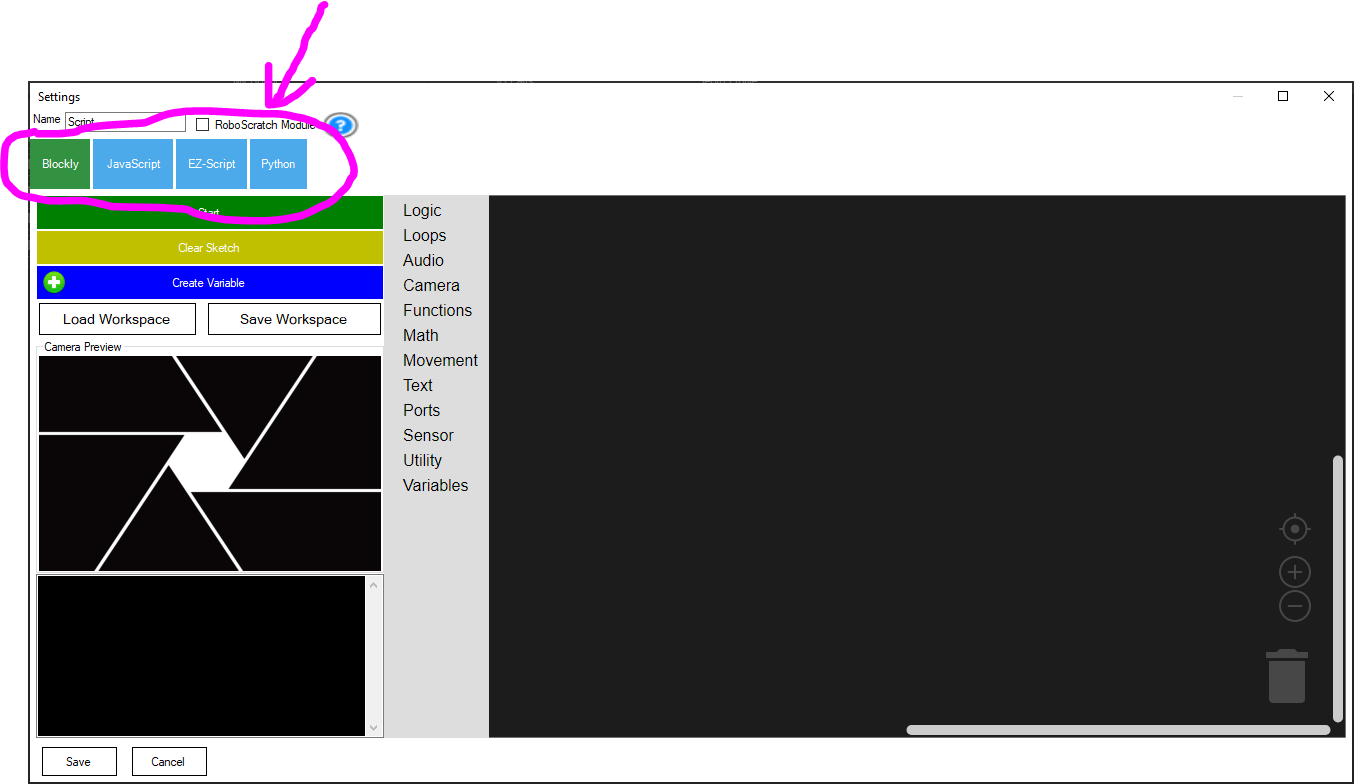
When editing a Robot Skill configuration in ARC, the code dialog includes tabs for selecting the language used by that code block. Projects can use multiple languages at the same time, so you are not limited to one language across the entire project. Choose the language that best fits the task and the developer’s skill set.