Auto Arrange Robot Skills
The auto-arrange feature in ARC will re-organize robot skills to fit the workspace when robot skills are added to a project, or an existing project is opened. By default, this setting is enabled to auto arrange robot skills on workspaces. This behavior can be disabled for either scenario by unchecking the option in the respective dialog window.
Loading Robot Project
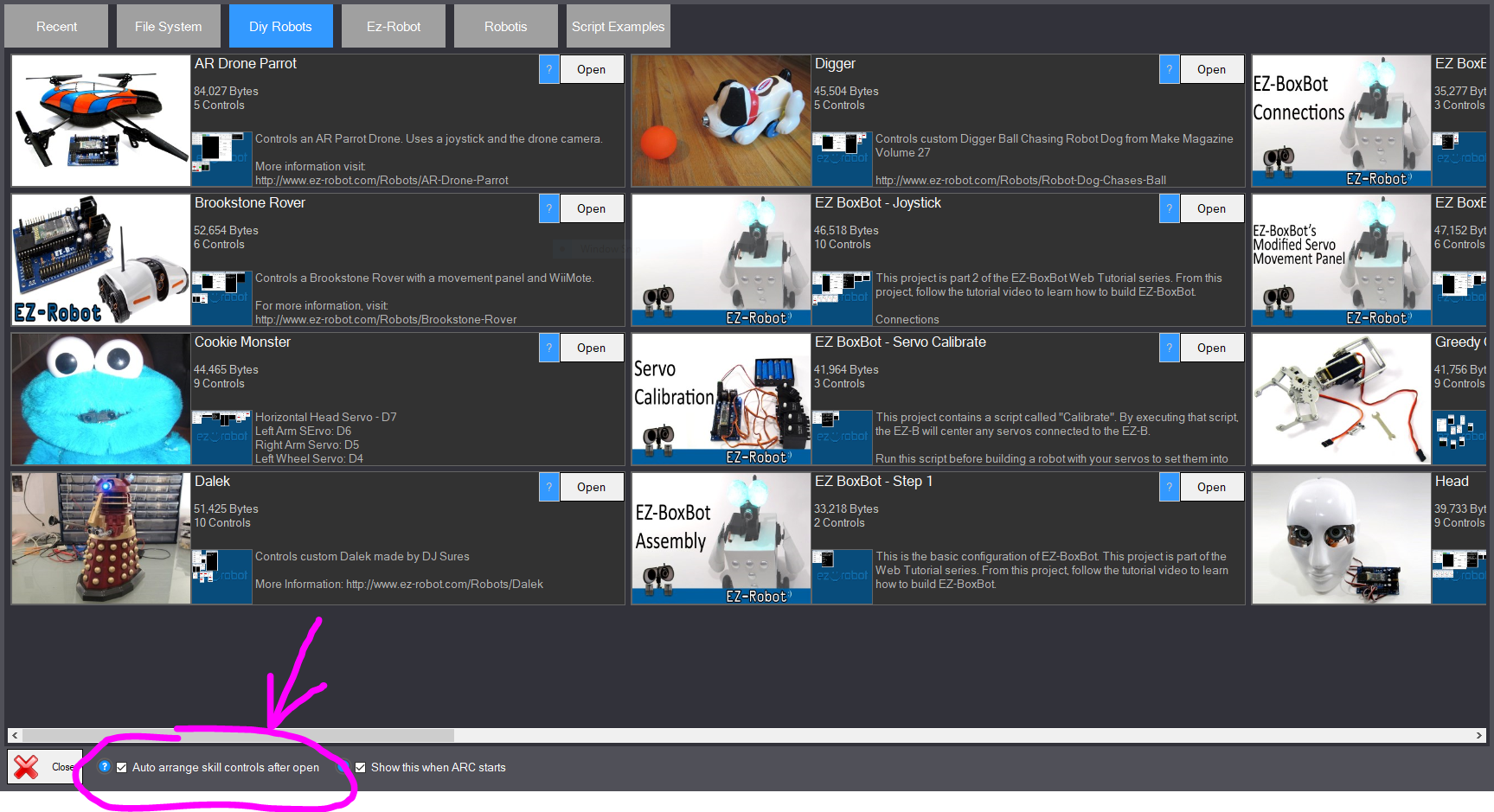
When loading an ARC robot project, the dialog window has a checkbox in the lower left to configure auto-arranging robot skills.
Adding Robot Skill
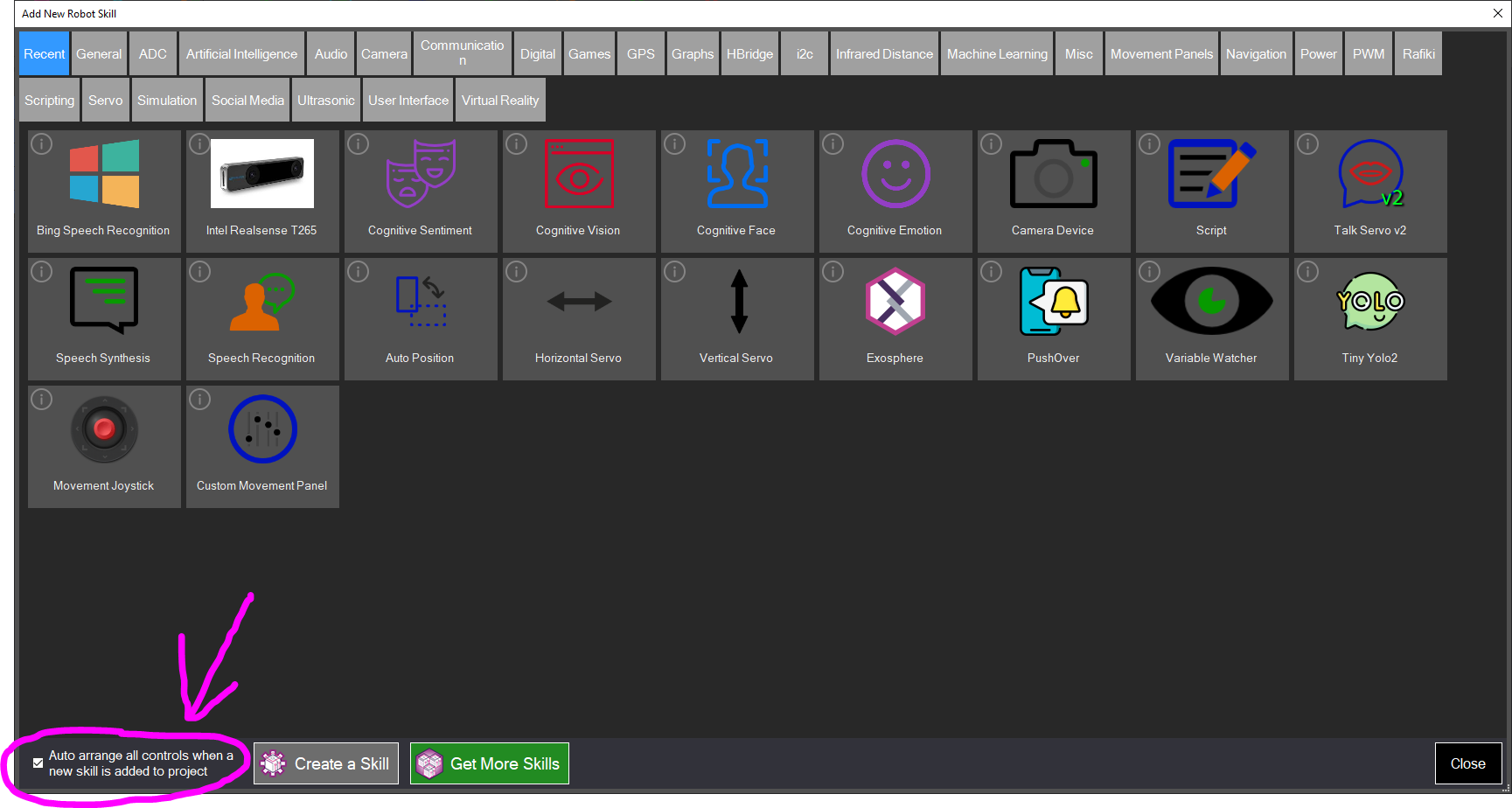
When adding a new robot skill to an ARC project, the dialog window has a checkbox in the lower left to configure auto-arranging robot skills.