
 iPhone/iPad App Store
 Google Play
 Windows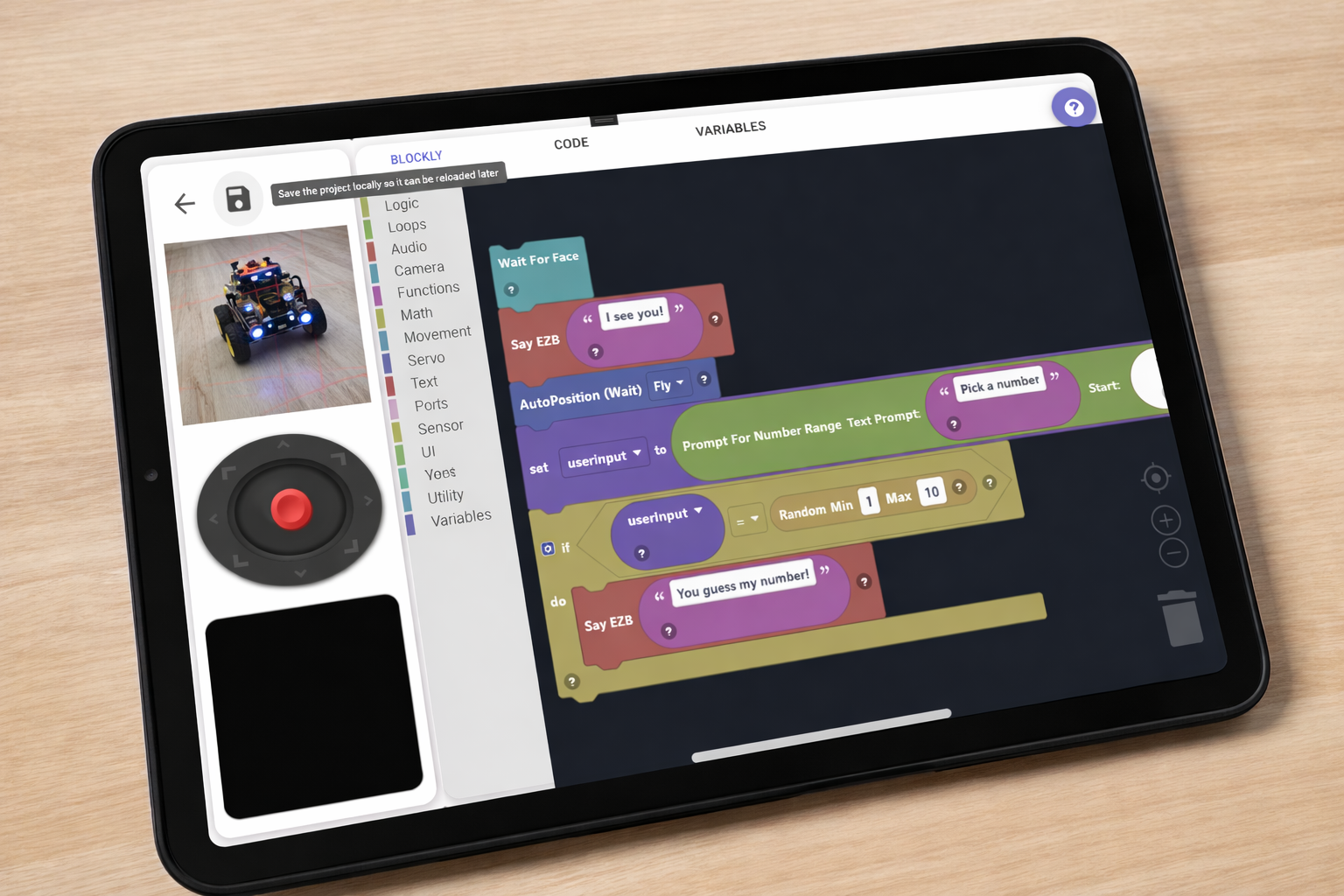
Learn Robotics. No Experience Required.
ARC-Lite ships with four pre-loaded partner robot projects — AdventureBot, JD, Roli, and Six — each packed with step-by-step activity lessons, Blockly programming, and a live remote control interface.
Four Robot Apps. Ready to Go.
These robot projects download automatically on first launch — no setup required.
We worked with our partners to include their most popular education-focused robots. Stay tuned as we add more — or contact us to partner with us and have your robot included as a default.
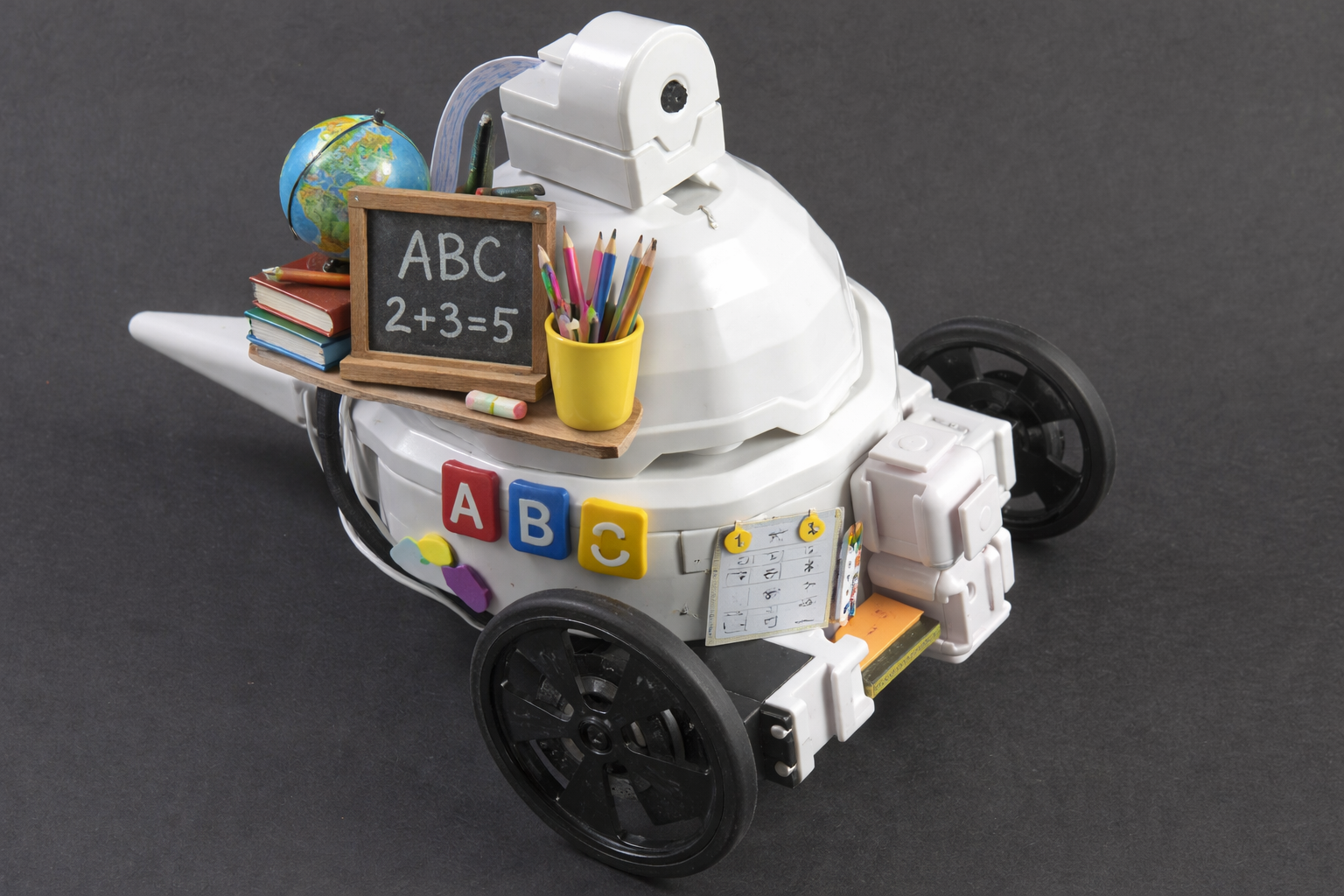
AdventureBot
Beginner-friendly two-wheeled rover — easy to assemble and drive
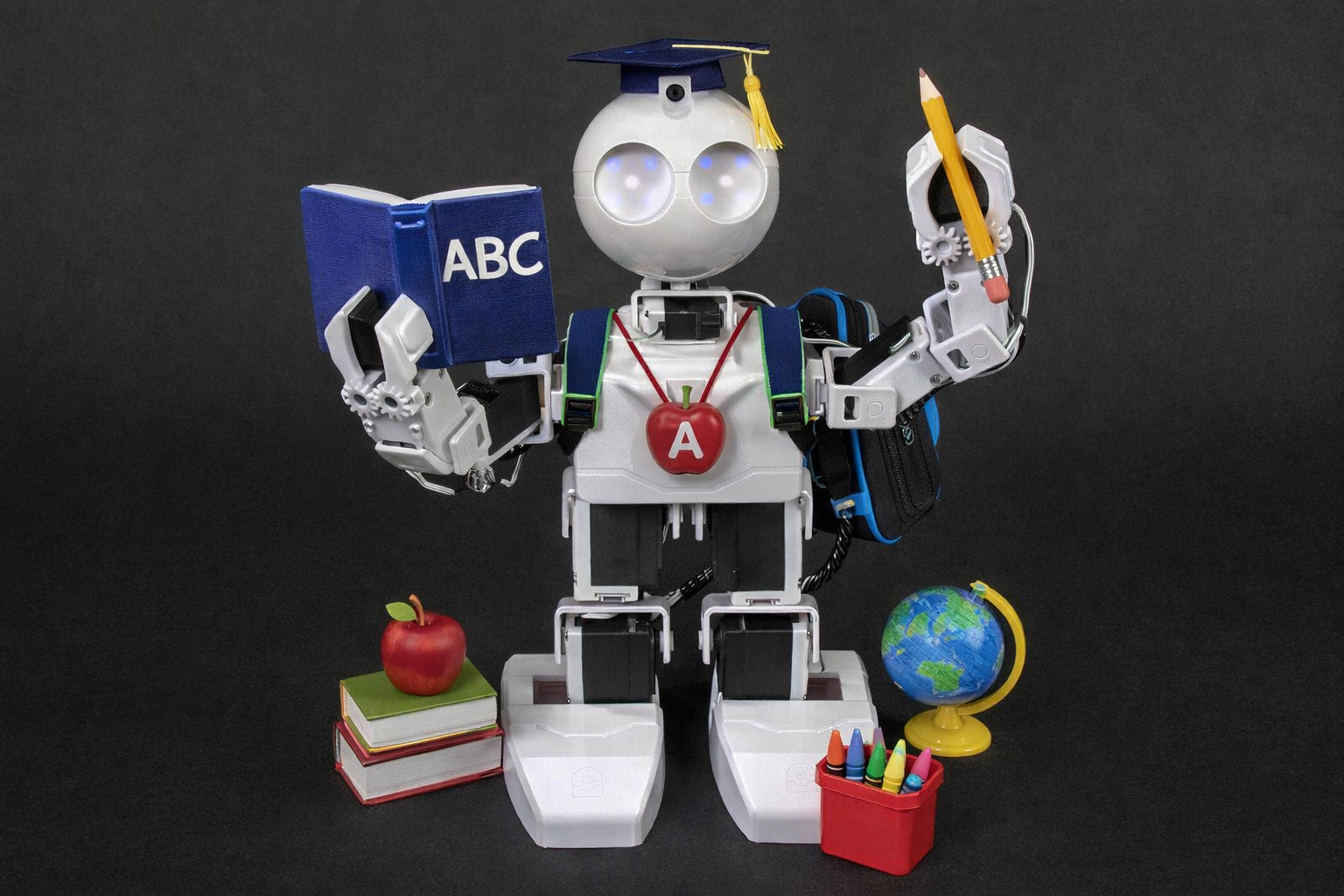
JD
Bipedal humanoid with arms — capable of walking and gesturing
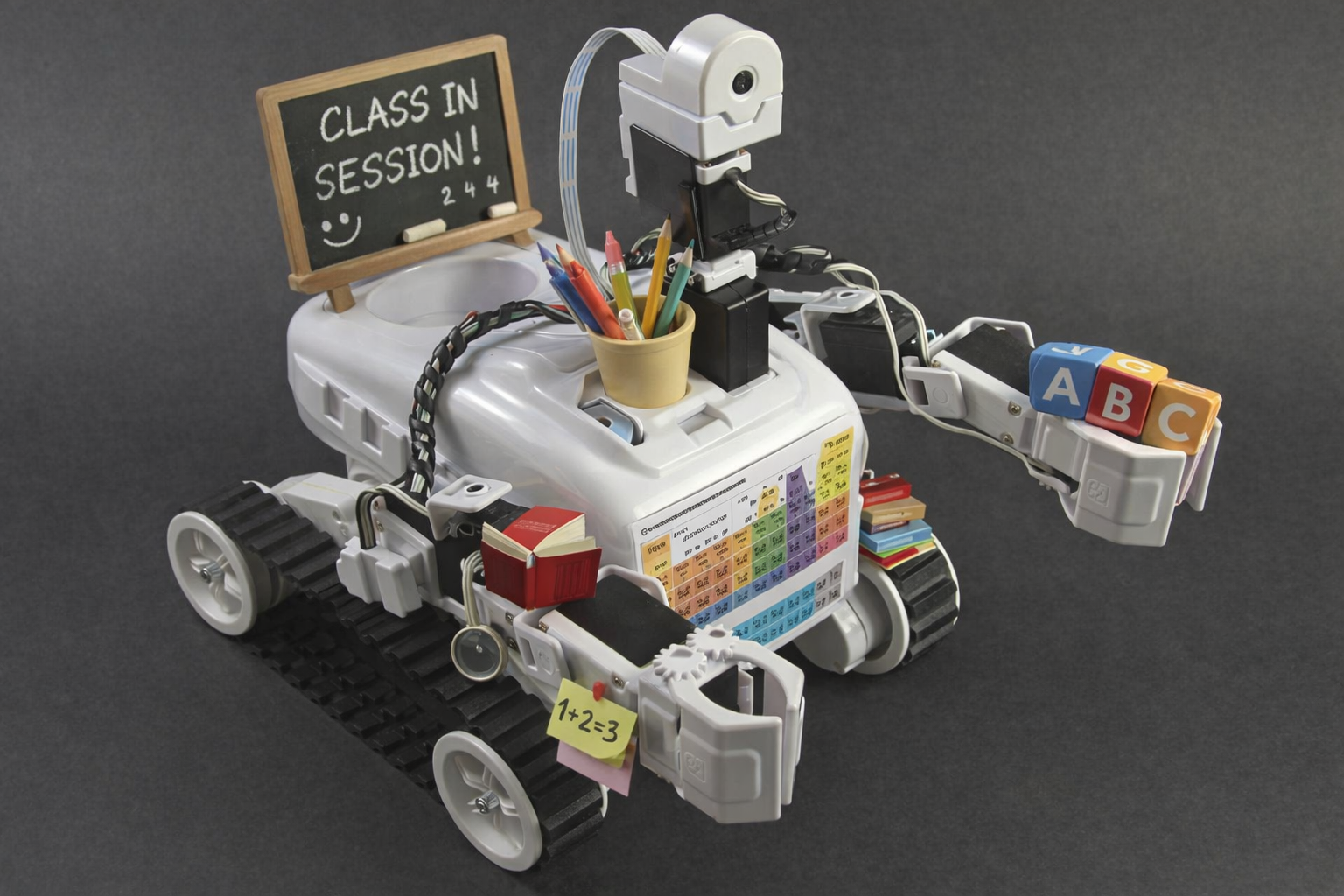
Roli
Robust tracked rover suitable for terrain navigation
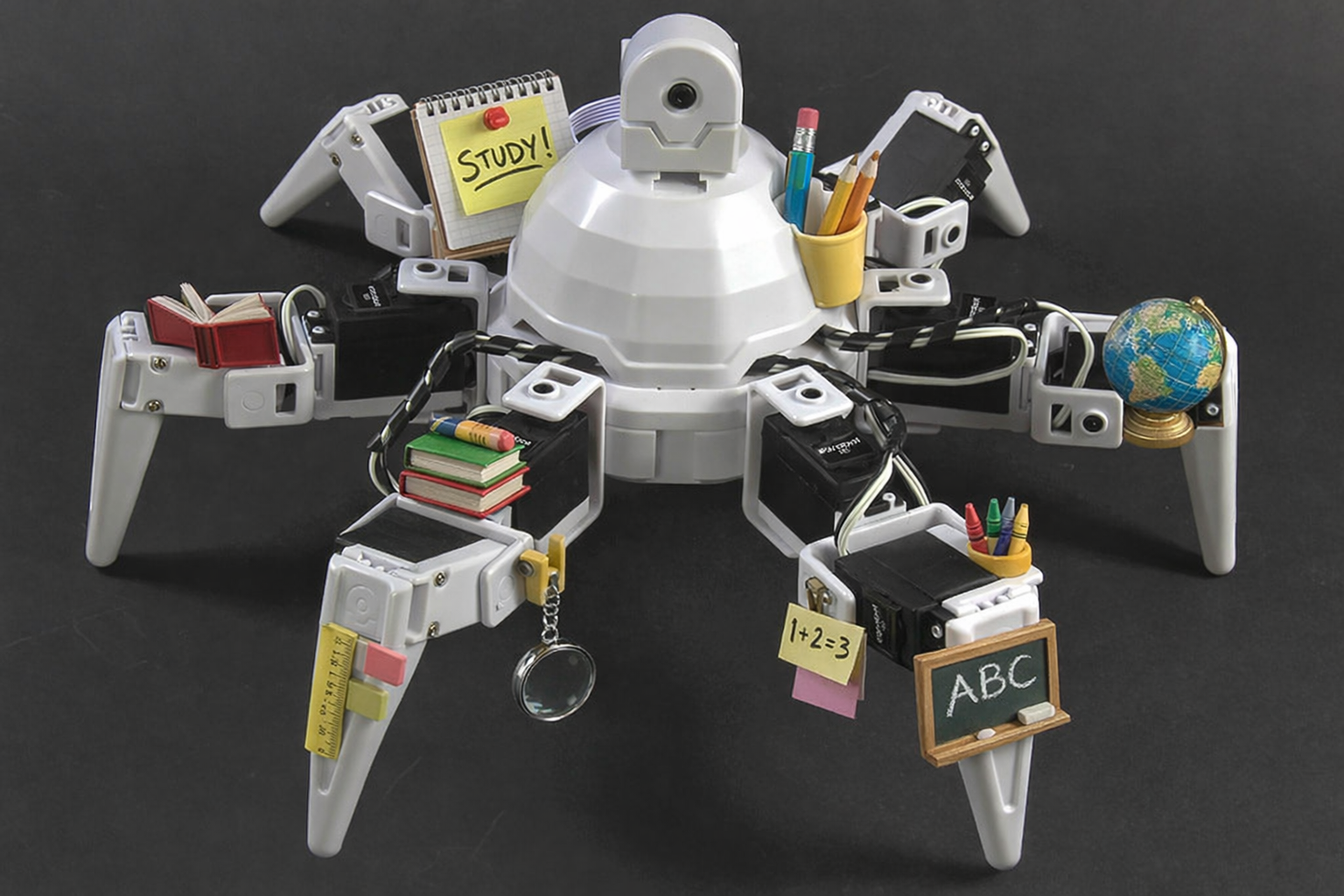
Six
Six-legged hexapod with a full range of leg motion
Everything You Need in One App
ARC-Lite packages guided education, visual programming, and live robot control into a single free download — for every skill level and every platform. New to teaching robots? See our robotics education guide.
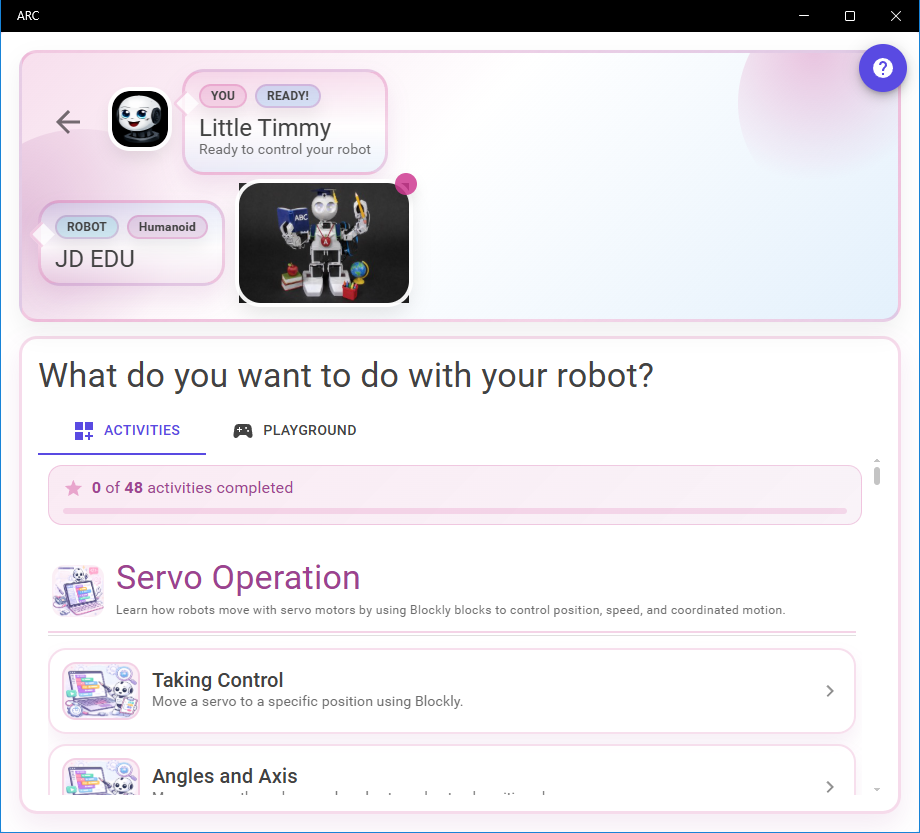
Guided Activity Lessons
Structured lesson groups walk students through robot programming concepts step by step, complete with paginated hints and completion tracking. Gold stars mark finished lessons.
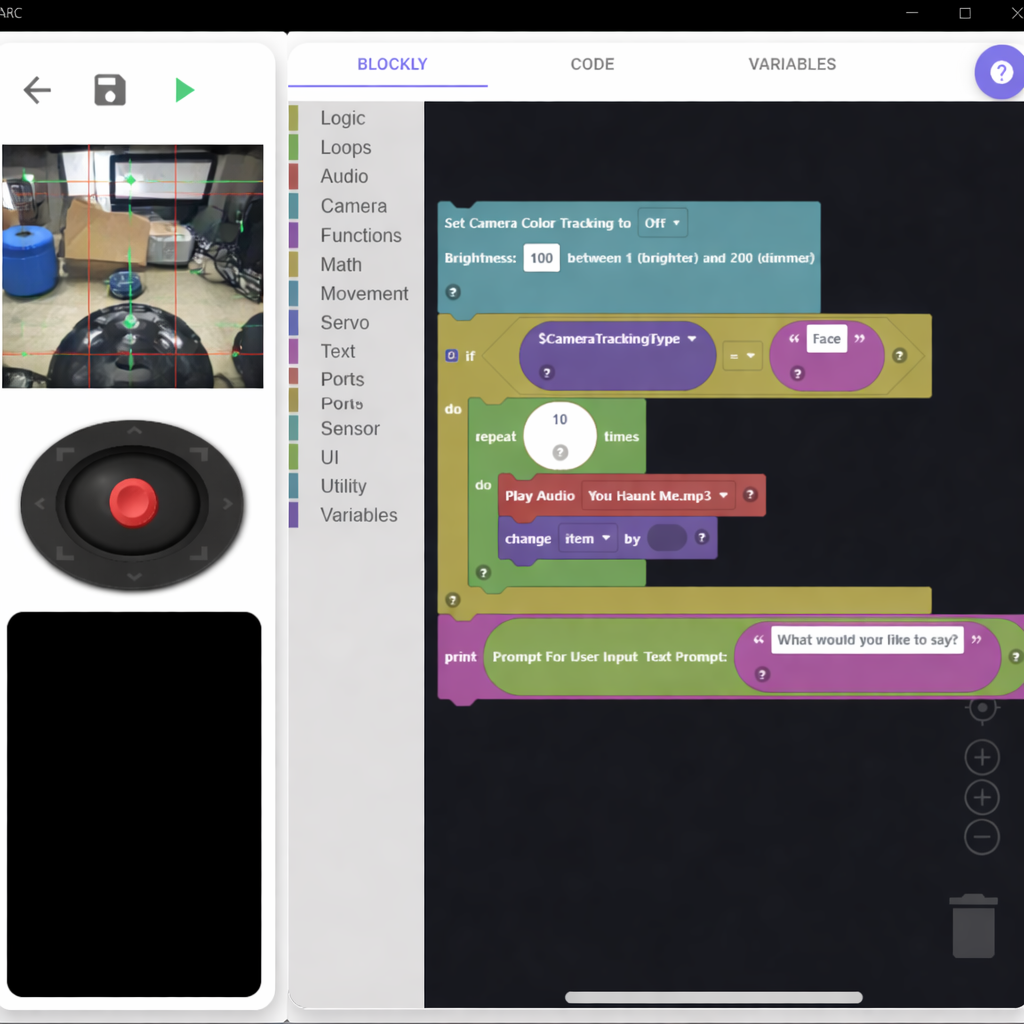
Blockly Visual Programming
Snap colorful drag-and-drop blocks together to build robot programs — no typing required. The generated JavaScript code is always visible alongside the blocks so learners can make the connection.
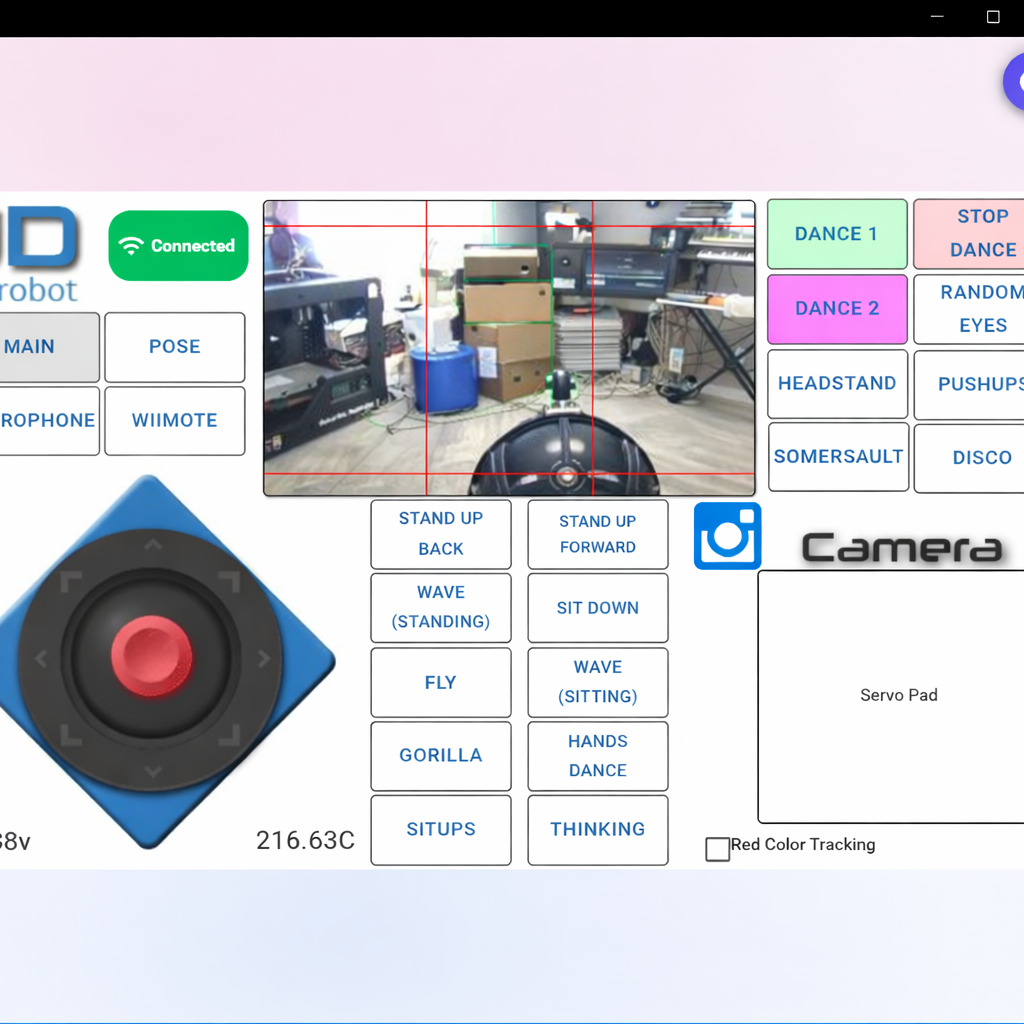
Live Remote Control
Touch-driven joysticks, servo sliders, buttons, and camera feeds let you drive and interact with a physical robot in real time — no code required.
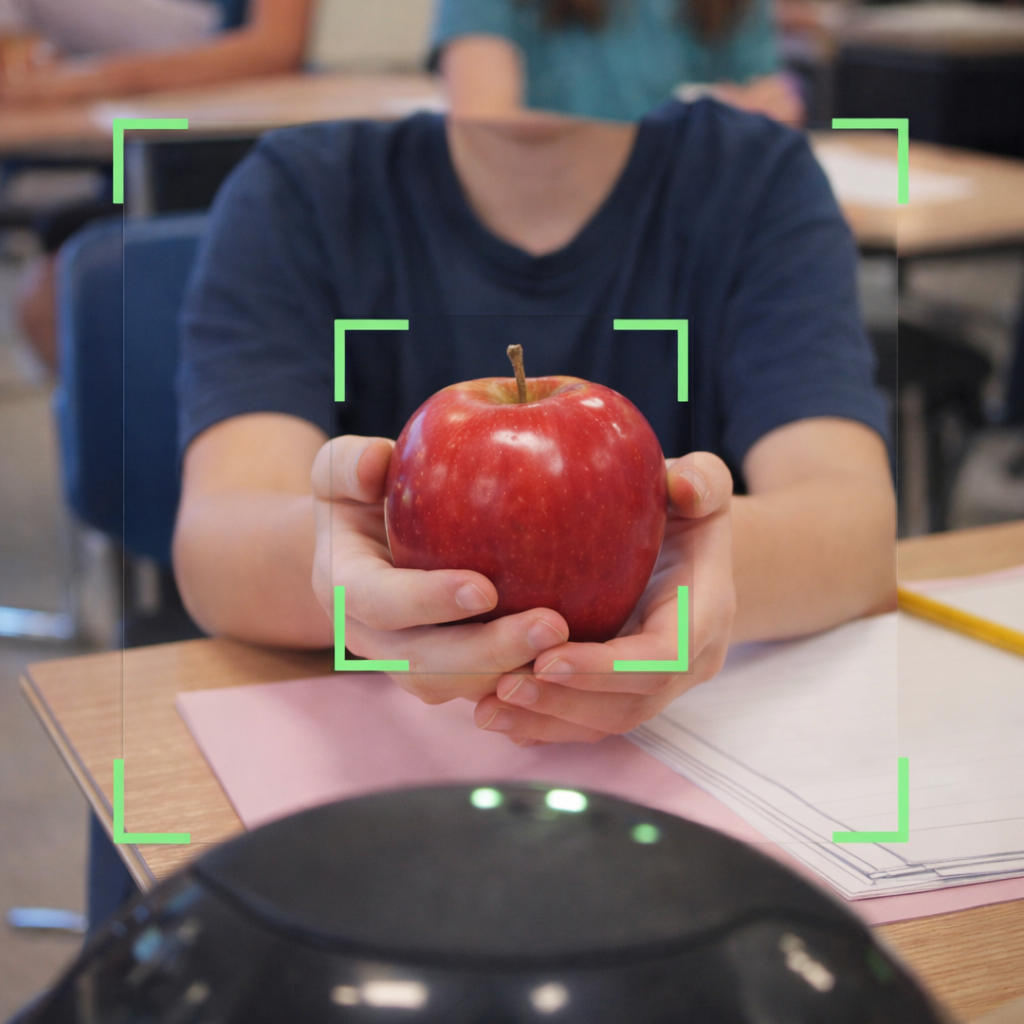
Camera & Computer Vision
View a live MJPEG stream from the robot's onboard camera and activate color tracking, face tracking, or glyph tracking directly from Blockly blocks.
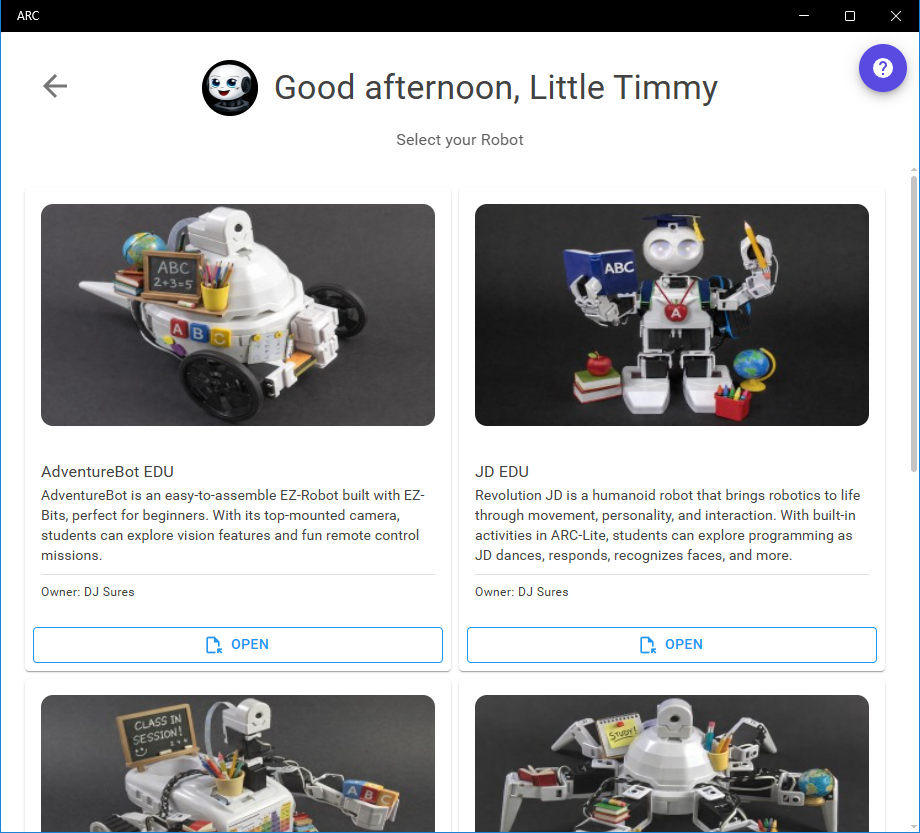
Synthiam Cloud Browser
Browse and download thousands of community robot projects directly inside the app. Filter by certified content or search by keyword — your downloads are saved locally for offline use.
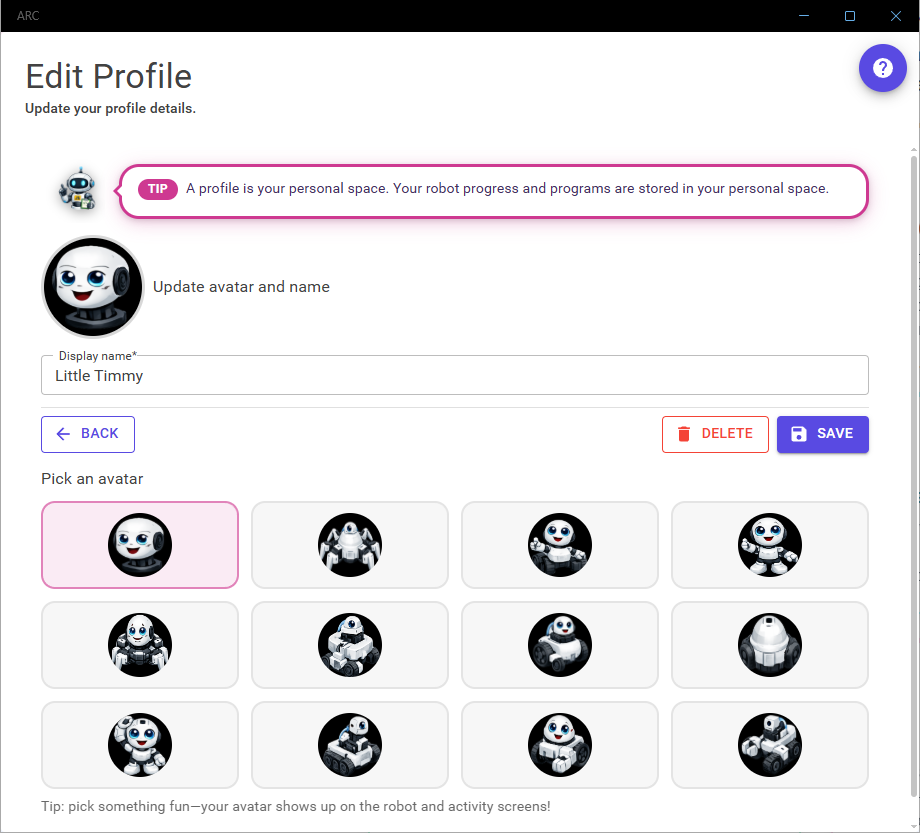
Multi-Profile & Guest Mode
Multiple students can share one device with separate profiles — each with their own saved programs and lesson progress. Guest mode needs zero sign-up for instant access.
Code Without Typing
Blockly turns programming concepts into tangible puzzle pieces. Students build real programs by snapping blocks together, and the live Code tab shows the equivalent JavaScript — bridging visual thinking and real code.
Logic, Loops & Functions
Full-featured toolbox covering conditionals, loops, variables, math, and reusable functions.
Audio & Speech
Play sounds, speak text-to-speech through the robot or device speaker — all from a single block.
Servos & Movement
Drive motors, position servos, and create custom poses with the visual Auto-Position editor.

Drive Your Robot. No Code Required.
Every robot project includes a pre-built mobile remote control interface. The layout scales automatically to any screen size and requests landscape orientation for the best experience.
Joystick & Servo Pad
Smooth proportional joystick for differential drive, plus a 2D servo pad for camera pan/tilt control.
Live Sensor Readouts
Script Labels update in real time — show distance, battery voltage, or any custom variable on screen.
WiFi Auto-Discovery
Auto scanning finds your robot automatically. Just connect to the robot's WiFi and tap Connect.
Who Is ARC-Lite For?
Follow guided lessons, complete activities, earn stars, and experiment freely in Playground mode.
Use structured activity groups with progressive lessons, step-by-step hints, and built-in completion tracking.
Use Playground mode to drive robots, write Blockly programs, and explore cloud projects.
Drag-and-drop Blockly blocks to create robot behaviors without writing any text code.
View the JavaScript code generated by Blockly and explore the live Variables panel while programs run.
Launch in Guest mode with zero sign-up for instant, frictionless access.
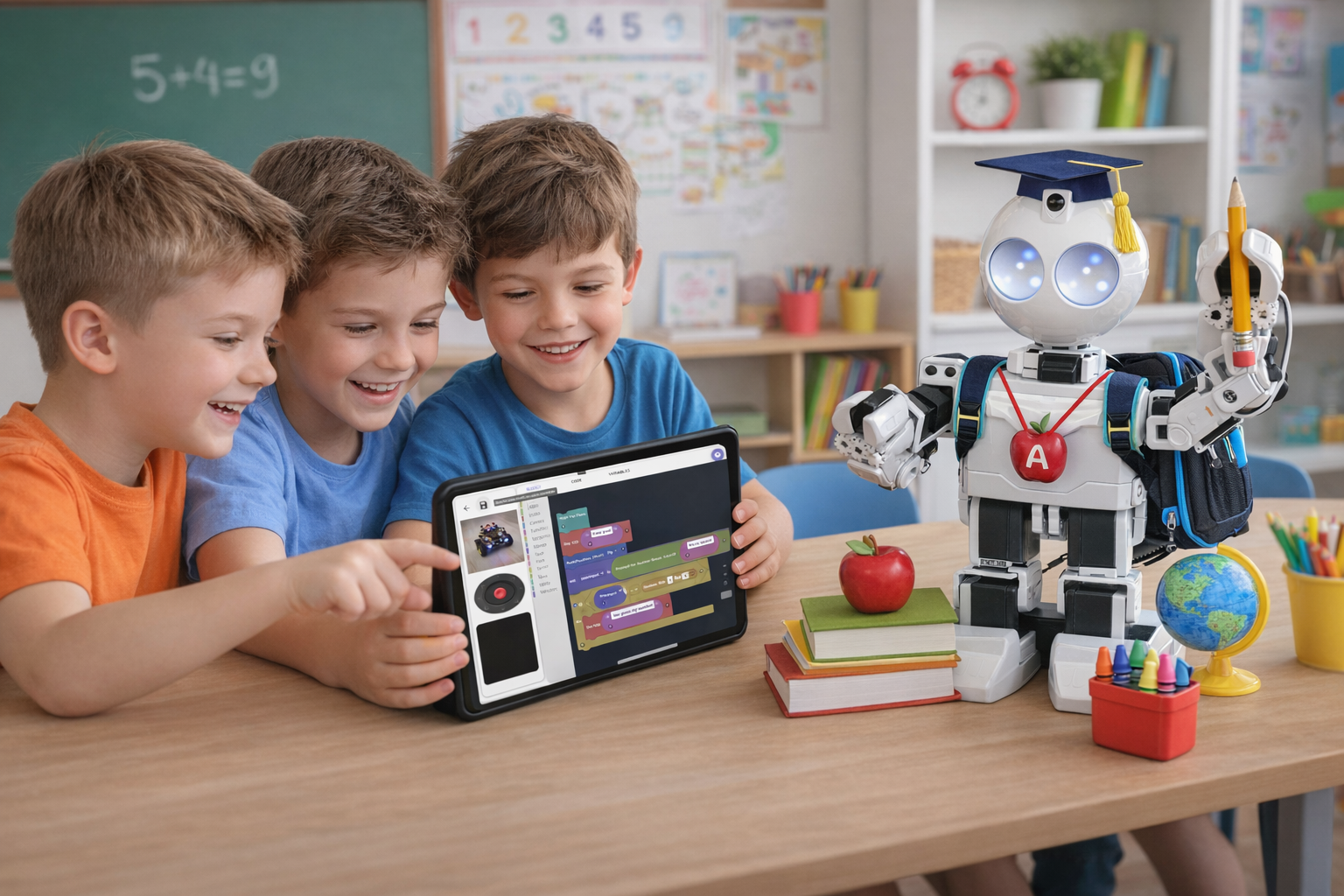
Structured Learning Built In
Every robot project can contain educational activity groups and lessons. Students progress through them at their own pace, with incremental hints and gold-star completion badges that make learning visible.
Full Lesson Instructions
Rich HTML lesson content opens in a full-screen dialog — teaching goals, diagrams, and explanations all in one place.
Incremental Hints
Hints reveal progressively — the first is a gentle nudge, later hints become specific. No penalty for viewing them.
Progress Tracking Per Profile
Each profile tracks activity completion, last-worked dates, and saved programs independently — ideal for shared classroom devices.
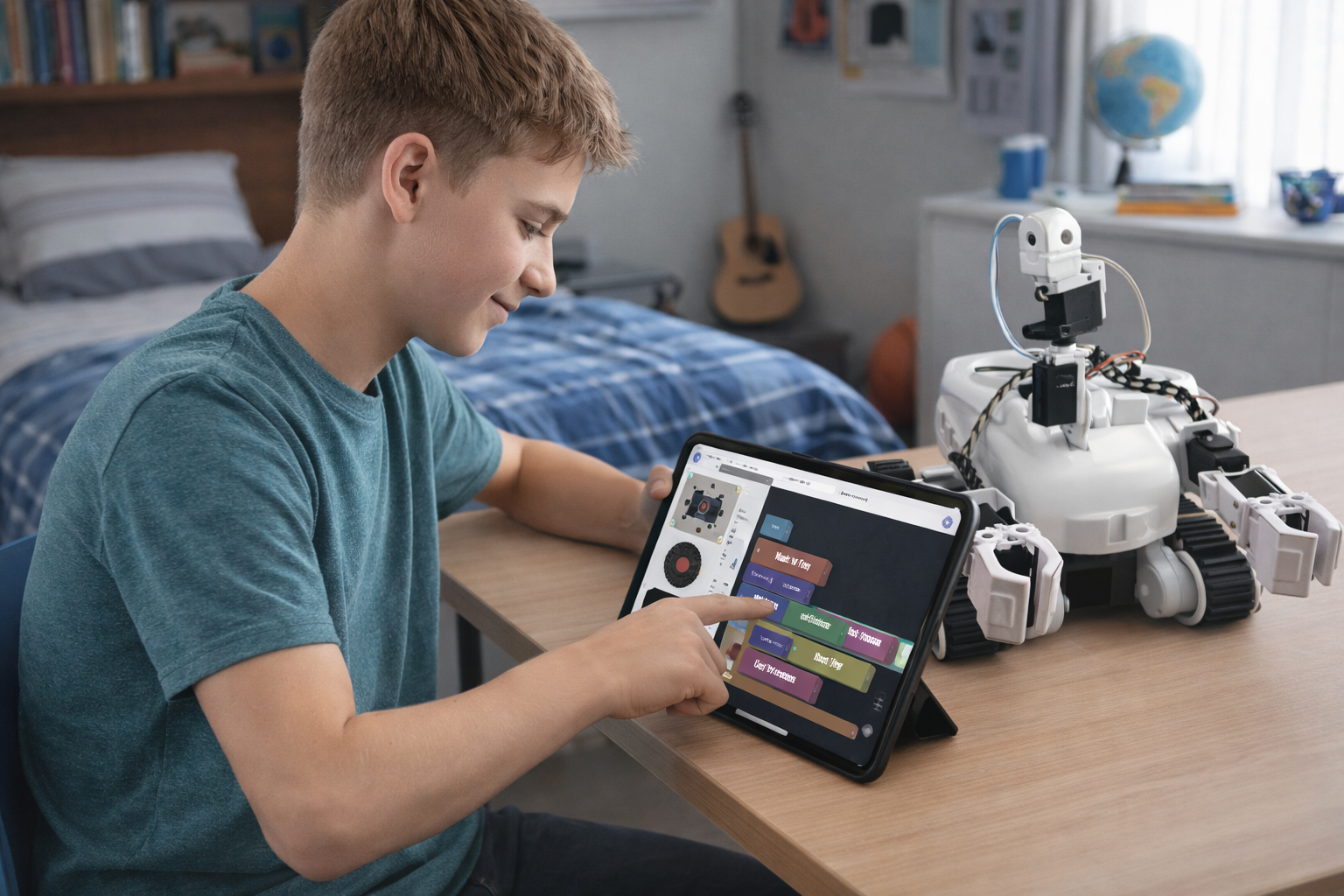
Works Fully Offline
After the four default robots are downloaded on first launch, the complete educational experience is available without any internet connection. Blockly programming, activity lessons, and robot control all work offline.
Zero Data Collection
ARC-Lite collects no telemetry, no analytics, and no usage data. All profiles, saved programs, and activity progress are stored locally on your device only and are never uploaded anywhere.
Get ARC-Lite — It's Free
Available on all major platforms.
Version 2026.07.16.00
Latest changes: Release notes
Ready to Go Further?
ARC-Lite is the perfect starting point. When you're ready for advanced AI, multi-robot projects, and a full desktop IDE, step up to Synthiam ARC — the complete robot programming platform trusted by millions.
Explore Synthiam ARC Getting Started Guide