Overview
Website and Community Features
In addition to a powerful software platform, Synthiam's website offers many features designed to make robot programming smoother and more enjoyable. Below is an overview of the site’s product pages, community resources, support tools, and account features so you can find what you need quickly.
Products
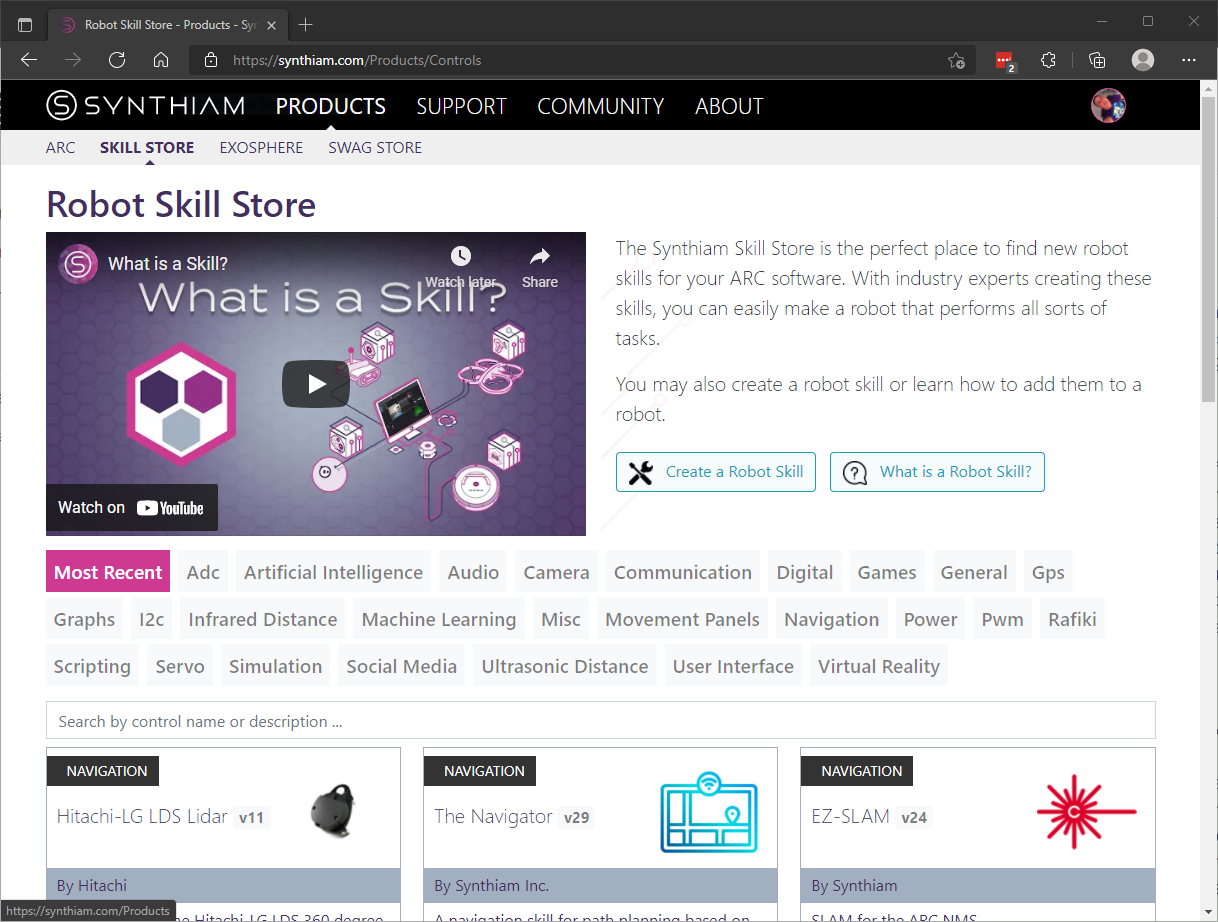
Robot Skill Store
The Robot Skill Store is an online catalog where you can browse, search, and learn about robot skills before installing them in ARC. Each skill page includes descriptions, manuals, tutorials, screenshots, and links to related content so you can evaluate and install the right skill for your project.
Details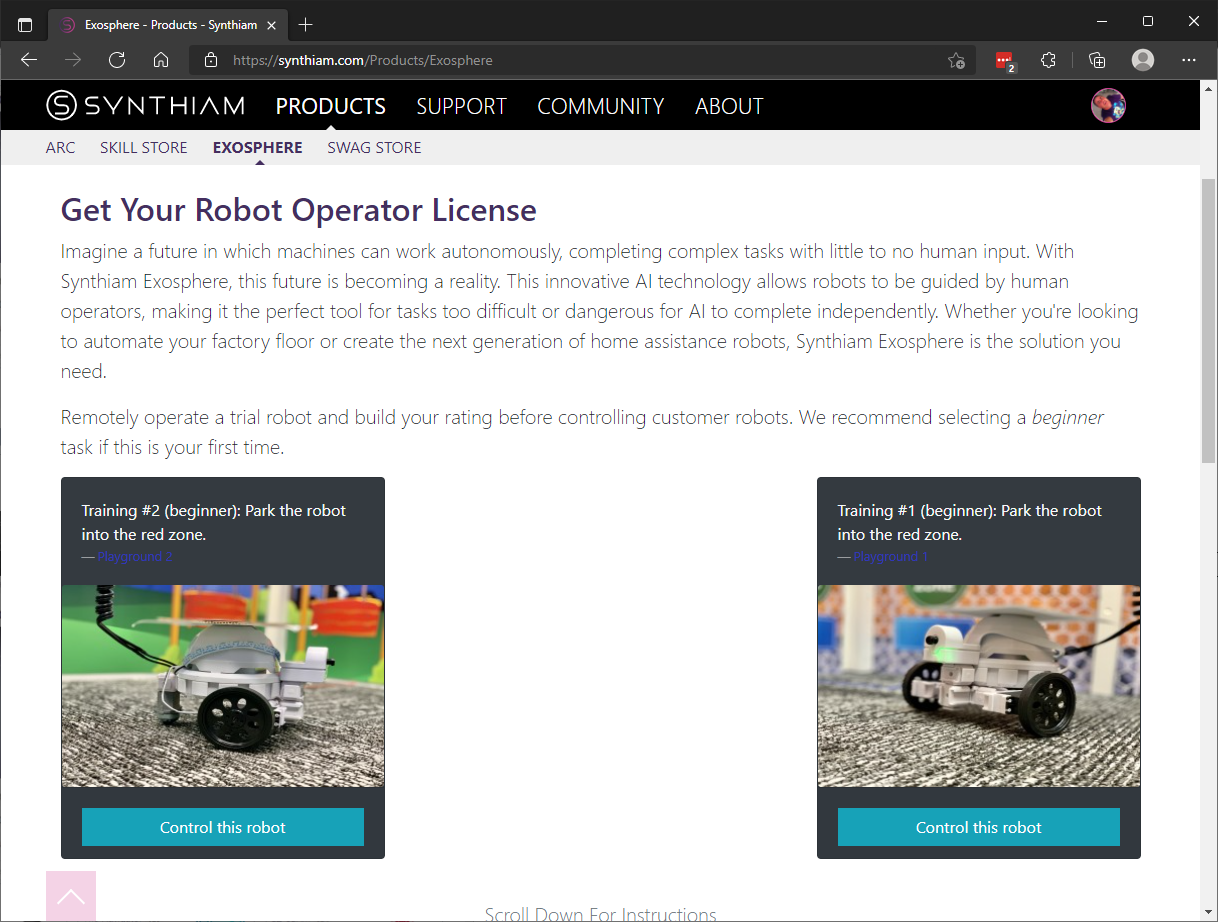
Exosphere
Exosphere is Synthiam’s online environment for managing cloud-connected features and integrations. Use it to connect devices, sync projects, share configurations, and access cloud services that extend your robot’s capabilities.
Details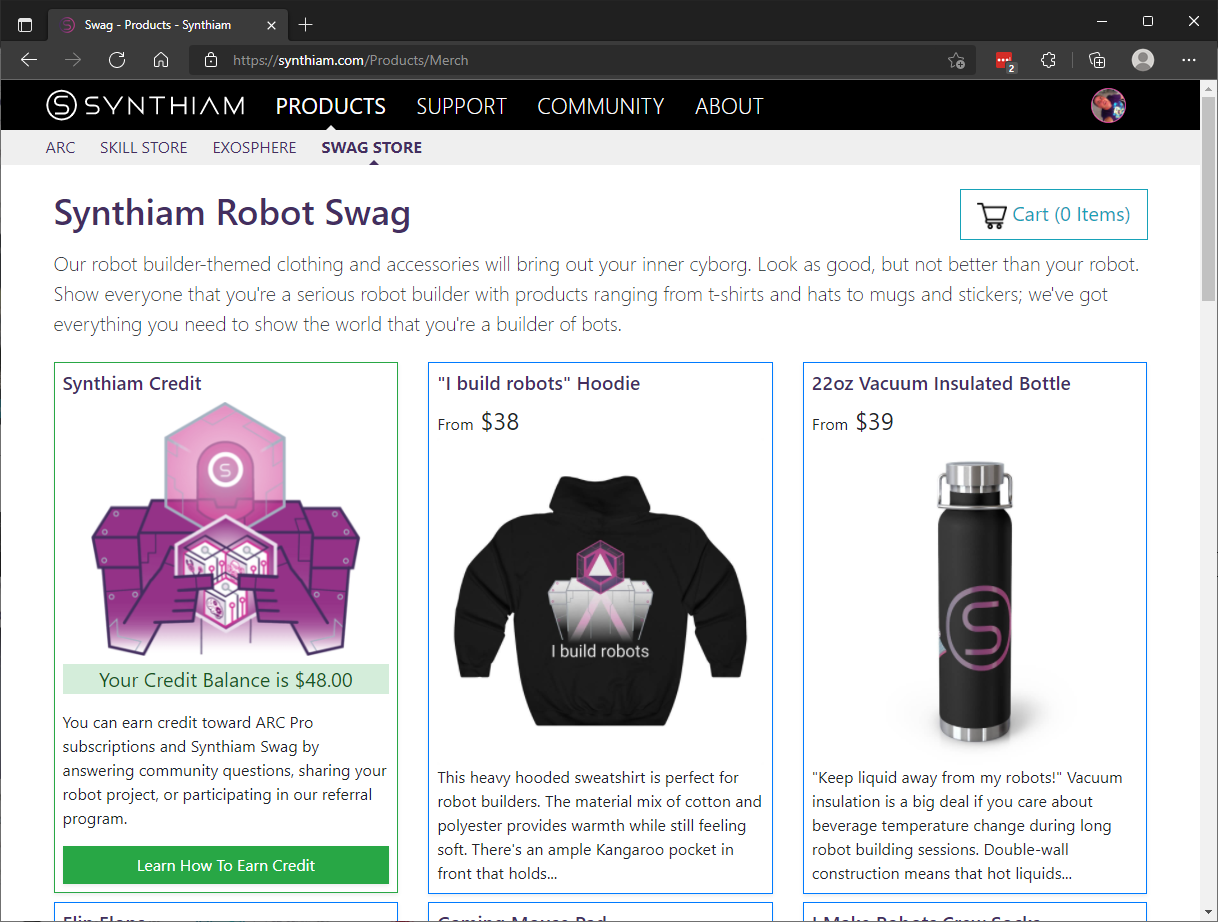
Robot Swag Store
The Robot Swag Store offers branded apparel, stickers, and accessories for Synthiam supporters. Browse available items, view sizing and shipping details, and place orders directly through the store.
DetailsForum
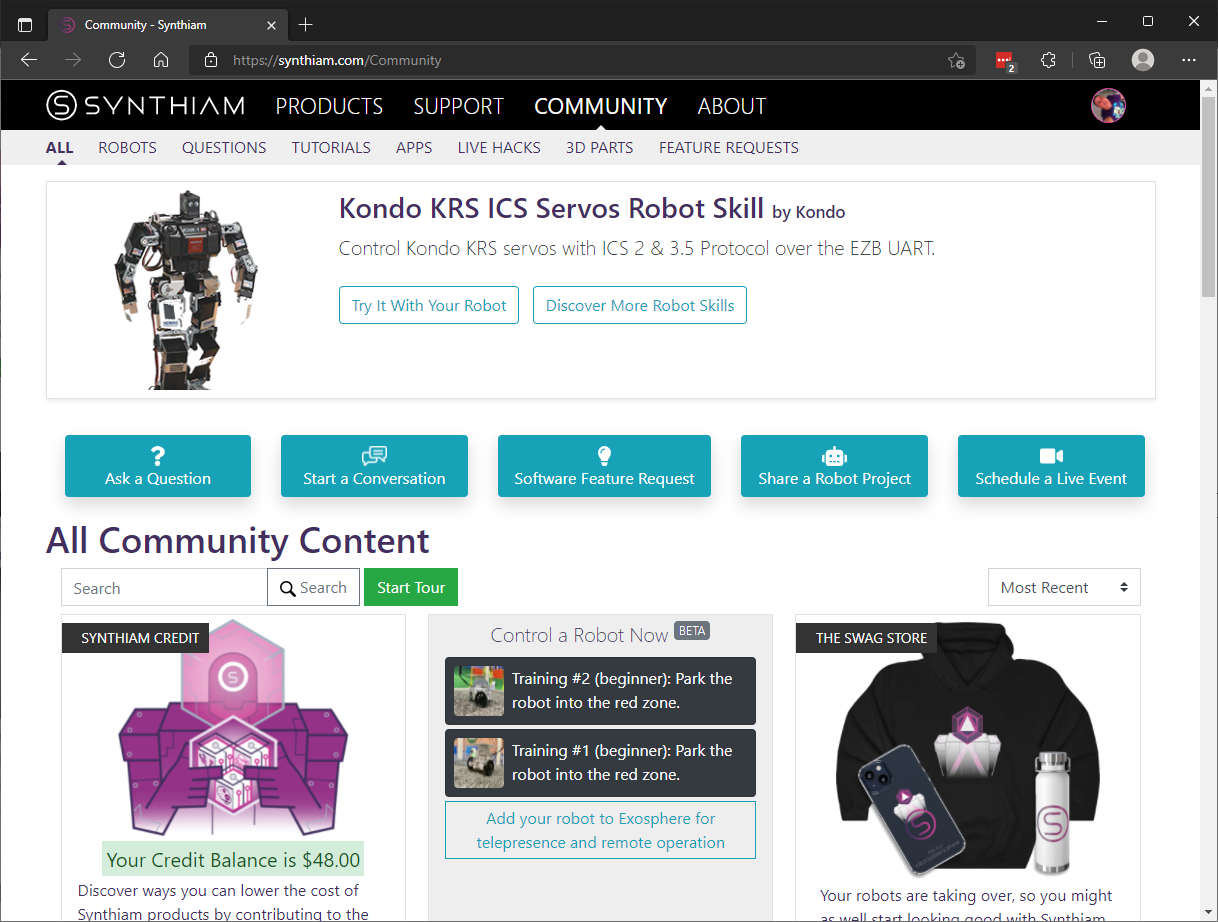
Community Forum
The Community Forum is a central place to ask questions, post project updates, share code, and troubleshoot with other users. Threads are searchable and organized by topic so you can find solutions and examples contributed by the community.
DetailsSupport
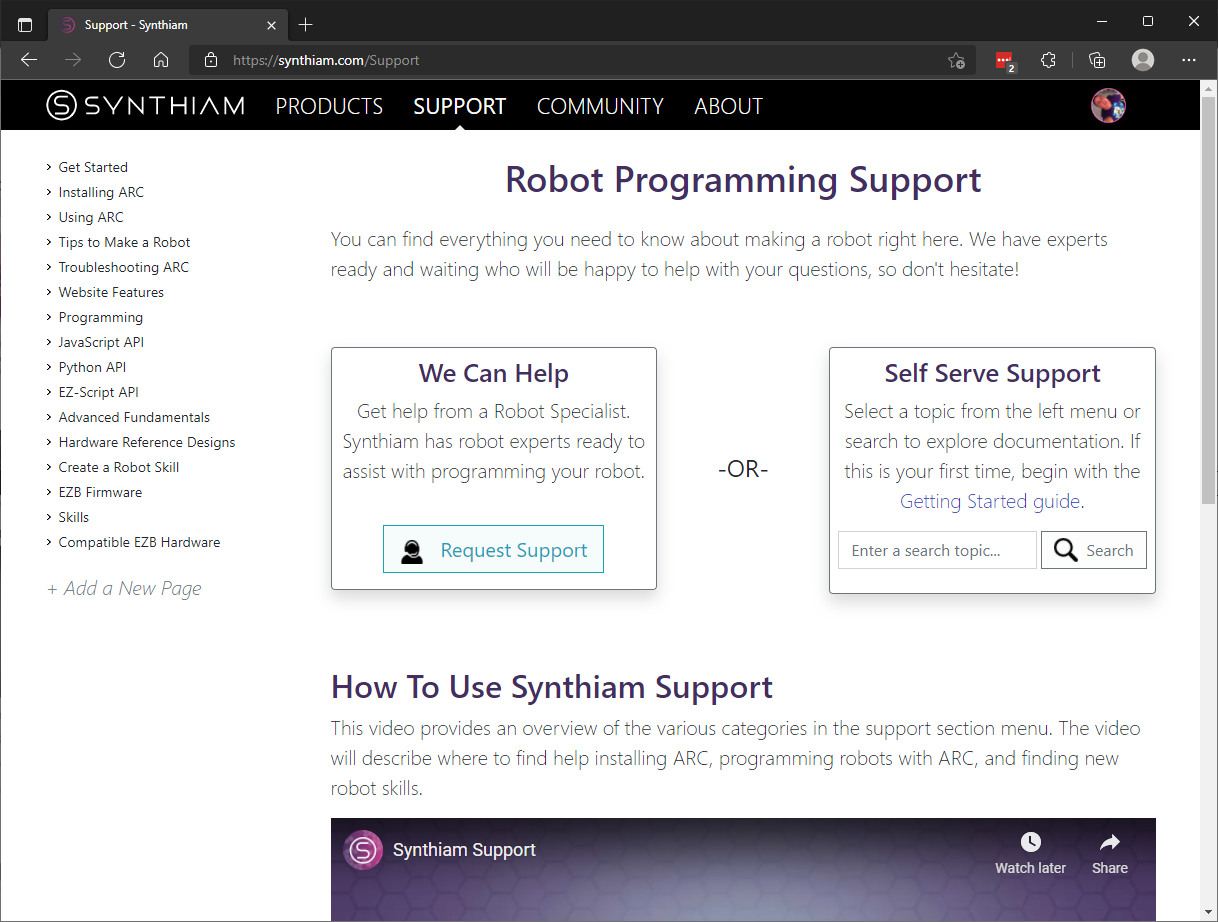
Robot Programming Support
Our Support center contains step-by-step guides, troubleshooting articles, and programming tutorials to help you build and maintain your robot. Use the knowledge base to solve common issues or contact support for more personalized assistance.
DetailsAccount
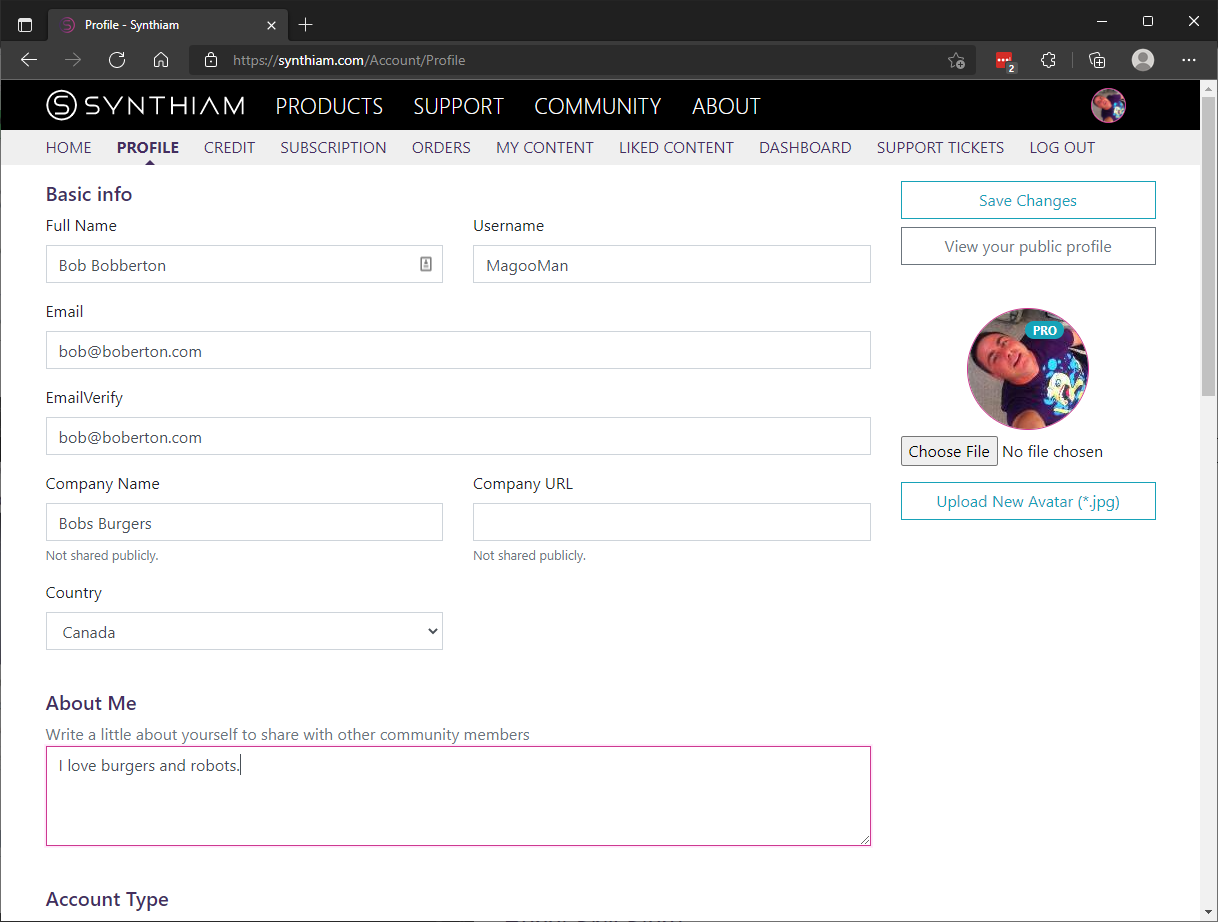
Edit Profile
Update your profile information, avatar, display name, and notification settings from the Edit Profile page. Keeping your account information current helps other community members recognize and collaborate with you.
Details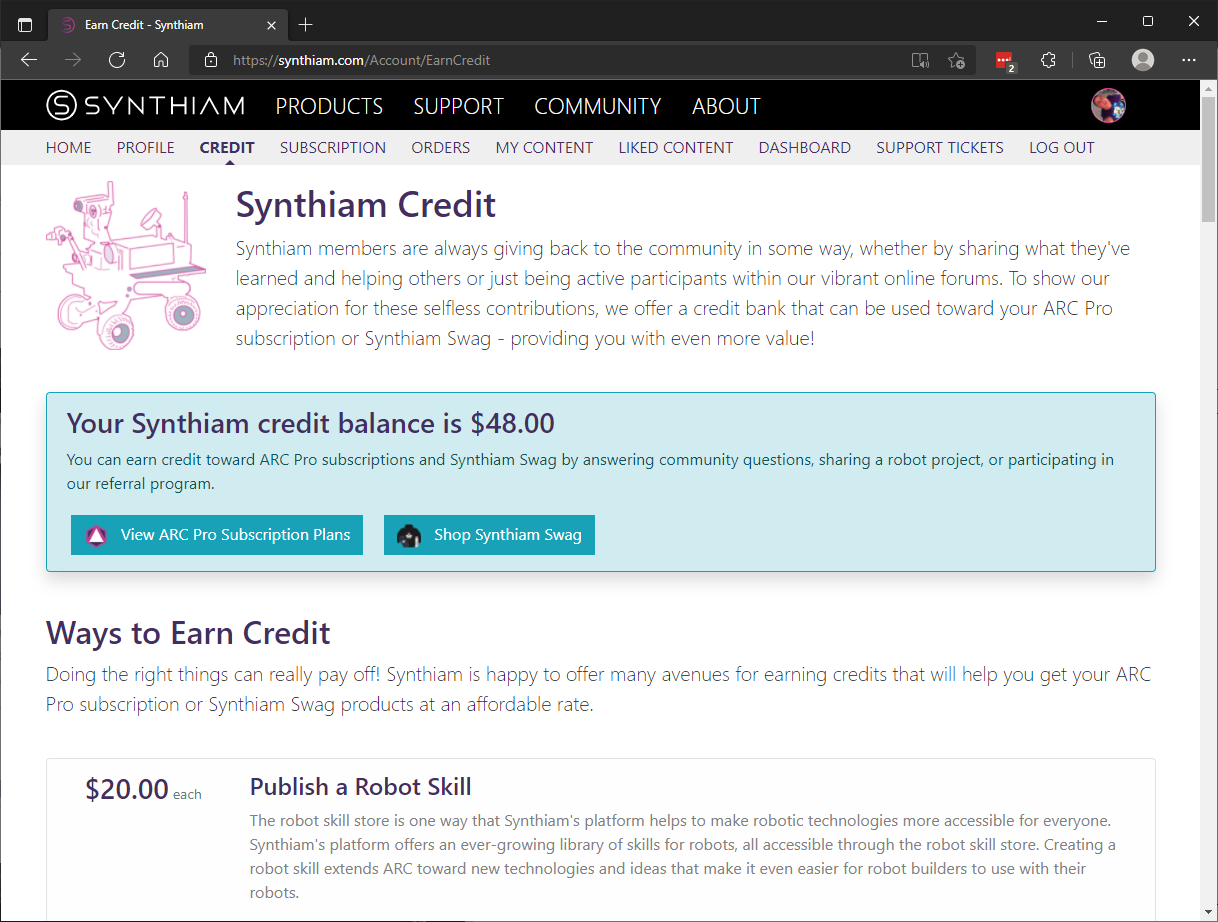
Synthiam Credit
Synthiam Credit lets you track and apply promotional or account credits toward purchases like skills or swag. Visit this page to view your balance, redemption options, and transaction history.
Details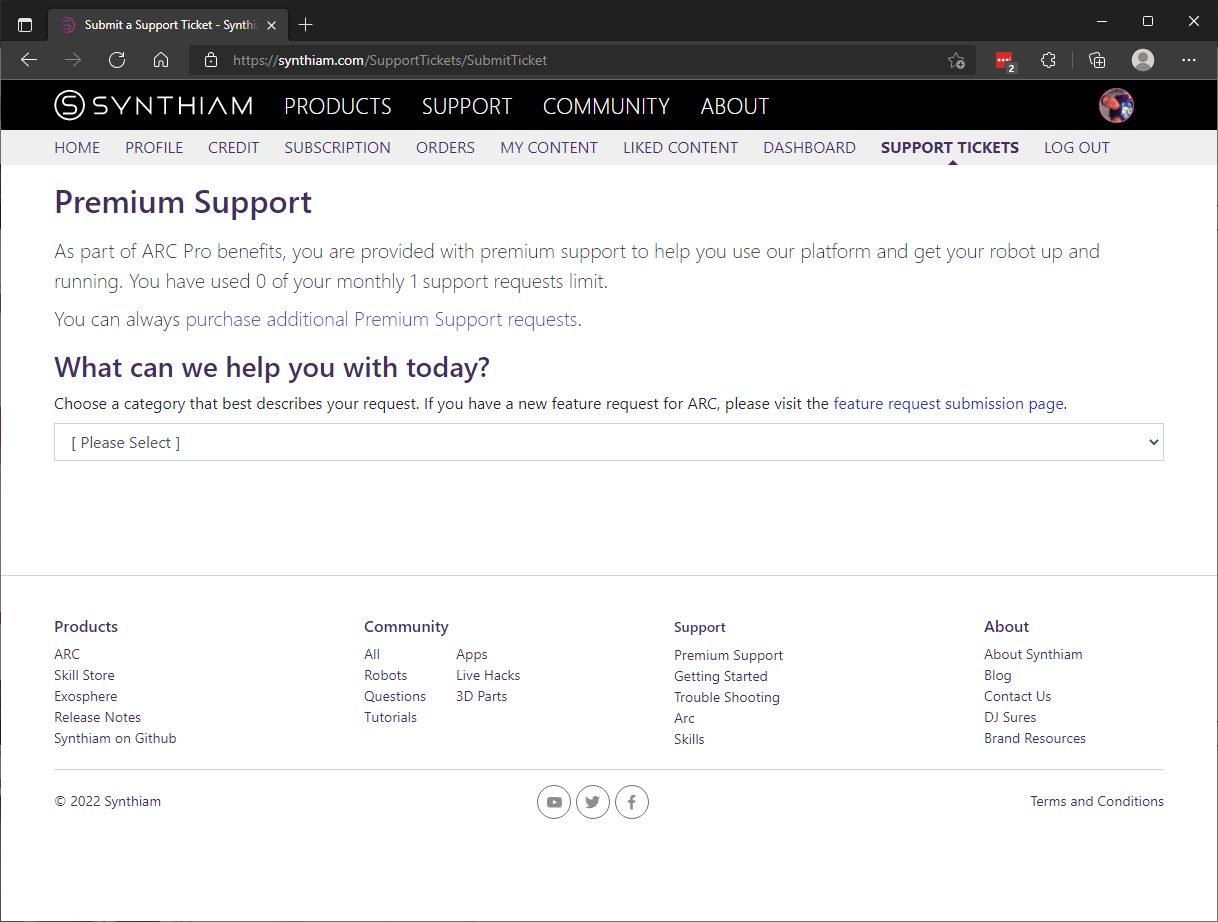
Referral Program
Invite friends to Synthiam and earn rewards when they join or purchase eligible products. The referral page explains how to share your link, track referrals, and redeem any earned benefits.
Details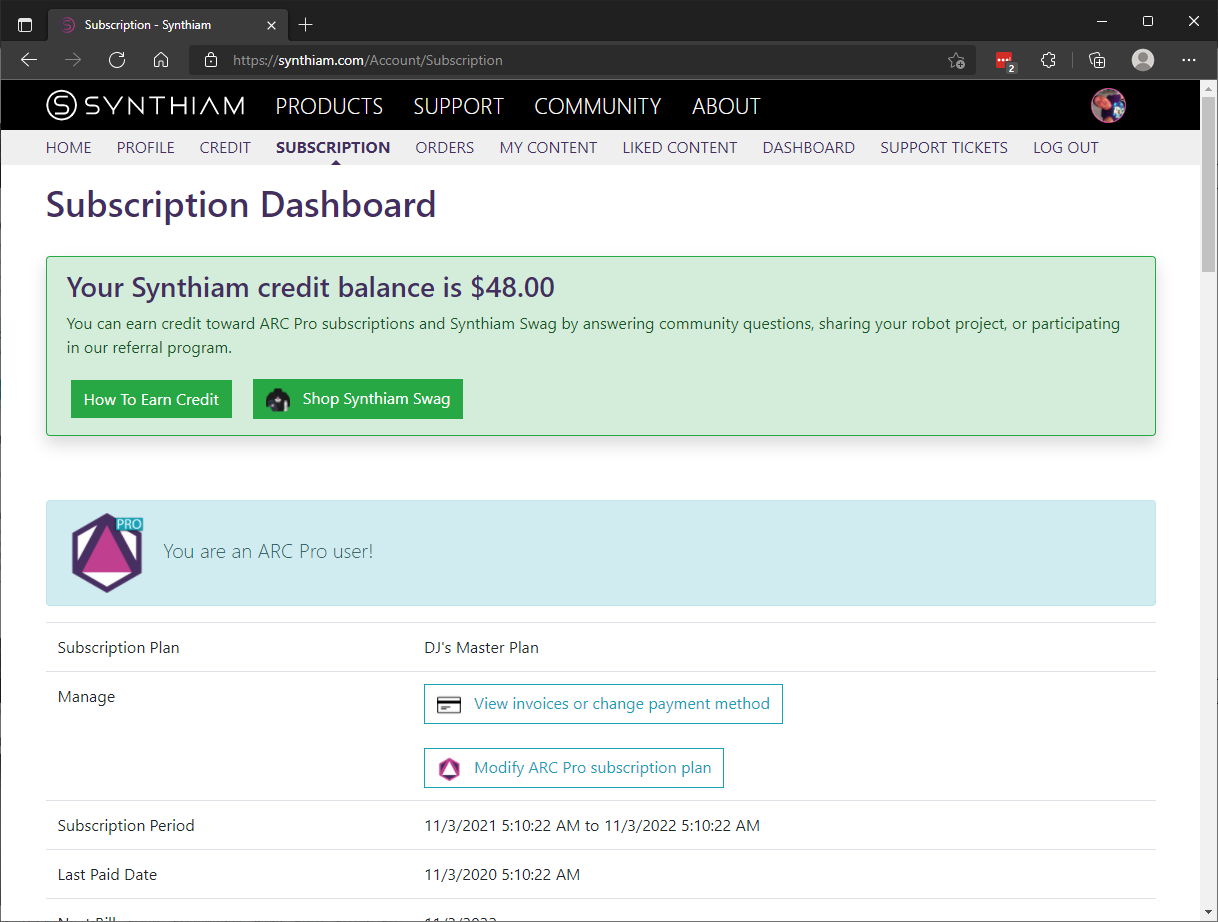
Subscription Dashboard
Use the Subscription Dashboard to view your active plans, change or cancel subscriptions, and access billing history and invoices. This central dashboard makes it easy to manage recurring services associated with your account.
Details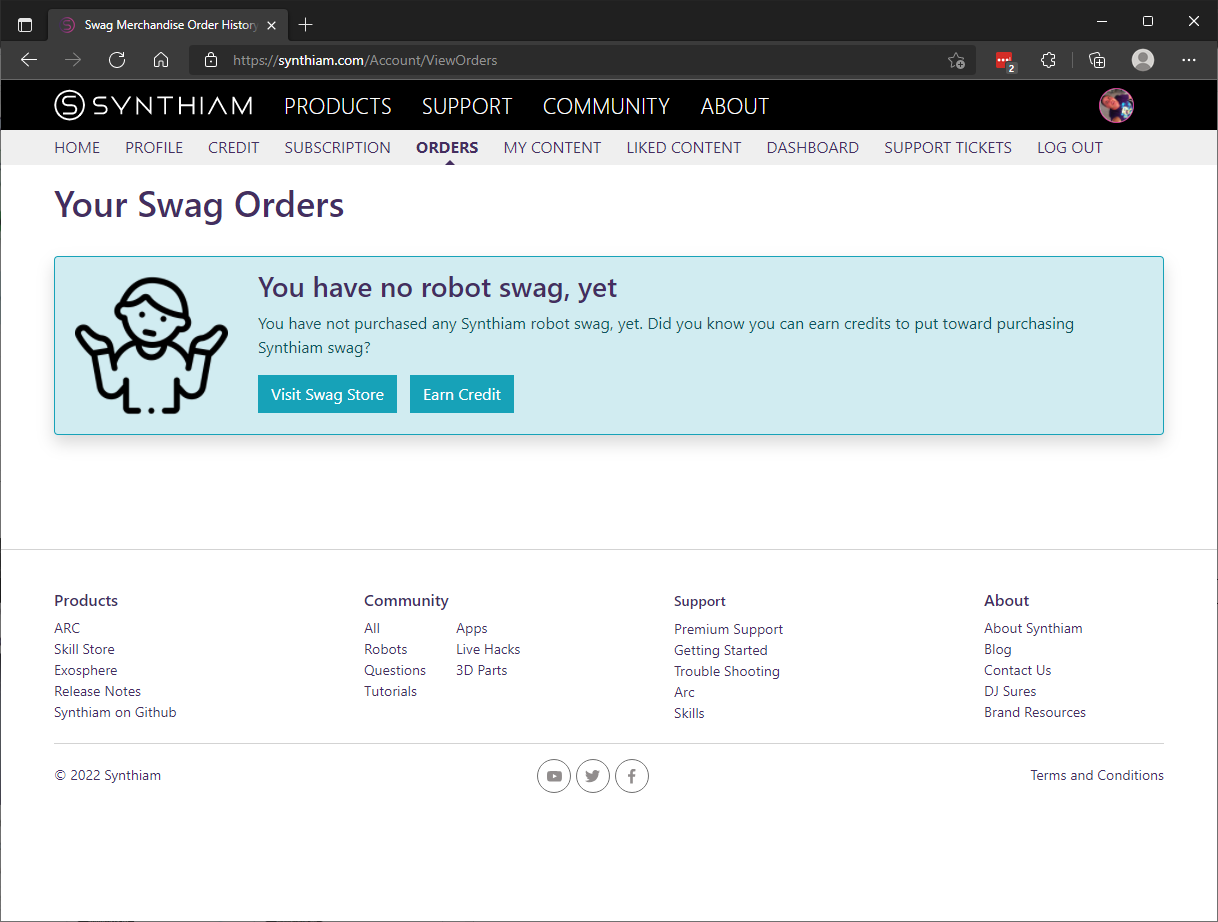
Swag Orders
View current and past swag orders, check shipping status, and manage returns or exchanges from the Swag Orders page. Order details and tracking information are available to help you follow your purchase from checkout to delivery.
Details