
File
Read and write files on the computer ARCx runs on.
Where to find it: the File category of the toolbox, in any script editor set to Blockly or on Top bar → Workspaces → Blockly
Blocks
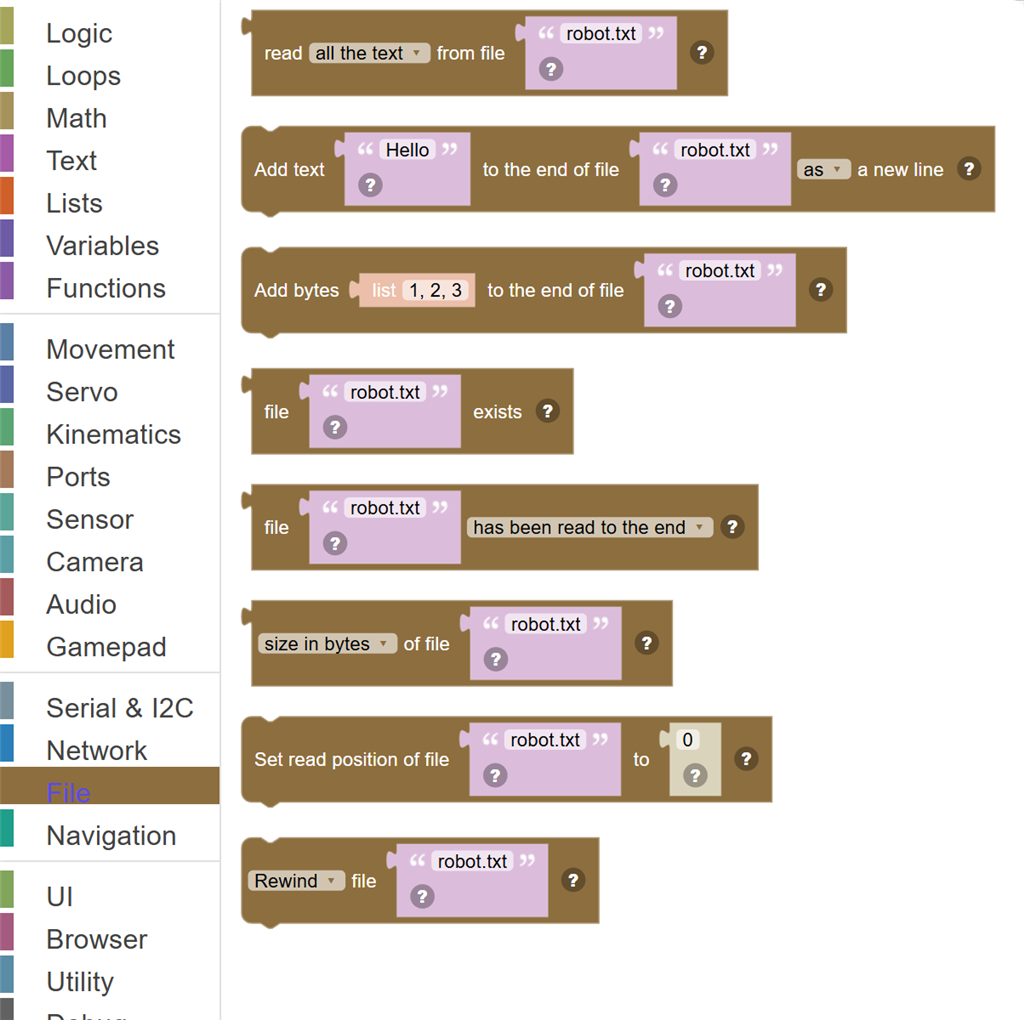
| Block | What it does |
|---|---|
| Read … from file … | Read from a text file, given its full path. |
| Add text … to the end of file … … | Add text to the end of a file, given its full path, creating the file if it does not exist. |
| Add bytes … to the end of file … | Add bytes (numbers 0 to 255) to the end of a file, creating the file if it does not exist. |
| File … exists | True when the file is there. |
| File … … | Whether reading has reached the end of the file, or whether the file is open for reading. |
| … of file … | How big a file is, or how far into it reading has got. |
| Set read position of file … to … | Jump to a byte position in the file, so the next read starts there. |
| … file … | Rewind a file to read it again from the top, close it, or delete it from the disk. |
Details
Read … from file …
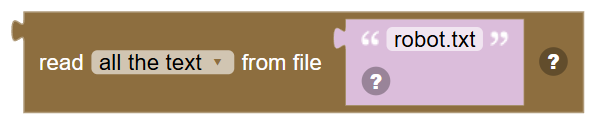
Read from a text file, given its full path. The next line, character or byte carries on from where the last read stopped.
In JavaScript: this block gives back the value of
File.readAllText('robot.txt')
Add text … to the end of file … …

Add text to the end of a file, given its full path, creating the file if it does not exist.
In JavaScript: this block runs
File.appendStringLine('robot.txt', 'Hello');
Add bytes … to the end of file …

Add bytes (numbers 0 to 255) to the end of a file, creating the file if it does not exist.
In JavaScript: this block runs
File.append('robot.txt', [1, 2, 3]);
File … exists
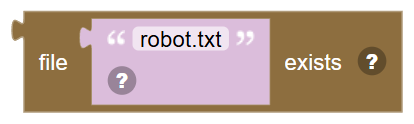
True when the file is there.
In JavaScript: this block gives back the value of
File.exists('robot.txt')
File … …

Whether reading has reached the end of the file, or whether the file is open for reading.
In JavaScript: this block gives back the value of
File.isReadEnd('robot.txt')
… of file …
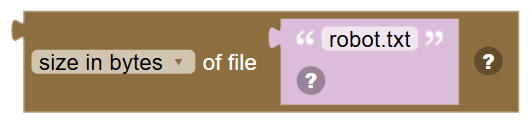
How big a file is, or how far into it reading has got.
In JavaScript: this block gives back the value of
File.getLength('robot.txt')
Set read position of file … to …
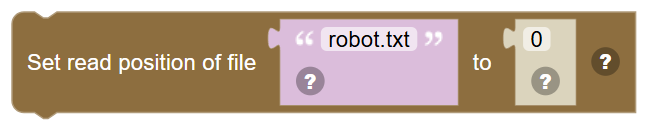
Jump to a byte position in the file, so the next read starts there.
In JavaScript: this block runs
File.setReadPosition('robot.txt', 0);
… file …
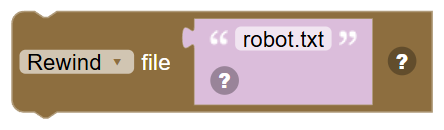
Rewind a file to read it again from the top, close it, or delete it from the disk.
In JavaScript: this block runs
File.readReset('robot.txt');