
Sensor
Ultrasonic distance sensors, and the EZB's own battery voltage, temperature and connection.
Where to find it: the Sensor category of the toolbox, in any script editor set to Blockly or on Top bar → Workspaces → Blockly
Blocks
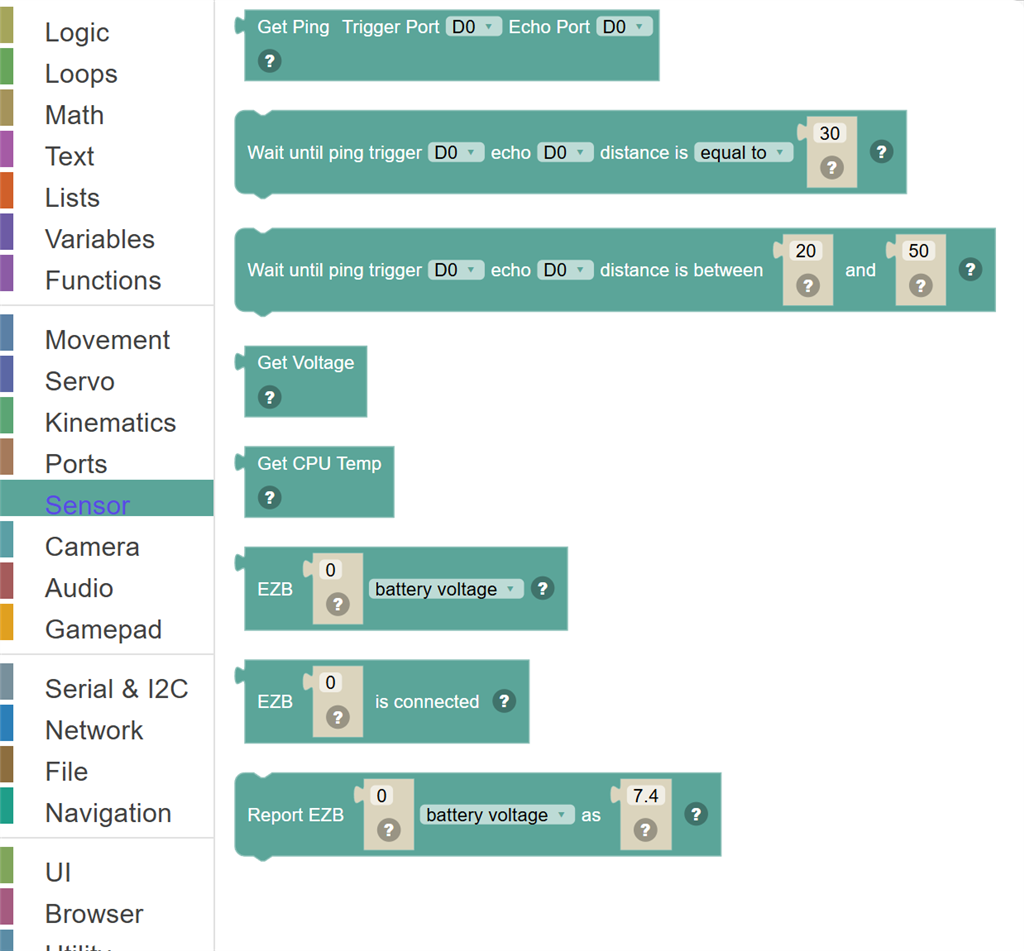
| Block | What it does |
|---|---|
| Get Ping Distance | Measures the distance to the nearest object using an ultrasonic (ping) sensor. |
| Wait until ping trigger … echo … distance is … … | Pause the script until an ultrasonic ping sensor measures a distance - something coming closer than 30, for example. |
| Wait until ping trigger … echo … distance is between … and … | Pause the script until an ultrasonic ping sensor measures a distance between two values. |
| Get Voltage | Returns the current battery voltage of the EZ-B controller. |
| Get CPU Temperature | Returns the current CPU temperature of the EZ-B controller in degrees Celsius. |
| EZB … … | The battery voltage or CPU temperature (Celsius) of the EZB at this connection index. |
| EZB … is connected | True when the EZB at this connection index (0 is the first) is connected. |
| Report EZB … … as … | For an EZB that cannot measure it: set the battery voltage or CPU temperature that the blocks and scripts reading it will get. |
Details
Get Ping Distance
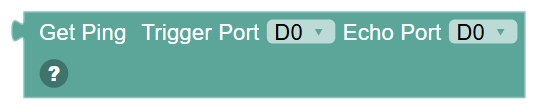
Measures the distance to the nearest object using an ultrasonic (ping) sensor. The sensor sends out a sound wave and times how long it takes to bounce back. Returns a distance value.
When to use it: Use this to detect obstacles and react — like stopping when something is too close, or navigating around objects.
Example: Set "distance" to Get Ping → then If distance < 20 → Stop and reverse.
Tips:
- The Trigger port sends the sound pulse; the Echo port listens for the return.
- Distance is usually in centimetres — check your sensor's specification.
- Read the sensor multiple times and average the results for more reliable readings.
In JavaScript: this block gives back the value of
Ping.Get(d0, d0)
Wait until ping trigger … echo … distance is … …

Pause the script until an ultrasonic ping sensor measures a distance - something coming closer than 30, for example.
In JavaScript: this block runs
Ping.waitForEquals(d0, d0, 30);
Wait until ping trigger … echo … distance is between … and …

Pause the script until an ultrasonic ping sensor measures a distance between two values.
In JavaScript: this block runs
Ping.waitForBetween(d0, d0, 20, 50);
Get Voltage
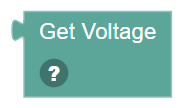
Returns the current battery voltage of the EZ-B controller. Useful for monitoring battery health and making the robot behave safely when power is low.
When to use it: Use this to check if the battery needs recharging, or to slow down the robot when power gets low.
Example: If Get Voltage < 7.0 → Say "Battery low!" and stop the robot.
Tips:
- The exact voltage range depends on your battery type (LiPo, NiMH, etc.).
- A fully charged 2S LiPo is around 8.4V; stop operation below 7.0V to protect the battery.
- Check voltage at the start of a script to abort early if power is insufficient.
In JavaScript: this block gives back the value of
EZB.getVoltage()
Get CPU Temperature
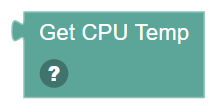
Returns the current CPU temperature of the EZ-B controller in degrees Celsius. Useful for detecting overheating.
When to use it: Use this to monitor the controller's health — if it gets too hot, pause the robot or slow things down.
Example: If Get CPU Temp > 70 → Say "Getting hot!" and sleep for 5 seconds.
Tips:
- Normal operating temperature is typically below 60°C.
- High temperature can indicate a hardware problem or too much processing load.
- Check temperature periodically in a long-running script for safety.
In JavaScript: this block gives back the value of
EZB.getCPUTemp()
EZB … …
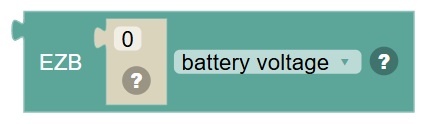
The battery voltage or CPU temperature (Celsius) of the EZB at this connection index.
In JavaScript: this block gives back the value of
EZB.getVoltage(0)
EZB … is connected
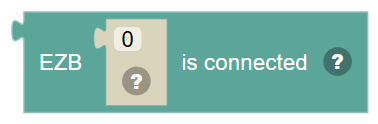
True when the EZB at this connection index (0 is the first) is connected.
In JavaScript: this block gives back the value of
EZB.isConnected(0)
Report EZB … … as …
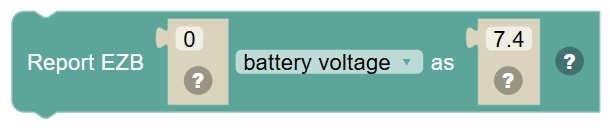
For an EZB that cannot measure it: set the battery voltage or CPU temperature that the blocks and scripts reading it will get. Nothing is sent to the EZB.
In JavaScript: this block runs
EZB.setVoltage(7.4, 0);