
Servo Profile
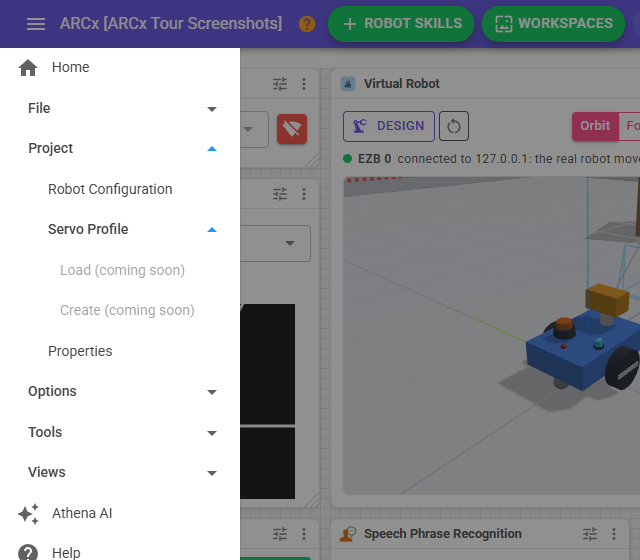
Servo profiles are not available in ARCx yet. The side menu shows the Servo Profile group with two entries, Load (coming soon) and Create (coming soon), but both are greyed out and do nothing when clicked.
Where to find it: Side menu → Project → Servo Profile
Notes
- Project → Properties has an Ask for a servo profile when it opens switch, and Options → Preferences → Interface has Servo profile prompt and Always show the servo profile prompt. These settings are saved, but until servo profiles arrive no servo profile prompt is shown when a project opens.
- To keep a servo inside a safe range today, use the hard limits in Project → Robot Configuration.