
How ARC Works
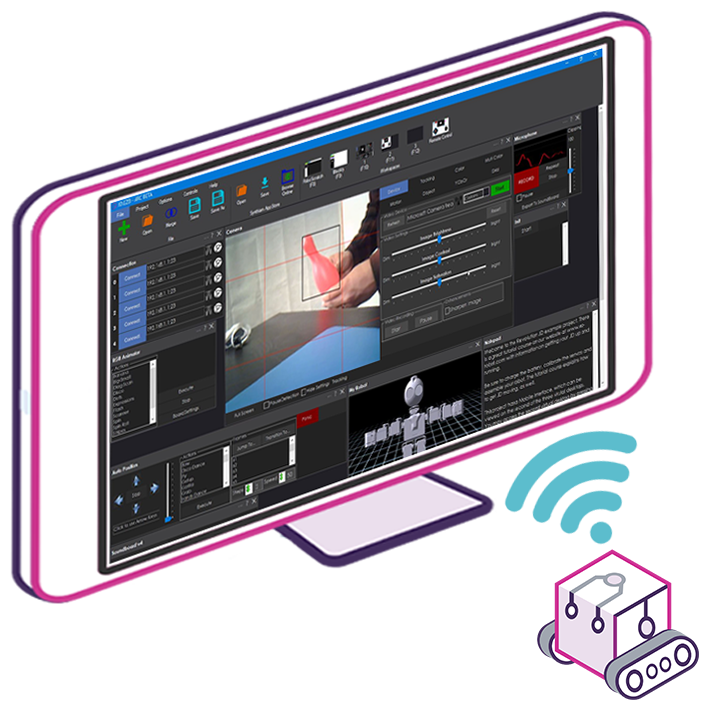
ARC runs on x86 Windows PCs, laptops, or single-board computers (SBCs)
ARC is designed to run on x86 Windows-based computers—desktops, laptops, or compatible single-board computers—so it can take advantage of a PC’s greater processing power, memory, and available peripherals. ARC communicates with sensors, servos, and other hardware through a supported I/O controller called an EZB. Depending on the EZB model, the ARC PC connects to the EZB via USB or WiFi.
Running ARC on a PC lets you use native Windows drivers, standard USB devices (cameras, microphones, joysticks, storage), and more sophisticated algorithms that would be difficult to run on small microcontrollers. It also simplifies development and debugging using familiar PC tools.
Benefits and connectivity considerations
Using a PC for robot control provides several advantages, but the physical location of the PC (mounted on the robot or remote) changes how peripherals are attached and which connectivity options are practical.
Key benefits
- Higher compute capacity for complex programs, vision processing, and AI algorithms.
- Built-in support for standard USB devices and Windows drivers (cameras, audio, storage, input devices).
- Faster development and debugging with desktop tools and a familiar operating system.
Connectivity and deployment considerations
- If the PC is mounted on the robot, you can attach USB peripherals directly. This simplifies cabling and driver support.
- If the PC is remote, devices that require a local USB connection may need alternatives—networked cameras, USB-over-IP solutions, or attaching peripherals to the EZB or a companion computer on the robot.
- Consider USB cable lengths, power requirements, and available USB ports. Active USB hubs or powered extenders can help when distances or power are a problem.
- Driver compatibility on Windows is important—verify drivers for cameras, audio devices, and other peripherals before deployment.
- When using wireless connections, plan for latency and reliability: WiFi strength, interference, and network security can affect robot control and streaming data.
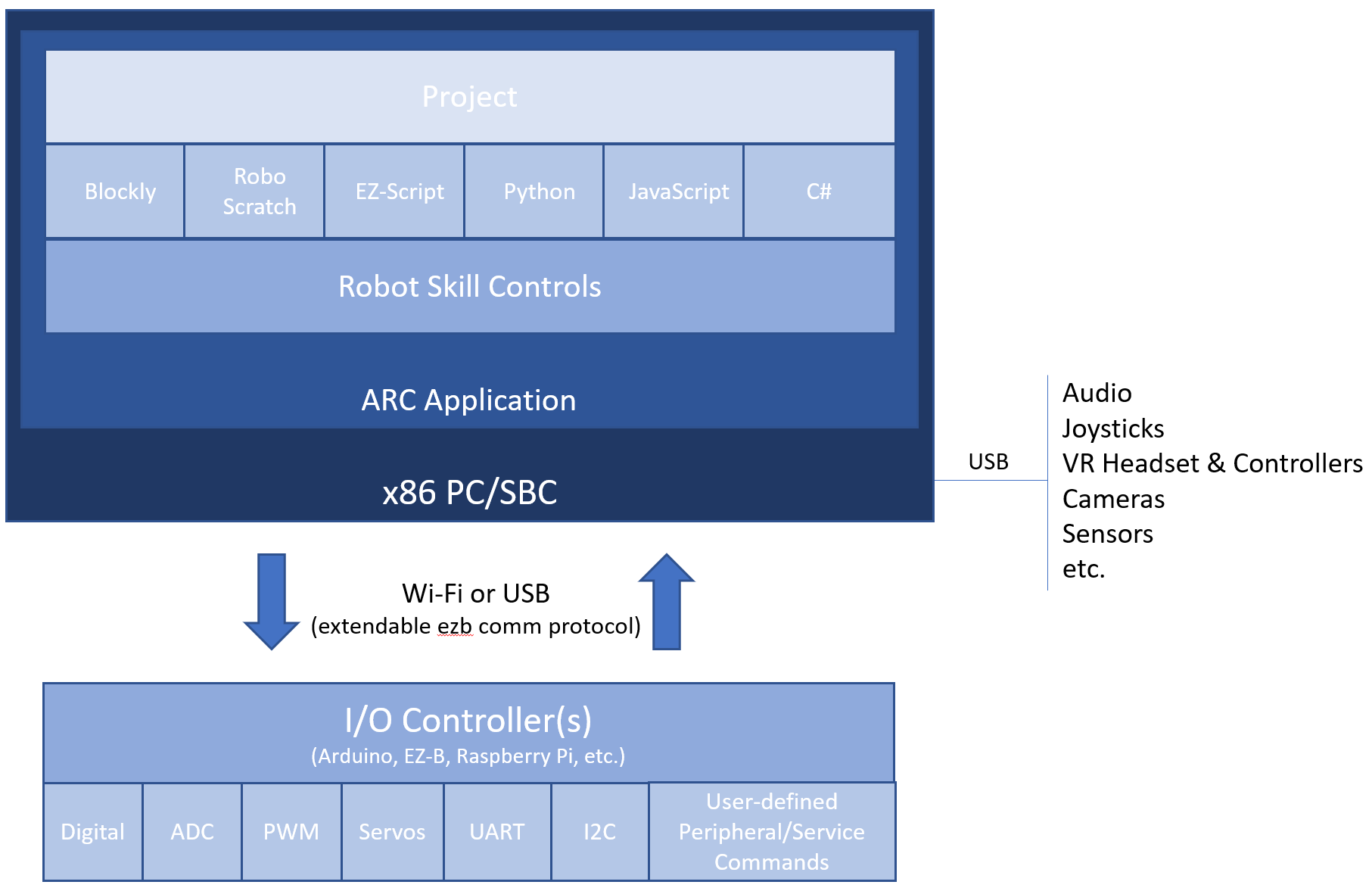
For a list of compatible EZB controllers and more hardware details, see the Hardware Overview: Compatible EZBs and hardware.