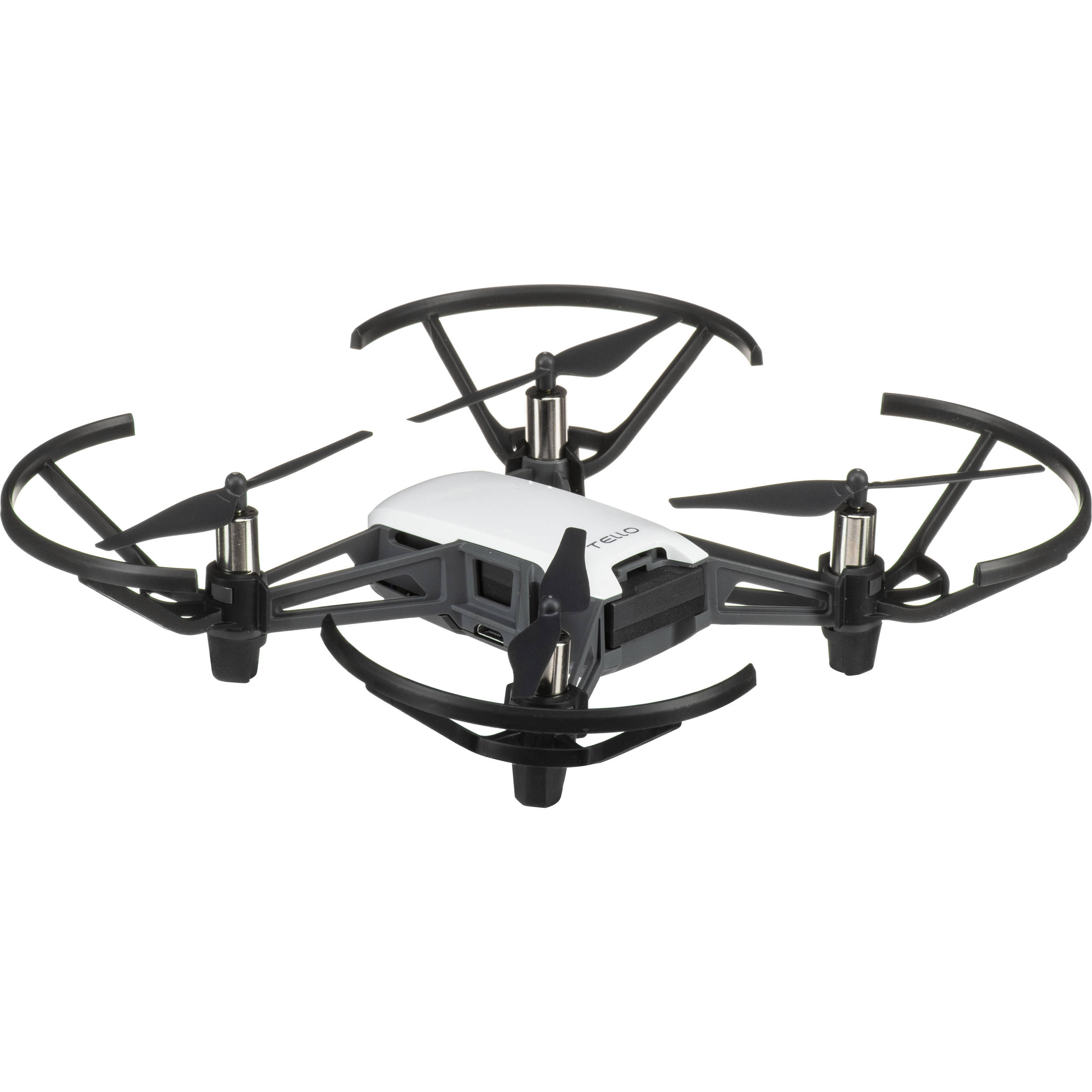
Tello Drone by DJI
The DJI Tello is a small, affordable drone that’s fun to fly and also a great way to learn robotics, automation, and coding. In Synthiam ARC, you can:
- Fly the drone (take off, land, move, rotate, and more)
- View the live camera feed inside ARC
- Use computer vision (object tracking, color tracking, face detection, etc.) with ARC’s camera tools
- Write code to control the drone using JavaScript, Python, EZ-Script, C++, or .NET
Get Started
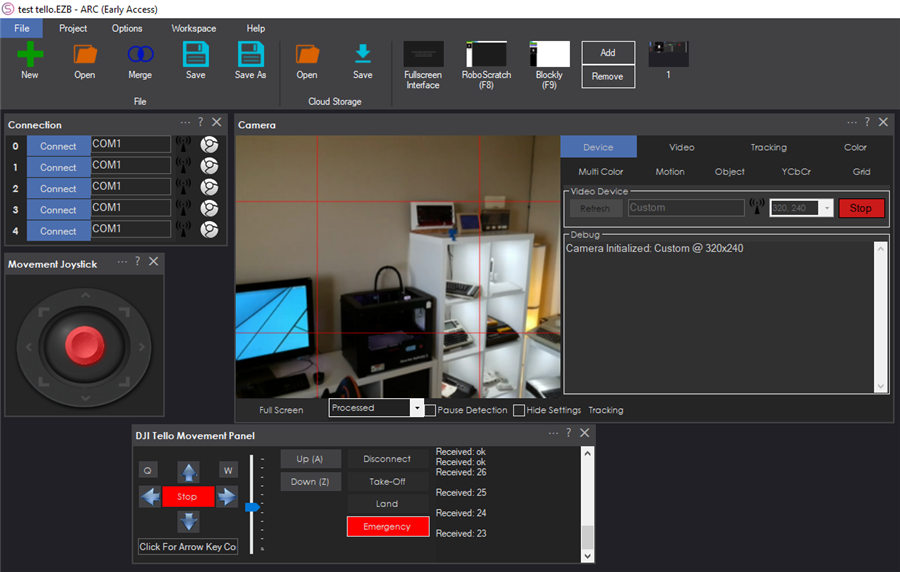
ARC includes a dedicated robot skill that handles the DJI Tello connection, basic flight controls, and the live video stream. The easiest way to begin is to add that skill to your ARC project and follow the step-by-step instructions inside it.
Step-by-step setup (beginner friendly)
- Power on the Tello and wait until its lights indicate it’s ready.
-
On your computer, open Wi‑Fi settings and connect to the Tello’s Wi‑Fi network.
It usually appears as a network name like TELLO-XXXXXX.
- Open Synthiam ARC and load (or create) a project.
- Add the DJI Tello Movement Panel skill to your project.
- In the skill, follow the prompts to connect, confirm the video feed, and test basic controls like takeoff and land.
Open the skill instructions here: DJI Tello Movement Panel Instructions
Using the Camera in ARC
The Tello’s camera stream can be used like other ARC camera sources. Once the video is visible in ARC, you can add camera-based skills such as:
- Object or color tracking to follow a target
- Face detection for interactive demos
- Computer vision features that trigger actions (for example: “if a red object is seen, rotate right”)
Programming the Tello (Optional)
If you want the drone to fly automatically, ARC lets you write scripts and code that can be tied to buttons, events, or vision triggers. You can use:
- EZ-Script (simple scripting inside ARC)
- JavaScript or Python (popular for learning and quick automation)
- C++ or .NET (advanced development)
The DJI Tello Movement Panel skill provides the connection and flight control interface; your scripts can call actions to automate behaviors.

You could do the landing easy enough. But not the charging as it’s usb
Naomi Wu built a charging mat design.
Right on. Do it! It works with the camera device and hopefully NMS soon. But the NMS requires specific coordinate commands, not just "move forward". It’s kinda weird that way
Just had a quick play with the Tello. Did you enable colour tracking and then turn the speed up. LOL this is deadly. I guess I need to find the propeller guards.
Been having a play with this. lots of fun. Any thoughts around control commands for the drone. Trying to write a quick script take off look around for an object. fly to object, get some video of the object and then land again. Also is there a list of variables that it collects (battery level, height of drone etc)?
I still have my old Phantom 2 + - still works, never tried it with ARC - know if it will work?
not as is, phantom uses an RC receiver so you would need to make a gateway and I don't think there is a supported SDK as they discontinued support for phantom 2 a couple of years ago.
You can buy a tello for ~$100 but at the moment you can only fly it with the tello Movement Panel and I haven't worked out how to tell it to take off or land or fly at a certain height etc, It doesn't have a GPS so way points and NMS doesn't look possible although DJ said he was looking into that a while ago (can't see how it would be possible though) The camera tracking works so that is pretty cool.
my drone have it's own GPS and way points - my camera works well also
I going to test if the ARC can detect my drone's camera as soon as the battery charges - I will let you know