How ARC Works
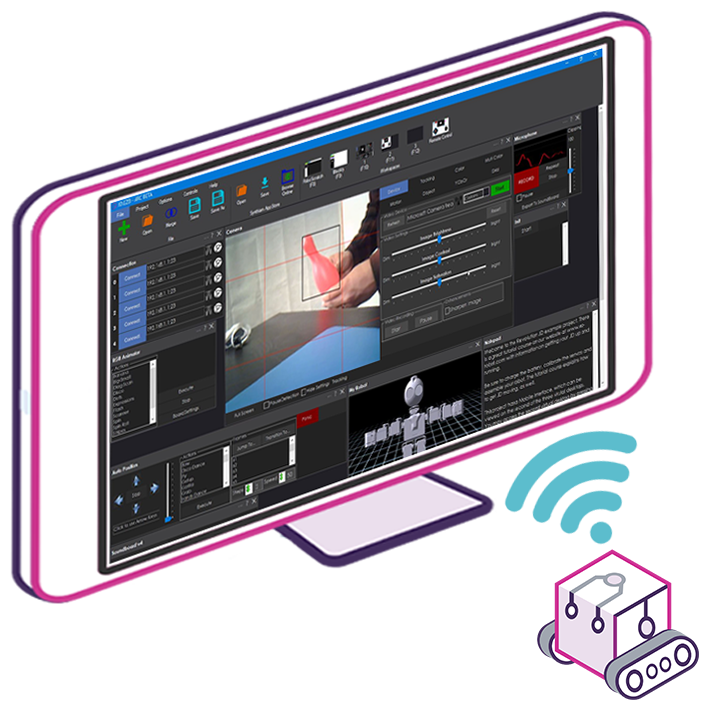
ARC runs on x86 Windows PCs, laptops, or SBCs
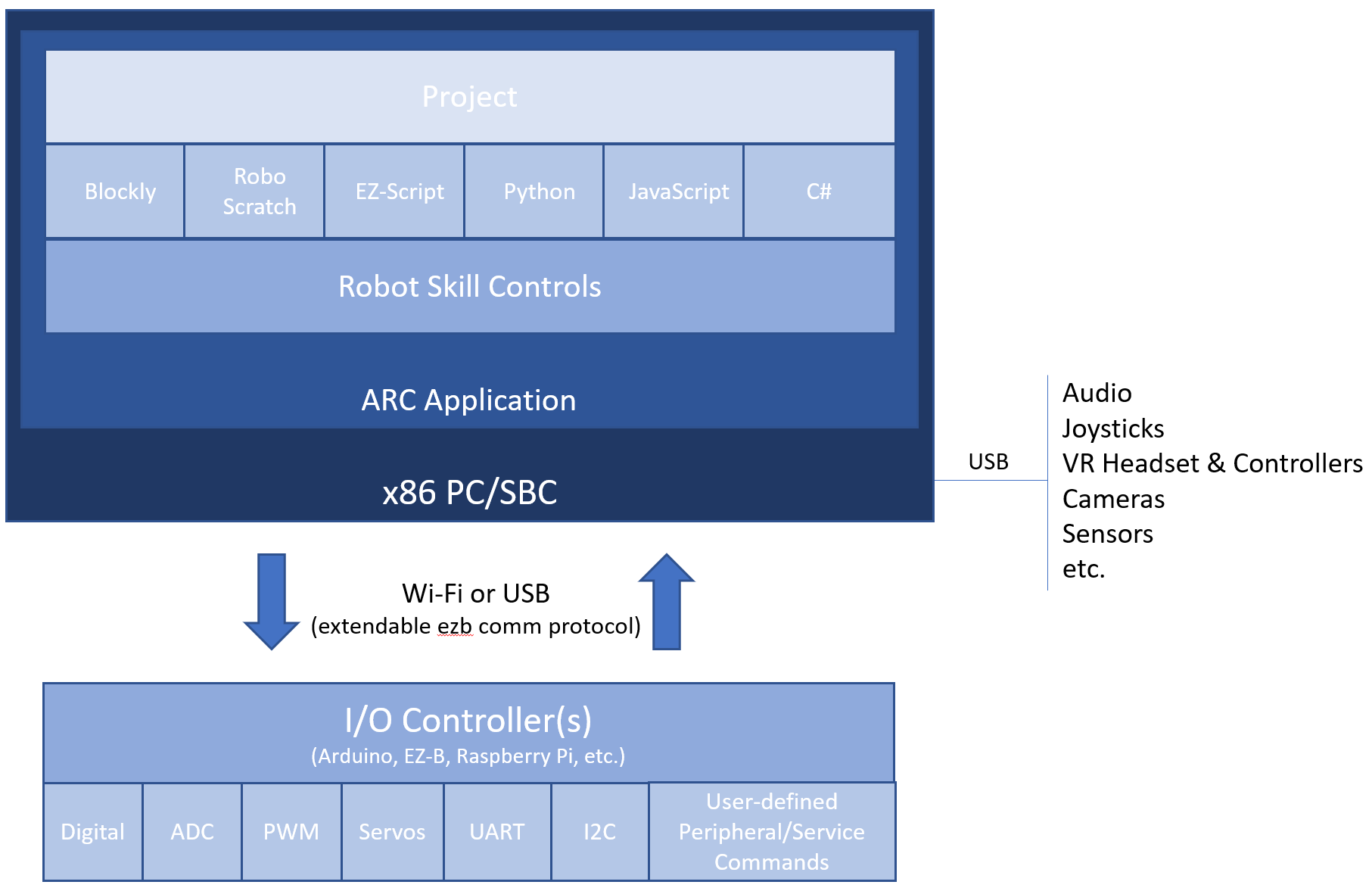
ARC runs on an x86 Windows-based PC, laptop, or single-board computer (SBC) so it can leverage the PC’s robust architecture and hardware. ARC communicates with sensors, servos, and other peripherals through a supported I/O controller called an EZB. The ARC PC connects to the EZB using USB or WiFi, depending on the EZB model and its capabilities.
Benefits and connectivity considerations
Running the robot software on a PC provides much more computing power for complex programs and algorithms than most microcontrollers. It also gives you native USB support for additional peripherals such as joysticks, cameras, microphones, audio devices, and storage.
Where the PC is located—embedded on the robot or remote—affects how it connects to the EZB and what USB peripherals are available. If the PC is embedded on the robot, you can attach USB devices directly to it. If the PC is remote, peripherals that require a local USB connection may need alternate solutions (for example, networked cameras or attaching devices to the EZB or a companion computer). Also consider driver compatibility and cable length when planning USB peripherals.
View a list of compatible EZBs by clicking here.