7. Movement Style

Let's determine how your robot will move!

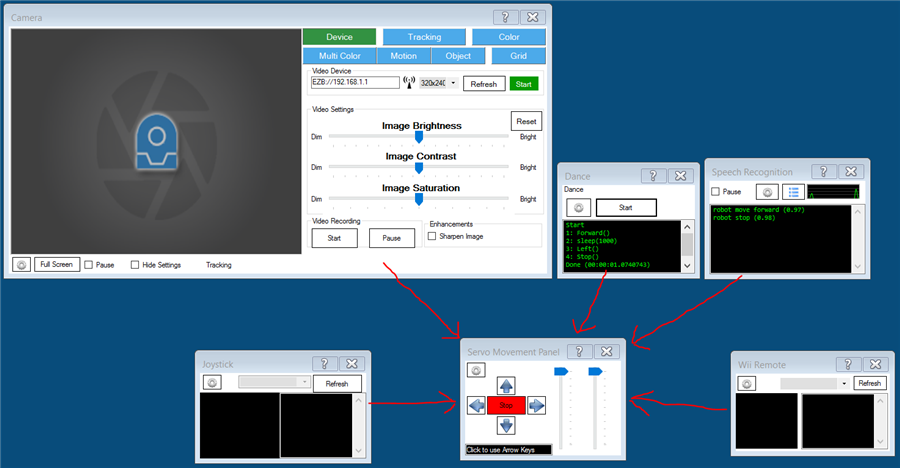
ARC uses movement panels to control a robot's movement. Each ARC project is limited to one movement panel because robots only have one method of locomotion, whether wheeled, crawling, flying, bipedal, etc. The movement panel will register itself with the movement manager service. This allows any robot skill to share the robot's control movements. For example, by adding a Joystick or WiiMote robot skill, the robot can automatically begin moving because the current movement panel handles the movements.


Tip: There is a section for additional details on how ARC uses movement panels and what a movement panel is.

Movement Panel Manual


Advantages of Movement Panels

The convenience of the movement manager service is that any ARC robot project can control any other robot product, irrelevant of the locomotion type (flying, walking, two-wheel driving, etc.). If your ARC project was created for a wheeled robot, you could replace the wheeled movement panel with a drone movement panel. Directions (forward, left, right, etc.) are sent to the movement manager service by any robot skill and handled by the movement panel to have the robot move.


Directions

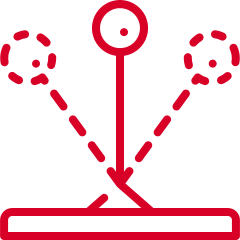
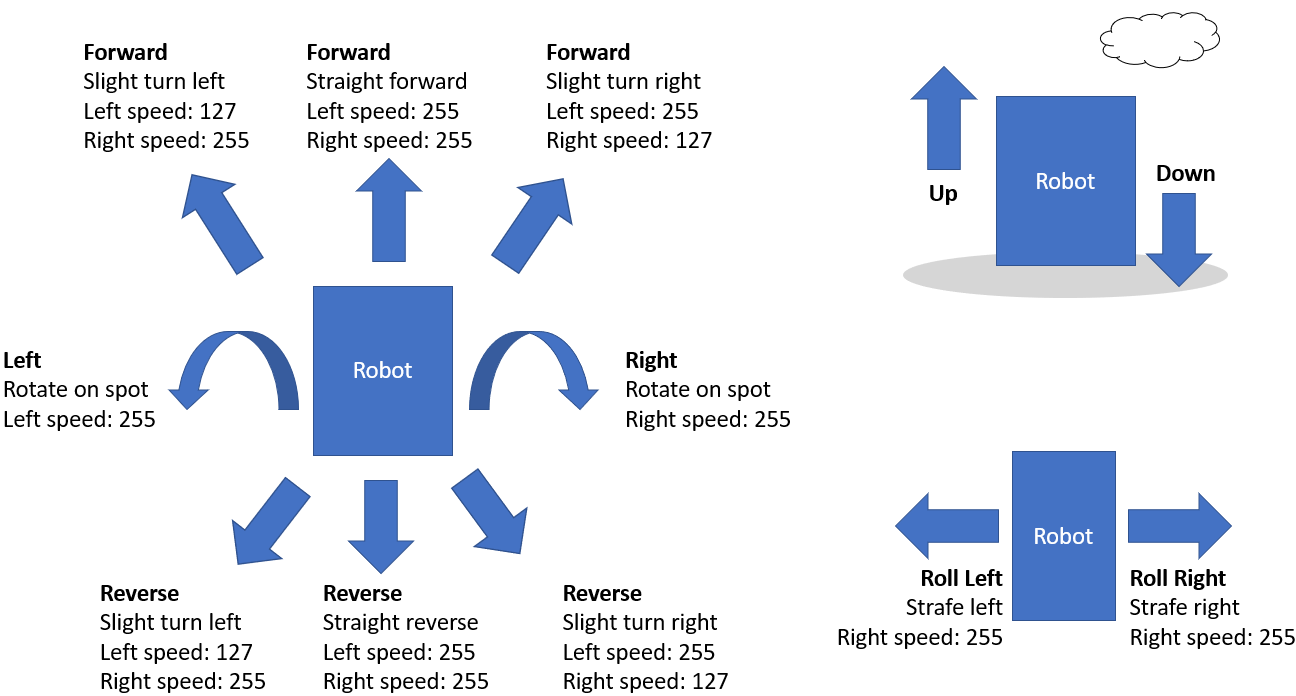
The ARC framework provides several pre-programmed directions: forward, left, right, reverse, stop, roll right, roll left, up, down, and custom. Movement panels will support the directions that are appropriate to their movement type. For example, an HBridge movement panel will not support UP or DOWN because the robot must have wheels and, therefore cannot fly. You can see what directions are supported on a movement panel by the buttons visible on the interface. This diagram demonstrates how the various directions are expected to behave by movement panels. For example, turning left or right is expected to rotate on the spot. However, to turn slightly right while moving forward will require the robot to move forward with the right wheel speed somewhat slower than the left.


Choose a Movement Panel Type

Here is a list of movement panels for various robot configurations, including robots that walk with gait humanoids/hexapods and more. Select a movement panel to learn how to use it and add it to the project. This list can also be found in the Movement Panels category of the robot skill store or within the ARC software.
Control Parrot AR Drone v1/v2 via ARC: keyboard, joystick, speech, Wii, web; camera feed, face/color/motion/glyph tracking.


Create servo frames/actions to animate humanoid, hexapod or custom gaits with smooth transitions, SW ramping and directional control


Control brushless motor controllers (hoverboard-style) via EZ-B: configure direction, speed and optional brake ports for DIY robot movement.


Movement panel using two or more continuous servos to control robot motion via movement commands.


Control two continuous servos for bidirectional robot movement with speed sliders, configurable ports/stop values, testing and brake/coast options.


Custom Movement Panel maps directional commands to scripts, adjusts per-wheel speed (0-255), and integrates with joysticks for unsupported motors


Custom Movement V2 panel for ARC: scripts for F/R/L, Reverse, roll left/right, up/down with speed mapping to PWM for drones, mecanum & custom drives


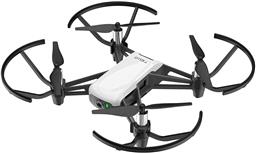
Control DJI Tello from ARC with live camera feed for computer vision tracking; fly via scripts, speech, joysticks, Python, or Exosphere.


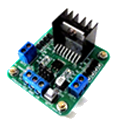
Two-channel Dual H-Bridge movement panel to control two DC motors (on/off) for forward, reverse, left, right via EZ-B digital ports; no PWM speed.


Dual H-Bridge w/PWM movement panel: control two DC motors' direction and speed via EZ-B PWM for responsive forward/reverse/turning.


Balance Sainsmart v3 robots via ARC and custom EZB firmware: PID tuning (Kp/Ki/Kd), angle offset, movement controls, realtime diagnostics.


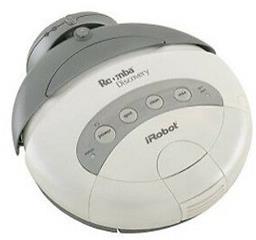
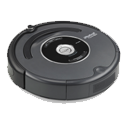
Legacy iRobot Discovery and 4xxx control via EZB software-serial (D0), supports Arduino/EZ-Robot, adjustable baud rate; not for hardware UART/USB


Control Roomba/Create via ARC: drive, stream sensors, read encoders, configure COM/HW UART, and send pose to NMS for mapping/navigation.


Connects Ohmnilabs Telepresence robot's UP Board COM to ARC, enabling drive and servo control (neck V0) and integration with ARC cameras.


Deprecated Roomba control; replaced by the iRobot Roomba Movement Panel for updated movement control.


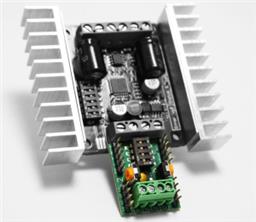
Movement panel enabling Kangaroo & Sabertooth encoder-based speed/velocity control, UART/PC serial options, tuning and encoder setup.


Sabertooth movement panel: control two motors via Simplified Serial with variable speed sliders, movement buttons, and serial port options.


Control Sphero via Bluetooth in ARC. Detects two COM ports (one connects); requires deleting and re-pairing after disconnects or reboots.


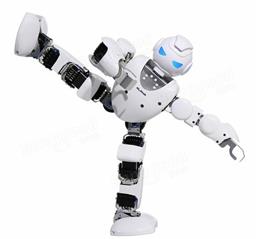
Bluetooth control for UBTech Alpha1 servos via ARC: map Vx to servo IDs, enable servos, and integrate with ARC movement & LEDs.


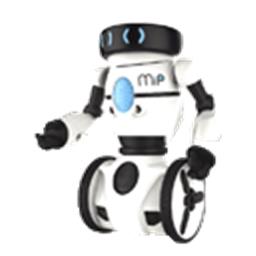
UART-based EZ-B/ESP32 skill to control WowWee MIP, enabling ESP32-Cam camera support and flexible battery-powered integration.


Hack WowWee MIP via UART to control it from ARC with EZB/ESP32 devices-ESP32-Cam preferred. Supports UART or SoftwareSerial and 9600/115200 baud.


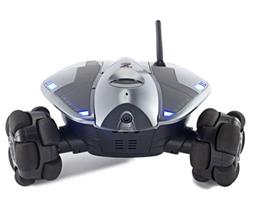
Movement panel integrating WowWee Rovio with Synthiam ARC for remote drive, live camera, audio and docking control. Under development.