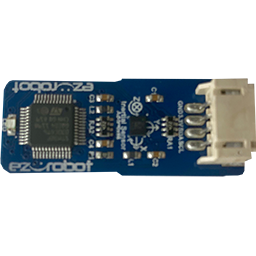
3-In-1 IMU icon 3-In-1 IMU — EZ-Robot 3-in-1 IMU driver: accelerometer, gyroscope and compass support for motion sensing, orientation tracking and heading/navigation. Try it →
Robot Programming for DIY & Education

ARC Robot Programming Software

(Autonomous Robot Control Software)

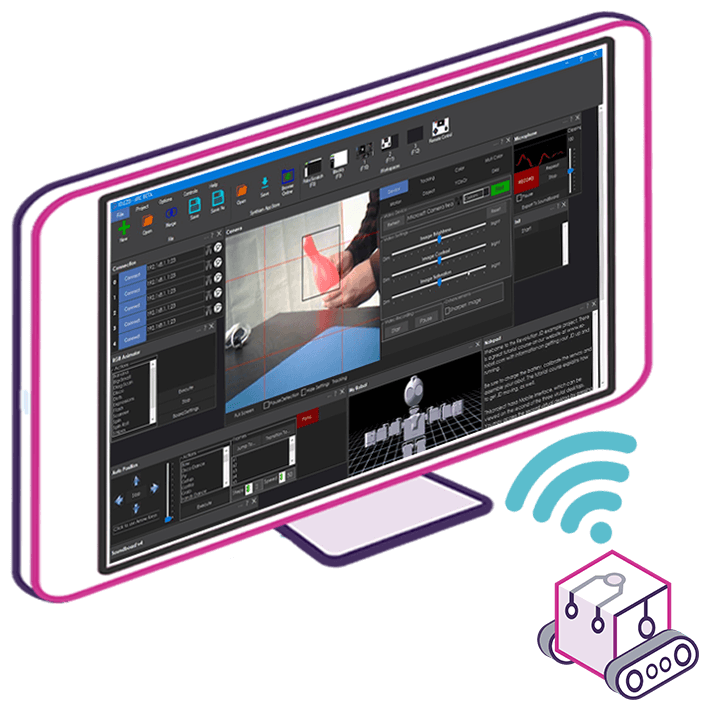
Program and control robots with ARC for Windows, the robot software made for DIY builders, hobbyists, makers, classrooms and STEM education. Add Robot Skills for computer vision, speech, navigation and AI, then use Blockly, JavaScript or Python to build your robot's behavior. ARC is also an MCP server, so the AI agent you already use can control and program the robot.

synthiam.com — ARC Robot Programming Software
ARC Robot Programming Software

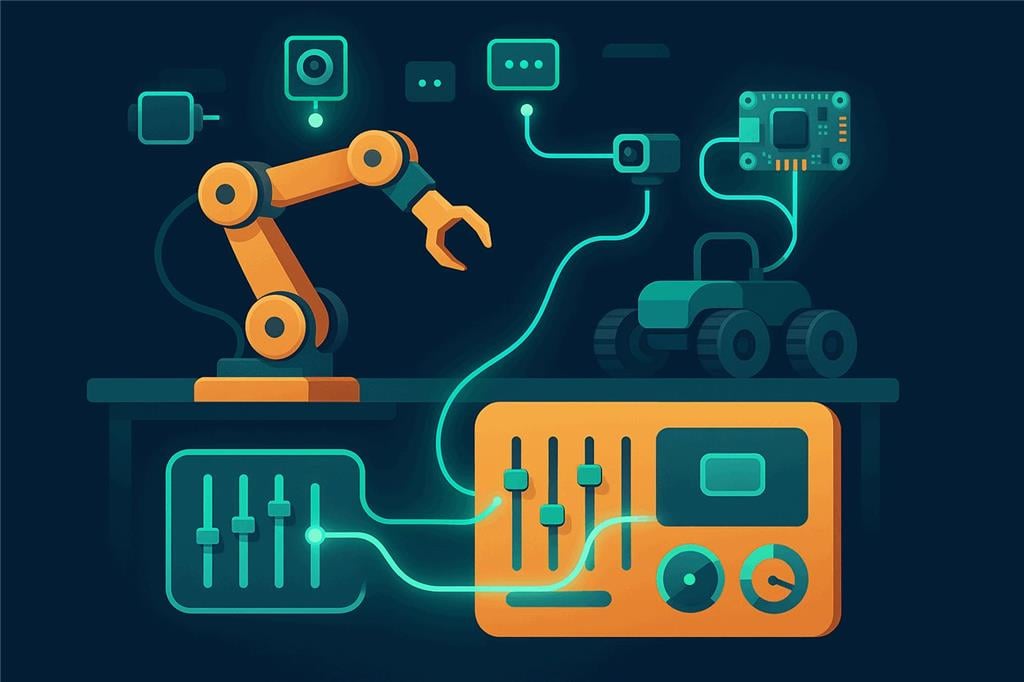
Connect Robot Hardware, Skills and Scripts

ARC connects supported robot hardware to Robot Skills for computer vision, voice control and navigation. Configure each skill for your project and combine its commands with scripts.

Download Synthiam ARC

ARC

FREE
$0 always free
  • 1 third-party plugin skill per project
  • Trial cloud services
  • Personal, DIY & education use
  • Updated every 6–12 months
Recommended

ARC

PRO
$8.99 per month
  • Includes ARCx for Windows, Linux & Pi — built for enterprise & industry
  • Use on 2+ PCs simultaneously
  • Unlimited robot skills
  • Cloud backup & revision history
  • Weekly features & bug fixes
  • Business use permitted

ARC

RUNTIME
$0 always free
  • Load & run any ARC project
  • Read-only mode
  • Unlimited robot skills
  • Includes early access fixes & features
  • Minimum requirements: Windows 10 or higher, 2 GB RAM, 500 MB free disk space.
  • Recommended: Windows 10 or higher, 8 GB RAM, 1 GB free disk space.
  • Prices are in USD.
  • More about each edition: Download & install guide.
  • Latest changes: Release notes.

About Synthiam ARC

Synthiam ARC (Autonomous Robot Control) is Windows software for building robot programs. Start with ready-made Robot Skills, connect your controller and configure the features your robot needs. Use visual programming or scripts to coordinate sensors, movement, speech and AI in personal projects, classrooms and prototypes.

ARC is made for

DIY, hobby & education

Makers, hobbyists, students, teachers, clubs and university labs. ARC's Windows desktop, visual programming, RoboScratch and the full Robot Skill Store make it the easiest way to learn robotics and bring a personal robot project to life.

Building a product or an industrial system?

Choose ARCx for enterprise

Robot builders, product companies and industrial teams use ARCx. It runs headless on the robot's own Windows, Linux or Raspberry Pi computer, starts unattended, isolates every skill, talks to industrial PLCs and is reachable securely from anywhere.

ARCx for enterprise & industry
🗃️
Extensive Robot Skill Library

ARC provides access to an extensive library of pre-built robot skills through its Skill Store. Effortlessly integrate capabilities like vision recognition, speech recognition, and artificial intelligence into your robotic projects.

💻
Multi-Language Support

ARC supports a variety of programming languages, including JavaScript, Python, C#, C++, Blockly visual coding, and RoboScratch, giving developers the flexibility to use their preferred tools and languages.

🔧
Hardware Compatibility

ARC is hardware-agnostic, working seamlessly with a wide range of robot controllers, microcontrollers, and platforms, so you can reuse existing hardware or mix different systems in a single project.

🧠
Artificial Intelligence Integration

With built-in AI functionalities, ARC enables robots to execute complex tasks such as object recognition, natural language processing, and autonomous navigation, greatly enhancing robot capabilities and interactivity.

Synthiam ARC is designed with an intuitive, user-friendly interface, making powerful robotics technology accessible to everyone.

✨ New · Model Context Protocol

ARC is an MCP Server: Let AI Agents Control and Program Your Robot

Turn on the MCP server in Preferences and connect Claude Code, Claude Desktop, Cursor, VS Code Copilot, ChatGPT or any MCP client. The AI gets the most powerful robot toolbox in the MCP ecosystem: it can create projects, add and configure Robot Skills, write and test scripts, send control commands, and even operate ARC's own windows and dialogs.

  • ✓ Create entire robot projects, add Robot Skills and configure every setting
  • ✓ Write JavaScript and Python, run it, read the output and fix it
  • ✓ Drive the robot, send any control command, read variables and the debug log
  • ✓ Snapshot, click and type in ARC's interface, with every action outlined so you can follow along
  • ✓ Local by default with an access token, permission switches and approval prompts
Explore the MCP server → Connect your AI
🏭 For robot builders, enterprise & industry

ARCx — Robot Programming for Windows, Linux & Raspberry Pi

ARC is the home of DIY and education robotics. When you are building a robot product, deploying robots for a business or automating an industrial cell, ARCx is the platform for the job. It installs on the robot's own computer and runs headless — no monitor, no keyboard, no remote desktop. You program it from a web browser, and the robot keeps working after you close the browser.

  • ✓ Windows 64-bit, Linux 64-bit and Linux ARM64 for Raspberry Pi and embedded computers
  • ✓ Industrial PLCs over Modbus, OPC UA, EtherNet/IP and Siemens S7, plus a ROS 2 bridge
  • ✓ Starts unattended, isolates every Robot Skill, and keeps running when you disconnect
  • ✓ Secure remote access from anywhere with Remote ARCx — no port forwarding or VPN
  • ✓ Athena AI assistant with project access and approval-gated changes
Explore ARCx → ⬇️ Download ARCx
ARCx runs on the robot and is programmed from a laptop, tablet or phone browser
Why Synthiam

Why robot builders choose us

Because 16 years of real-world robotics are built into every feature.

Since 2010, we have worked side by side with robot builders around the world. More than 4 million robot connections have shown us what works, what breaks and what builders actually need, and every lesson has gone back into the software. Through the Robot Skill Store, we connect 600+ partners directly with those builders, so every new sensor, service and AI integration one partner adds is ready for everyone.

The secret is simple: the more our software is used, the better it gets.

2010
Building robot software since
4 million+
Robot connections to our software
600+
Partners in the Robot Skill Store
For makers & DIY builders

ARC: proven by the community

The Windows platform for hobbyists, makers, students and teachers, with the full Robot Skill Store, Blockly, JavaScript and Python, and ARC Pro for advanced projects and courses.

For robot builders & industry

ARCx: everything we learned, rewritten

Our next-generation platform, rewritten from the ground up with modern technology. It runs on the robot itself on Windows, Linux or Raspberry Pi, talks to industrial PLCs, and is programmed from a browser on your network or from anywhere.

For educators & students

ARC-Lite: built for learners

Our free robotics education app for Android, Chromebook and Windows. Guided lessons and Blockly activities teach robot programming step by step, then grow into JavaScript and Python. No robotics background required.

ARC vs. ARCx: Which Should You Get?

Both are Synthiam robot programming platforms built around Robot Skills. ARC is made for DIY builders, hobbyists and education. ARCx is made for robot builders, product companies, enterprise and industrial automation, and runs on the robot itself.

Choose ARC if…

For DIY, hobby & education · the Windows desktop platform
  • You're a maker, hobbyist, student, teacher or club building and learning with robots.
  • You program your robot from a Windows 10 or 11 PC and connect to it over USB or WiFi.
  • You want the full Robot Skill Store, with hundreds of skills for vision, speech, navigation and AI.
  • You want to program in C# or C++ as well as Blockly, RoboScratch, JavaScript and Python.
  • You already have ARC projects, or you're following ARC tutorials, courses or classroom material.
  • You want a mature platform with Free, Pro and Runtime editions.

Choose ARCx if…

For robot builders, enterprise & industry · runs on the robot
  • You're building a robot product, deploying robots for a business, or automating industrial equipment.
  • Your robot has its own computer, such as a Raspberry Pi or a Linux or Windows single board computer.
  • You need to talk to industrial PLCs, bridge to ROS 2, or reach deployed robots securely from anywhere.
  • The robot runs headless, with no monitor, keyboard or remote desktop.
  • You want to program from a browser on a laptop, tablet or phone, with several people connected at once.
  • You want to add and remove Robot Skills without restarting.
  • You want Athena, the AI assistant that can read your project and make changes after you approve them.
ARC ARCx
Best for DIY builders, hobbyists, makers, classrooms and STEM education Robot builders, product companies, enterprise and industrial automation
Where it runs On your Windows PC, which connects to the robot's controller On the robot's own computer
Operating systems Windows 10, Windows 11 Windows 64-bit, Linux 64-bit, Linux ARM64 (Raspberry Pi)
Interface Windows desktop application Web browser on any device on the network, several at the same time
Screen required Yes, a Windows desktop No, runs headless
Programming Blockly, RoboScratch, JavaScript, Python, C#, C++ Blockly, JavaScript, Python
Robot Skills Full Robot Skill Store with hundreds of skills Load and unload without restarting; each skill lists the platforms it supports
AI assistance AI Script Assistant and AI Chat Assistant Athena, with access to your project and changes you approve first
MCP server for AI agents Yes. Claude, Cursor or any MCP client can create projects, add and configure skills, write scripts, send control commands and operate ARC's interface Yes. The same, plus camera images, movement, speech and servo tools, resources, and Robot Skills that publish their own MCP tools
Industrial PLCs — Yes, with the Industrial PLC Controller: Modbus, OPC UA, EtherNet/IP and Siemens S7
Unattended operation A desktop application with its window open on a Windows PC Starts with a project and startup script, isolates each skill, and keeps running with no browser connected
Status Mature platform with Free, Pro and Runtime editions Stable; Windows 64-bit, Linux 64-bit and Raspberry Pi downloads available now

Not sure? Start with ARC for DIY projects, hobby robots and classrooms programmed from a Windows PC. Choose ARCx for robot products, commercial and enterprise deployments, industrial automation, or whenever the software needs to run on a Raspberry Pi or another computer built into the robot.

🤖 AI Support Agent

Includes Free 24/7 Robot Building Support

Stuck on a robot problem? Meet Athena — Synthiam's AI-powered robot technician, available around the clock to answer any question about building and programming robots with ARC.

💬 Ask Athena a Question
🧠 Built Into ARC

AI Script & Chat Assistant — Build Robots with Natural Language

Two AI tools built right into ARC. The AI Script Assistant writes, fixes, and refactors JavaScript or Python robot scripts using your project's real global variables, EZB ports, and controlCommand() targets. The AI Chat Assistant is an in-app conversational panel for robotics questions, design help, and answers grounded in Synthiam's Robot Skill and documentation library.

  • ✓ Project-aware code generation — no invented APIs or placeholder names
  • ✓ In-app chat for robot-building questions, with Robot Skill and docs lookup
  • ✓ Multi-turn conversations to iterate, fix, refactor, and explain scripts
  • ✓ Full conversation history with attached script context per turn
Learn more about the AI Assistant →
🤖💬

"create a script that moves robot forward until it sees red and speak to me"

Build Robot Behaviors with Robot Skills
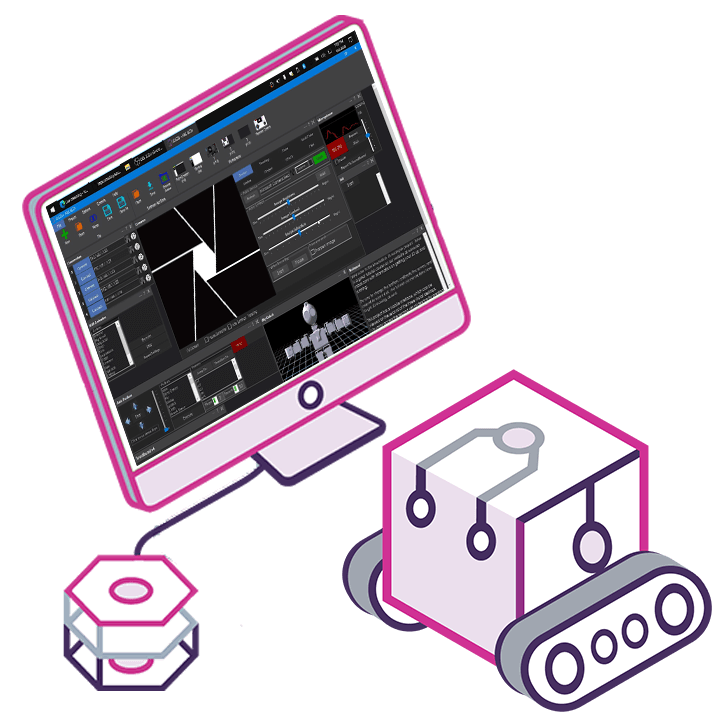
Robots programmed with Synthiam ARC

Powering Over 4 Million Robots

Explore real robots programmed with ARC across 100+ countries — from DIY builds and hobby robots to classroom and university education robots.

Synthiam ARC robot skills library

Use The Latest Technologies

Use Robot Skills to connect sensors and cloud services, process camera images, recognize speech and add AI to your project.

For ARC · Windows

Newest ARC Robot Skills

Recently published skills from Synthiam partners for ARC on the Windows desktop.
Compare ARC Editions

Feature
ARC
FREE
ARC
PRO
Get ARC Free View Plans
Usage Personal · DIY · Education Personal · DIY · Education · Business
Early access to new features & fixes — ✓
Simultaneous microcontroller connections * 1 255
Robot skills * 20 Unlimited
Skill Store plugins * 1 Unlimited
Cognitive services usage ** 10 / day 6,000 / day
Auto-positions gait actions * 40 Unlimited
Speech recognition phrases * 10 Unlimited
Camera devices * 1 Unlimited
Vision resolution max 320×240 Unlimited
Interface builder * 2 Unlimited
Cloud project size — 128 MB
Cloud project revision history — ✓
Create Exosphere requests — 50 / month
Exosphere API access — Contact Us
Volume license discounts — Contact Us
Get ARC Free View Plans

* Per robot project

** 1,000 per cognitive type: vision recognition, speech recognition, face detection, sentiment, text recognition, emotion detection, azure text to speech
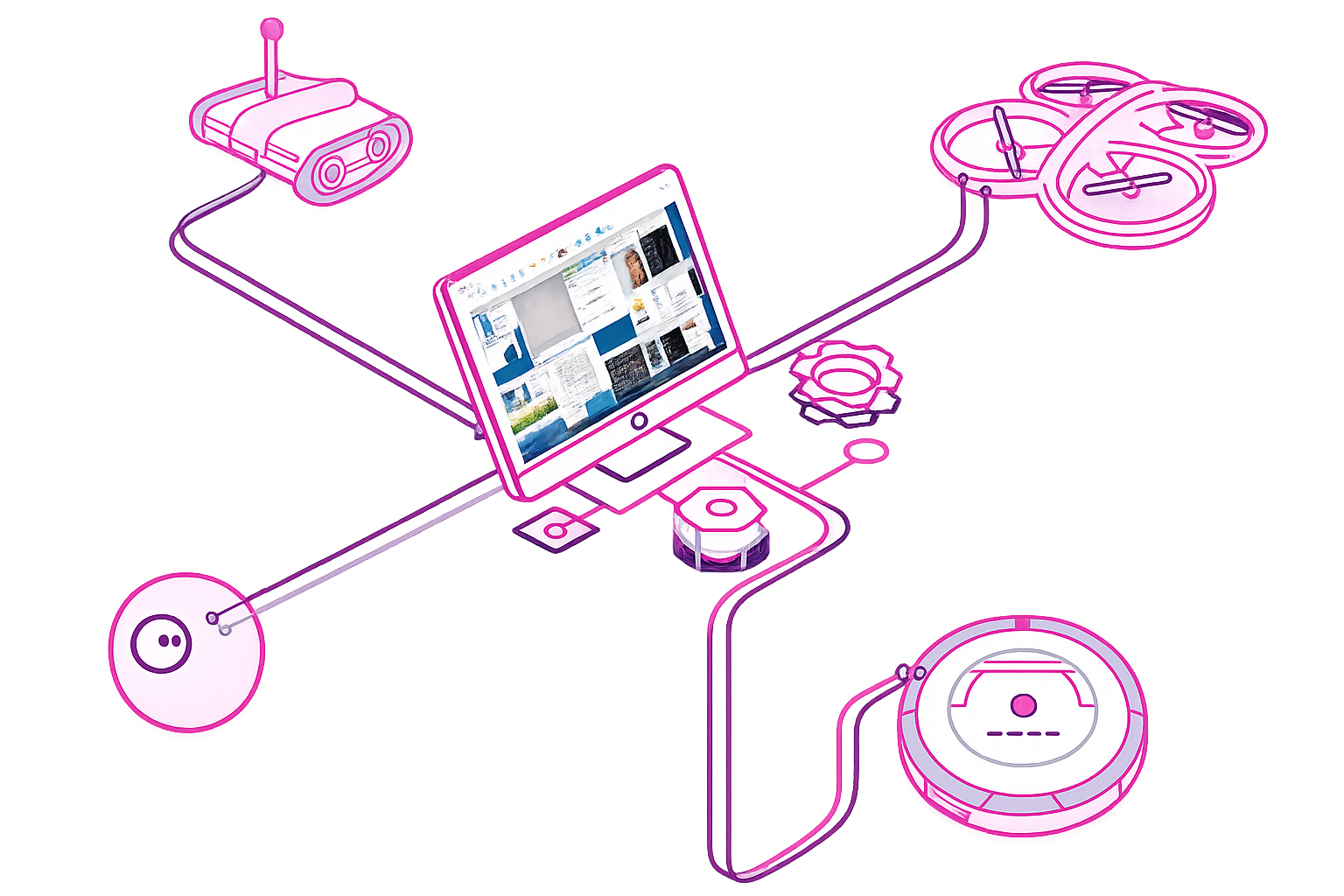
Robots built with Synthiam ARC — humanoids, drones, and custom robot projects

Make Robots Smarter

Use AI technologies such as large language models, computer vision, and decision-making with your robot.

Speech Recognition

Speech Recognition

Use speech to command robot products. Add custom phrases and actions to create a unique personality.
Computer Vision

Computer Vision

Experience the latest in machine vision. Such as object, color, emotion, and more!

Robot Skills

Hundreds more...

The robot skill store has hundreds of available Robot Skills to help learn how to make a robot smarter.

Rapid Robot Development

Use easy and powerful robot programming languages, such as JavaScript, Python, C# .Net, C++, Blockly visual coding, and RoboScratch.

Hardware Agnostic

Hardware Agnostic

Extend the power of existing robot products or build your own.

Artificial Intelligence

Artificial Intelligence

Use AI technologies such as large language models, computer vision, and decision-making with your robot.

Sensors

Sensors

Combine smart avoidance controls to give robots autonomous compatibilities.
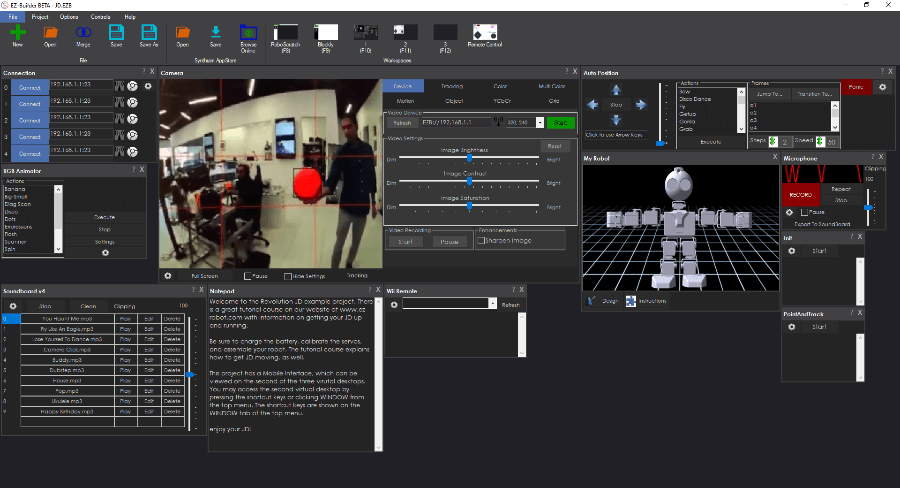
Synthiam ARC dark theme interface showing robot programming workspace

Compatible Robot Hardware

⚡ What is an EZB?

An EZB Controller is any robot, computer, or microcontroller that connects to Synthiam ARC for servo control, sensors, movement, and robot automation. Below is a list of EZB compatible products. Each supported hardware has a manual to help you learn how to make a robot with it. Additionally, the support section has a fantastic tutorial to get started.

Robot Building Tutorial
Manufacturers

Adafruit

1 platform
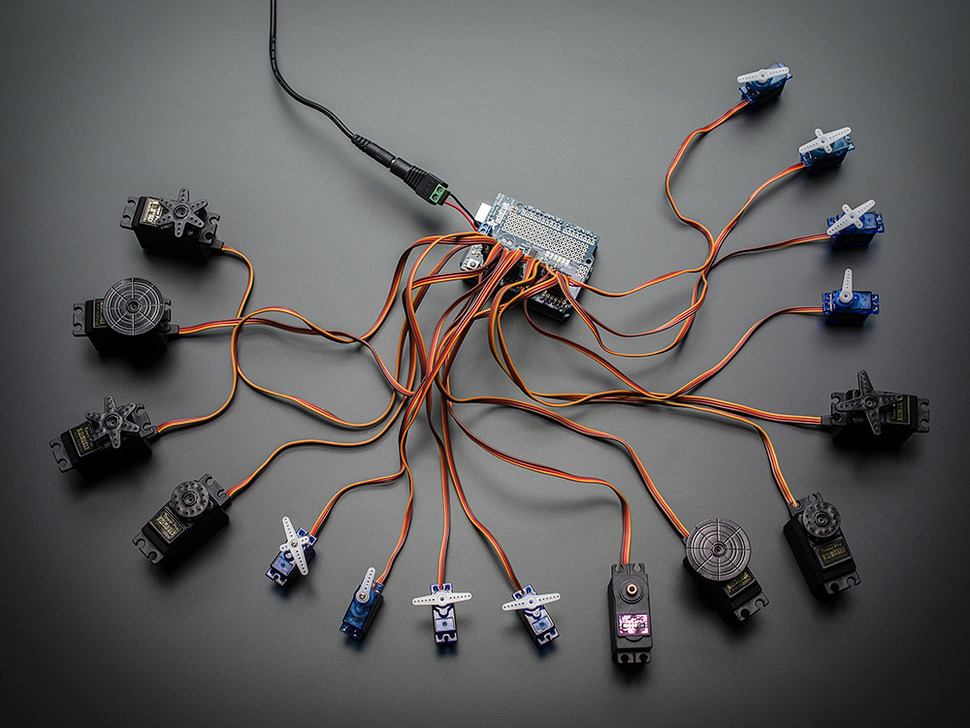
PCA9685 Servo Driver for Synthiam ARCx adds 16 hardware-timed servo outputs for hexapods, animatronics, and pan/tilt arrays.
USB
Servos 16
Camera
Audio
UART ✕
I2C
ADC ✕
Digital ✕

Arduino

3 platforms
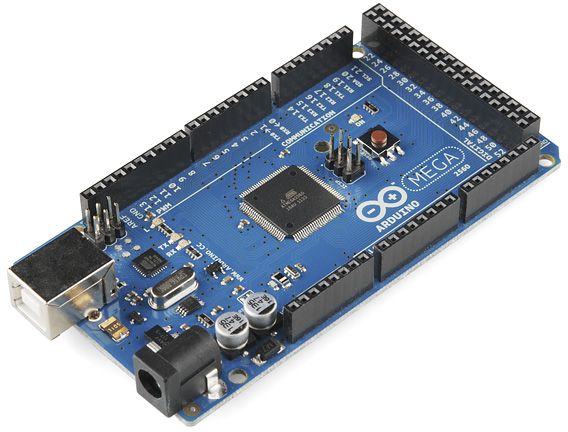
Arduino Mega with Synthiam ARCx controls 24 servos, 13 PWM, sensors and serial modules via EZB firmware over USB.
USB
Servos 24
Camera
Audio
UART 3
I2C
ADC 8
Digital 21
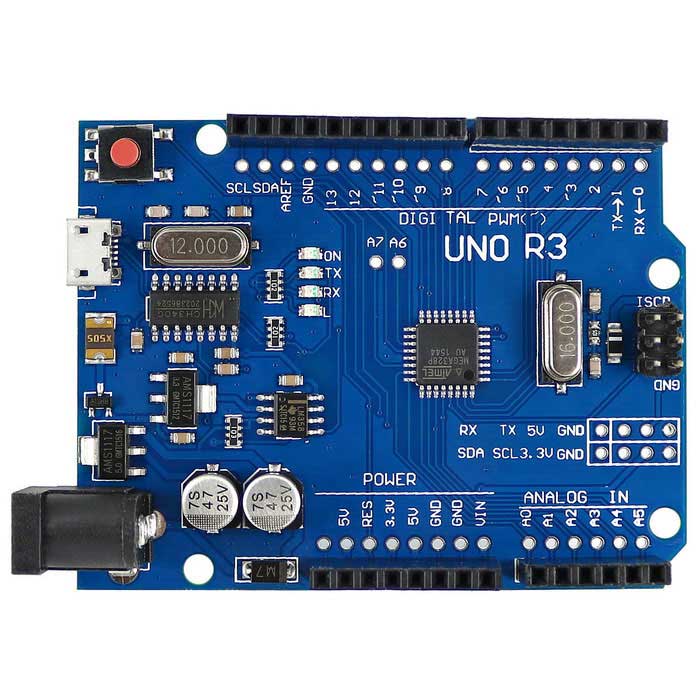
Turn an Arduino Uno into a Synthiam ARCx robot controller with EZB firmware, servos, sensors, PWM, and browser control.
USB
Servos 12
Camera
Audio
UART ✕
I2C
ADC 6
Digital 14
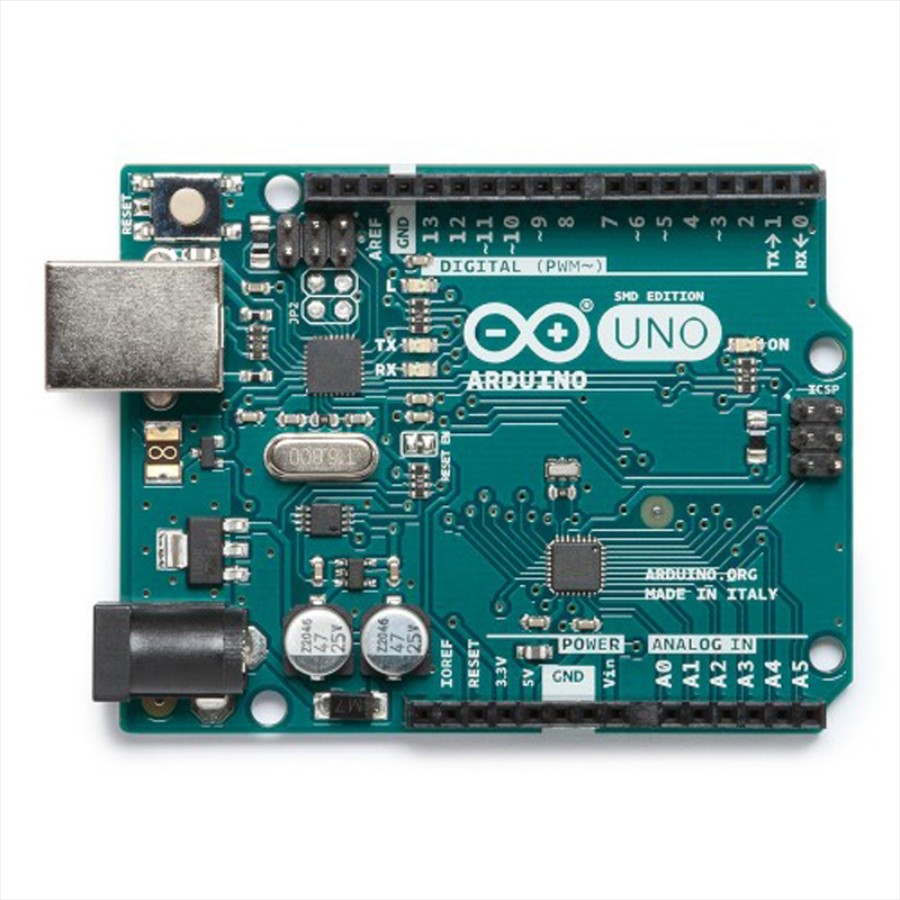
Arduino Leonardo with Synthiam ARCx controls servos, PWM, digital I/O, analog inputs, UART and ultrasonic sensors over USB.
USB
Servos 12
Camera
Audio
UART Varies
I2C
ADC Varies
Digital Varies

BBC

1 platform
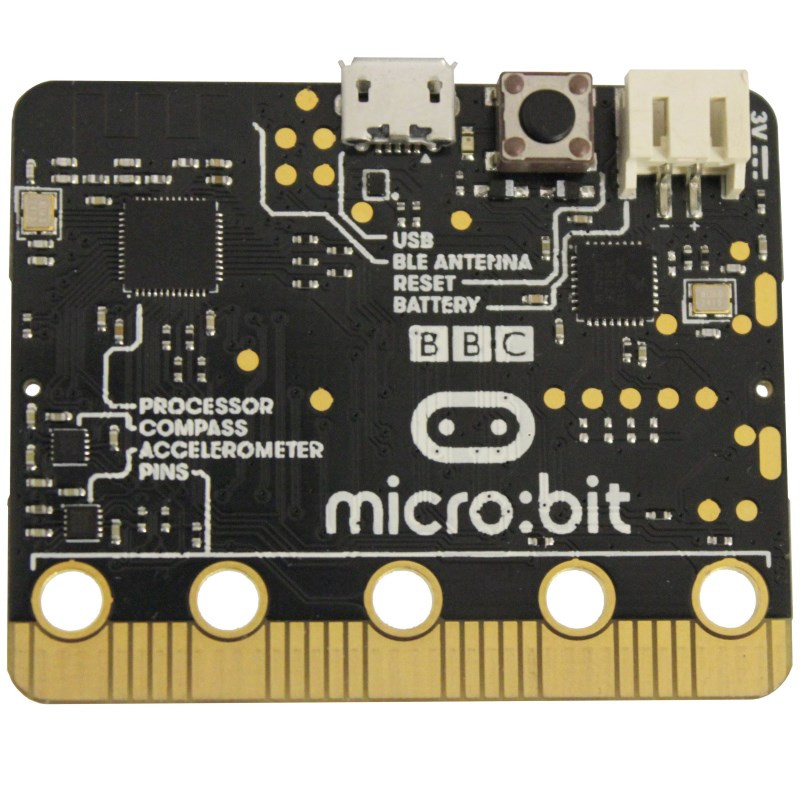
BBC micro:bit with Synthiam ARCx: USB robotics firmware, Blockly coding, digital I/O, analog sensors and PWM control.
USB
Servos Varies
Camera
Audio
UART ✕
I2C
ADC 3
Digital 16

DF Robot

1 platform
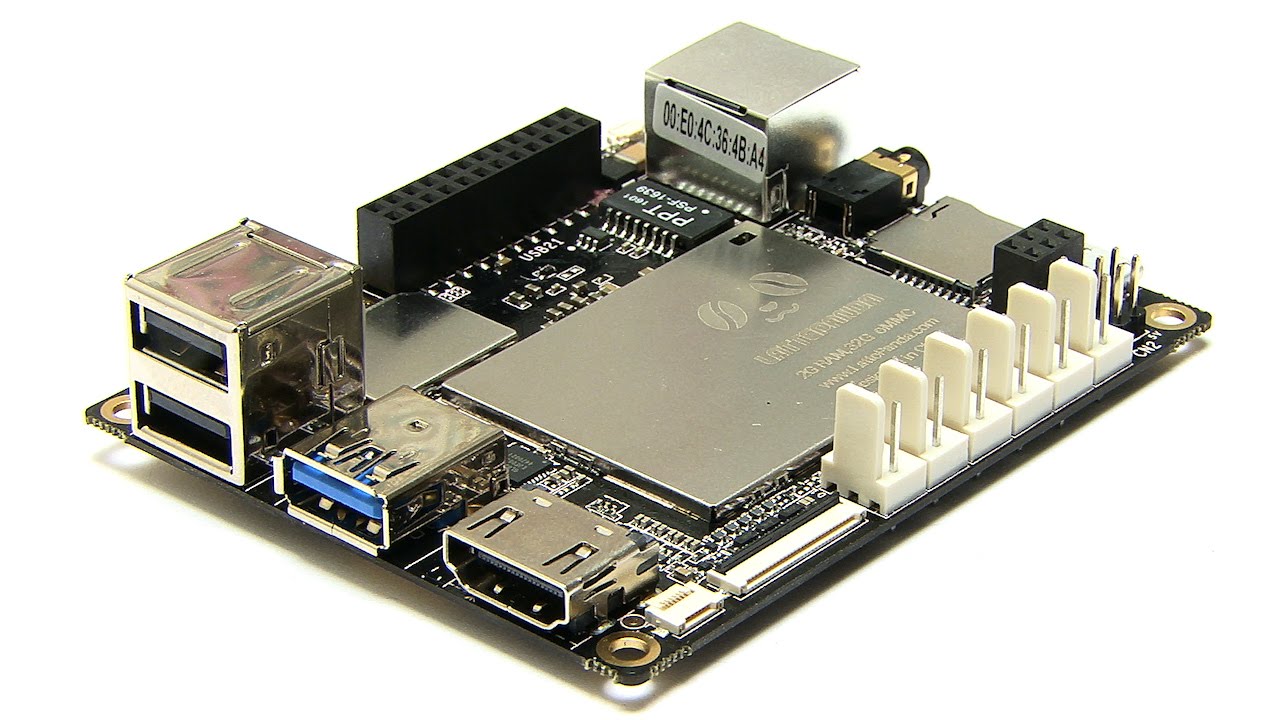
Lattepanda by DF Robot
LattePanda with Synthiam ARCx runs headless, loads EZB firmware on the built-in Arduino, and controls robots from any browser
Wi-Fi / USB
Servos 12
Camera
Audio
UART 1
I2C
ADC 5
Digital 12

DJI

1 platform
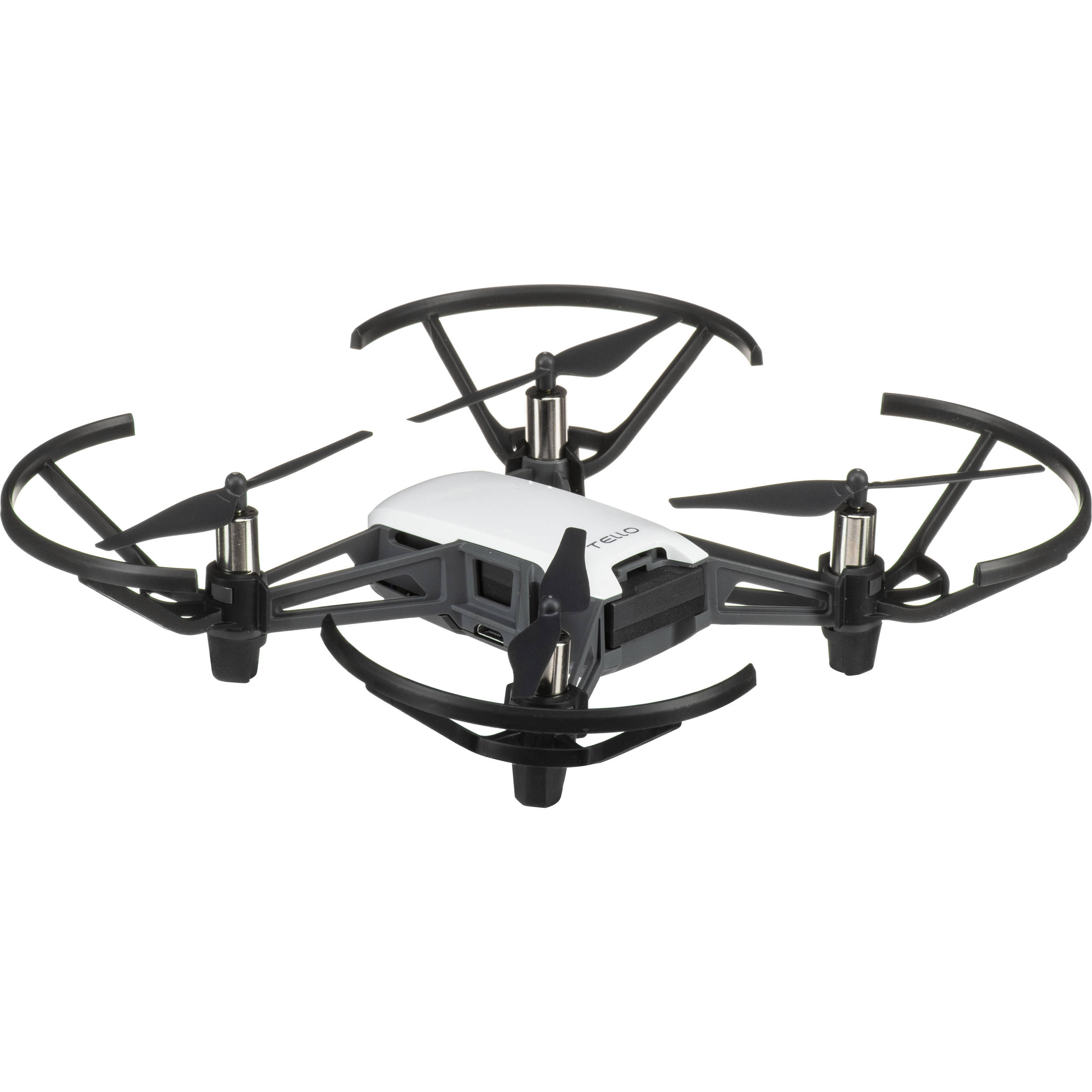
Synthiam ARCx turns DJI Tello into a flying robot with browser control, vision tracking, scripting, telemetry, and safety limits
Wi-Fi
Servos ✕
Camera
Audio
UART ✕
I2C
ADC ✕
Digital ✕

Espressif

2 platforms
Esp32 by Espressif
Flash Synthiam ESP32 firmware to create a Wi-Fi EZB robot controller with ARCx for servos, sensors, scripting and web control
Wi-Fi
Servos Varies
Camera
Audio
UART Varies
I2C
ADC Varies
Digital Varies
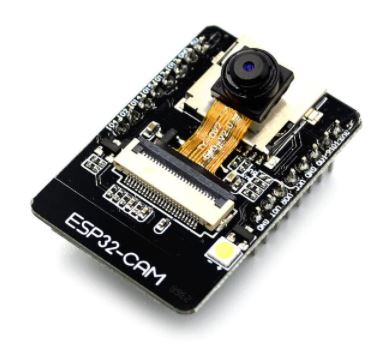
ESP32 Cam by Espressif
ESP32-CAM with Synthiam ARC streams live video for robot vision, digital I/O, sensors, UART, and Wi‑Fi control.
Wi-Fi
Servos Varies
Camera
Audio
UART Varies
I2C
ADC Varies
Digital Varies

EZ-Robot

8 platforms
Adventurebot by EZ-Robot
AdventureBot with Synthiam ARCx: drive, stream live video, follow faces and colors, use speech, AI, and browser control.
Wi-Fi / USB
Servos 24
Camera
Audio
UART 3
I2C
ADC 8
Digital 24
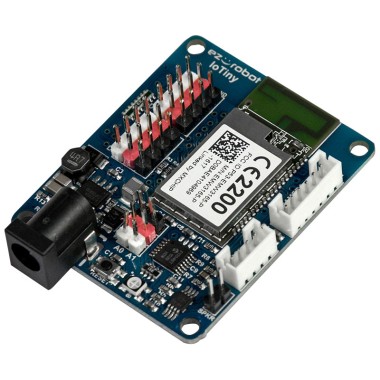
EZ-B Iotiny by EZ-Robot
EZ-B IoTiny works with Synthiam ARCx to control servos, camera, voice, scripts, and IoT from any browser.
Wi-Fi
Servos 8
Camera
Audio
UART None (transmit-only serial on digital ports)
I2C
ADC 2
Digital 8
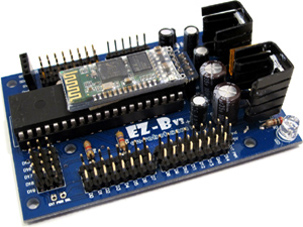
EZ-B V3 by EZ-Robot
EZ-B v3 works with Synthiam ARC via Bluetooth COM port to control servos, sensors, scripts and robot skills.
Bluetooth
Servos 24
Camera
Audio
UART ✕
I2C
ADC 8
Digital 24
EZ-B V4 by EZ-Robot
EZ-B v4 with Synthiam ARCx controls servos, sensors, camera and audio over Wi-Fi or USB serial, no firmware needed.
Wi-Fi / USB
Servos 24
Camera
Audio
UART 3
I2C
ADC 8
Digital 24
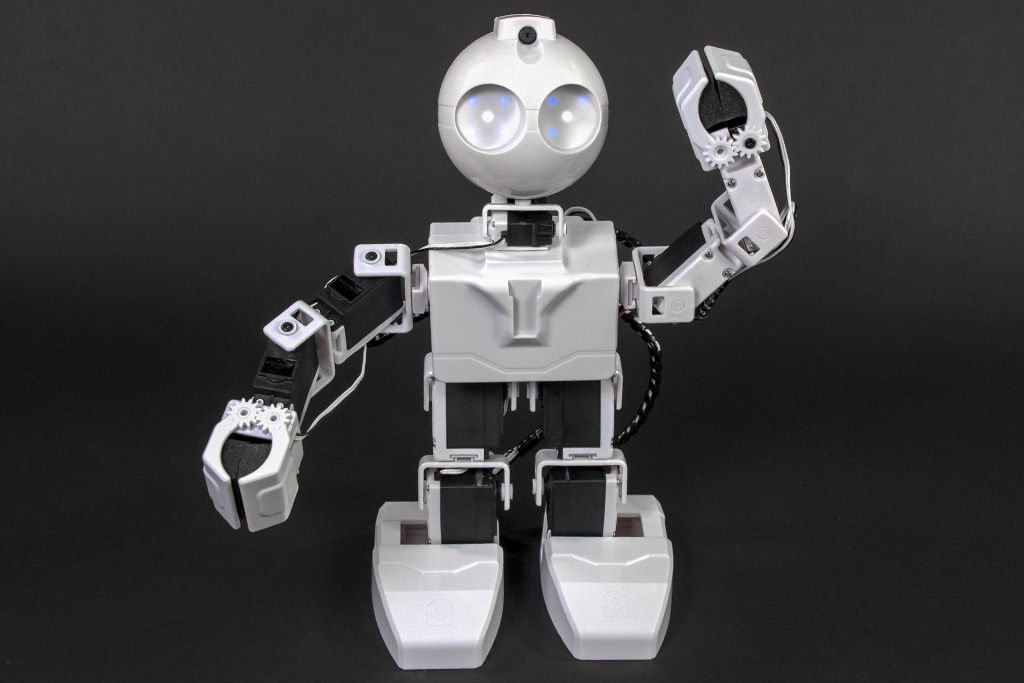
JD Humanoid by EZ-Robot
JD Humanoid with Synthiam ARCx: pose, animate, walk, voice, vision, and AI control from any browser.
Wi-Fi / USB
Servos 24
Camera
Audio
UART 3
I2C
ADC 8
Digital 24
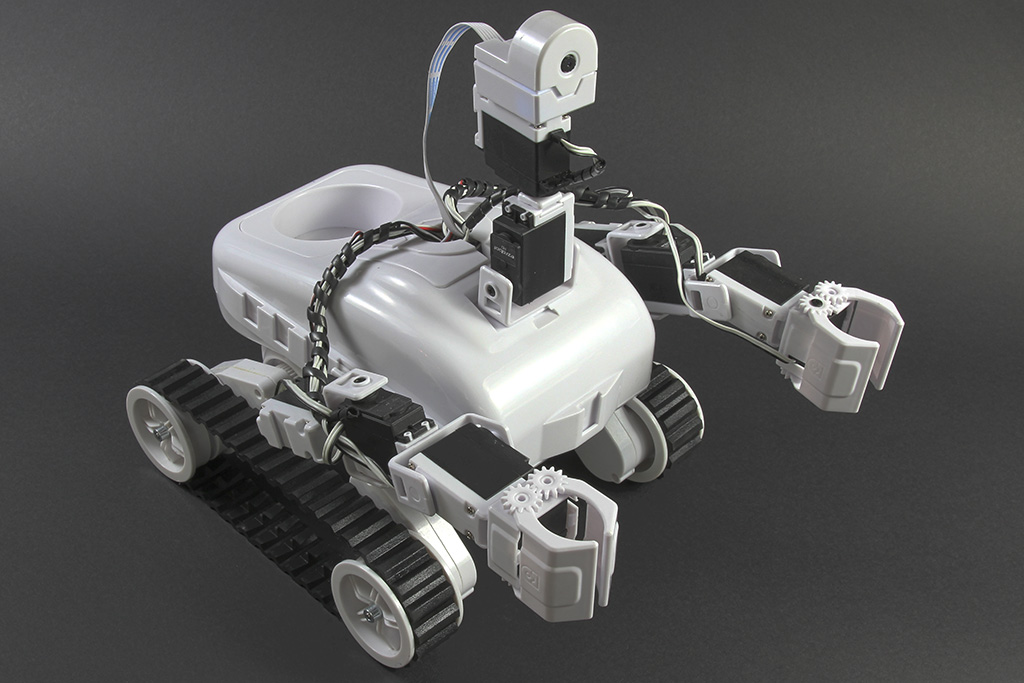
Roli Rover by EZ-Robot
Roli Rover with Synthiam ARCx: drive with live video, control arms, follow faces, patrol, and program with Blockly or Python
Wi-Fi / USB
Servos 24
Camera
Audio
UART 3
I2C
ADC 8
Digital 24
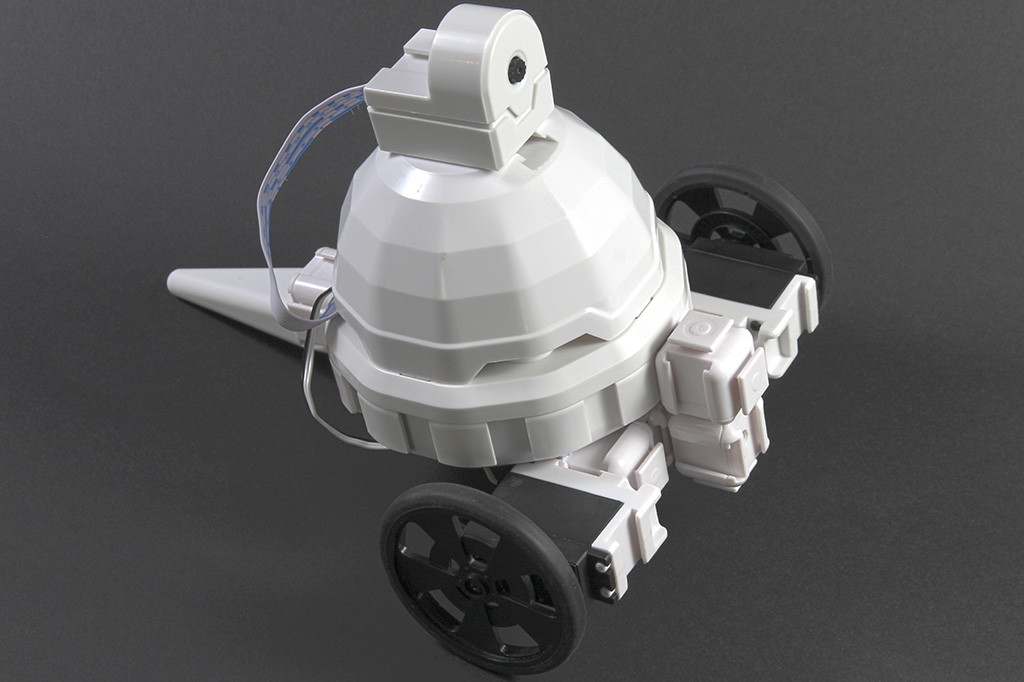
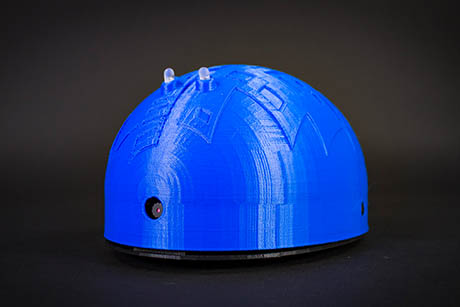
Shell-E by EZ-Robot
Shell-E 3D-printed robot kit uses Synthiam ARCx to drive, see, speak, code, and teach robotics with IoTiny and browser control
Wi-Fi
Servos 8
Camera
Audio
UART ✕
I2C
ADC 2
Digital 8
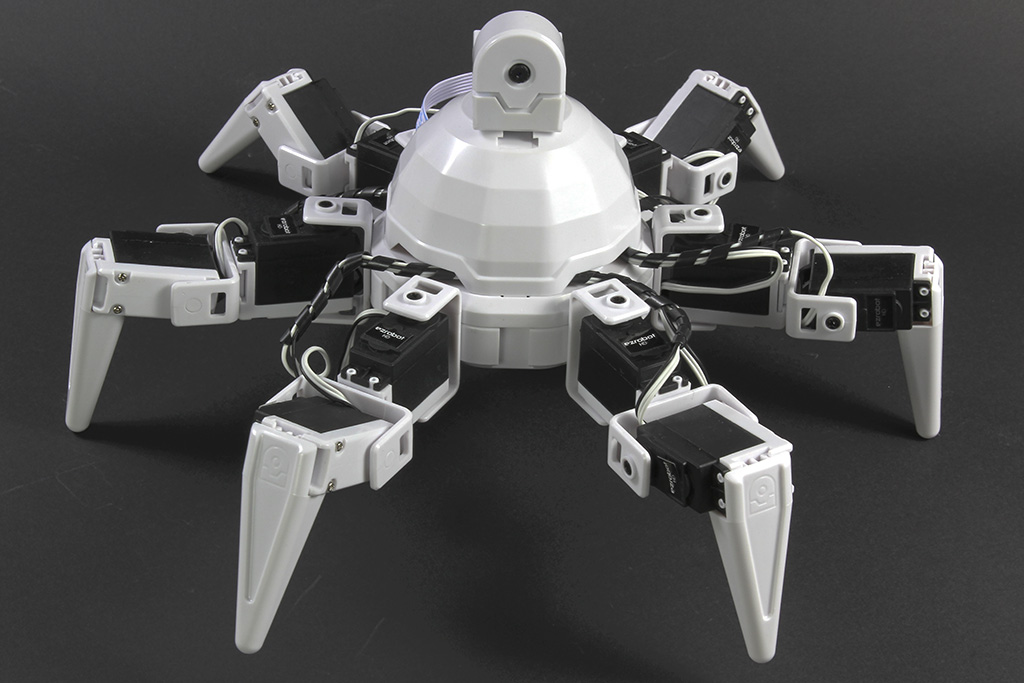
Six Hexapod by EZ-Robot
Synthiam ARCx controls Six Hexapod with Auto Position gaits, joystick, voice, AI, vision tracking, and browser access.
Wi-Fi / USB
Servos 24
Camera
Audio
UART 3
I2C
ADC 8
Digital 24

EZ-Robot & Gael Langevin

1 platform
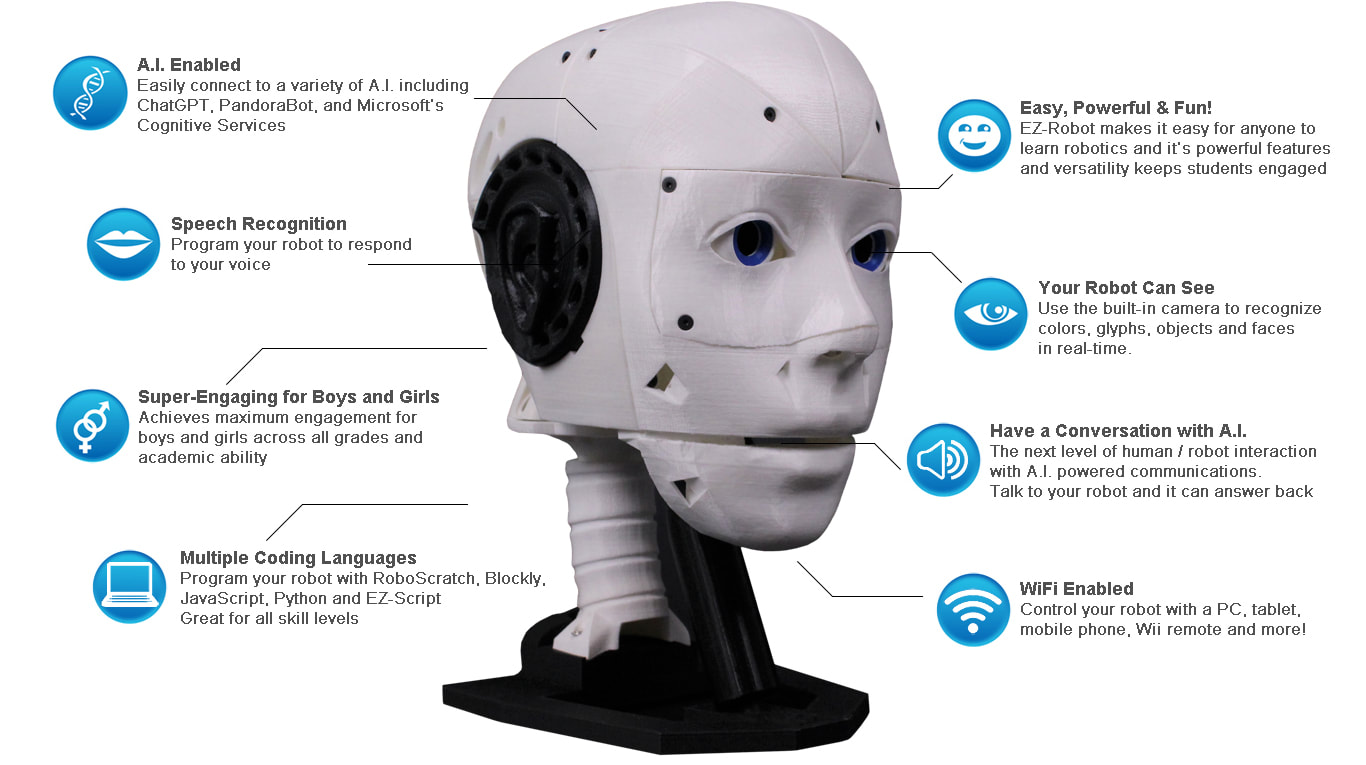
EZ-Inmoov Robot Head by EZ-Robot & Gael Langevin
EZ-InMoov Robot Head with Synthiam ARCx: face tracking, speech recognition, Talk Servo jaw motion and AI conversation
Wi-Fi
Servos 8
Camera
Audio
UART ✕
I2C
ADC 2
Digital 8

iRobot

1 platform
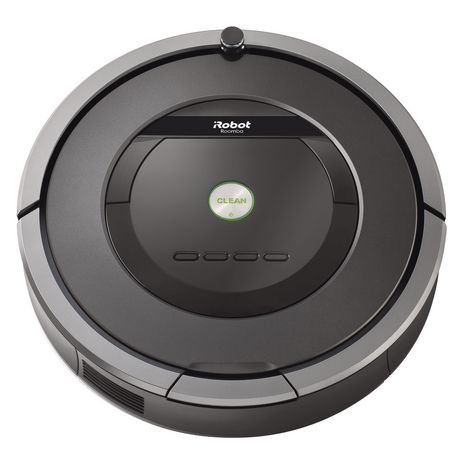
Roomba by iRobot
Synthiam ARCx turns iRobot Roomba into a drivable robot with scripts, sensors, browser control, and AI-ready robotics skills.
Controller Dependant
Servos ✕
Camera
Audio
UART ✕
I2C
ADC ✕
Digital ✕

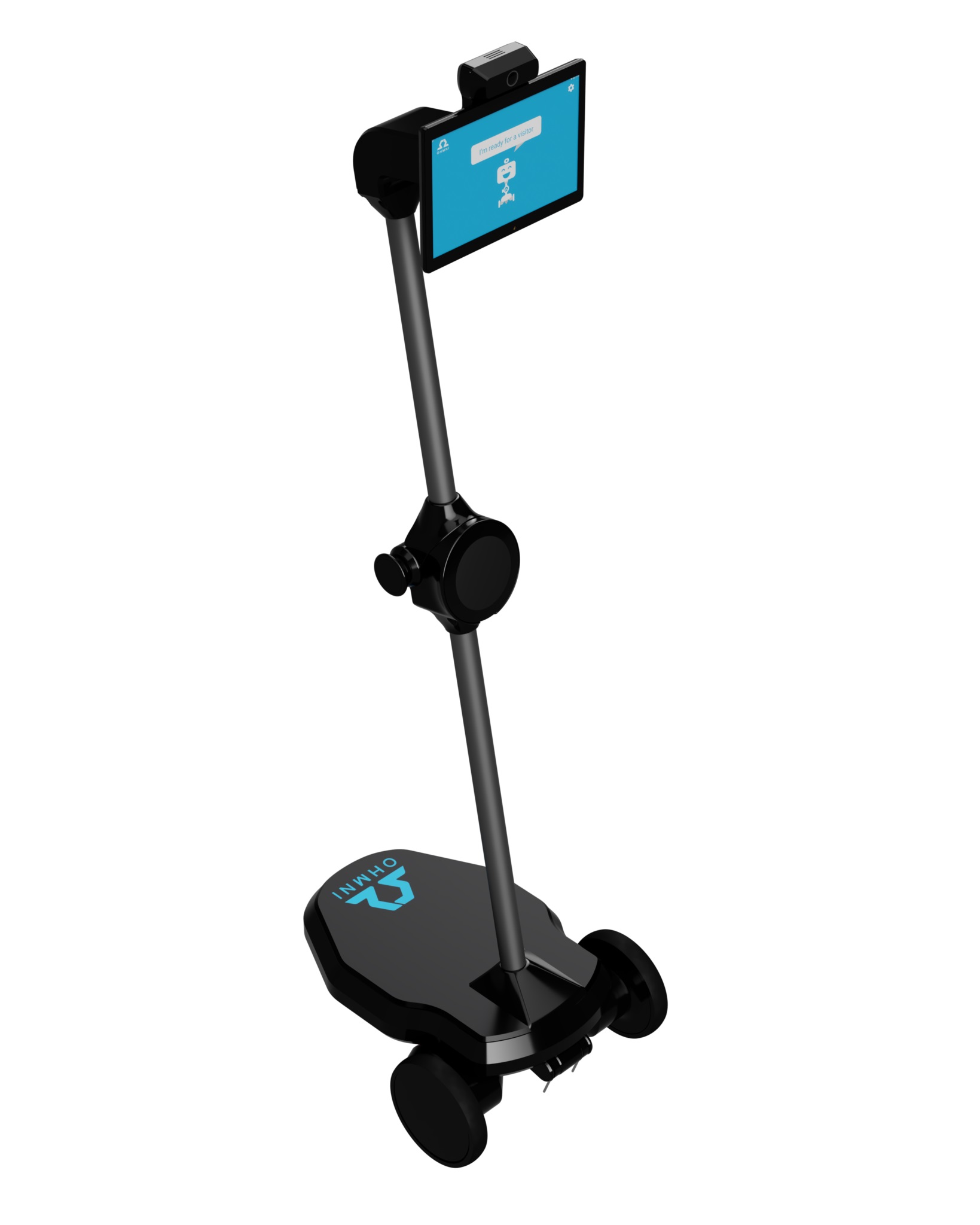
Ohmnilabs

1 platform
Synthiam ARCx turns Ohmni into a programmable telepresence robot with remote driving, vision, AI, battery, dock and light ring control.
Wi-Fi
Servos 1
Camera
Audio
UART ✕
I2C
ADC ✕
Digital ✕

Open Robotics

2 platforms
ROS by Open Robotics
Synthiam ARCx connects ROS 1 robots via rosbridge for browser control, Blockly, JavaScript, AI, speech, vision, and ROS 2 migration.
Network (rosbridge WebSocket)
Servos Varies
Camera
Audio
UART Varies
I2C
ADC Varies
Digital Varies
ROS 2 by Open Robotics
Synthiam ARCx ROS 2 Connector adds browser-based control, drag-and-drop skills, voice, vision and AI to ROS 2 robots
Network (rosbridge WebSocket)
Servos Varies
Camera
Audio
UART Varies
I2C
ADC Varies
Digital Varies

Parrot

1 platform
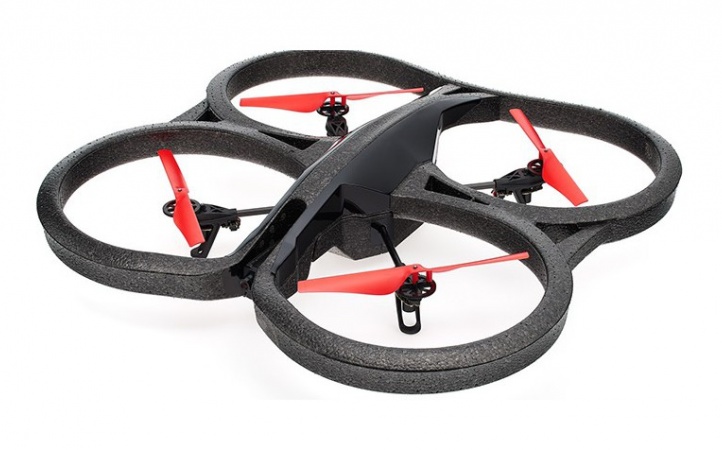
Fly Parrot AR.Drone in Synthiam ARC with joysticks, voice, scripts and camera tracking over Wi-Fi.
Wi-Fi
Servos ✕
Camera
Audio
UART ✕
I2C
ADC ✕
Digital ✕

Pi Foundation

1 platform
Raspberry Pi by Pi Foundation
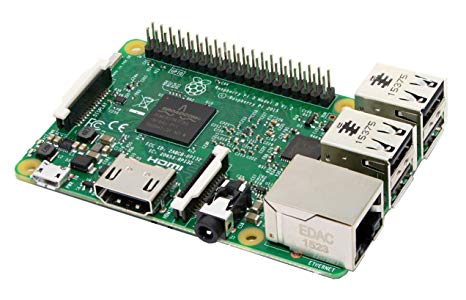
Synthiam ARCx runs natively on Raspberry Pi 4/5, controlling robots via browser with EZB controllers, vision, speech and scripting.
Wi-Fi
Servos ✕
Camera
Audio
UART ✕
I2C
ADC ✕
Digital ✕

Radxa

1 platform
Rock Pi X by Radxa
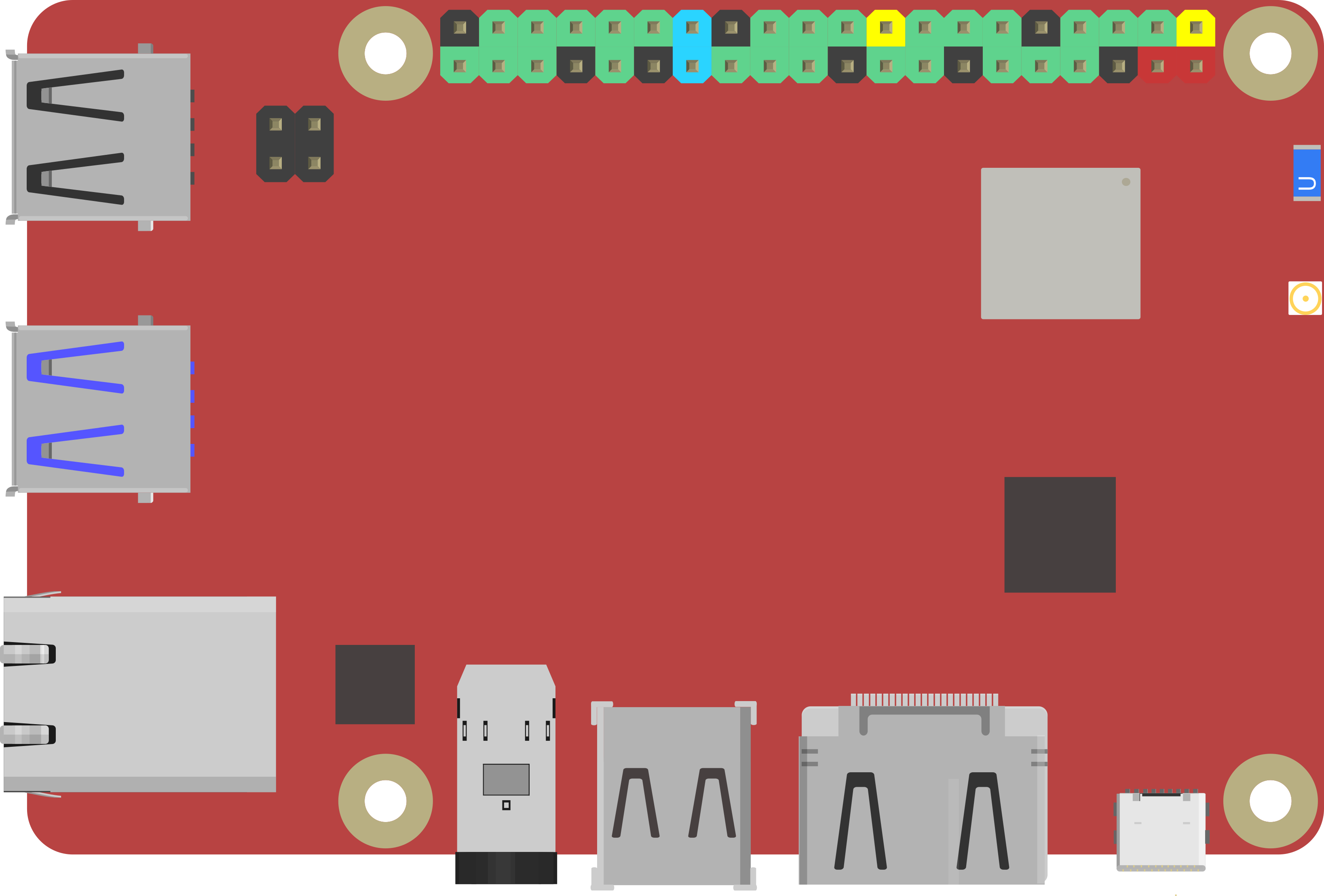
ROCK Pi X runs Synthiam ARCx as an onboard x86 robot brain for browser control, vision, voice, scripts and EZB I/O.
Wi-Fi / USB
Servos ✕
Camera
Audio
UART ✕
I2C
ADC ✕
Digital ✕

Robotis

5 platforms
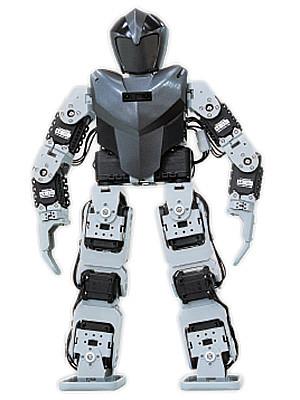
Bioloid by Robotis
Bioloid humanoid with Synthiam ARCx: control AX-12 servos, create gaits, gestures, voice, AI and vision from any browser
USB
Servos 200
Camera
Audio
UART ✕
I2C
ADC ✕
Digital ✕
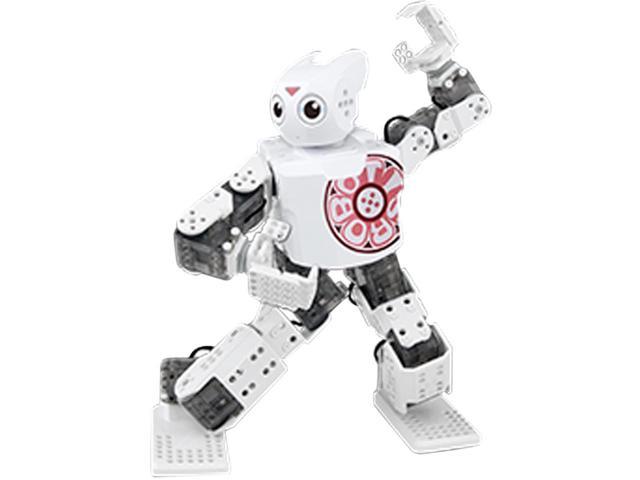
Darwin Mini by Robotis
Control Darwin Mini in Synthiam ARCx with firmware, servo animation, Blockly, JavaScript, Python, voice, and AI skills.
USB / Bluetooth
Servos 16
Camera
Audio
UART ✕
I2C
ADC ✕
Digital ✕
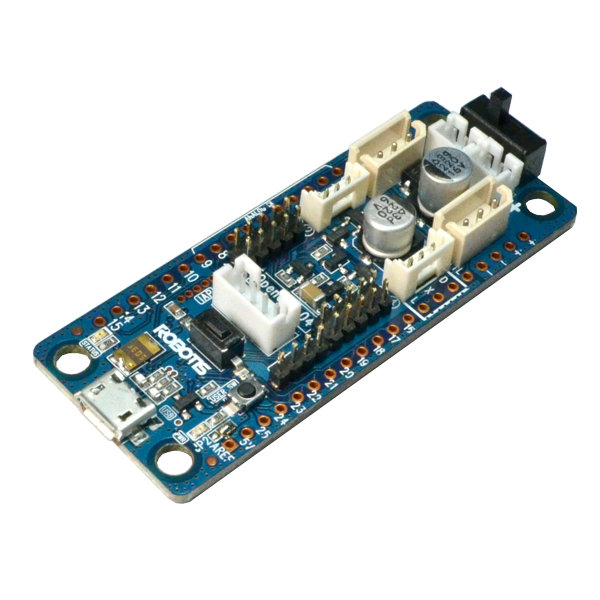
Opencm 9.04 by Robotis
OpenCM 9.04 with Synthiam ARCx drives Dynamixel servos in a web browser for animations, scripts, AI and hardware I/O
USB
Servos 200
Camera
Audio
UART ✕
I2C
ADC ✕
Digital ✕
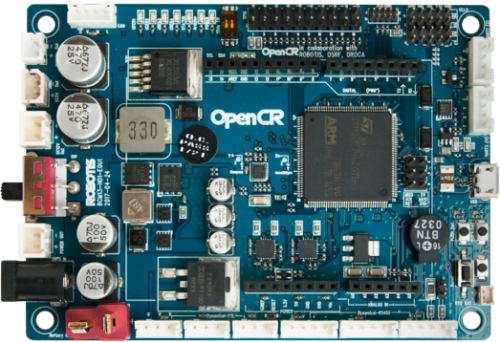
Opencr by Robotis
Turn OpenCR into an EZB controller for ARCx: drive Dynamixel servos, PWM, sensors, UART and scripts at 921,600 baud.
USB
Servos 200
Camera
Audio
UART ✕
I2C
ADC ✕
Digital ✕
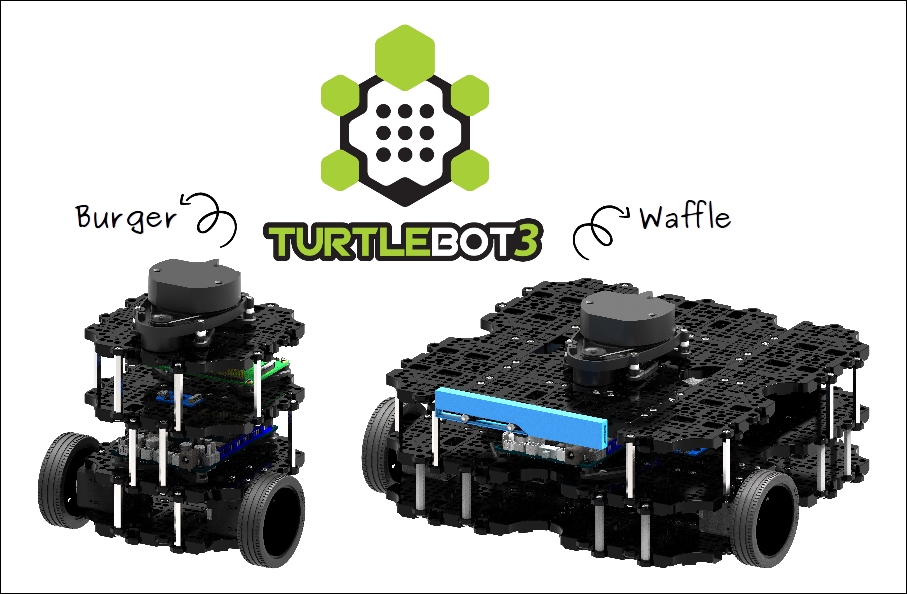
Turtlebot 3 by Robotis
Program TurtleBot 3 with Synthiam ARCx or ARC: ROS 2 bridge, browser control, Blockly, Python, lidar, RealSense and robot skills
Wi-Fi / USB
Servos 200
Camera
Audio
UART Varies
I2C
ADC Varies
Digital Varies

Sain

1 platform
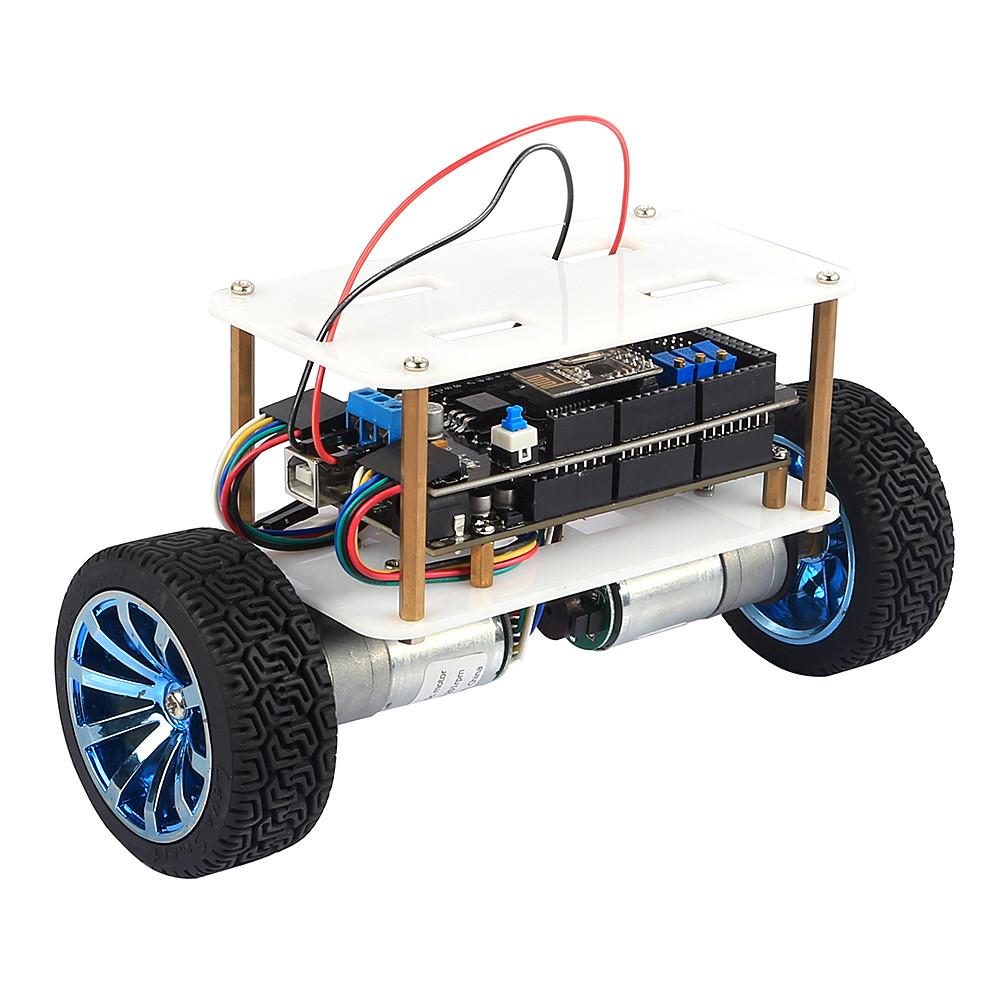
Synthiam ARC balances, tunes, and drives the SainSmart Upright Rover v3 with live PID, scripts, joysticks, and AI.
USB
Servos ✕
Camera
Audio
UART ✕
I2C
ADC ✕
Digital ✕

Sphero

1 platform
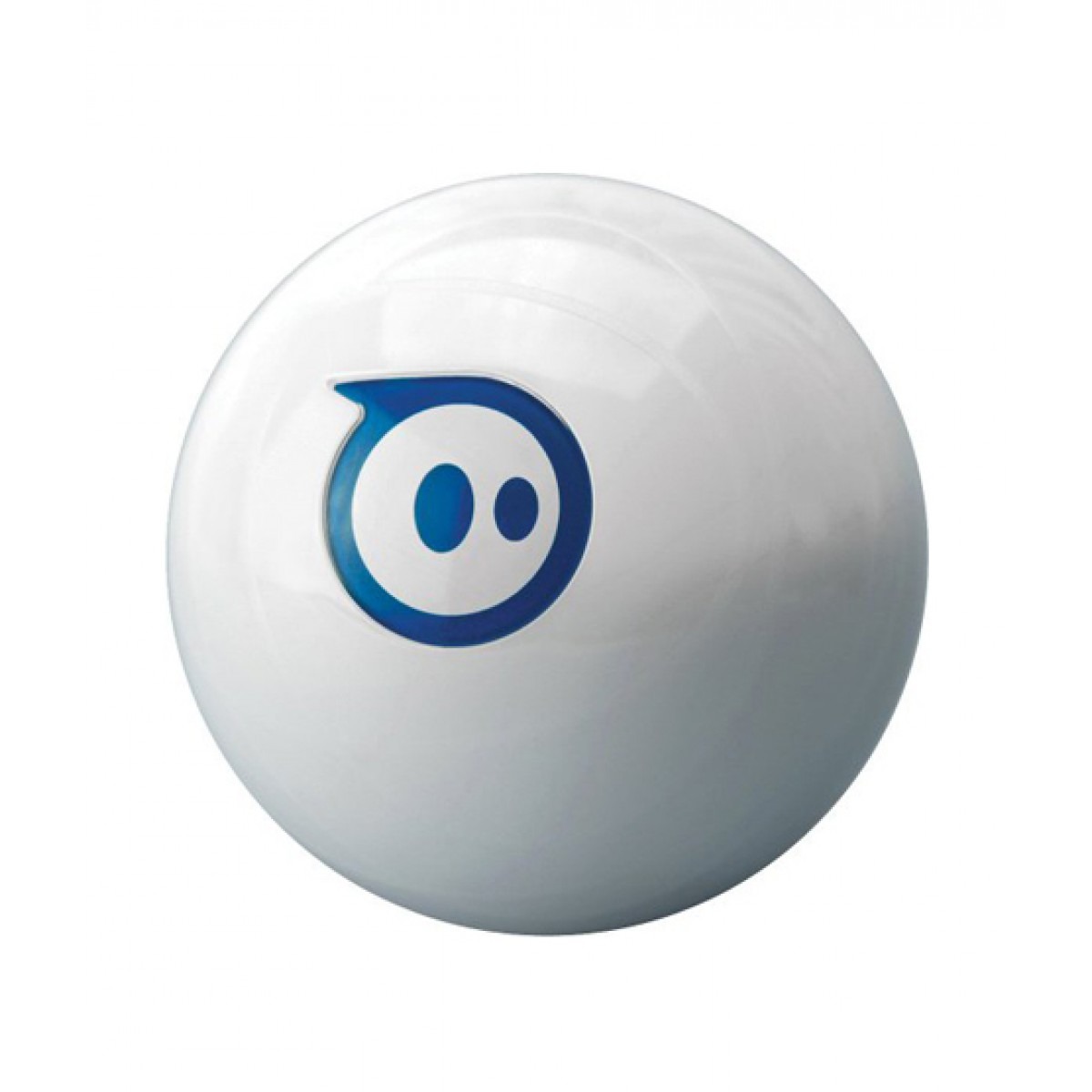
Sphero by Sphero
Drive Sphero from Synthiam ARC with Bluetooth, voice control, scripts, chatbot skills and more on Windows 10/11.
Bluetooth
Servos ✕
Camera
Audio
UART ✕
I2C
ADC ✕
Digital ✕

Team IoT

1 platform
Atomic Pi by Team IoT
Atomic Pi runs Synthiam ARCx on Windows or Ubuntu as a browser-controlled robot brain with EZB, vision, speech, scripts and AI agents
Wi-Fi / USB
Servos ✕
Camera
Audio
UART ✕
I2C
ADC ✕
Digital ✕

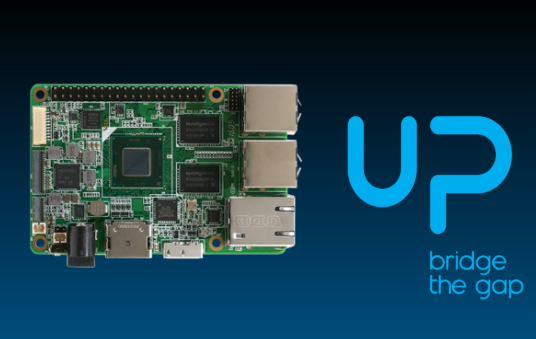
Up

1 platform
Turn an UP Board into a robot brain with ARCx, browser control, EZB connection, vision, voice, scripting and headless operation
Wi-Fi / USB
Servos ✕
Camera
Audio
UART ✕
I2C
ADC ✕
Digital ✕

Viam

1 platform
Viam by Viam
Synthiam ARCx adds a browser-based interface for Viam robots with joystick control, vision, speech, scripting and touch screens.
Network (gRPC)
Servos Varies
Camera
Audio
UART Varies
I2C
ADC Varies
Digital Varies

Didn't find the robot hardware you're looking for? Let us know

Learn How To Make a Robot

🚀

ARC provides makers, hobbyists, students and educators with a toolbox of reusable technologies for prototyping and programming robots quickly. Robot Skills are created by industry experts and published in Synthiam’s Skill Store for DIY builders, classrooms and university labs. From a first hobby robot to a full classroom curriculum, ARC’s getting started guide will have you programming in minutes. Taking a robot to market or onto the factory floor? ARCx is built for robot builders, enterprise and industry.

Visit the Getting Started Guide
Synthiam World