
Connect Your Robot to Exosphere
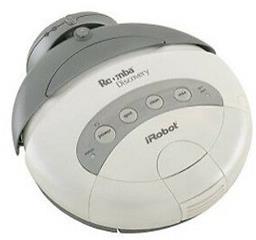
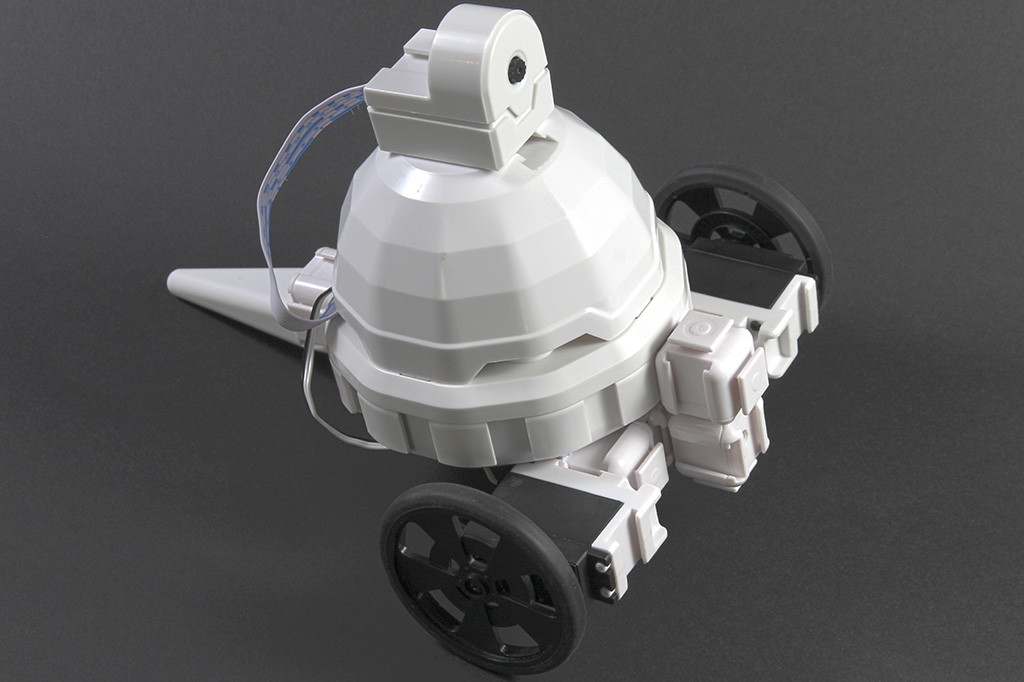
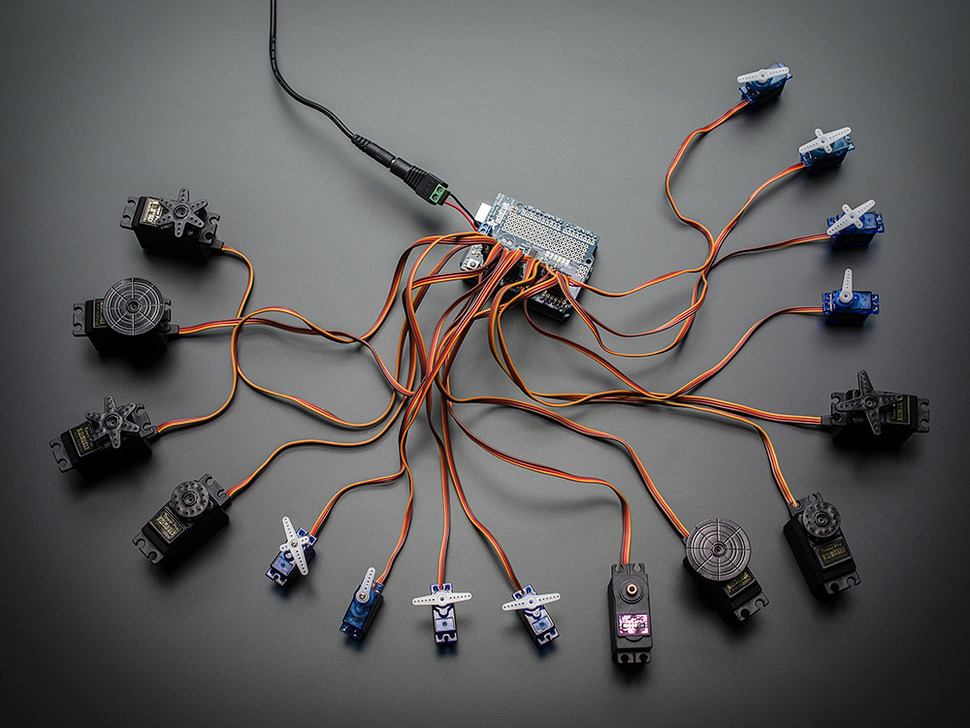
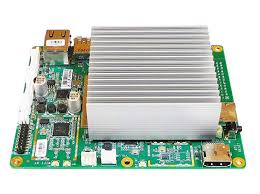
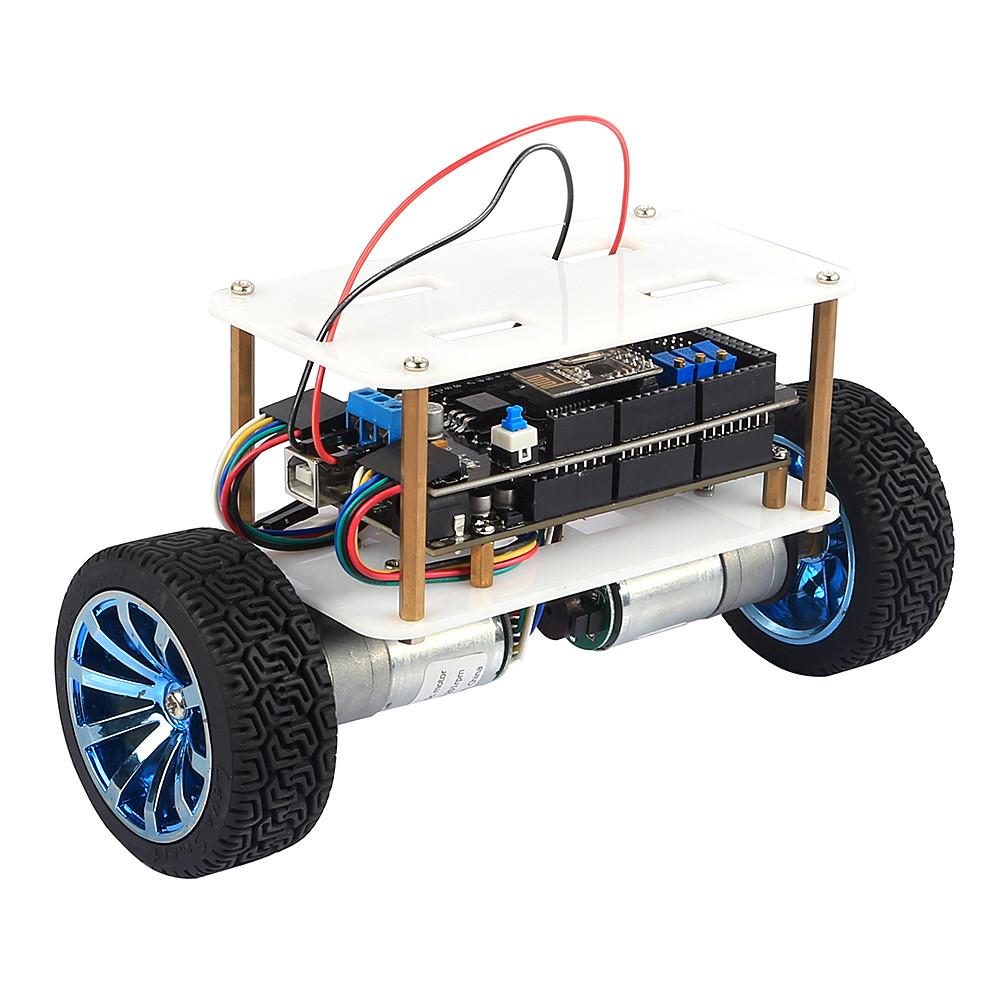
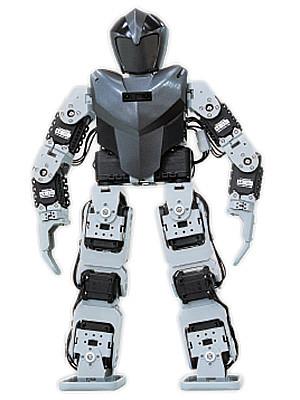
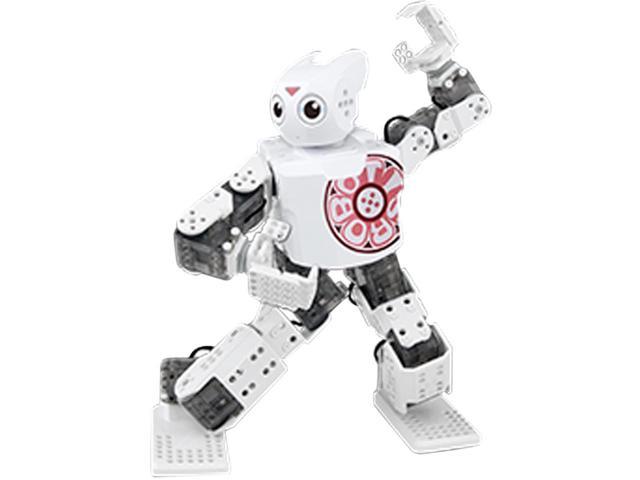
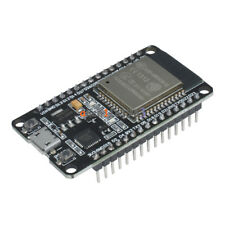
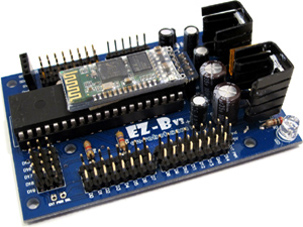
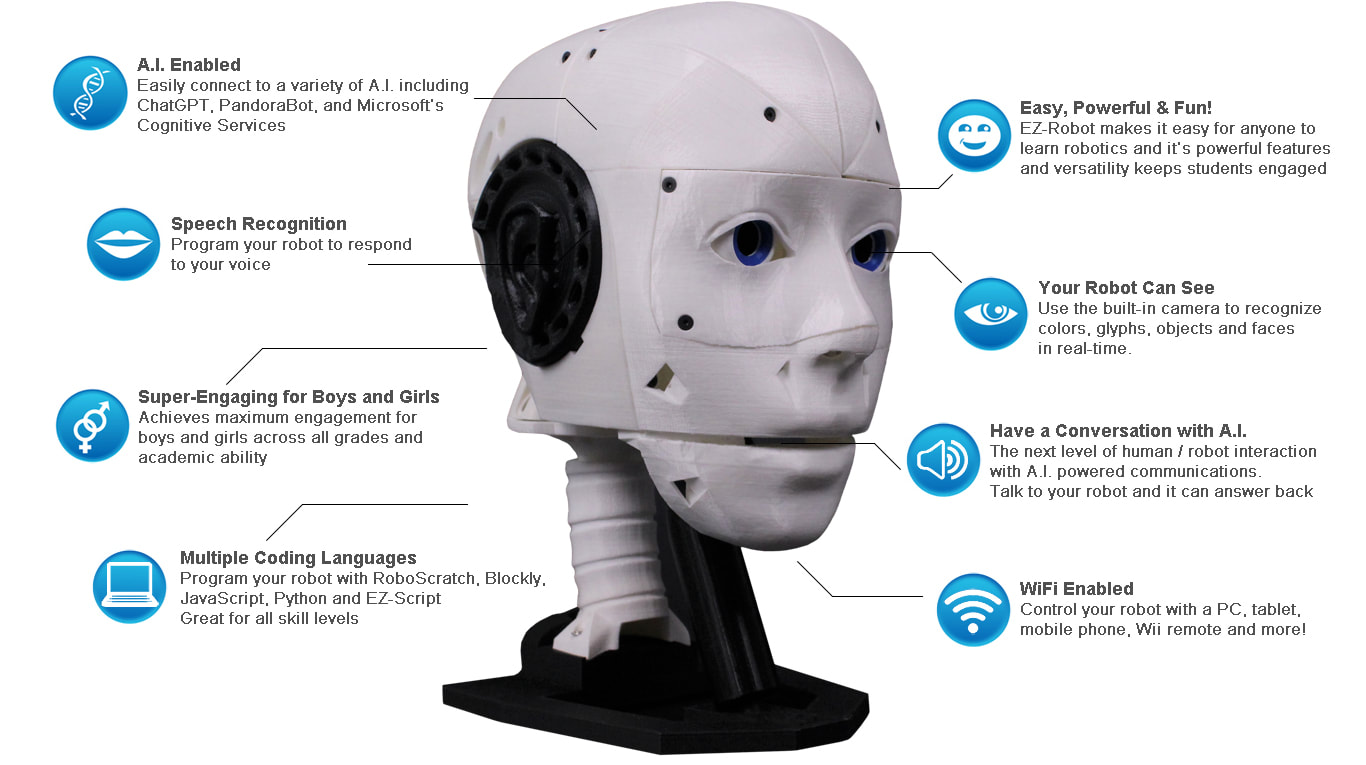
Any robot is compatible — humanoids, drones, wheelers, or custom builds. Install the Exosphere Robot Skill in ARC, and your robot is instantly available for remote control and autonomous task training from anywhere in the world.
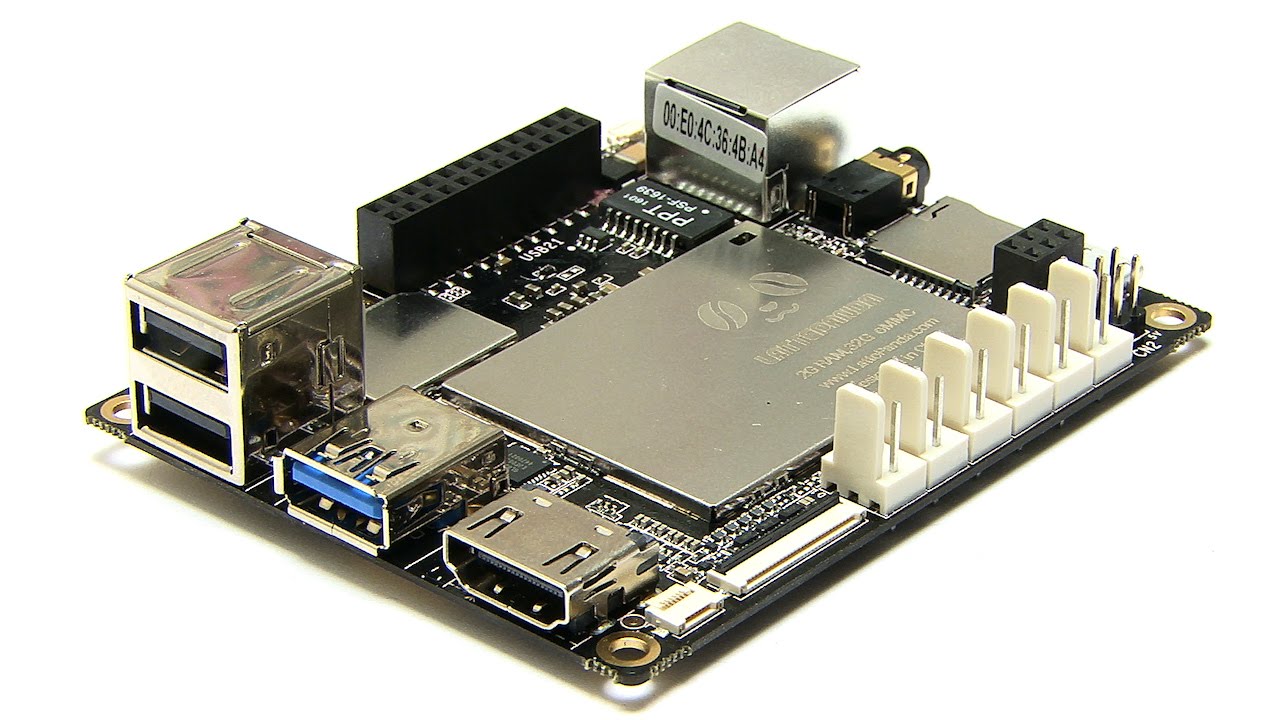
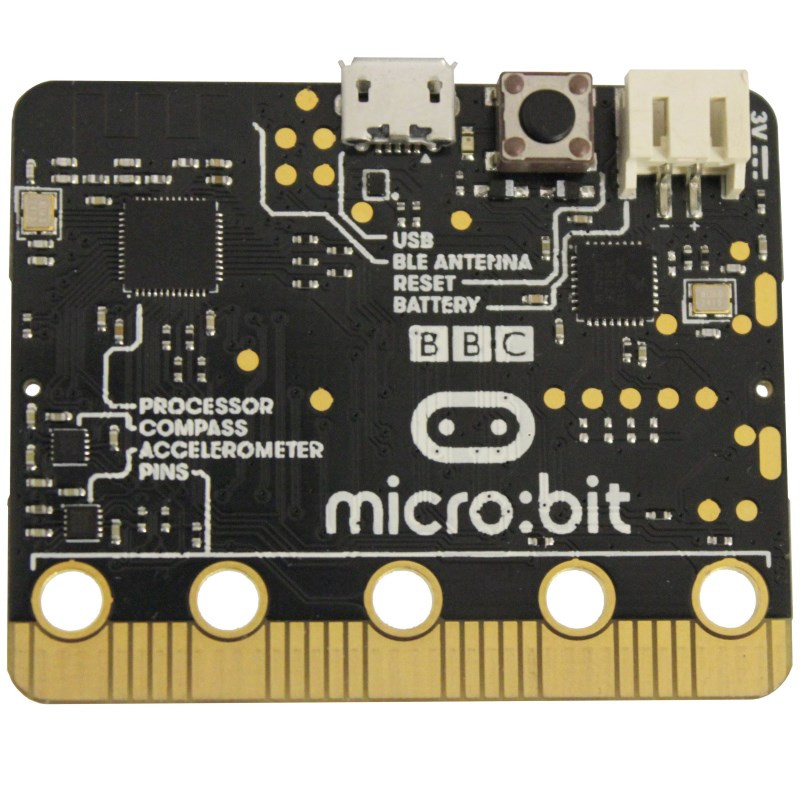
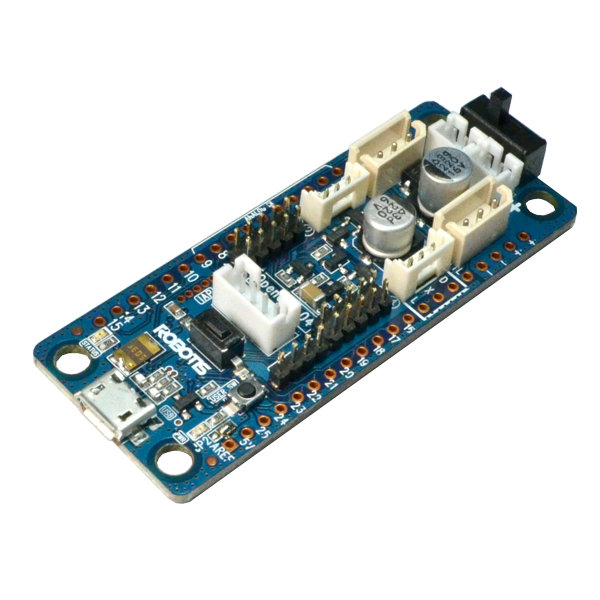
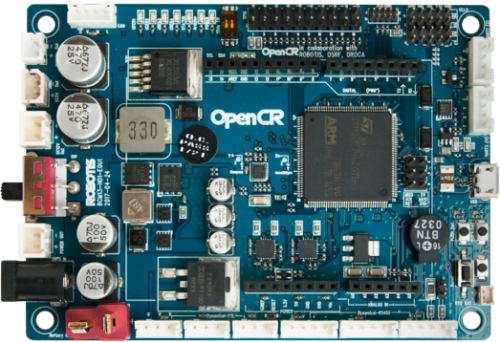
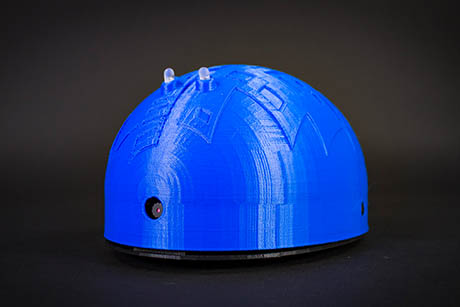
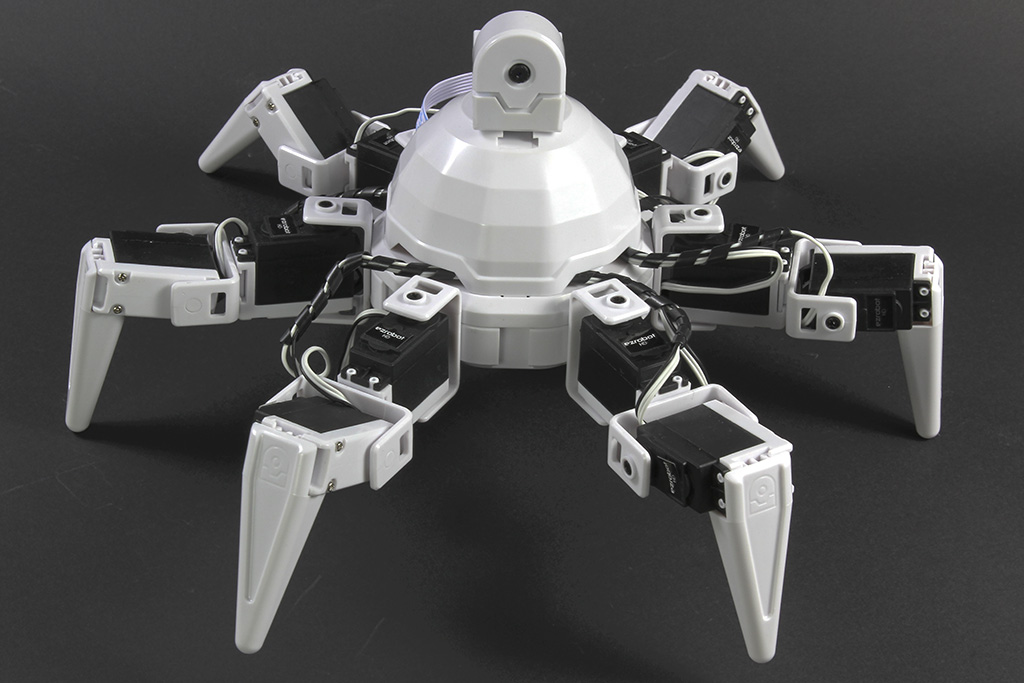
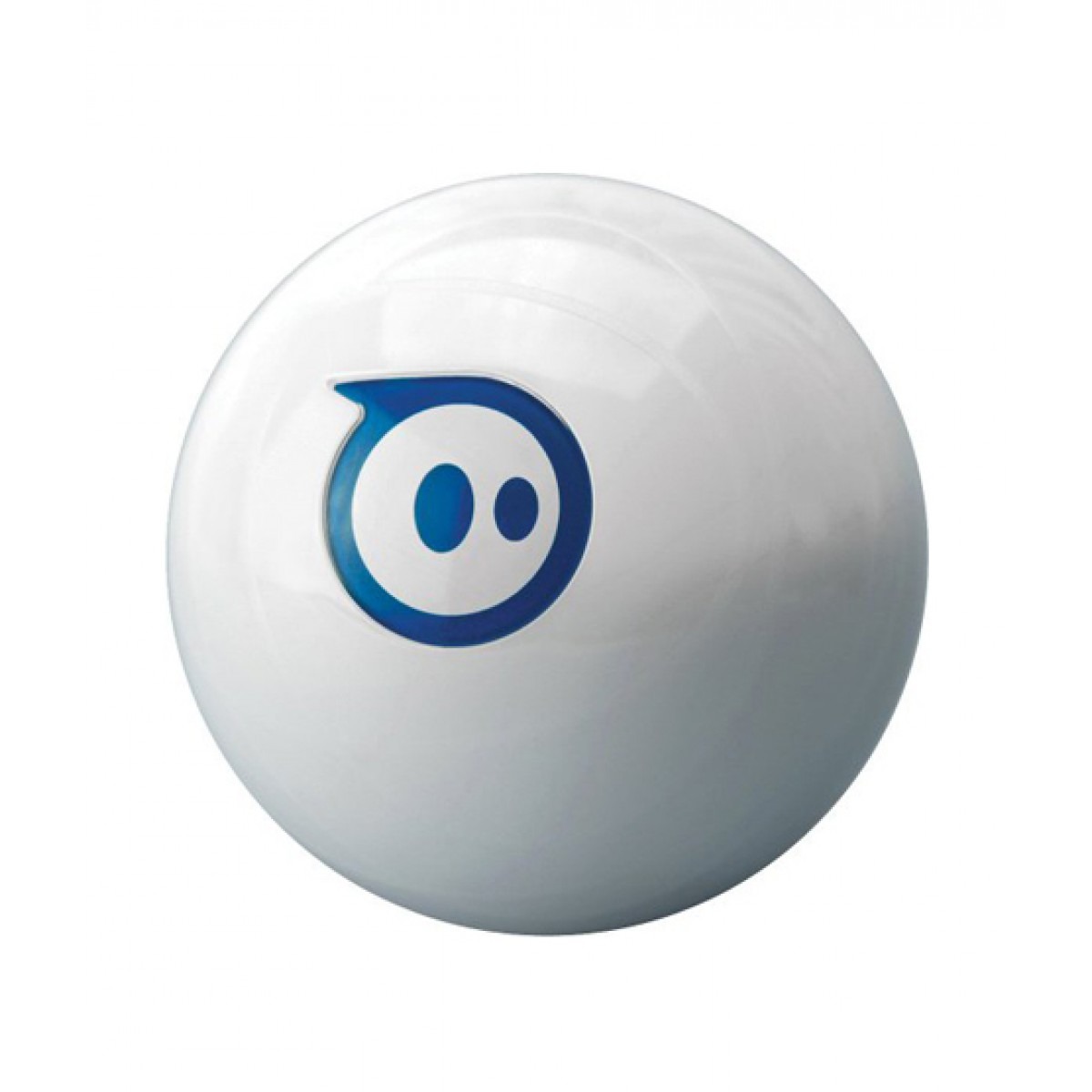
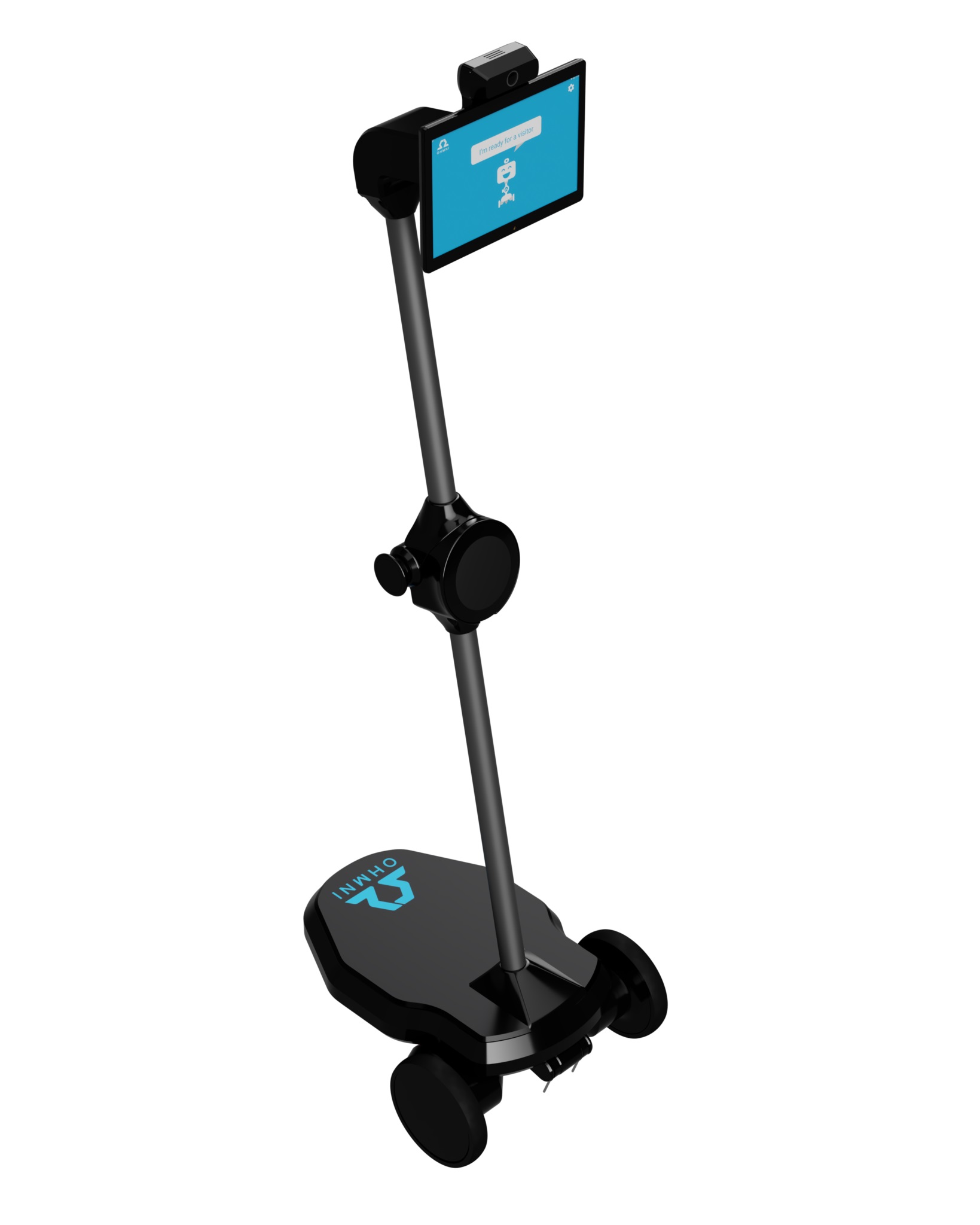
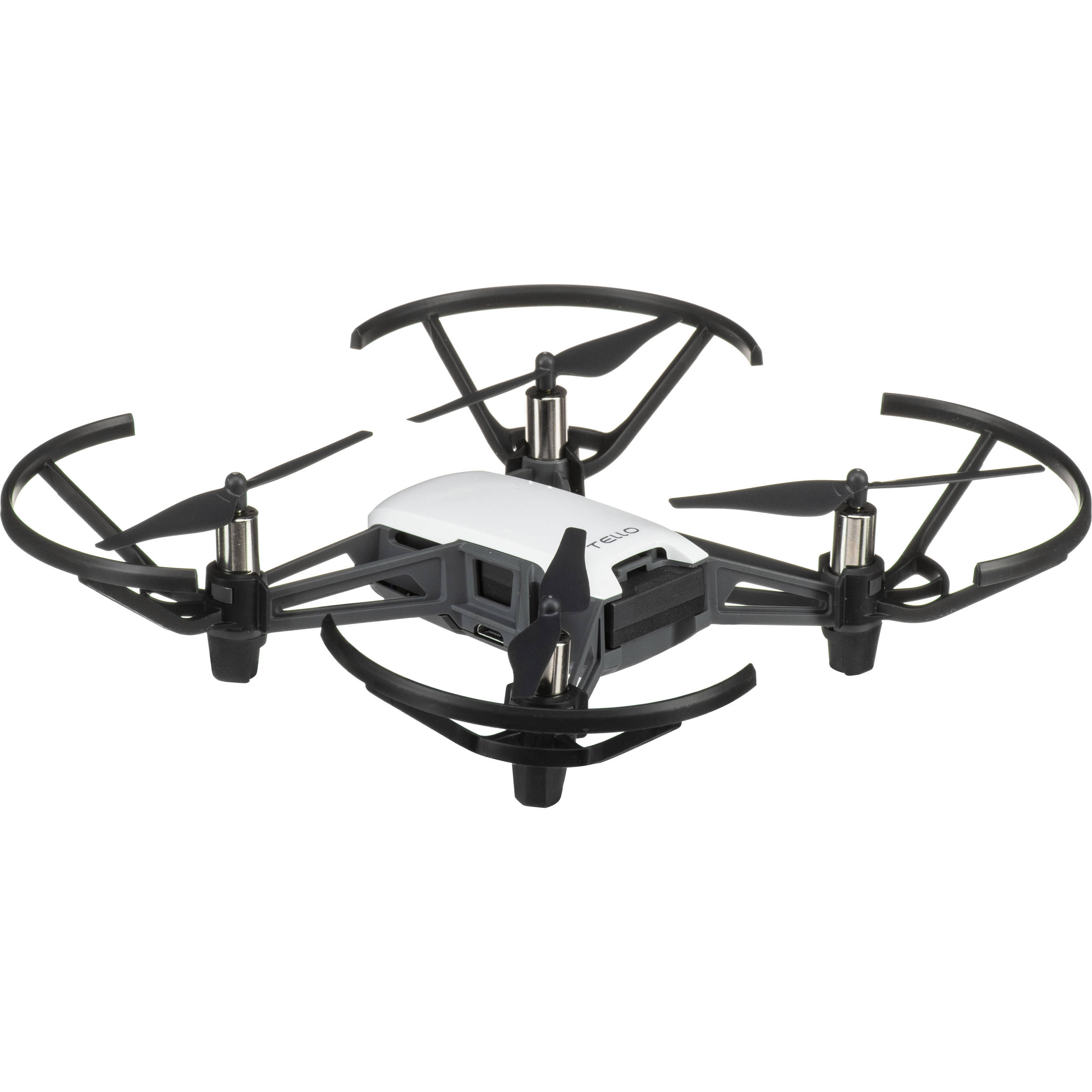
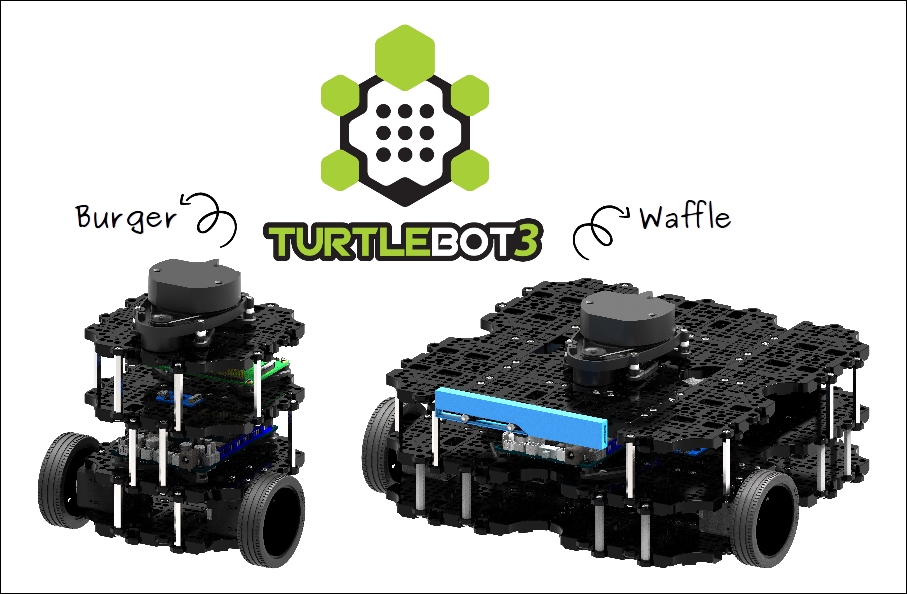
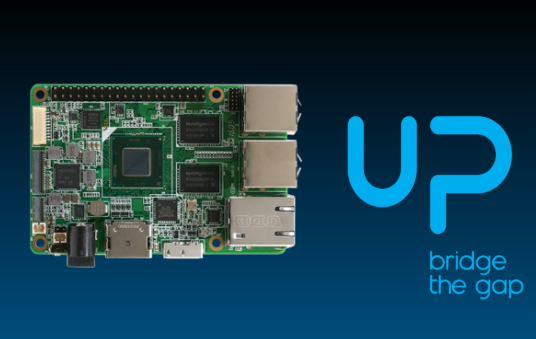
Supported Robot Products
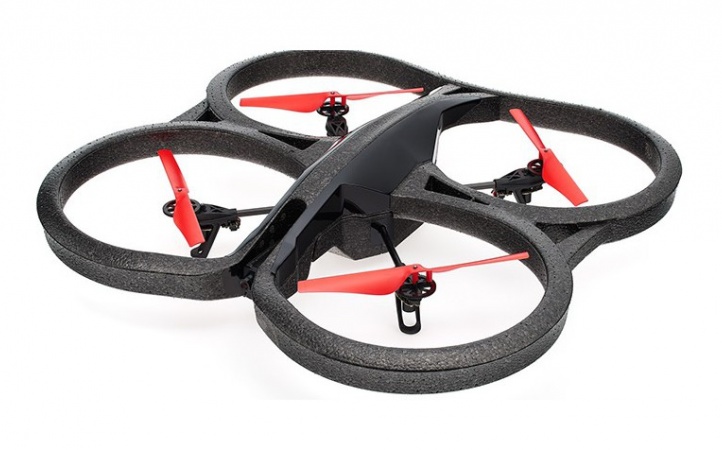
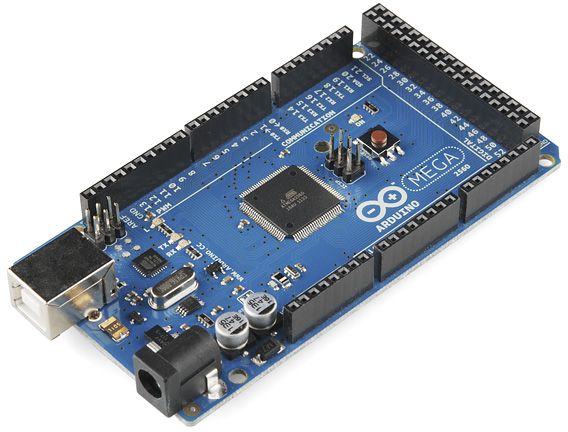
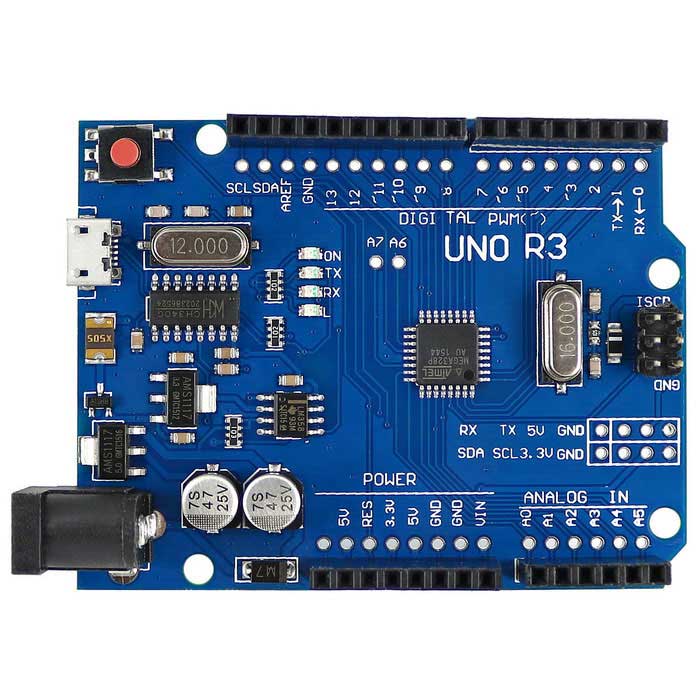
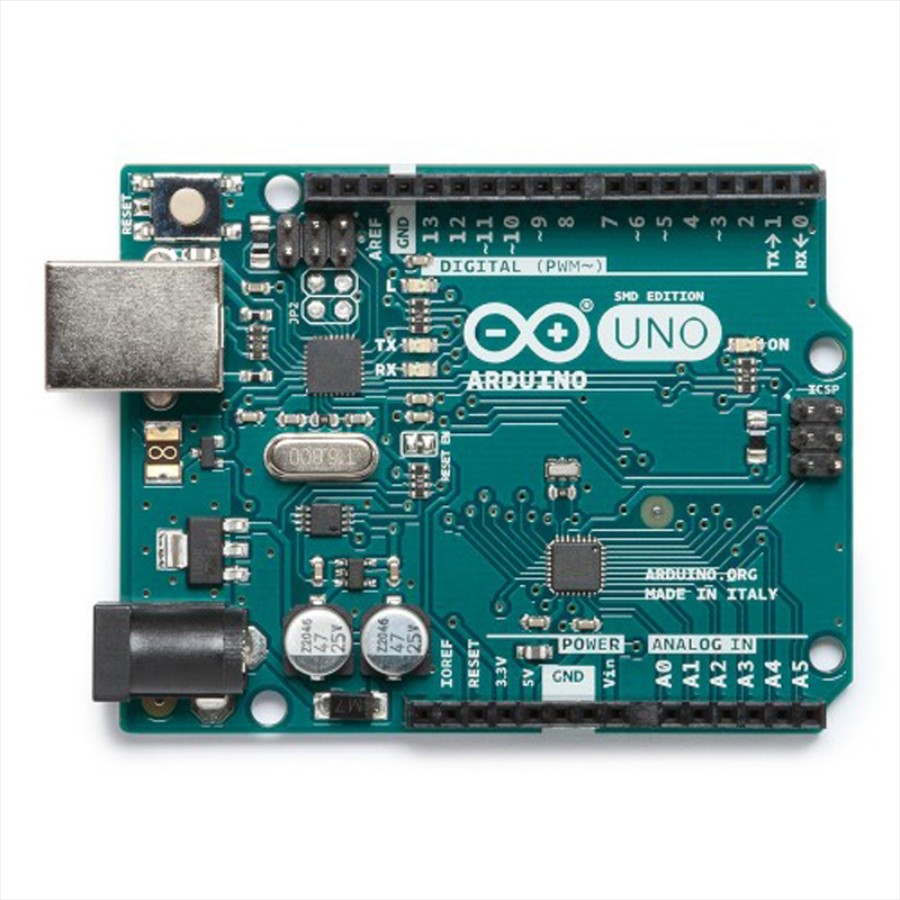




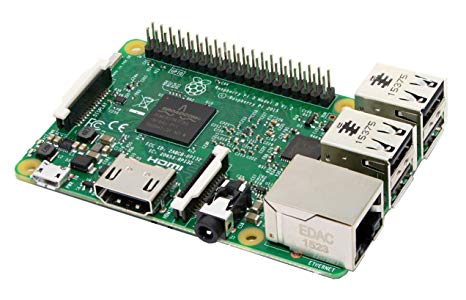
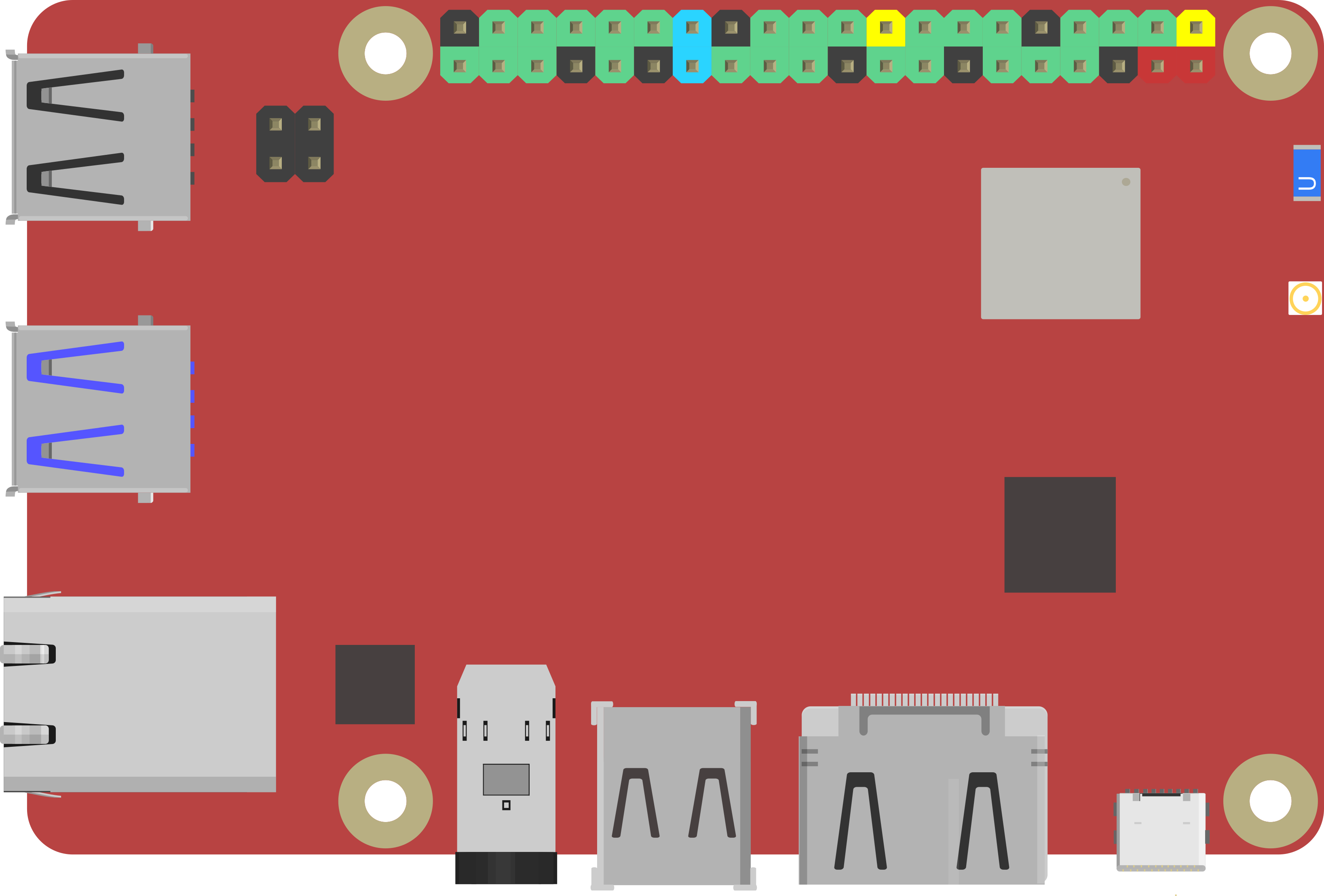
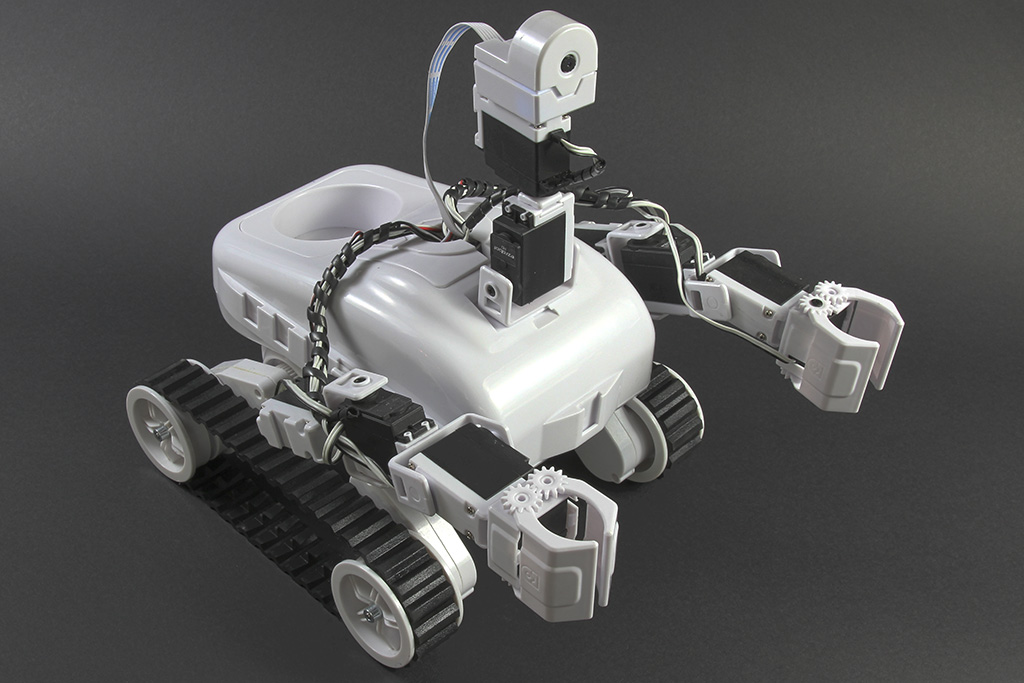
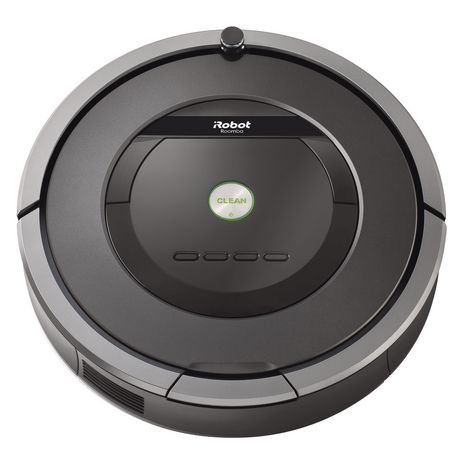
How Do I Connect My Robot?
Exosphere gives robots the ability to learn and perform tasks autonomously using real-world examples — choose your platform below to get connected.
Using ARC
- Download and install ARC Robot Software.
- Add a movement panel and camera control to your robot project.
- Install the Exosphere Robot Skill to the project.
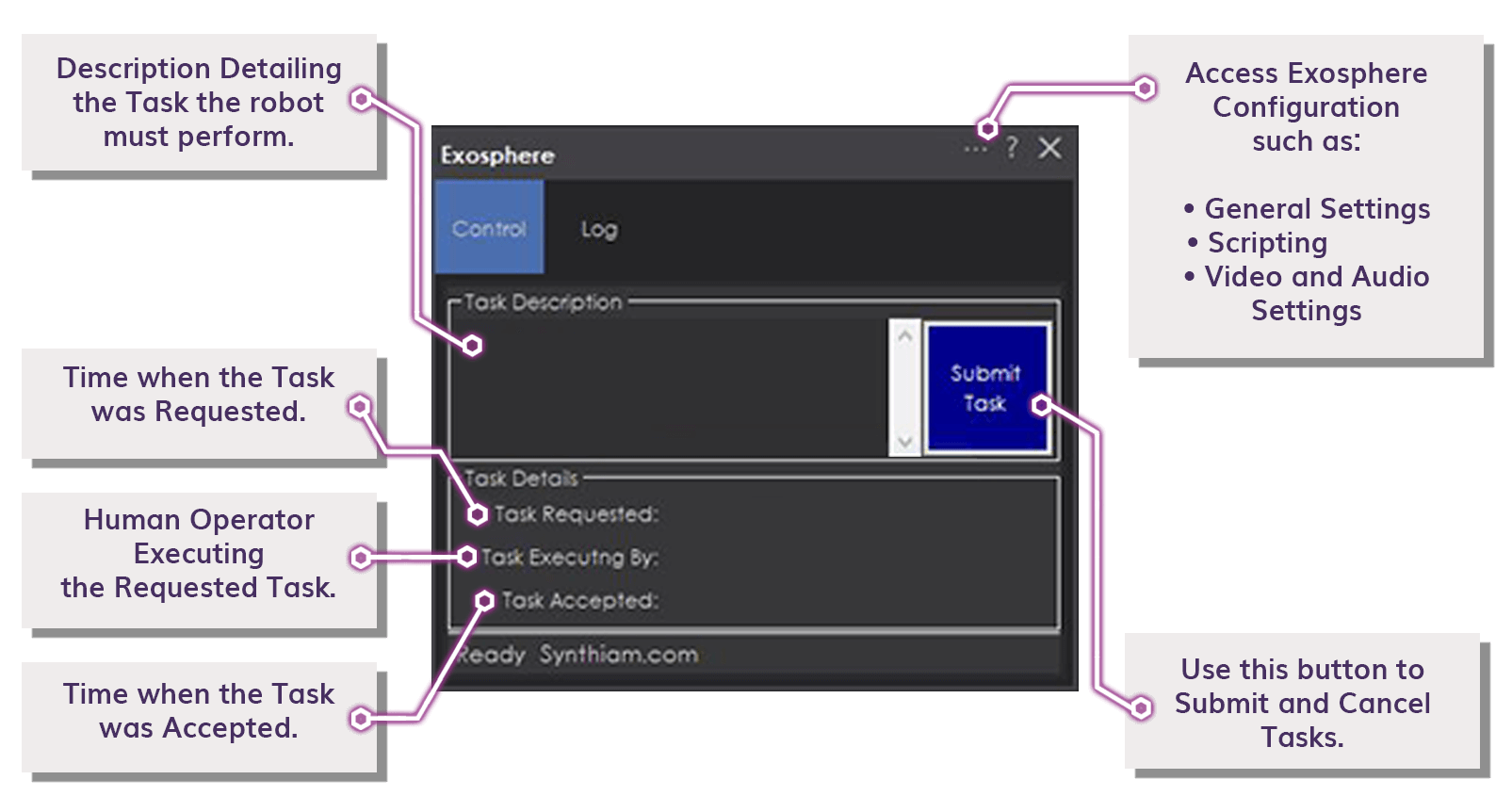
- Enter a task description and press submit.
- Watch your robot autonomously perform the task!
Using ROS
ROS integration is available for Exosphere. Contact us for information on connecting your ROS-based robot to the platform.
Contact Us for ROS IntegrationExosphere Robot Skill Guide
The Exosphere Robot Skill for ARC configures behaviors and notifies you who (or what) is controlling your robot. Install it from the Skill Store to make any ARC-connected robot Exosphere-ready.
 Download Exosphere Skill