
How Exosphere Puts You in Control of Your Robot From Anywhere
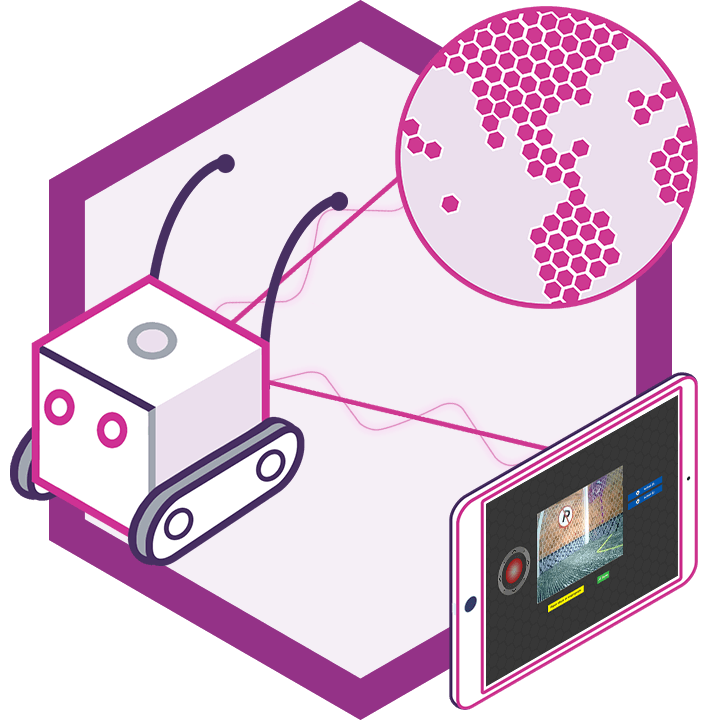
Exosphere lets you drive your robot from anywhere in the world through a web browser — on a phone, tablet, or computer. Invite friends, family, colleagues or students to take the controls, send the robot to a meeting or event as your telepresence, or let it post a request for help when it gets stuck.
Everything You Need to Operate Robots Remotely
Exosphere comes packed with tools for real-time control, situational awareness, and secure access — right out of the box.
Intuitive Movement
Control any drive system — wheels, legs, or tracks — with supported movement panels and seamless integration.
Scriptable Actions
Give the person driving buttons that run your scripts: wave, open the gripper, dock and charge. Only the scripts you choose can be run remotely.
Up to 24 Camera Feeds
Picture-in-picture, object tracking, color detection, and text overlay for full visual awareness.
Skill Mirror View
Visualize any robot skill output in real time — SLAM maps, sensor data, or custom dashboards.

Telepresence
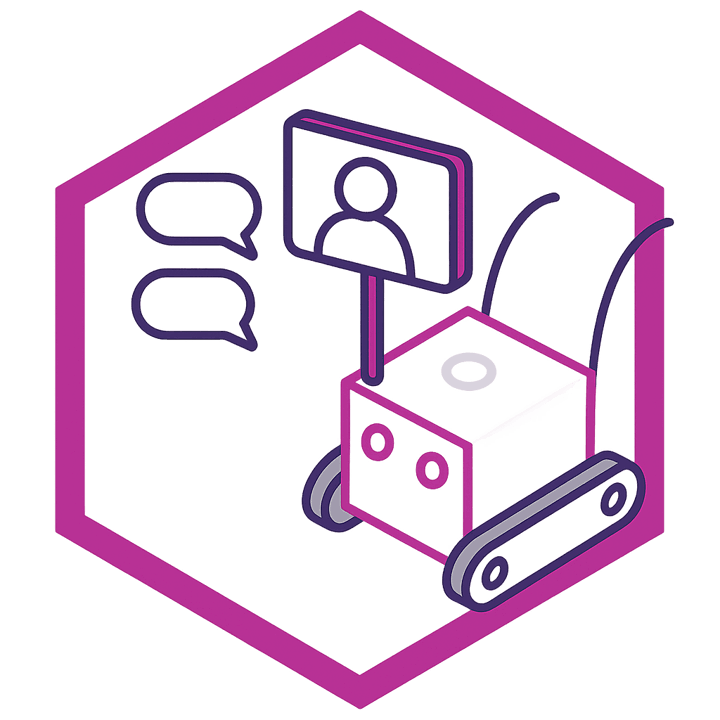
Two-way audio and video turns any robot into a telepresence for meetings, events, classrooms and visits with family.

Invite and Restrict
Invite the people you want with the access list, and keep anyone else out with the block list. Only people you allow can take the controls.

Safety Limits
The robot enforces its own maximum speed and servo limits, stops if the connection or camera drops, and hands control back to you the moment you press stop.
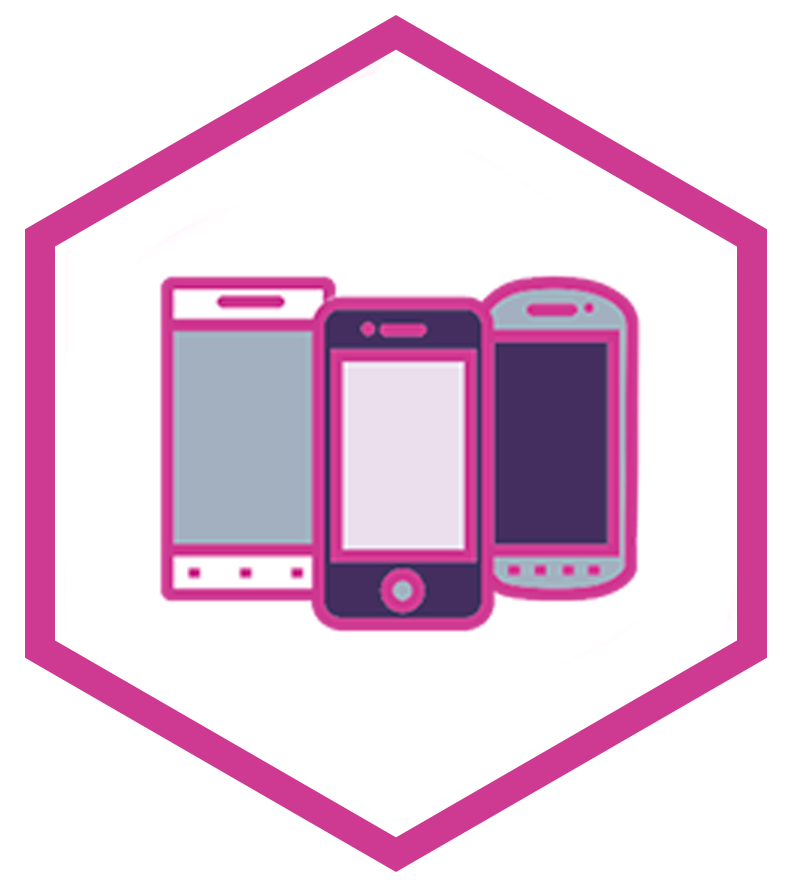
Any Device
Operate from smartphones, tablets, or desktops — access your robot from anywhere with a browser.

Community
Share your robot with the Synthiam community, get advice, and try driving robots other members have opened up.
Build Your Robot Faster with the AI Script Assistant
Before your robot ever joins Exosphere, you build and program it in Synthiam ARC — and ARC includes a project-aware AI Script Assistant. Describe what you want in plain English and get working JavaScript or Python that uses your robot's real global variables, EZB ports, and controlCommand() targets. Script the movement panels, action buttons, and behaviors that operators rely on during remote sessions.
Explore the AI Script Assistant →Custom Solutions Tailored to Your Needs
Every robotic project has unique challenges. We offer custom feature development to tailor Exosphere to your specific requirements — specialized controls, integrations, or a branded remote control and telepresence experience.
Deploying robots for a business or an industrial site? Pair Exosphere with ARCx, which runs unattended on the robot and gives your engineers secure, full remote access to the project with Remote ARCx.
Get in TouchFrom Your Robot to a Browser Anywhere in 4 Steps
One Robot, Many Ways to Be There
Exosphere connects your robot to people, not algorithms. Whoever takes the controls is a real person you allowed, driving live from wherever they are.
Control From Anywhere
Check on your home, your workshop or your pets from across the world with your own robot, from a phone, tablet or computer.
Invite Others
Share your robot with friends, family, a classroom or a whole team, and decide exactly who may take the controls.
Meetings and Events
Send your robot to a meeting, a trade show, a classroom or a family gathering, and talk face to face through its screen.
Ask for Help
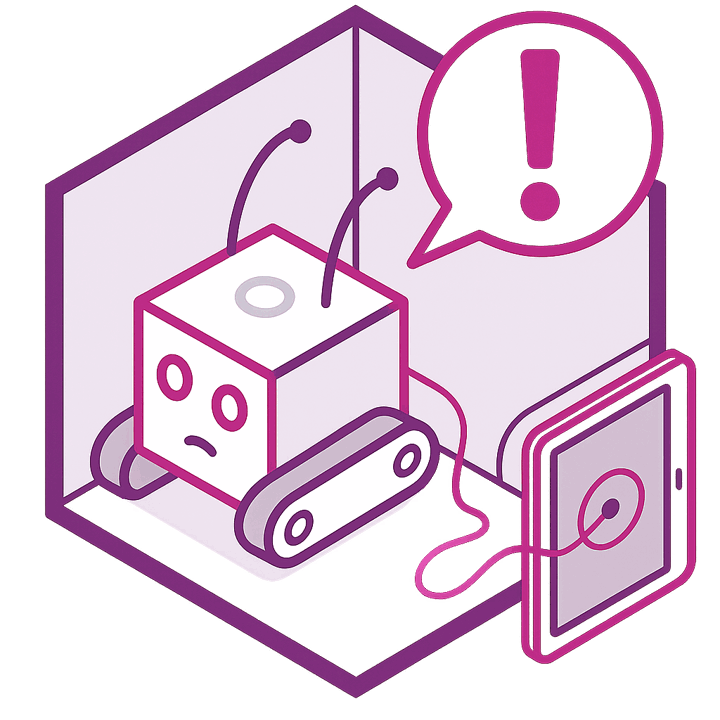
When a robot gets stuck, it can post a request for help, and someone you allowed drives it back on track.
Why Use Exosphere?
Building remote access into a robot usually means port forwarding, VPNs, video servers and a custom control page. Exosphere does all of that for you. Add one robot skill, and your robot can be driven from any browser in the world, with live video, two-way audio and the controls you choose to share.
You stay in charge the whole time: only the people on your access list can connect, the robot enforces its own speed and servo limits, and you can take back control on the robot at any moment.
Why robot builders choose us
Since 2010, we have worked side by side with robot builders around the world. More than 4 million robot connections have shown us what works, what breaks and what builders actually need, and every lesson has gone back into the software. Through the Robot Skill Store, we connect 600+ partners directly with those builders, so every new sensor, service and AI integration one partner adds is ready for everyone.
The secret is simple: the more our software is used, the better it gets.
ARC: proven by the community
The Windows platform for hobbyists, makers, students and teachers, with the full Robot Skill Store, Blockly, JavaScript and Python, and ARC Pro for advanced projects and courses.
ARCx: everything we learned, rewritten
Our next-generation platform, rewritten from the ground up with modern technology. It runs on the robot itself on Windows, Linux or Raspberry Pi, talks to industrial PLCs, and is programmed from a browser on your network or from anywhere.
ARC-Lite: built for learners
Our free robotics education app for Android, Chromebook and Windows. Guided lessons and Blockly activities teach robot programming step by step, then grow into JavaScript and Python. No robotics background required.
Real-World Scenarios
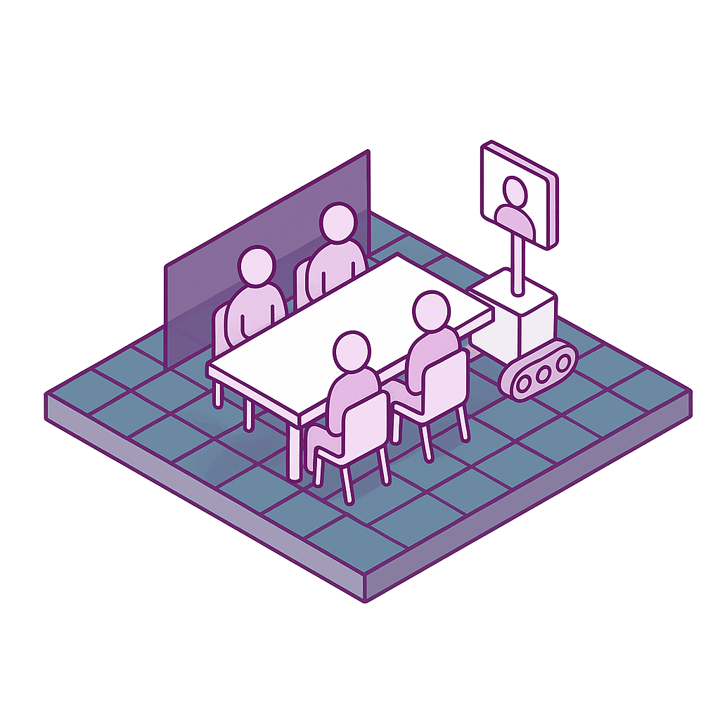
Join a meeting from another city — look around the room, turn to whoever is speaking, and be part of the conversation instead of a face on a wall.
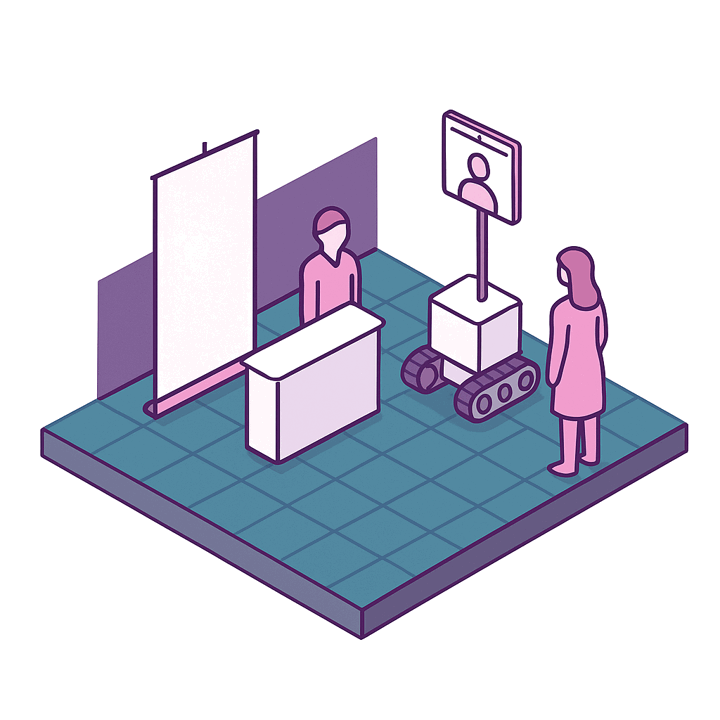
Staff a trade show booth, tour an event or greet guests at a reception without travelling there.
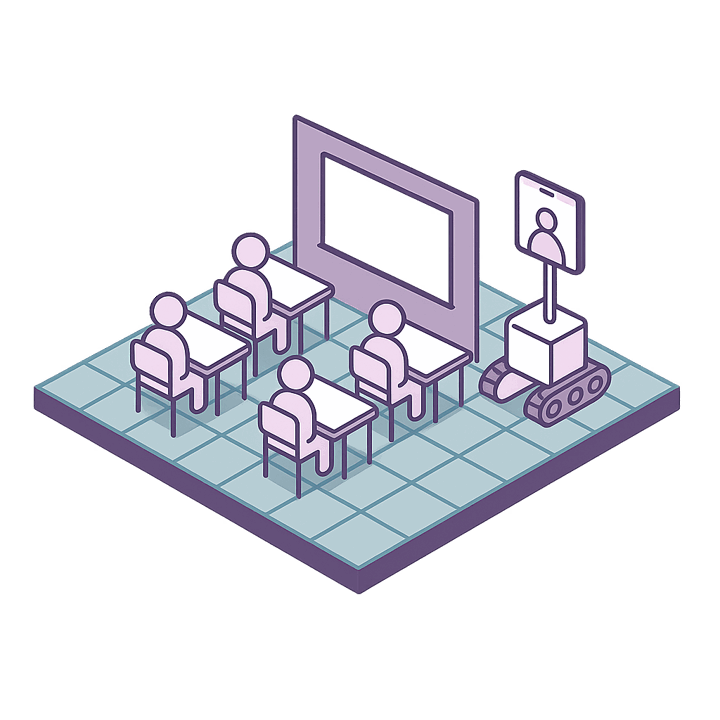
Let a student who cannot be there attend class, or invite a guest speaker to visit from anywhere.
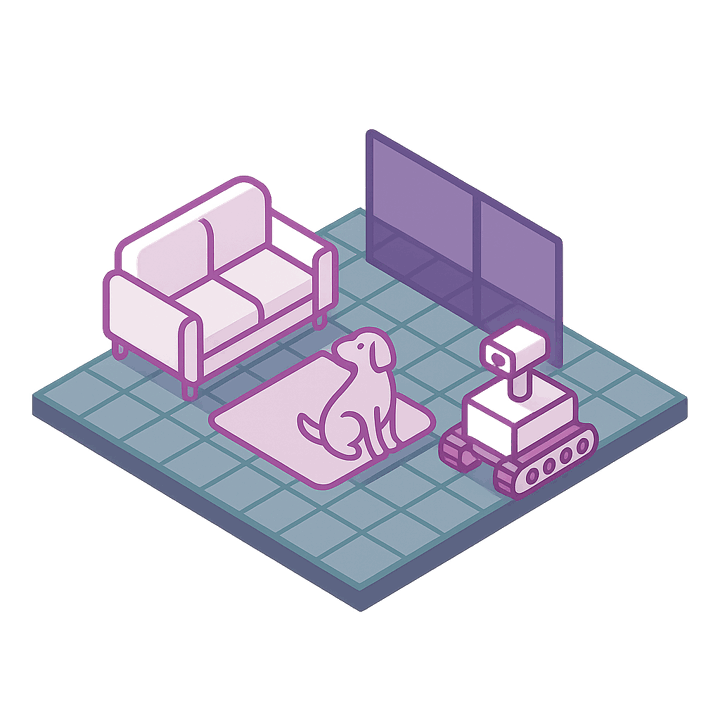
Check on your home and pets while you are away, or let family members drop in on each other through the robot.
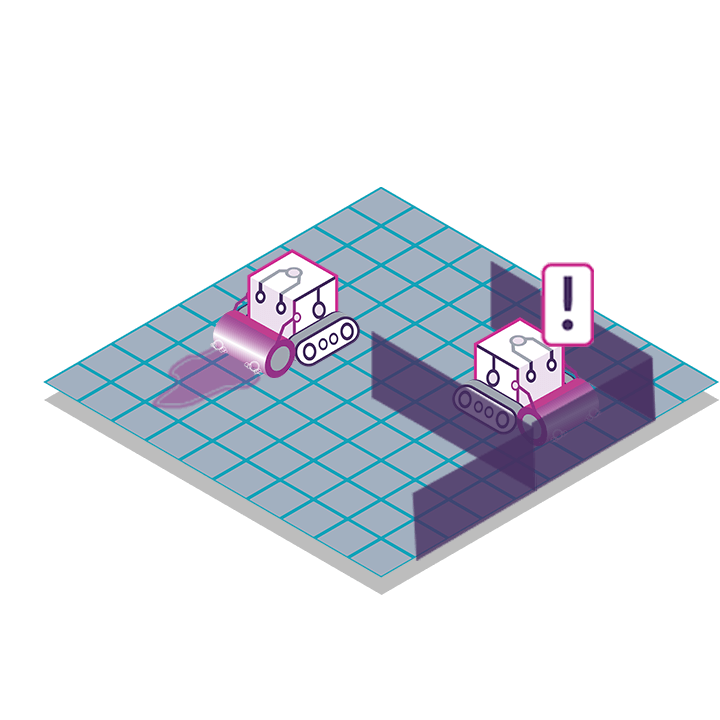
A robot that gets stuck posts a request for help, and someone you allowed drives it free — no one needs to be on site.
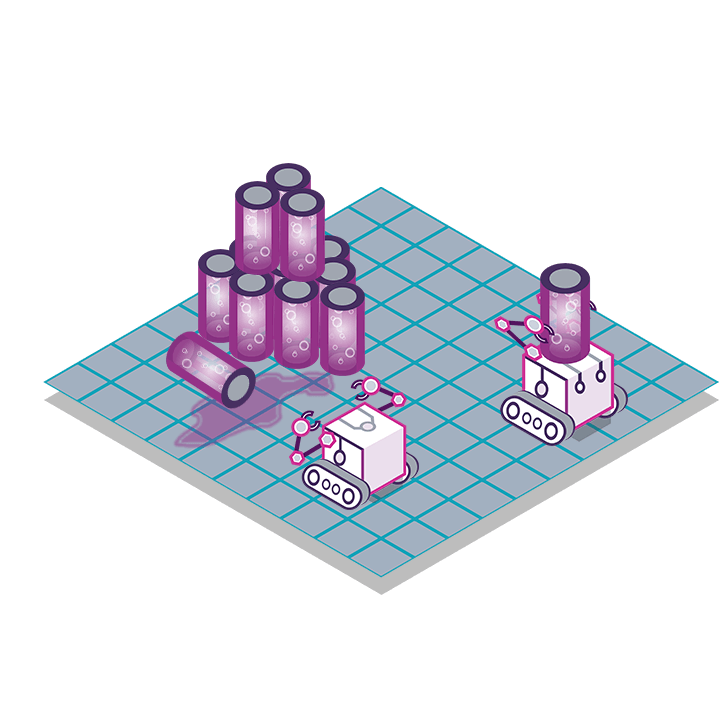
Drive a robot into places people should not go, such as chemical spills or disposal areas, while the operator stays safely remote.