

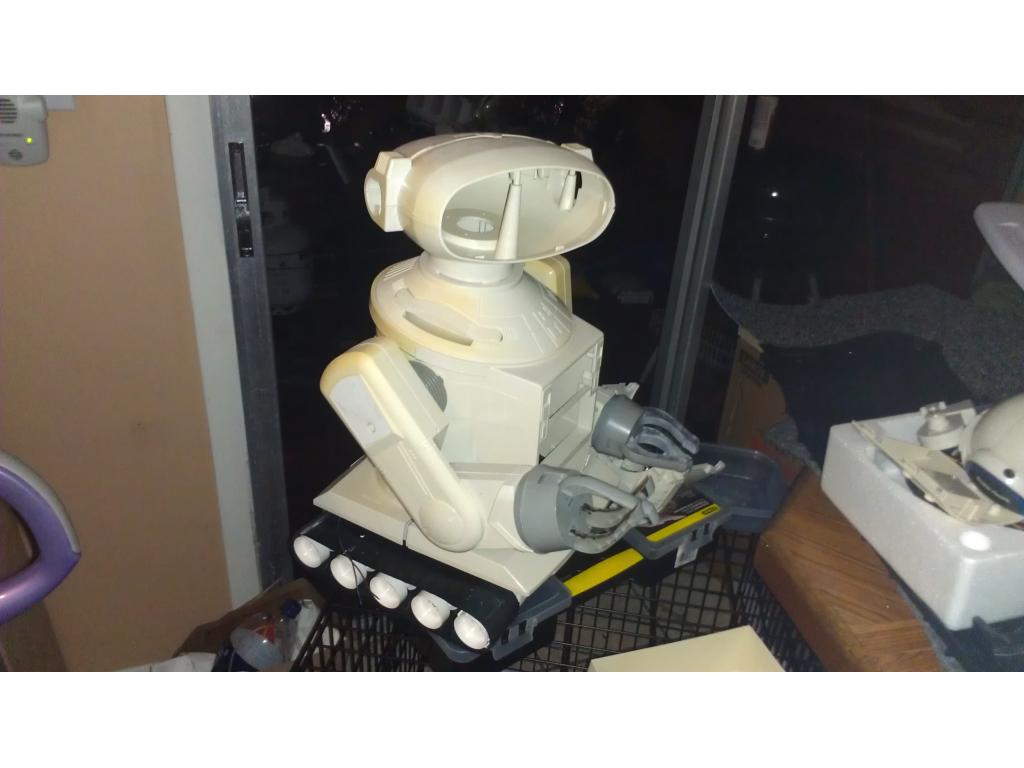
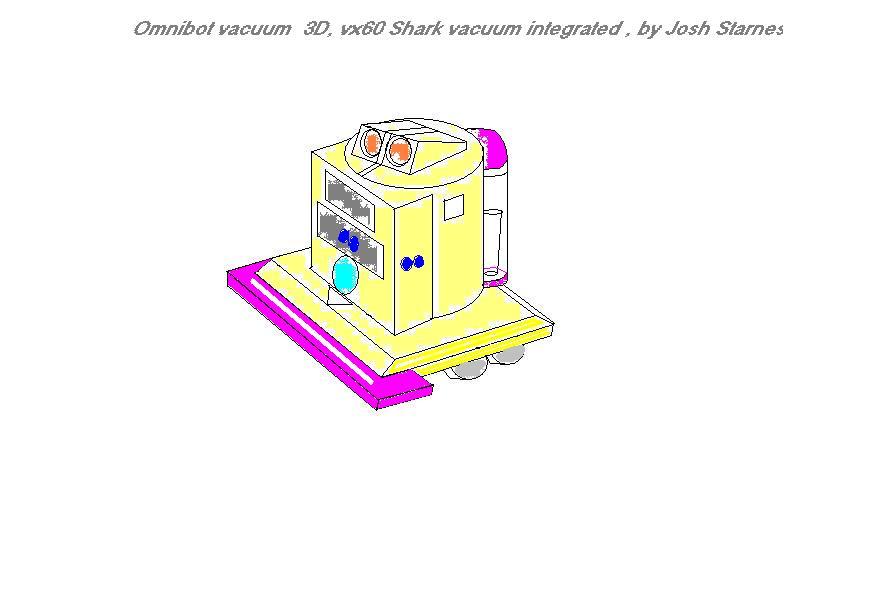
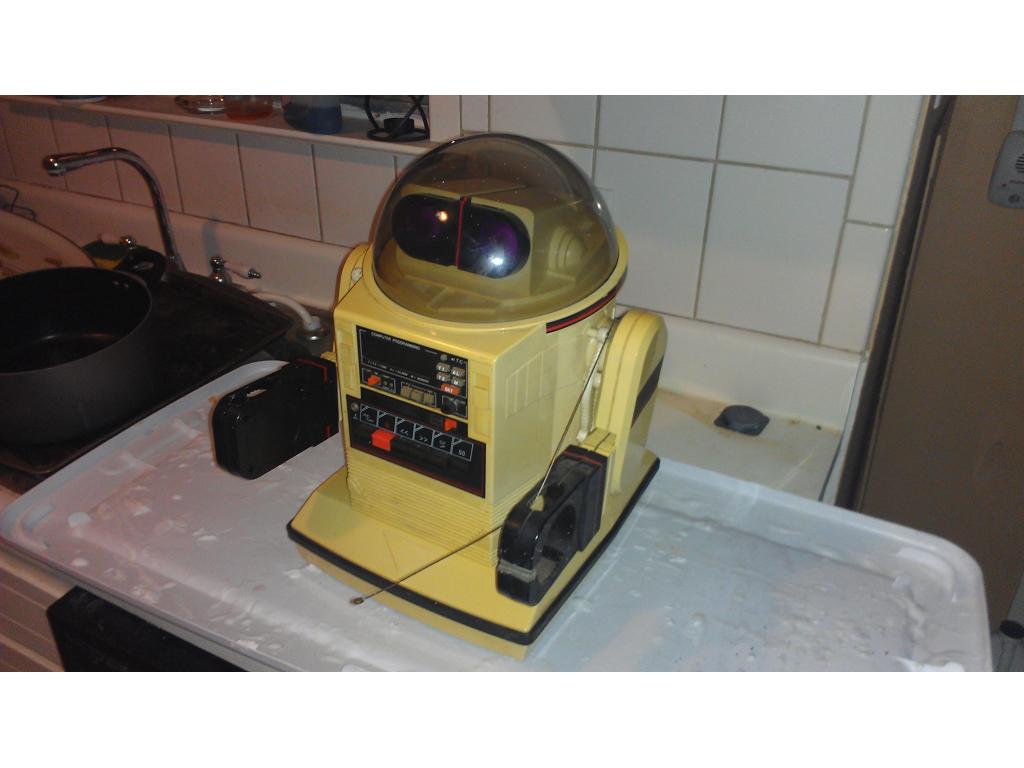
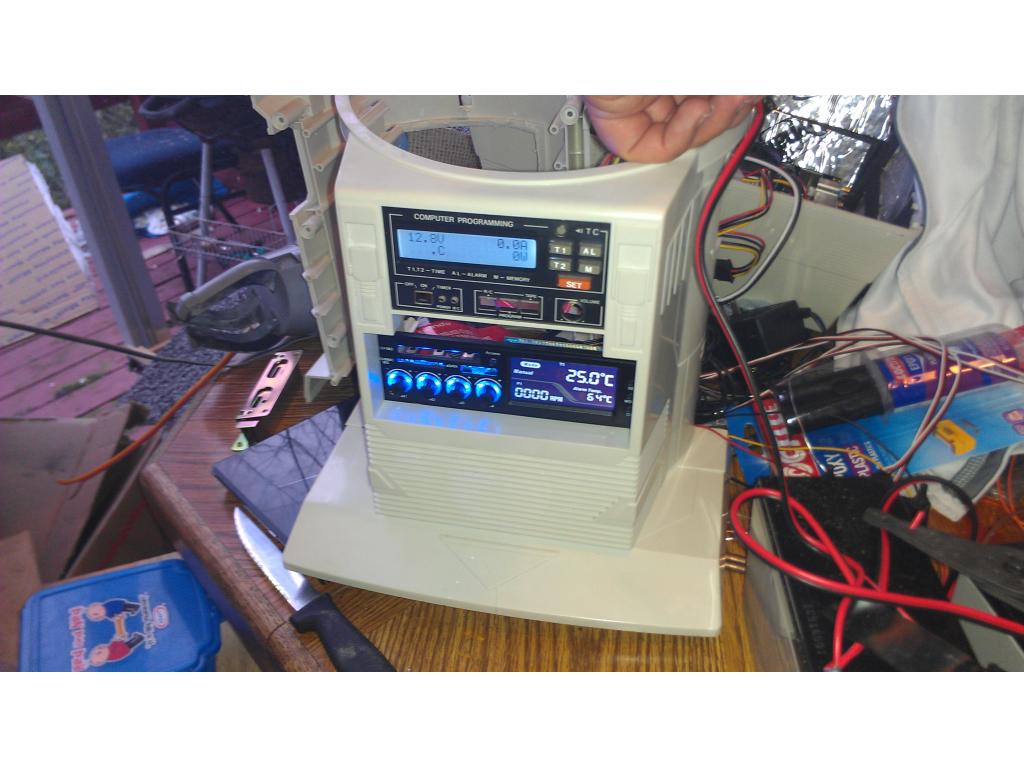
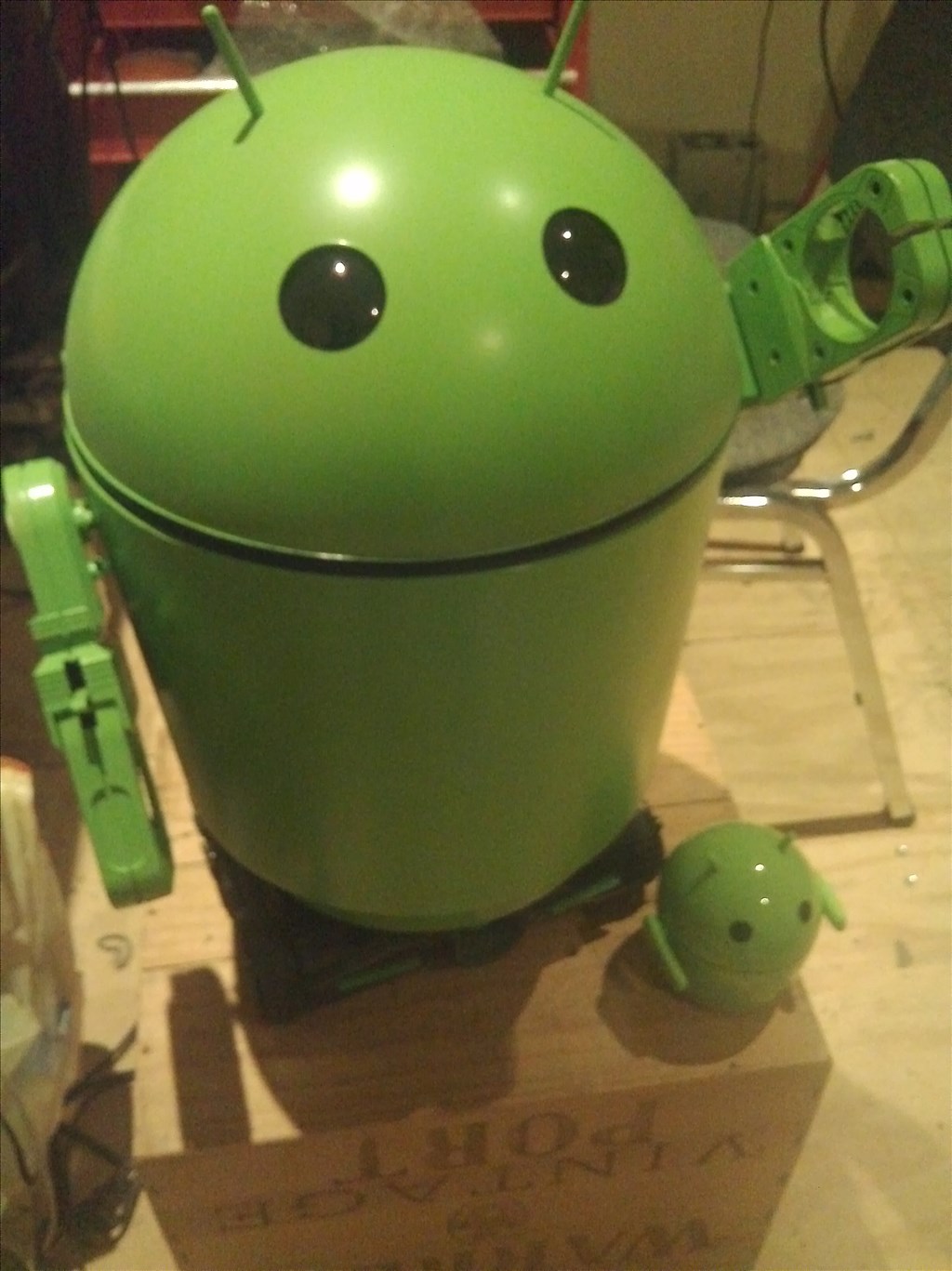
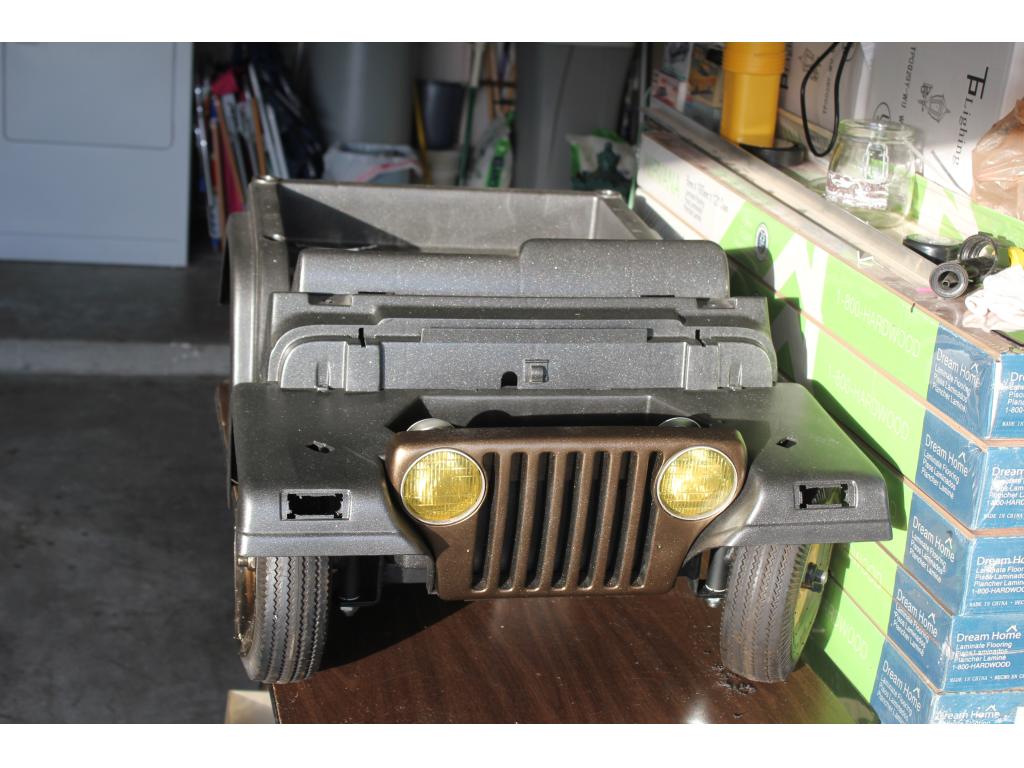
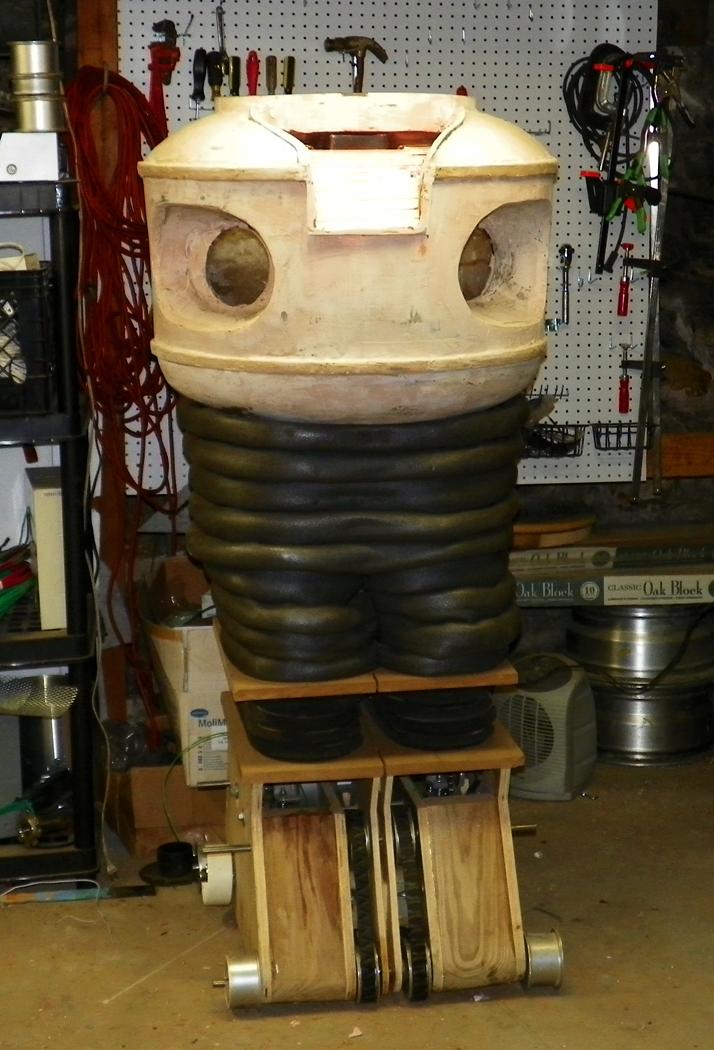
This project has evolved some , the basic rundown is I'm modding two Omnibots , one a regular the other a larger 2000 model. I will have two ezb kits , rad base idea was thrown out because of so much noise but could go back on the table if the omnibot drivetrain is too weak to pull it.
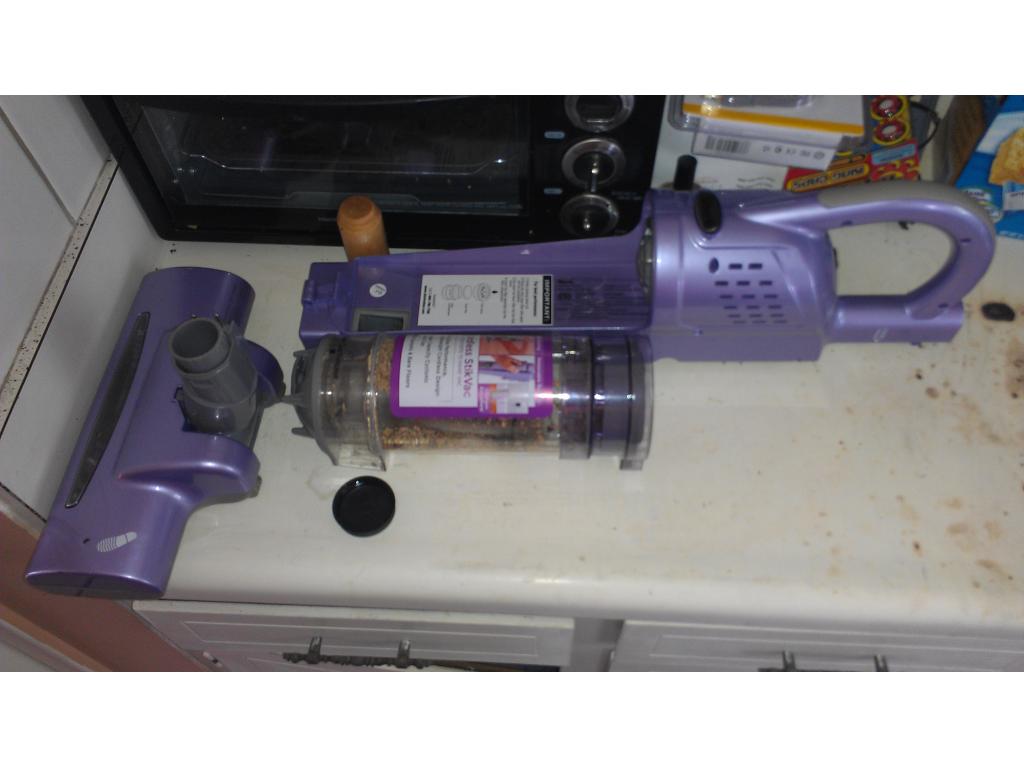
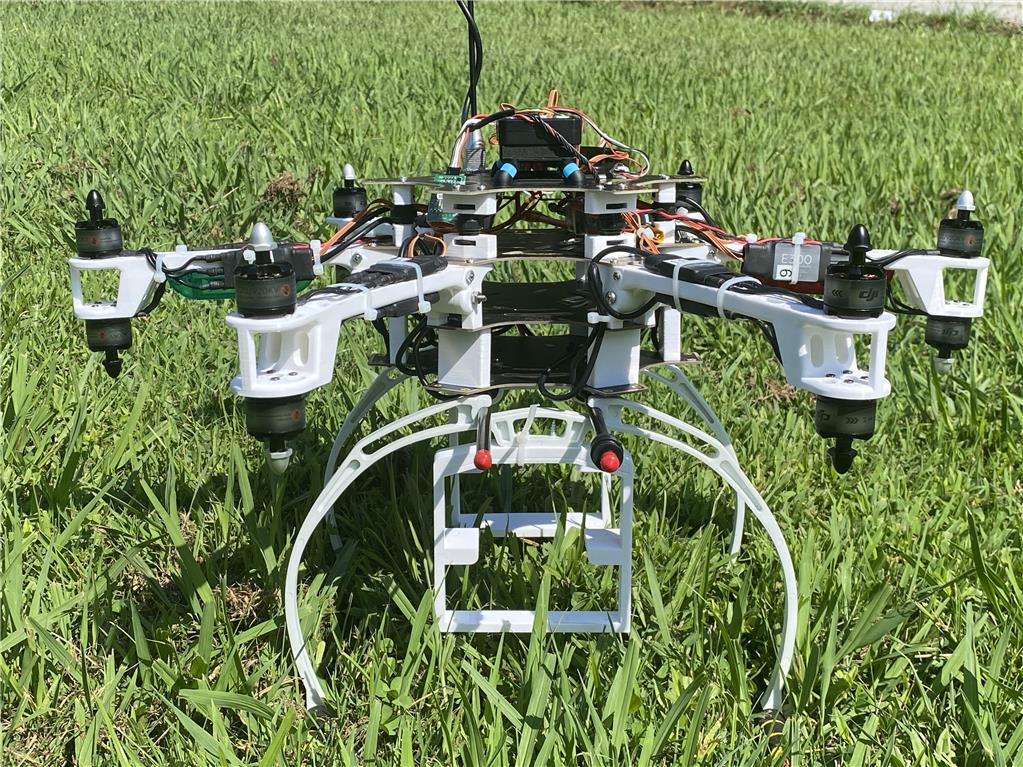
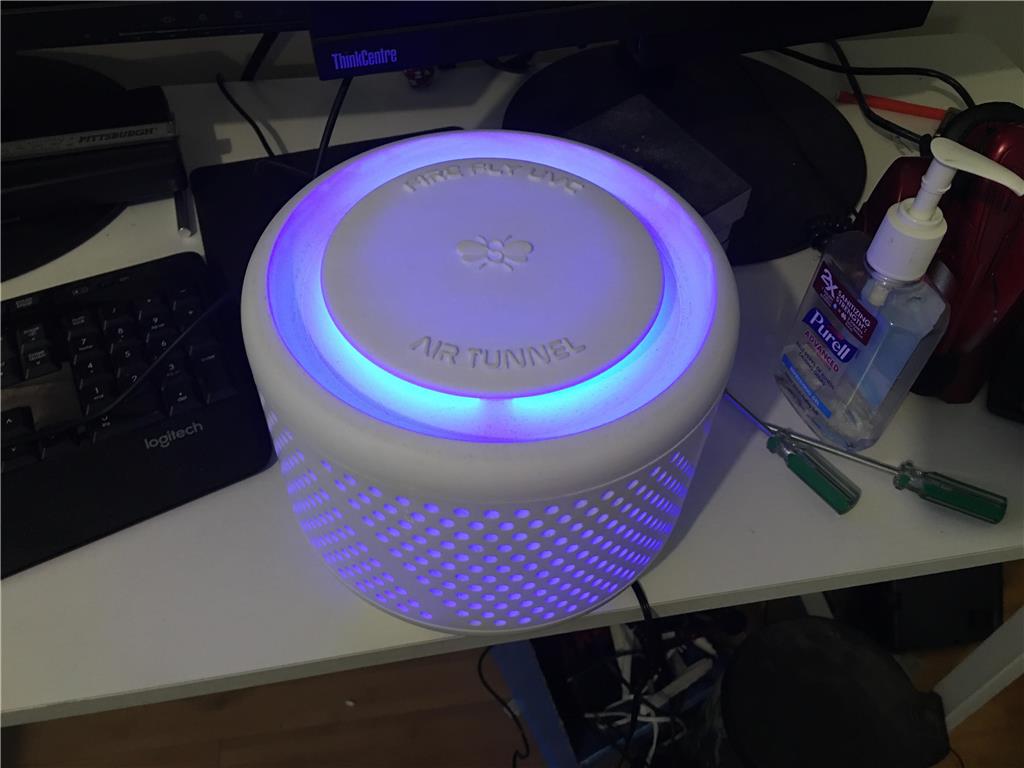
motors i sent you are high torque motors from a roomba and it does handle them no problem little hard to test most motors unless you have a torque machine it checkes for normal torque and stall torque current most h-bridges you buy dont have current shutdown before it reaches stall torque so some buy very high current h-bridges and hopes that fixes the problem ,IT DOESNT,motor will burn out,you need a current brake circuit,some h-bridges has a brake pin,then you need a current monitor and adjustable current comparator to turn off the brake ,at 25 % above normal motor current
on the ROOMBA PCB it has a current brake circuit if on another robot design you make ,if you need a current brake circuit its very simple all you need is a hall effect current monitor and simple op amp comparator circuit also onther design is a current monitor with sense resistor and a op amp,plus comparator circuit way a comparator circuit works is that one it a set voltage (2 volt example) and current monitor set at 2amps = 2 volts when the current votage reaches 2 volts the ouput goes (high) or (low) depending on how you set up the circuit and that turns on the brake
@josh
You can put IR detectors on your bots head , then on the charge station put modulated IR beacon . And for final homing line following to the charger.
Sorry for crappy drawing Done with paint in 5 mins
But it is simple and EZ man.
Steve_C.
Ok you believe I just need a ir sensor and beacon , hmm its a "line following" type script , so how many detectors do I need? 2 or 3? Like one straight , directional pointed right 20 degrees off center , one centered and one left 20 degrees of center , does this sound right? When the bot sees higher signal to the right it turns left a little bit or vise versa? Also to clarify I would prefer my robot backup to the charger , so these sensors would be on the back of the head or body. Can someone link me to IR detectors? Radioshack has detectors that look just like LEDs but they have a dark tint to them. Is this what we are talking about?
https://www.maplin.co.uk/infrared-phototransistor-2252
This is my local shop but you can get them from any elec store
Put 1 on front, have bot turn on spot to find beacon when it needs a topup ,
move towards the light
look for line
when line found switch off ir detector and just follow the line.
when at charger turn around and back up
You also need to narrow the field of veiw of the detector.
like this.
I hope that helps ,
the hardest part is the scripting
Steve_C.
Scripting , yup the hardest part because I've never done it in my life. ,
using the roomba board ,very little scripting,navigation is the hardest on a robot design another major problem if you have more then one room,thats where WIFI comes in or a map of each room in its data base,other way is to put a charger in every room with a beacon design ROOMBA has find HOME BASE software in the micro
another idea check roborealm software,they have FIND A OUTLET code already made robot finds a outlet and plus its self in