
Tutorial






Published
— Updated
Create Auto Position Actions From EZ-Script
This tutorial uses the ControlCommand() EZ-Script command that instructs the Auto Position control to create a frame and respective action from the current servo positions. Every time the ControlCommand() is executed, another frame is added to the specified action with the current servo positions.
The result is that you end up creating an animation. This can be done using external controllers, such as the WiiMote, Joystick or even touch screen controls.
Related Hardware
(view all EZB hardware)



JD Humanoid
by EZ-Robot
JD humanoid robot kit - WiFi-enabled, 16 DOF with metal-gear servos; easy, fun, educational, available from the EZ-Robot online store.
Wi-Fi / USB
Servos
24
Camera
Audio
UART
3
I2C
ADC
8
Digital
24
EZ-B V4
by EZ-Robot
EZ-B v4/2 robot controller: dual Cortex ARM, Wi-Fi, audio/video, 24 servo/digital ports, I2C/UART, camera and Synthiam ARC control for custom robots
Wi-Fi / USB
Servos
24
Camera
Audio
UART
3
I2C
ADC
8
Digital
24
EZ-B Iotiny
by EZ-Robot
Control IoTiny with Synthiam ARC: 100MHz Cortex‑M4 Wi‑Fi IoT/robot controller-camera, servos, ADC, I2C and digital I/O for easy internet automation
Wi-Fi / USB
Servos
8
Camera
Audio
UART
✕
I2C
ADC
✕
Digital
✕
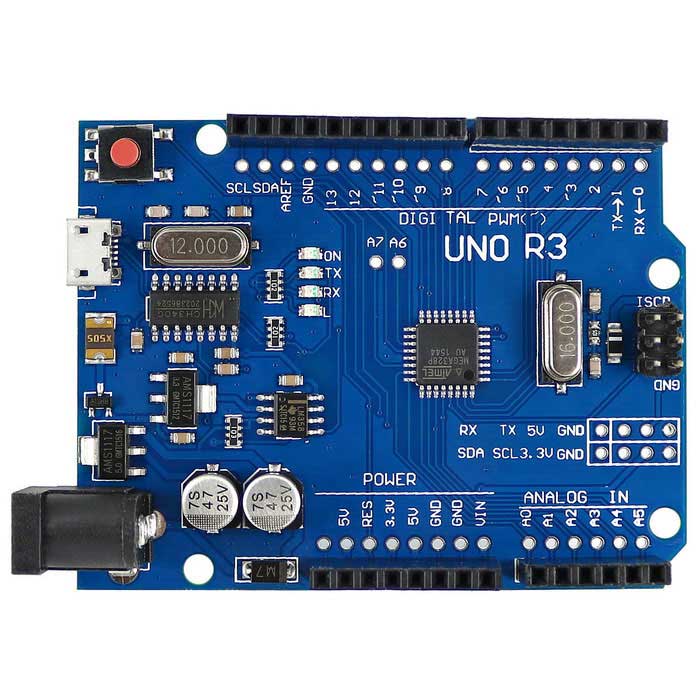
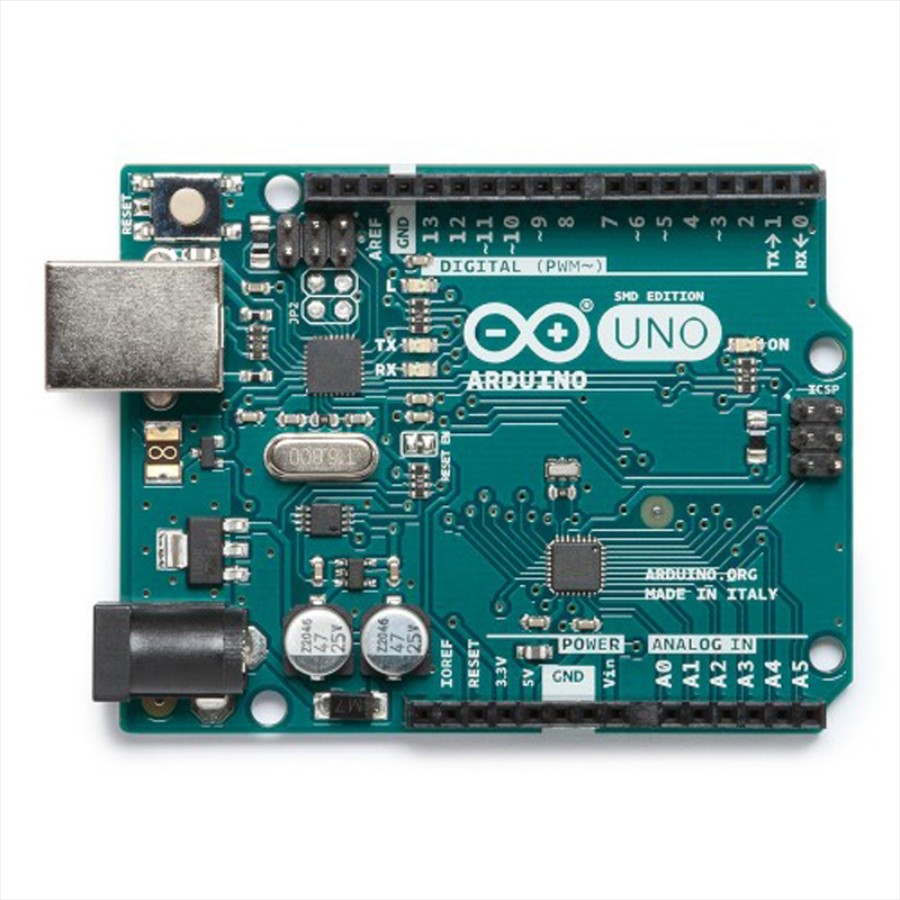
Arduino Genuino Uno
by Arduino
Program Arduino Uno with EZB firmware for Synthiam ARC control; pinouts, PWM pins and frequency details for Arduino boards.
USB
Servos
12
Camera
Audio
UART
✕
I2C
ADC
6
Digital
14
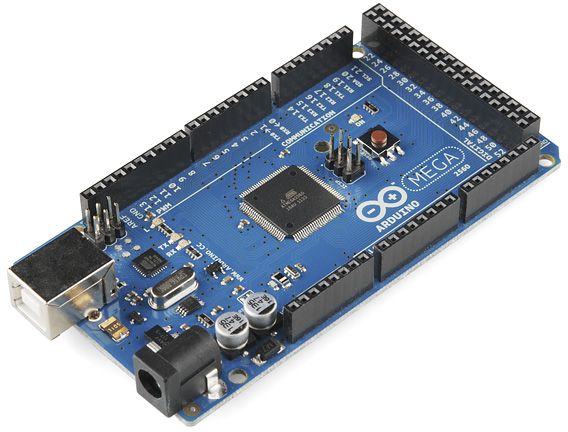
Arduino Due/Mega
by Arduino
Synthiam ARC enables Arduino Mega 2560 control with 8 ADC, 13 PWM, 21 digital ports and 24 servos; includes firmware, shield and tutorials
USB
Servos
24
Camera
Audio
UART
3
I2C
ADC
8
Digital
21
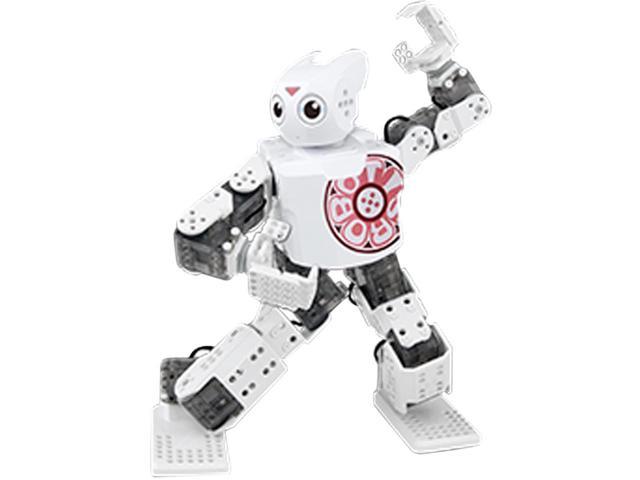
Darwin Mini
by Robotis
ROBOTIS MINI for Synthiam ARC: 16 XL-320 servos, OpenCM9.04 controller, 3D-printable frame and Bluetooth/firmware setup tips.
USB / Bluetooth
Servos
16
Camera
Audio
UART
✕
I2C
ADC
✕
Digital
✕
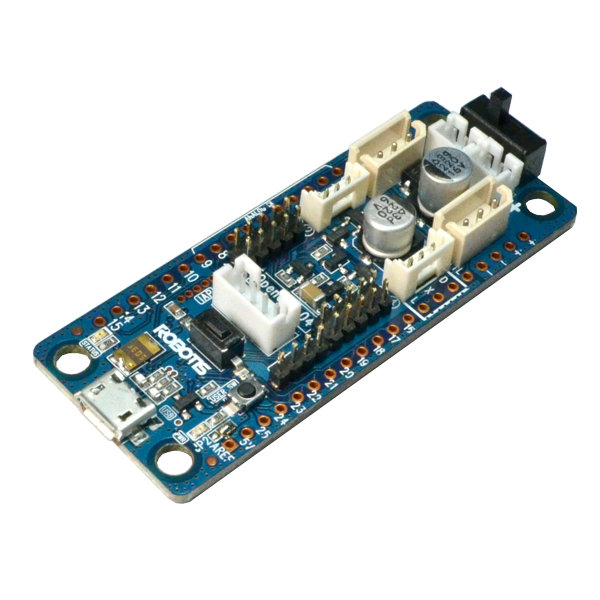
Opencm 9.04
by Robotis
Control Robotis DYNAMIXEL servos with OpenCM9.04-C using Synthiam ARC - XL-320 TTL support, expansion board for AX/MX, UART0 or UART2 selectable
USB
Servos
200
Camera
Audio
UART
✕
I2C
ADC
✕
Digital
✕
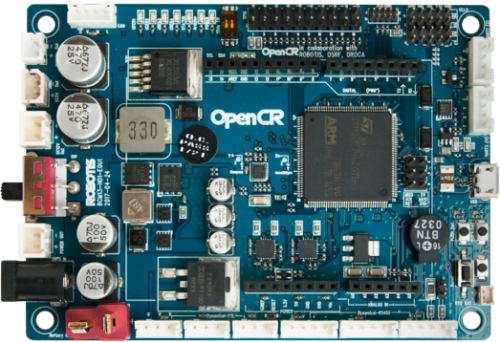
Opencr
by Robotis
OpenCR 1.0 ARM robot controller compatible with Synthiam ARC-Arduino firmware install, 921,600 baud, pin mapping, PWM & EZ-Script
USB
Servos
200
Camera
Audio
UART
✕
I2C
ADC
✕
Digital
✕
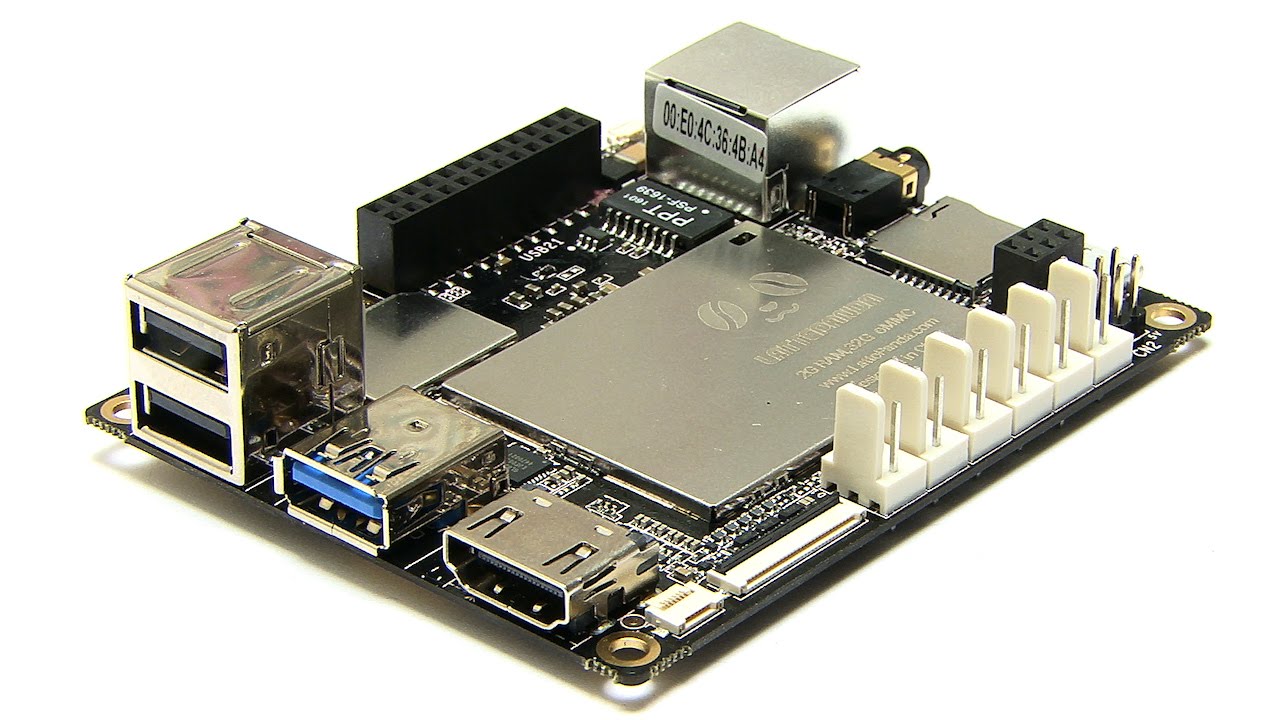
Lattepanda
by DF Robot
LattePanda runs Windows and Synthiam ARC, with onboard Arduino (EZB firmware) for GPIO and direct EZ‑B v4 hardwire control with low latency.
Wi-Fi / USB
Servos
12
Camera
Audio
UART
1
I2C
ADC
5
Digital
12
Arduino Leonardo
by Arduino
Connect Synthiam ARC to Arduino Leonardo via USB using EZB firmware to control GPIO, PWM, servos, and ADC; enable DTR in ARC connection.
USB
Servos
12
Camera
Audio
UART
Varies
I2C
ADC
Varies
Digital
Varies
Esp32
by Espressif
Control ESP32 boards with Synthiam ARC: EZB-like firmware for GPIO, PWM/servos, serial, WiFi modes, safe pins, wiring and power tips.
Wi-Fi
Servos
Varies
Camera
Audio
UART
Varies
I2C
ADC
Varies
Digital
Varies
Related Robot Skills
(view all robot skills)



Step 1
This video explains the step by step example of how to use the following controlcommands for the Auto Position.
ControlCommand("Auto Position", AddFrameToAction, "Action Name")
ControlCommand("Auto Position", AddFrameToAction, [delay], [steps], [speed], "Action Name")
ControlCommand("Auto Position", AddPauseToAction, [delay in ms], "Action Name")
ControlCommand("Auto Position", DeleteActionAndAssociatedFrames, "Action Name")

I just watched this on youtube last week while at work. Ya I know at work LOL. What VR glasses and sticks are you using DJ?
Working hard?
It’ll work with any vr headset supported by steam. So that’s windows mixed reality, htc Vive or oculus. But if you want to save money it’ll also work with your mobile phone and any google cardboard headset.
In that video I’m using an android phone with some cheap google cardboard compatible headset I got from bestbuy. You can get them for as little as $20!
DJ Sures--
I am brand new to ez-robot and ARC and I saw this. I am familiar with the inmoov project and have decided to build it using ez-robots servos and equipment. I have so far 3D printed the head and neck. I noticed that yours has a tab in the chest plate which I like. Is there any inmoov related programming with ARC on synthiam or can you direct me? Thanks in advance for any help.
Good morn, hope all is well,
I know this video is over a year old, but still cool.
Questions:
which wee remote?
which cardboard headset?
step 2 ? lol
Good Morning @EZang60
Any Wii Remote that doesn't have the motion plus built-in should do the trick. The first gen. Wii Remotes (Nintendo or knock-off) were able to natively connect to Windows via bluetooth. I believe the other versions needed the Widcomm drivers installed.
Any headset will do, it's just a mechanical rig to hold a phone (turned into a VR Display). Check out the VR plug-in here: https://synthiam.com/Products/Controls/Virtual-Reality/Virtual-Reality-Robot-15982
The instructions there will get you started with a VR display (including iOS and android devices).
Step 2. Load up ARC, install the VR plug-in, and start controlling robots!
Does this only work on an android?
Download the Android App here: https://play.google.com/store/apps/details?id=com.ezrobot.virtualrealityrobot
I only have an iPhone / Ipad
I thought DJ was using an iPhone as the VR viewer but I don't remember how he was doing it. Maybe he can jump in here and let us know.
ok maybe he can tell us
can you use any other remote?