





hi
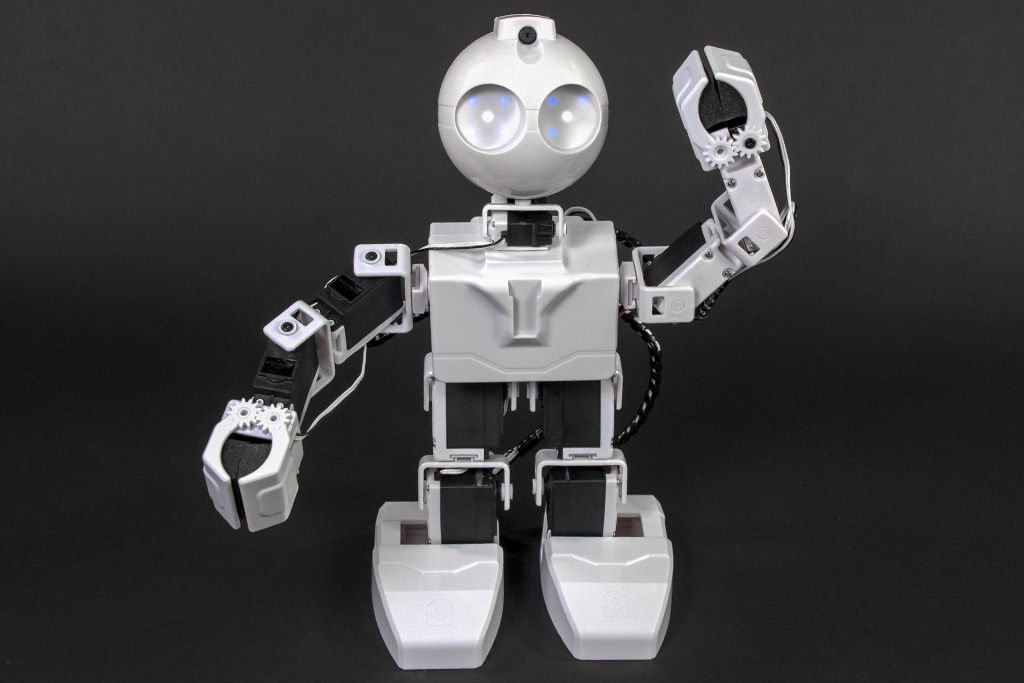
has anyone printed a jd head?my question is ,how do you print the head on the printbed?
thank you
 EZ-B Settings
— Configures and pushes WiFi SSID, password, system name and channel to EZ-Robot EZ-B v4 from ARC; saves settings with project for quick redeploy.
Try it →
EZ-B Settings
— Configures and pushes WiFi SSID, password, system name and channel to EZ-Robot EZ-B v4 from ARC; saves settings with project for quick redeploy.
Try it →
 Resolved by Jeremie!
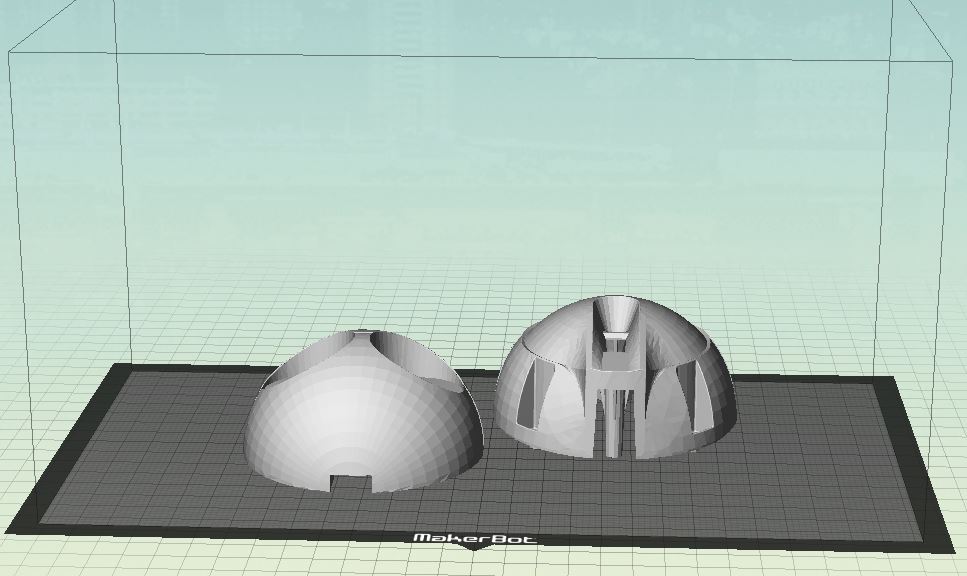
hi
has anyone printed a jd head?my question is ,how do you print the head on the printbed?
thank you

HI ALL
some test for the inmoove reactor .
https://www.youtube.com/shorts/fT1iWnkmep4
hi all
with standard 3 color led you can make atleast 6 colors . the top reactor gets 5 LED ,i'm thinking strong white 12000 mcd
https://www.youtube.com/shorts/YYobyPmxKPE
I see the blue, red and green colors cool
hey ezang
you can make also yellow,pink,white with a tree color led. could you read the tex behind it ?it says ARC.
Yes I see ARC
hi all
my idea of the middle chest piece from inmoove .
https://www.youtube.com/shorts/hyA-Z9CShXE
hi all
first copper parts are on the inmoove robot .
https://www.youtube.com/watch?v=acTFKZHRxuI&ab_channel=EDP
You are printing copper parts? wow looks great