





Discover more robots
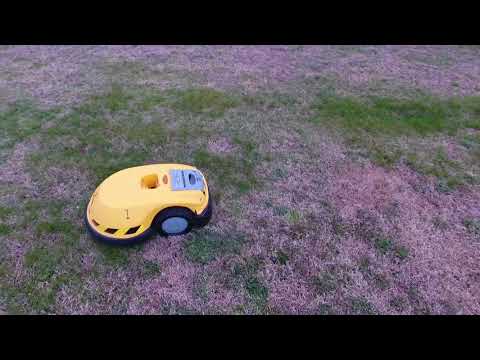
Markthebotbldr's Drone Tracking Fun
DJI P4 active tracking follows a hacked Friendly Robotics Lawnbot using Sabertooth motor controller, switchable EZ-BV3...
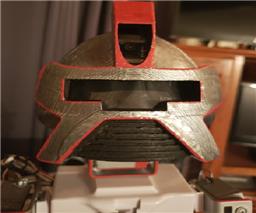
Justinratliff's Data Or Termidata
Centurion security robot inspired by Cylons, Terminator and Person of Interest, built with Synthiam ARC for...
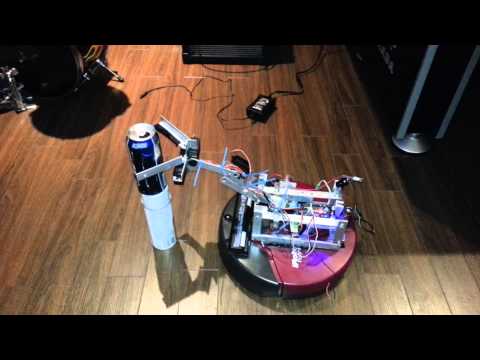
Robmcc's Brewster The Beer Buddy
Beer Buddy robot prototype opens fridge with updated code and LED light strips; demo video coming.

:Dlike it
he chould say gimme gimme gimme
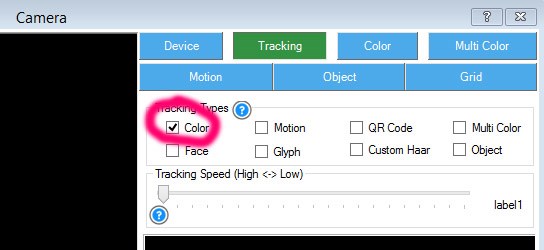
Nomad, you can do it too. Just download the latest JD app from the EZ-Cloud AppStore and enable COLOR tracking.
Currently it is set for RED.
i will try it for sure.doing leds now.
does this need a script?auto possition moves? he sees red very clear now.
The script is tracking point, I believe it's called.
The script is executed when "on tracking start" and stopped with "tracking stop".
You can see all scripts by adding the script flow control: https://synthiam.com/Tutorials/Help.aspx?id=184
@Nomad... This is not specific to the JD project.... You can use it with your own projects that your write too. When you enable tracking (any tracking type... Face, colour, object, motion etc) a script (see picture) will automatically run when the camera begins to track. You can put anything in this script... For example you can flash your LEDs when the camera sees red or a face or whatever... What I am saying is you can make your robot do pretty much anything you want using this "tracking script"... This is in the camera control under scripts... see below...
ah yes i know that one.
thank you bolt