
Should I give it to him? lol
More robots by DJ Sures
Other projects from the same builder.
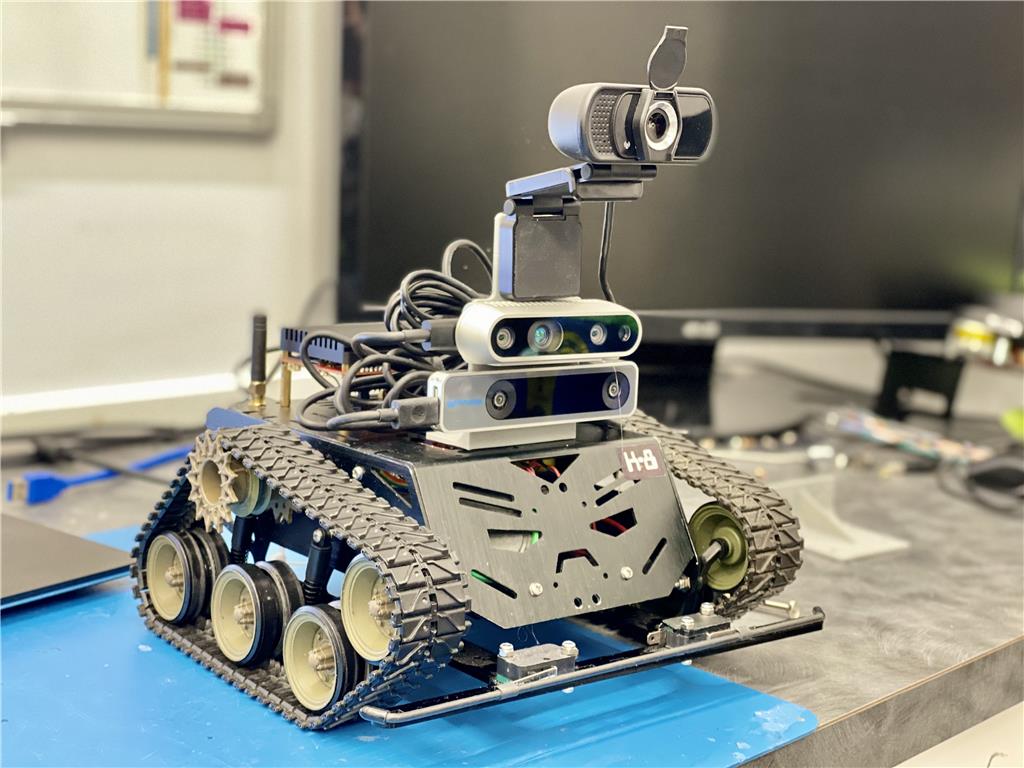
DJ's DJ’S Test Platform (K8)
Synthiam ARC test robot: Devastator tank with Rock Pi/X, Sabertooth+Kangaroo, Realsense D435i/T265 for autonomous...
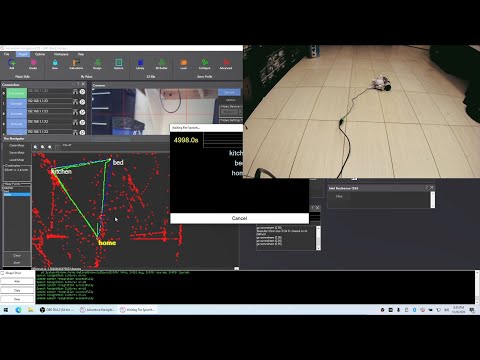
DJ's Intel Realsense T265 Adventures-Bot Part 3
Localize an EZ-Robot AdventureBot with Intel RealSense T265 and Synthiam ARC NMS, waypoint navigation, SLAM prep, lidar...
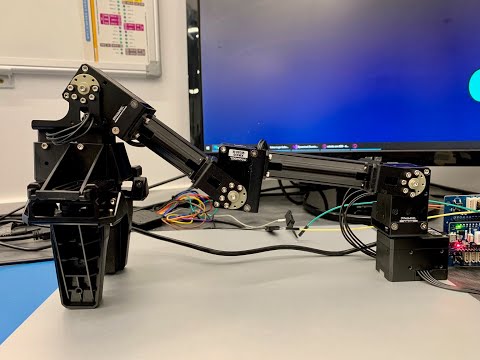
DJ's Robotis XM430 Dynamixel Arm With Open CM9.04
Robotis arm pick-and-place setup with Open CM9.04 controller and firmware upload tips for reliable grasping
Discover more robots
Robots the community built with Synthiam ARC. Get ideas for your next build.
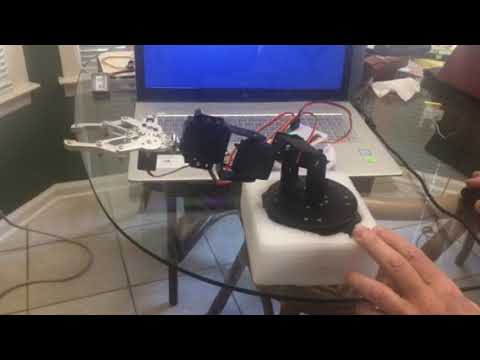
Ezang's My New Update Arm Robot 11/14/2019
Robot arm gripper upgrade: 5th MG996R servo for auto-positioning, five servos total using EZ-Builder and EZB4 with a...
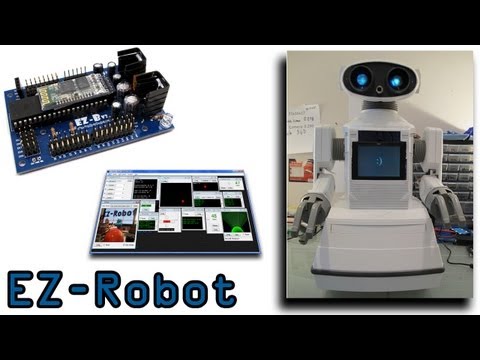
DJ's DJ's Omnibot 2000
Omnibot 2000 showcases Synthiam ARC: Wii Remote control, Glyph vision recognition, Tablet PC touch control and materials...
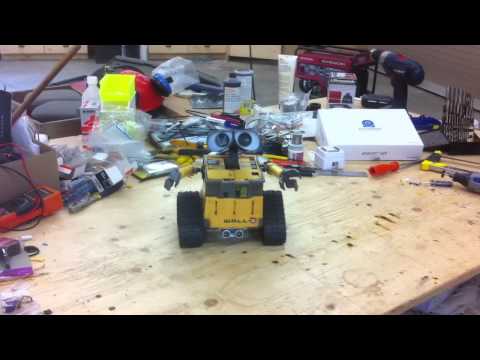
Bhouston's My New Robot
Introducing a new robot with a short demo video showcasing progress and community support.

:Dlike it
he chould say gimme gimme gimme
Nomad, you can do it too. Just download the latest JD app from the EZ-Cloud AppStore and enable COLOR tracking.
Currently it is set for RED.
i will try it for sure.doing leds now.
does this need a script?auto possition moves? he sees red very clear now.
The script is tracking point, I believe it's called.
The script is executed when "on tracking start" and stopped with "tracking stop".
You can see all scripts by adding the script flow control: https://synthiam.com/Tutorials/Help.aspx?id=184
@Nomad... This is not specific to the JD project.... You can use it with your own projects that your write too. When you enable tracking (any tracking type... Face, colour, object, motion etc) a script (see picture) will automatically run when the camera begins to track. You can put anything in this script... For example you can flash your LEDs when the camera sees red or a face or whatever... What I am saying is you can make your robot do pretty much anything you want using this "tracking script"... This is in the camera control under scripts... see below...
ah yes i know that one.
thank you bolt