


Graphy icon Graphy — Plot live data with ControlCommand scripts: multi-series charts, many chart types, legend toggle, add/remove series, export graph data to CSV Try it →
Tutorial
Canada
Published — Updated

Control Robot With Virtual Reality Headset

Learn how to control your robot with a virtual reality headset in the synthiam software platform
Related Hardware (view all EZB hardware)
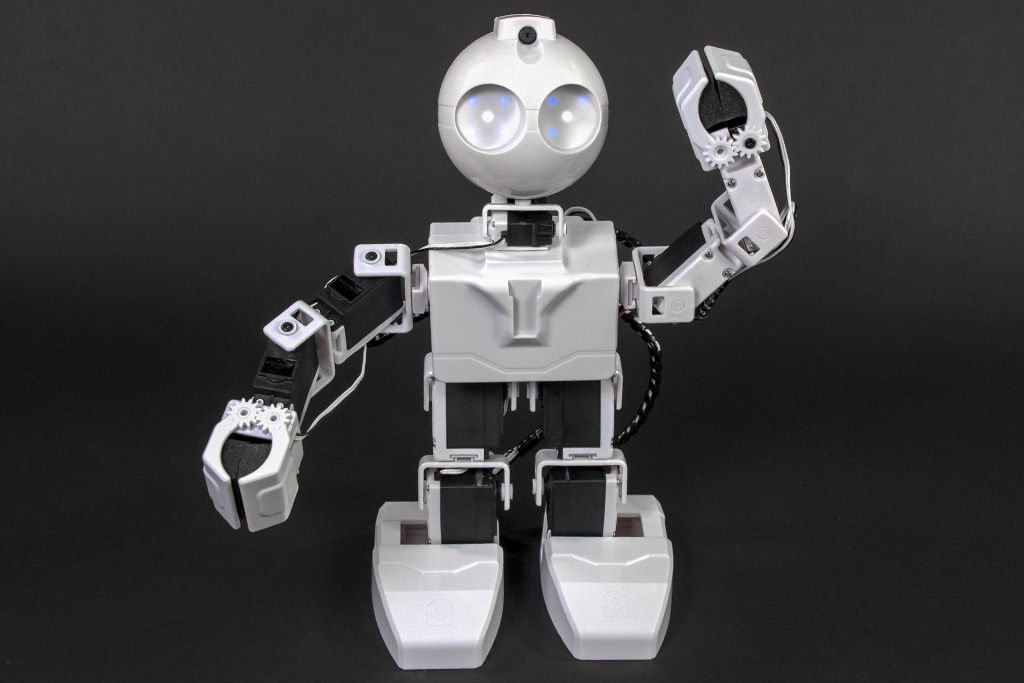
JD Humanoid by EZ-Robot
JD Humanoid with Synthiam ARCx: pose, animate, walk, voice, vision, and AI control from any browser.
Wi-Fi / USB
Servos 24
Camera
Audio
UART 3
I2C
ADC 8
Digital 24
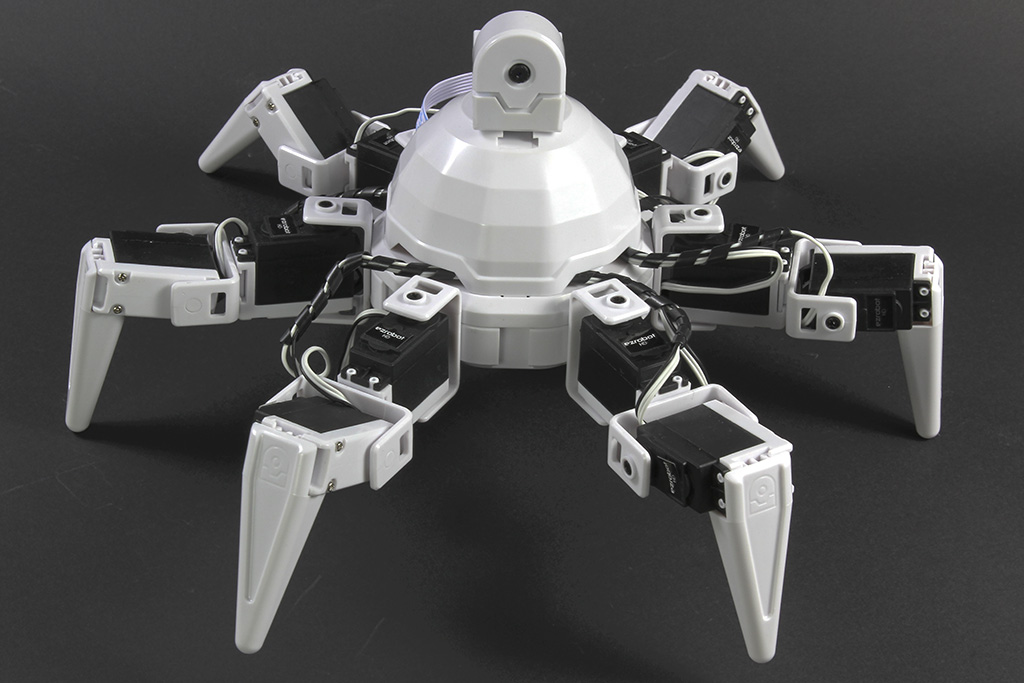
Six Hexapod by EZ-Robot
Synthiam ARCx controls Six Hexapod with Auto Position gaits, joystick, voice, AI, vision tracking, and browser access.
Wi-Fi / USB
Servos 24
Camera
Audio
UART 3
I2C
ADC 8
Digital 24
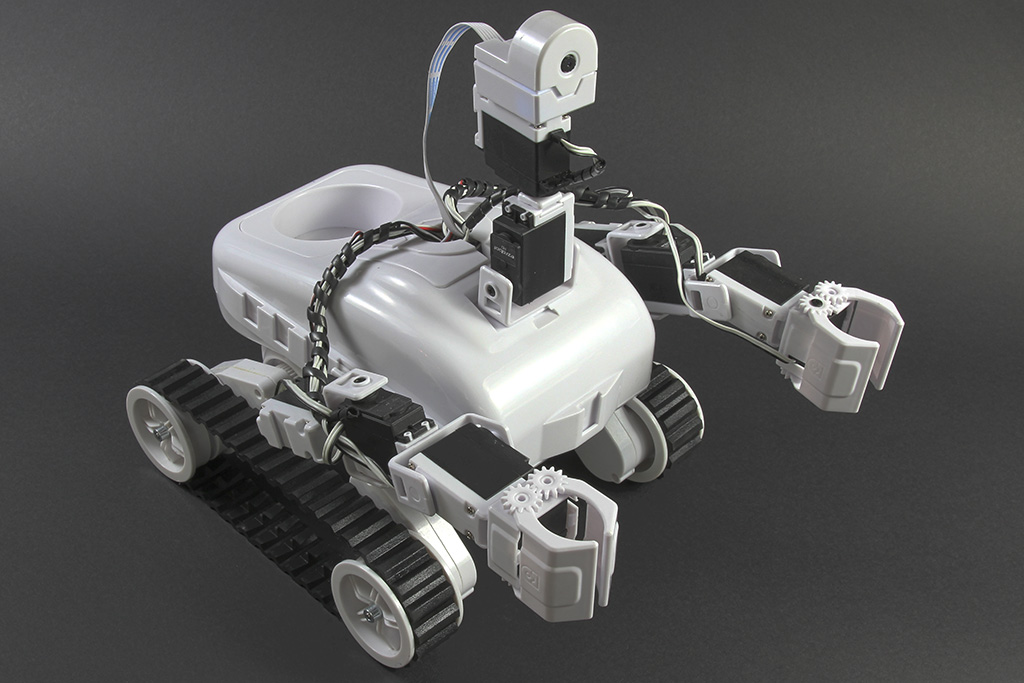
Roli Rover by EZ-Robot
Roli Rover with Synthiam ARCx: drive with live video, control arms, follow faces, patrol, and program with Blockly or Python
Wi-Fi / USB
Servos 24
Camera
Audio
UART 3
I2C
ADC 8
Digital 24
EZ-B V4 by EZ-Robot
EZ-B v4 with Synthiam ARCx controls servos, sensors, camera and audio over Wi-Fi or USB serial, no firmware needed.
Wi-Fi / USB
Servos 24
Camera
Audio
UART 3
I2C
ADC 8
Digital 24
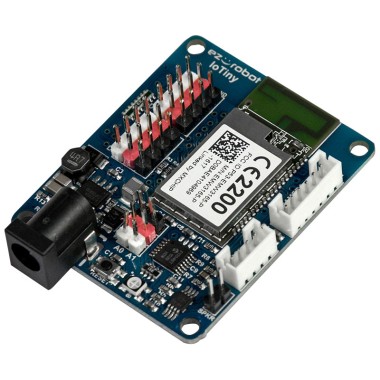
EZ-B Iotiny by EZ-Robot
EZ-B IoTiny works with Synthiam ARCx to control servos, camera, voice, scripts, and IoT from any browser.
Wi-Fi
Servos 8
Camera
Audio
UART None (transmit-only serial on digital ports)
I2C
ADC 2
Digital 8
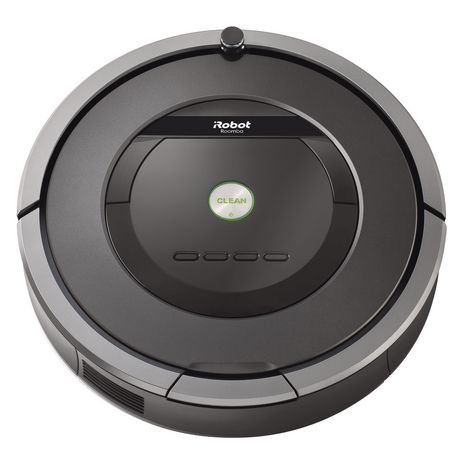
Roomba by iRobot
Synthiam ARCx turns iRobot Roomba into a drivable robot with scripts, sensors, browser control, and AI-ready robotics skills.
Controller Dependant
Servos ✕
Camera
Audio
UART ✕
I2C
ADC ✕
Digital ✕
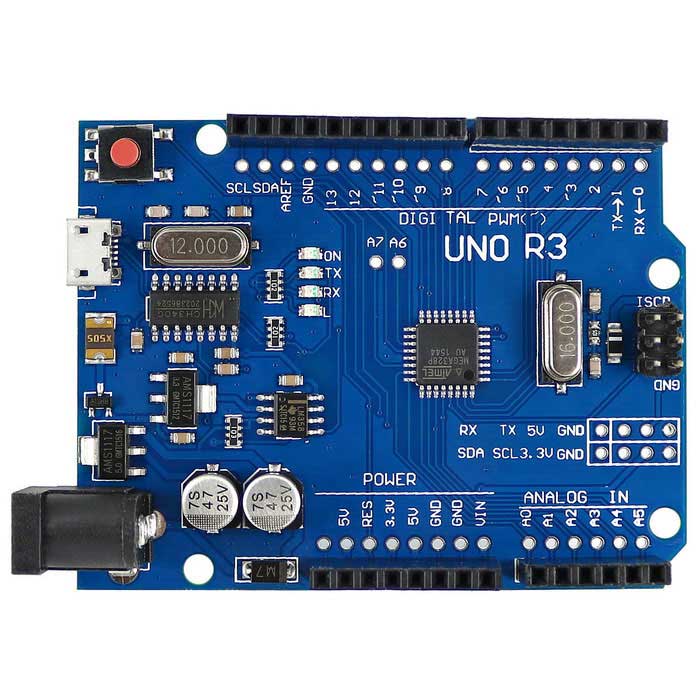
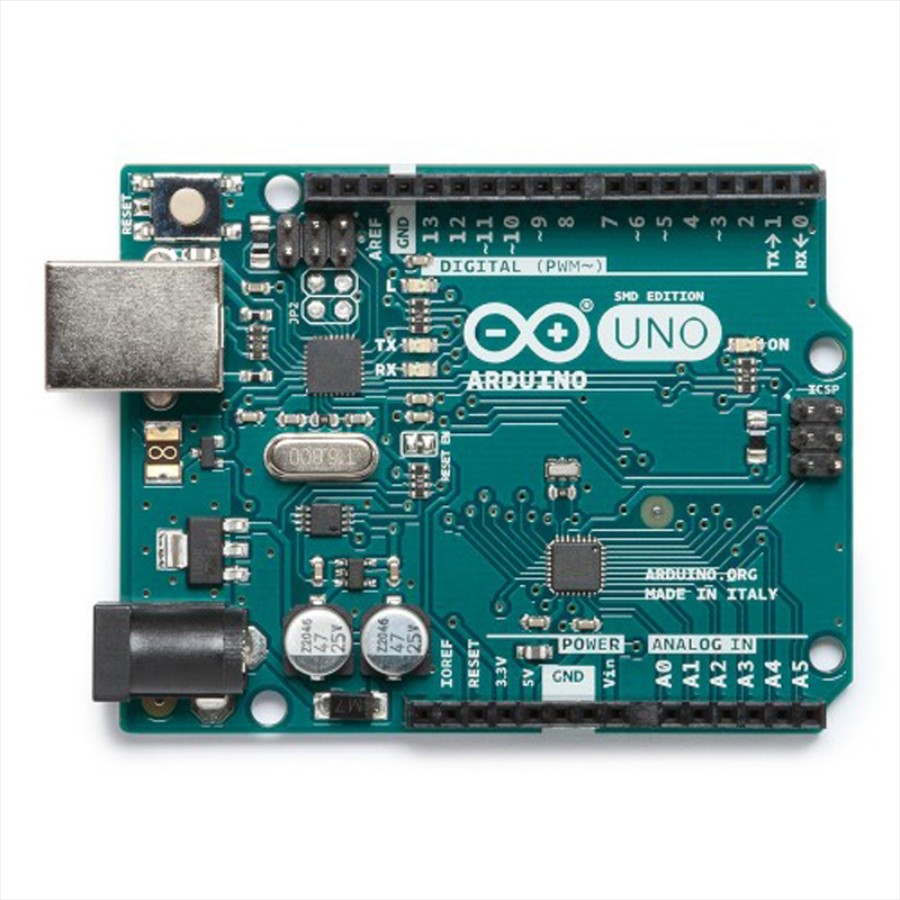
Turn an Arduino Uno into a Synthiam ARCx robot controller with EZB firmware, servos, sensors, PWM, and browser control.
USB
Servos 12
Camera
Audio
UART ✕
I2C
ADC 6
Digital 14
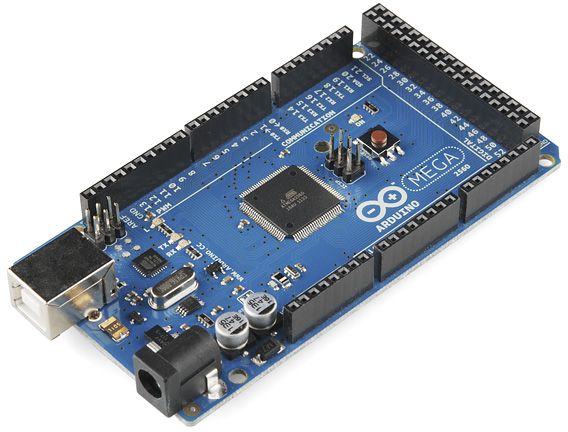
Arduino Mega with Synthiam ARCx controls 24 servos, 13 PWM, sensors and serial modules via EZB firmware over USB.
USB
Servos 24
Camera
Audio
UART 3
I2C
ADC 8
Digital 21
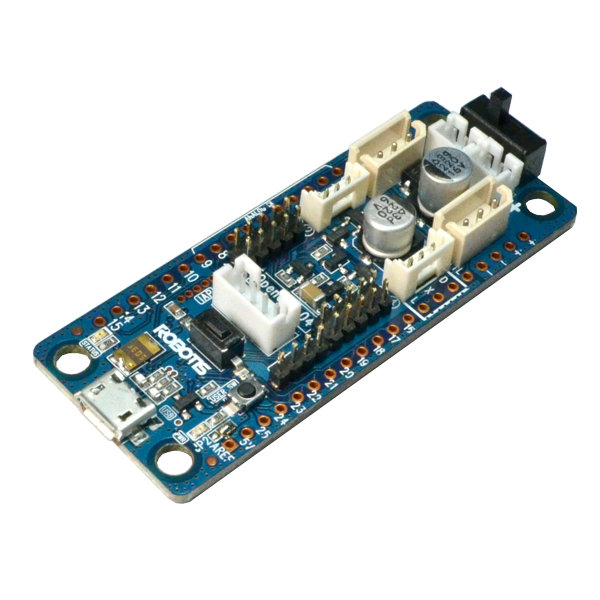
Opencm 9.04 by Robotis
OpenCM 9.04 with Synthiam ARCx drives Dynamixel servos in a web browser for animations, scripts, AI and hardware I/O
USB
Servos 200
Camera
Audio
UART ✕
I2C
ADC ✕
Digital ✕
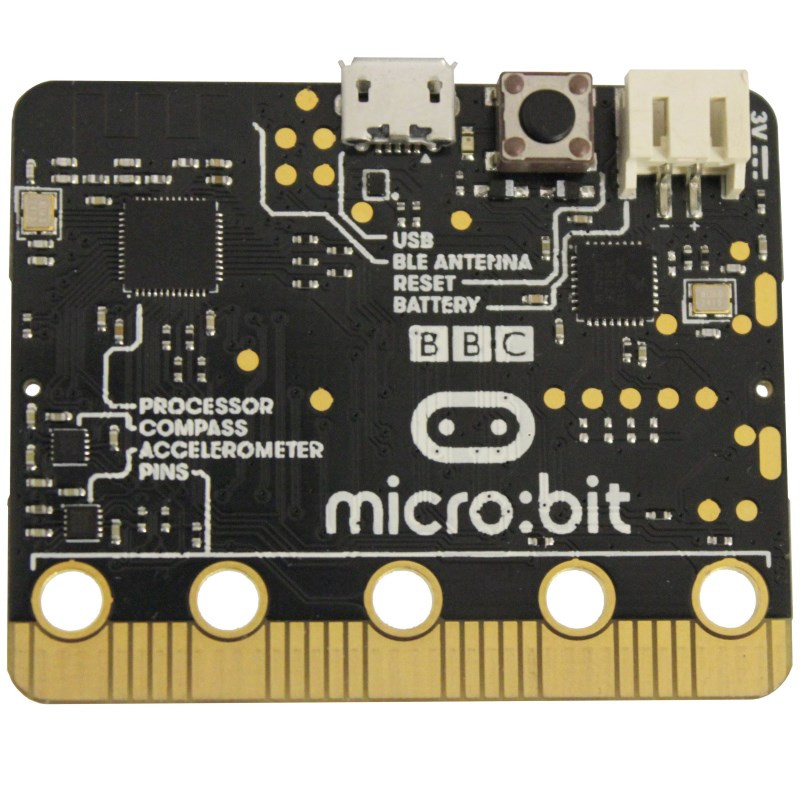
BBC micro:bit with Synthiam ARCx: USB robotics firmware, Blockly coding, digital I/O, analog sensors and PWM control.
USB
Servos Varies
Camera
Audio
UART ✕
I2C
ADC 3
Digital 16
Arduino Leonardo with Synthiam ARCx controls servos, PWM, digital I/O, analog inputs, UART and ultrasonic sensors over USB.
USB
Servos 12
Camera
Audio
UART Varies
I2C
ADC Varies
Digital Varies
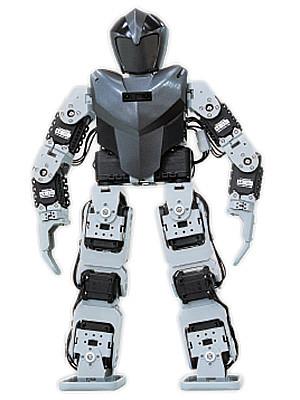
Bioloid by Robotis
Bioloid humanoid with Synthiam ARCx: control AX-12 servos, create gaits, gestures, voice, AI and vision from any browser
USB
Servos 200
Camera
Audio
UART ✕
I2C
ADC ✕
Digital ✕
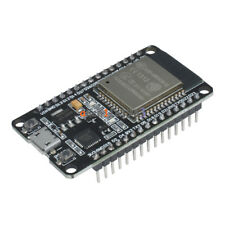
Esp32 by Espressif
Flash Synthiam ESP32 firmware to create a Wi-Fi EZB robot controller with ARCx for servos, sensors, scripting and web control
Wi-Fi
Servos Varies
Camera
Audio
UART Varies
I2C
ADC Varies
Digital Varies
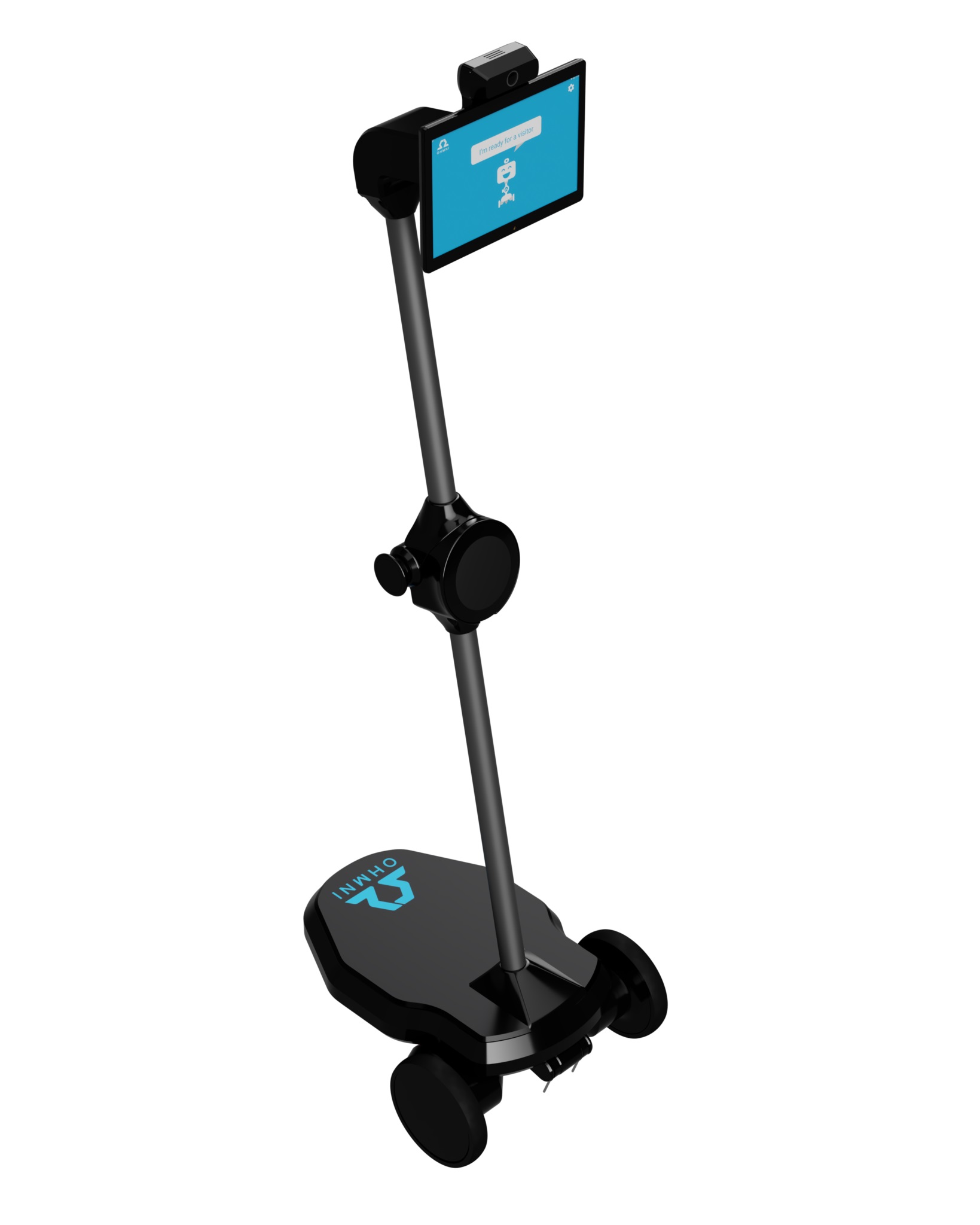
Synthiam ARCx turns Ohmni into a programmable telepresence robot with remote driving, vision, AI, battery, dock and light ring control.
Wi-Fi
Servos 1
Camera
Audio
UART ✕
I2C
ADC ✕
Digital ✕

Step 1

This tutorial video will demonstrate how to use Virtual Reality with your robot to see what the robot sees, and control servos by moving your head. The associated robot skill plugin supports all virtual reality headsets through Steam VR (OpenVR), Google Play and iOS, including Google Cardboard, Oculus, Windows Mixed Reality and HTC Vive. The plugin does two things, it allows you to see what the robot sees and control the servos with the Pitch and Yaw of the headset. This means when you move your head, the robot head can move as well, mimicking your movement.

Choose a robot to start with here: https://synthiam.com/GettingStarted Download EZ-Builder: https://synthiam.com/download Virtual Reality Robot: https://synthiam.com/Products/Controls/Virtual-Reality/Virtual-Reality-Robot-15982 DJ's Full LiveHack: https://youtu.be/lfVwgmZLeKE


ARC Pro

Upgrade to ARC Pro

Experience the transformation – subscribe to Synthiam ARC Pro and watch your robot evolve into a marvel of innovation and intelligence.

Author Avatar
PRO
USA
#1  

Do you have an app for a IPHONE?

#2  

Quote:

Do you have an app for a IPHONE?
Since the Android phone just needs WiFi and does not need cellular service, you can probably pick up a cheap used one.  I would get one locally where you can set it up in front of the owner or from someone you know and trust because if the owner doesn't de-register from their account, you will not be able to log onto Google Play services from it even if you factory reset.  Many sellers either don't know this, or if they are selling a stolen device, they will ghost you when you try to get their credentials to remove them from the phone.

Alan

#4  

Would it be possible to use the vr robot camera to automatically generate maps in unity environment for later use with out the vr connected for autonomous locomotion?