









All Community Content


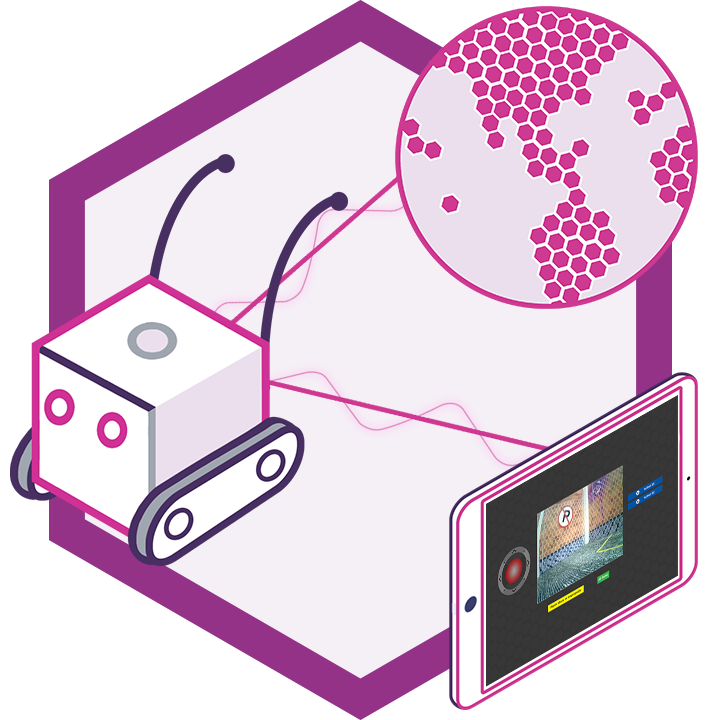
Drive Real Robots, Anywhere
Remotely operate robots around the world or add live telepresence to your own build — straight from your browser.
Discover Exosphere
Robot Sticker
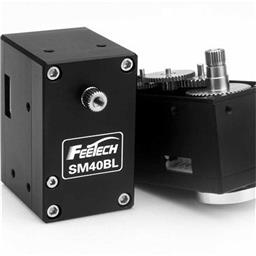
Feetech Serial Bus S…
Control Feetech SC serial bus smart servos via EZB UART or PC COM port with ARC virtual ports,...
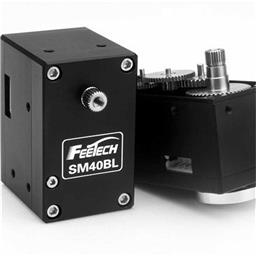
Feetech RS485 Servo
Control Feetech serial bus smart servos via EZB UART or PC COM port in ARC using virtual ports...

Total Speech Recogni…
Offline Windows speech recognition with open dictionary, confidence filtering, and scriptable phrase...

Broadcast live audio and video from ARC camera to the web via HLS; cross-browser streaming. Requires router configuration for external access.
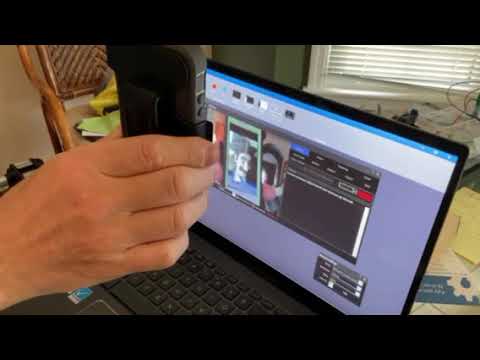
Detect faces or absence of faces and play robot sound files when red is detected in Justin's remixed projects.
Which Software Is For Me?
Hello, I have been a C# developer for almost 8 years, I'm new to robotics. Which Software package should I download and use? Is the ARC okay or should I just use the EZ-SDK since I have programming experience? Thanks 3
3
 2 k
2 k
I Just Updated ARC And It Told Me Incorrect Parameter
It would not start. What is the deal? Thanks, MovieMaker
2
2 k
Ez-B Firmware Update Utility
When click help from the main menu. It takes you to this link: https://synthiam.com/Tutorials/Help.aspx?id=2 Which is the link for Servo Controls - Horizontal Servo This doesn't seem appropriate. Also, the task bar icon for the firmware utility is a shortcut icon? Would you like another icon more appropriate; I could email you one. On last thing...
3
3 k

Ww321q's Buster
Connect reversible RC car ESCs to a Buster robot's drive motors; $11.39 ESCs perform well despite HF whine, Windows 7 laptop runs software smoothly.
25
7 k
Fyi, Bench Power Supply And A Non-Usa Plug Shipped To Usa
I'm from the USA. I ordered the bench power supply and a non-USA plug came with it. Did I miss something when ordering it? Or was it just your supplier who shipped the wrong outlet adapter to the US...
1
2 k
Big Announcement?
Okay, it's 2013, where is this big announcement you promised?
8
3 k
Release 2013.01.03.00
Recommended firmware upgrade fixes Digital_Wait() syntax error, GetPing() bug, and adds extra firmware debug messages for troubleshooting.
10
5 k
Joining Motor Shaft To Wheel
I am struggling to work out the best way to connect the shaft of a motor to a wheel... seems I can do most other things but this.... can anyone point me in the right direction? I'm fine with servos and their horns but not with the larger motors... - Wayne
2
4 k
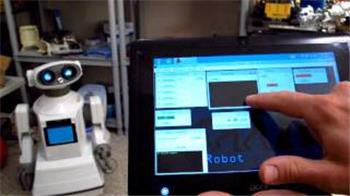
Suggestion: Create A Custom Interface Builder
I know this is hard to implement but i think would be nice. I played many videogames and i love their awesome interface. I'm...
24
5 k
Servo Calibration Missing From Examples
Hi everyone, I just got ez-b for Christmas. I can'find the servo calibration under the examples menu. How can I add it or copy and paste it in?
1
2 k
Better Range
Hey, If I want to get a better range in the EZ-B, how can I achieve this, Xbee? Wifi? Because the camera has an incredible range and I'd wish the EZ-B did too, but how can I be able to achieve this? I'm a programmer and starting robotics so I'm not expert in the hardware, where can I find an installation tutorial for either of these?
1
2 k
Wireless Camera And Usb Dongle Pairing
Hi, This topic follows this one: https://synthiam.com/Community/Questions/2531, but i come with 1 (or 2) more precise questions: - Is it possible that the wireless camera loose the pairing with the usb dongle (even if everything was fine before)? - If yes, is there a way to redo the pairing but without the camera power button, as i have taken it...
3
3 k