

Servo Pad icon Servo Pad — Drag mouse or finger as a virtual joystick to control pan/tilt x- and y-axis servos with configurable ports, limits, inversion, and backgrounds. Try it →
Tutorial
Published — Updated

The Robot Program Episode 023: Mobile JD

Step 27 of 34
Step 26

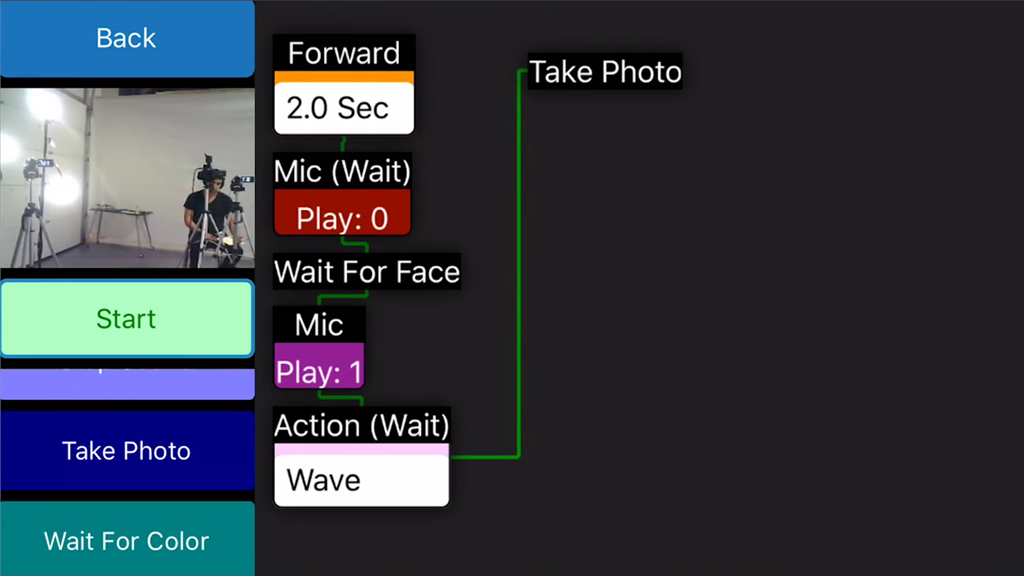
Click on Take Photo to capture a photo of the camera view.
User-inserted image


ARC Pro

Upgrade to ARC Pro

Join the ARC Pro community and gain access to a wealth of resources and support, ensuring your robot's success.
