


Camera Click Servo icon Camera Click Servo Interactive camera control for ARC: click-to-center and edge hotspots to pan/tilt servos, adjustable fine-tune and multi-camera support. Try it →
Tutorial
Published — Updated

The Robot Program Episode 023: Mobile JD

Step 18 of 34
Step 17

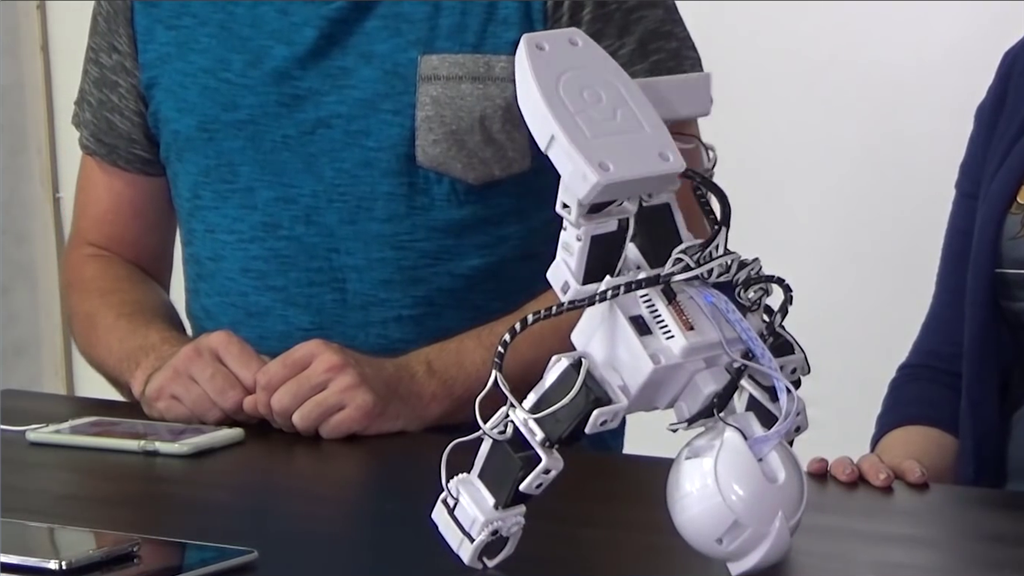
Explore other actions such as Headstand or Sit Down. The right hand joystick can be used to move the camera by controlling the head servos. Revolution JD can return to standing from a forward or backwards position. The default project also includes audio control, which can be used in features such as dance actions.

User-inserted image


ARC Pro

Upgrade to ARC Pro

With ARC Pro, your robot is not just a machine; it's your creative partner in the journey of technological exploration.