


Comm Expansion Configuration icon Comm Expansion Configuration Configure EZ-B v4/2 Comm Expansion: switch between UART transparent proxy and USB direct PC link (avoids WiFi); EZ-B needs separate power. Try it →
Tutorial
Published — Updated

The Robot Program Episode 023: Mobile JD

Step 20 of 34
Step 19

RoboScratch or Blockly can be used to create custom programs. Click on RoboScratch to get started.
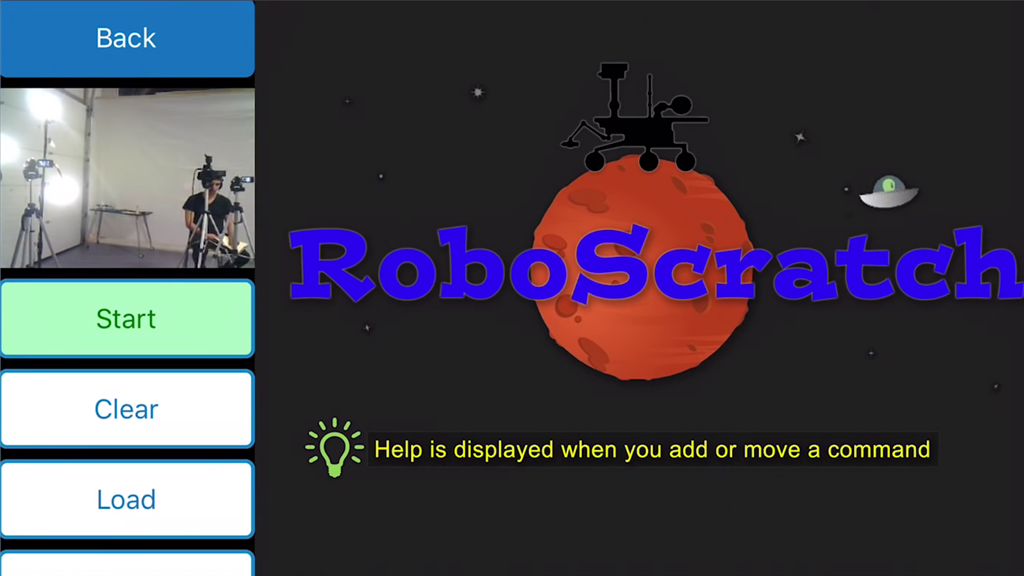

User-inserted image


ARC Pro

Upgrade to ARC Pro

Unleash your creativity with the power of easy robot programming using Synthiam ARC Pro