


Comm Expansion Configuration icon Comm Expansion Configuration Configure EZ-B v4/2 Comm Expansion: switch between UART transparent proxy and USB direct PC link (avoids WiFi); EZ-B needs separate power. Try it →
Tutorial
Published — Updated

The Robot Program Episode 023: Mobile JD

Step 16 of 34
Step 15

Clicking on buttons such as Fly will execute pre-designed actions.
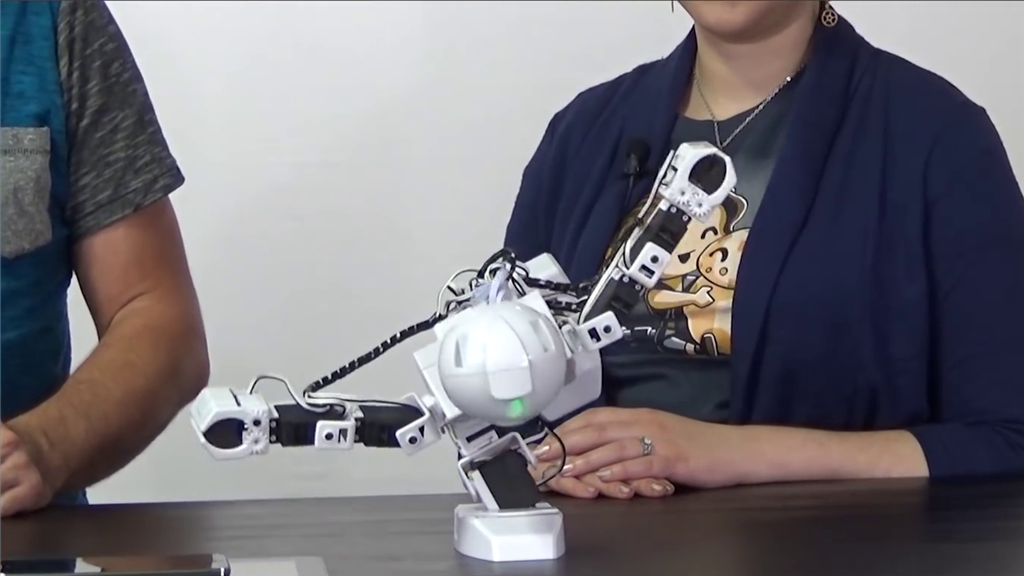
User-inserted image


ARC Pro

Upgrade to ARC Pro

Get access to the latest features and updates before they're released. You'll have everything that's needed to unleash your robot's potential!
