


Touch Path icon Touch Path Sketch paths with finger or mouse and set turn/move speeds; interactive, educational demo of timing-based, sensorless robot navigation and limits. Try it →
Tutorial
Published — Updated

The Robot Program Episode 023: Mobile JD

Step 25 of 34
Step 24

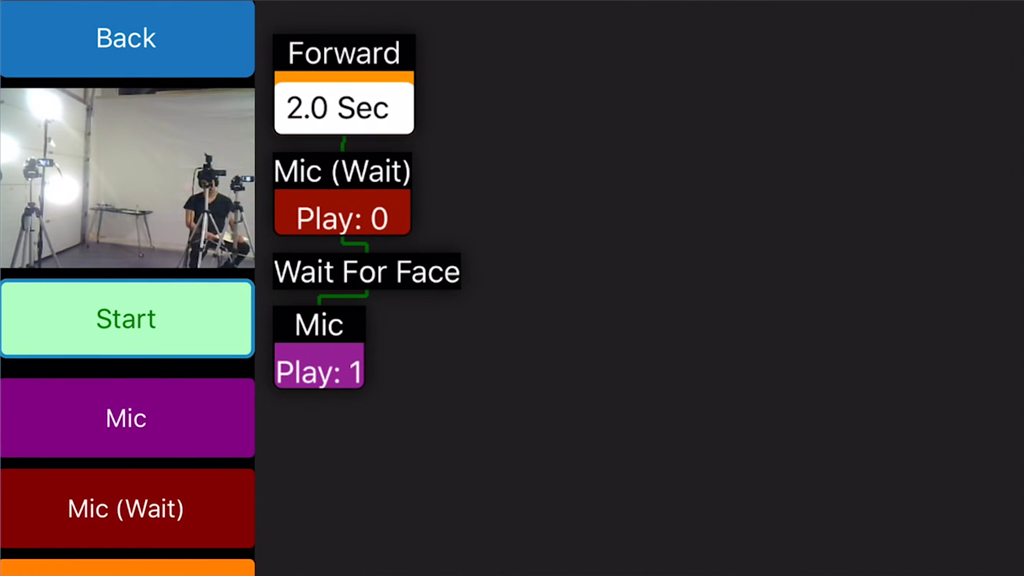
Add another Mic command and click on Play. Select a different channel number to record an audio clip that will be played once a face is detected.

User-inserted image


ARC Pro

Upgrade to ARC Pro

Subscribe to ARC Pro, and your robot will become a canvas for your imagination, limited only by your creativity.