

Augmented Reality icon Augmented Reality Overlay PNG/JPG images in real-time onto detected objects, faces, colors or glyphs using ARC Camera tracking; attach, preview, detach. Try it →
Tutorial
Published — Updated

The Robot Program Episode 023: Mobile JD

Step 24 of 34
Step 23

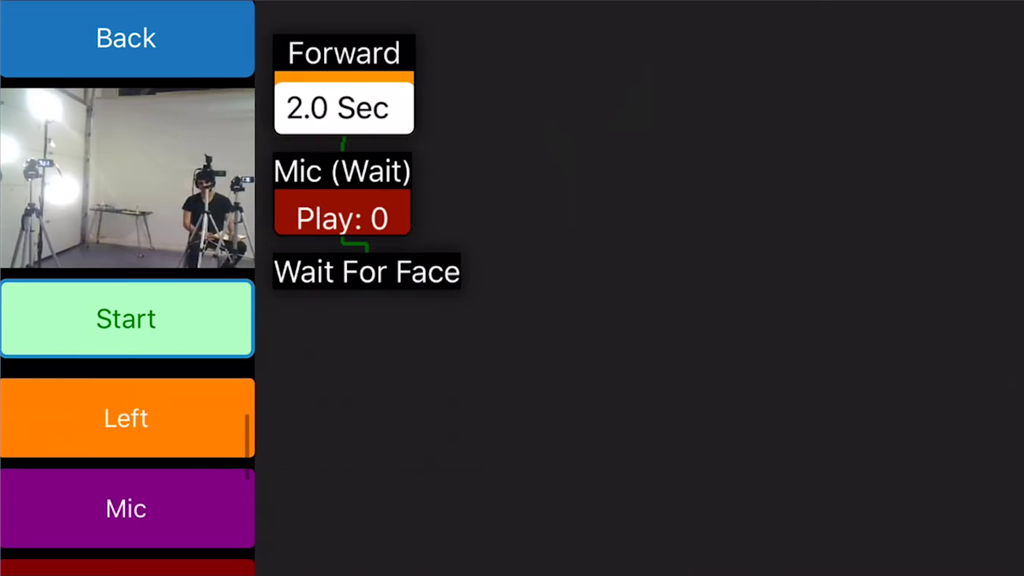
Click on Wait For Face. This action will wait for a face to be detected in the camera view.
User-inserted image


ARC Pro

Upgrade to ARC Pro

Unleash your creativity with the power of easy robot programming using Synthiam ARC Pro
