
One of the features that makes ez-robot so special is the camera that can detect faces, objects, glyphs, qr codes and multiple colors. For this tutorial, we will use the JD Humanoid. However, this process can easily be applied to any ez-robot configuration.
By DJ Sures
— Last update






Discover more robots
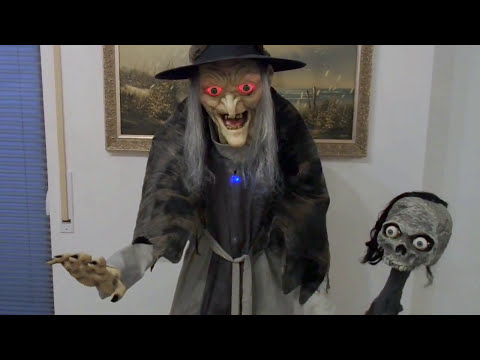
Smarty's Ez-Robot Halloween Witch Esmeralda
Esmeralda the Witch prop: 180 cm tall, 6.6 kg, PIR sensors, camera, light & sound sensors, loud onboard sound system...

Fxrtst's Will Huff's Lost In Space B9 Robot Build
Create silicone rubber parts for a Lost in Space B9 replica and use Synthiam products to build an amazing robot.
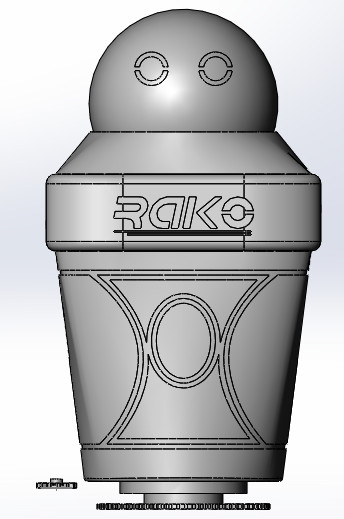
Cardboardhacker's Raiko Personal Robot
Raiko robot: tracked, curvy companion with removable wireless-powered head, LED eyes, carrying arms, social AI. EZ-B V4...

@DJ You know, I could never get multicolour tracking working properly.... Now I know why...thanks for this video...
Great little tutorial DJ.
Very clear and easy to understand. I too have had problems with multicolour recognition, and this video will help a lot. Many thanks. I'd also love to see an updated video tutorial just like this about colour tracking with servo mounted cameras. I've always have had trouble with that from day one, even after reading the tutorials and when being done in a bright location, using the basic colours, and adjusting the brightness settings ect. I hope you consider doing one.
DJ
great video thank you very much. i sure try this.
Keep these types of tutorials coming, as my kids enjoyed this one a lot. Excellent work and got my kids attention more!
Thanks! I sure will - have a few more scripts i'm writing now. Sadly, i'll be out of the country over next week. It'll be a few weeks before the next batch is done. Takes about one day per video for editing and filming.
whats the best setting for colortracking.
jd doesn respond very well
i dont see autopositionaction,"point"
i re downloaded and i have now a point jd does forwart move but dont see or say color.
RR
did you get working now?multi color