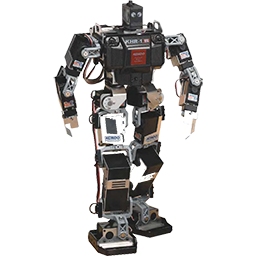
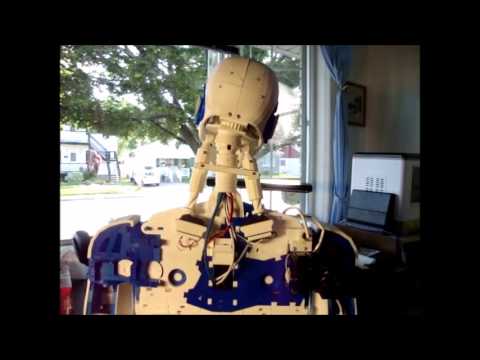
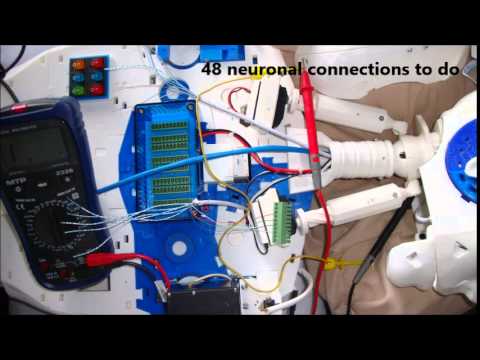
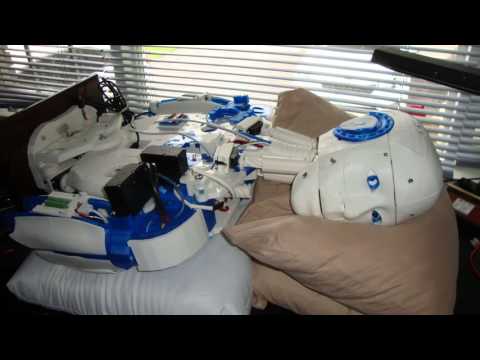
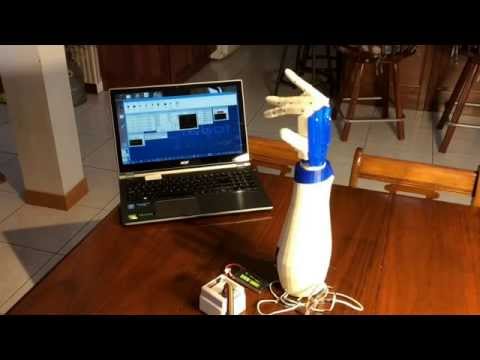
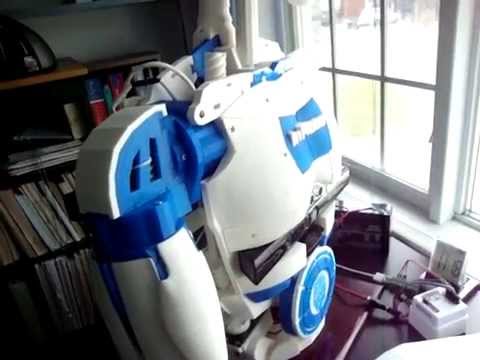
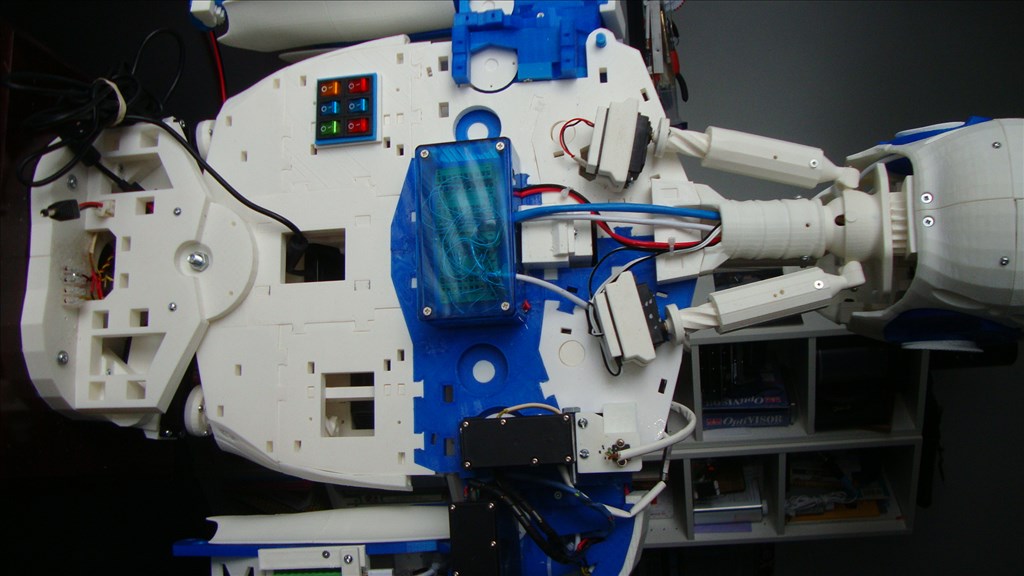
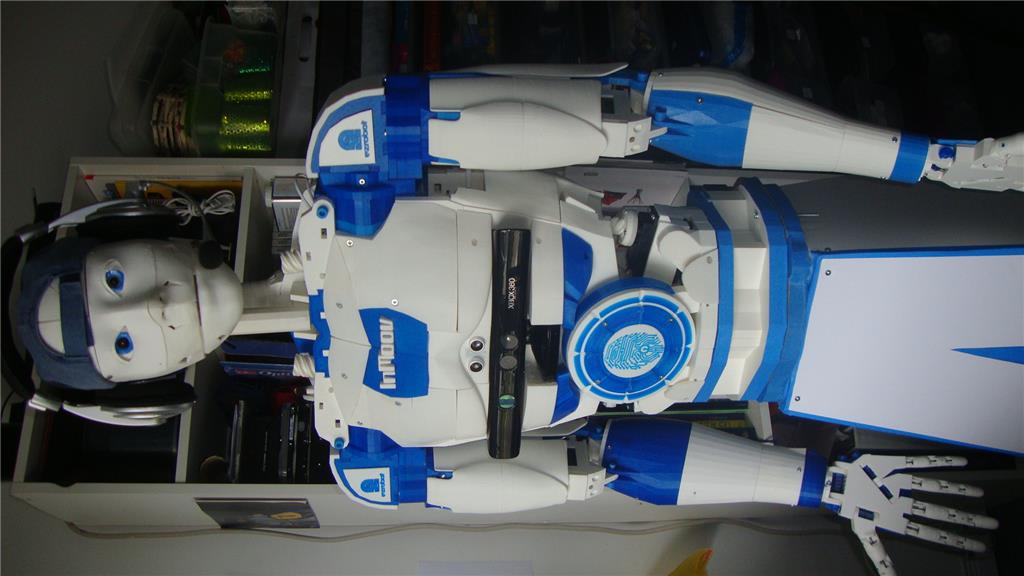
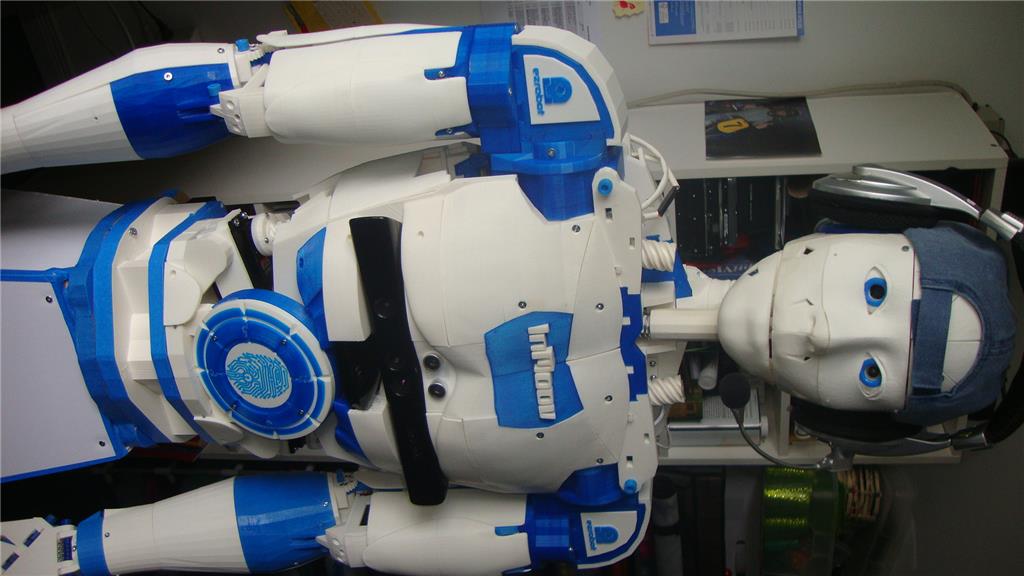
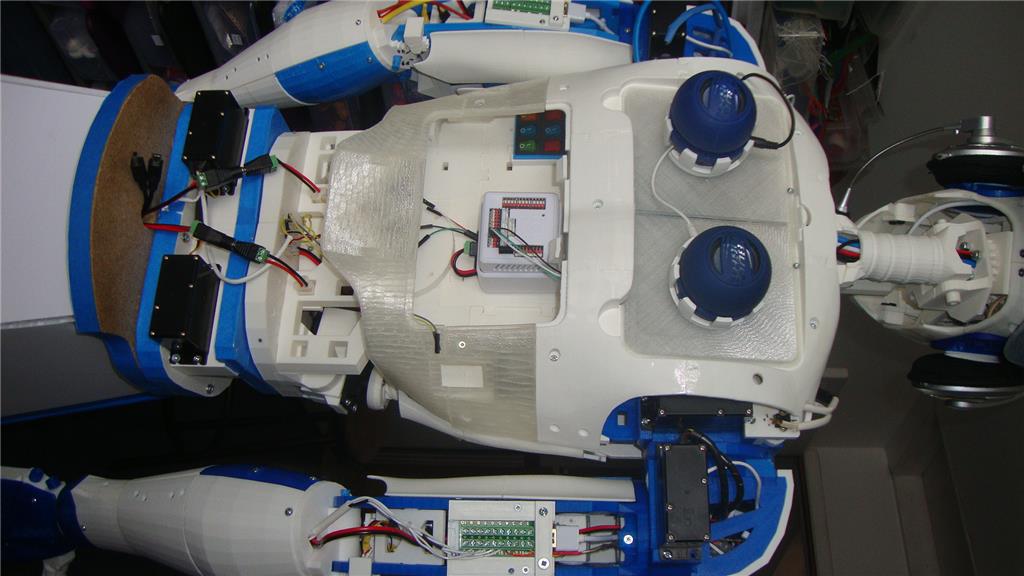
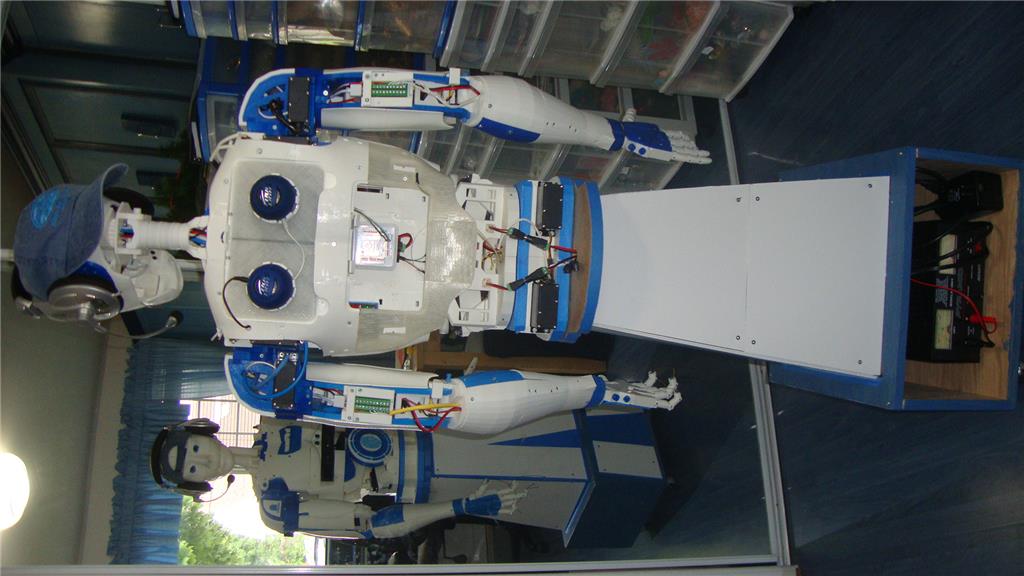
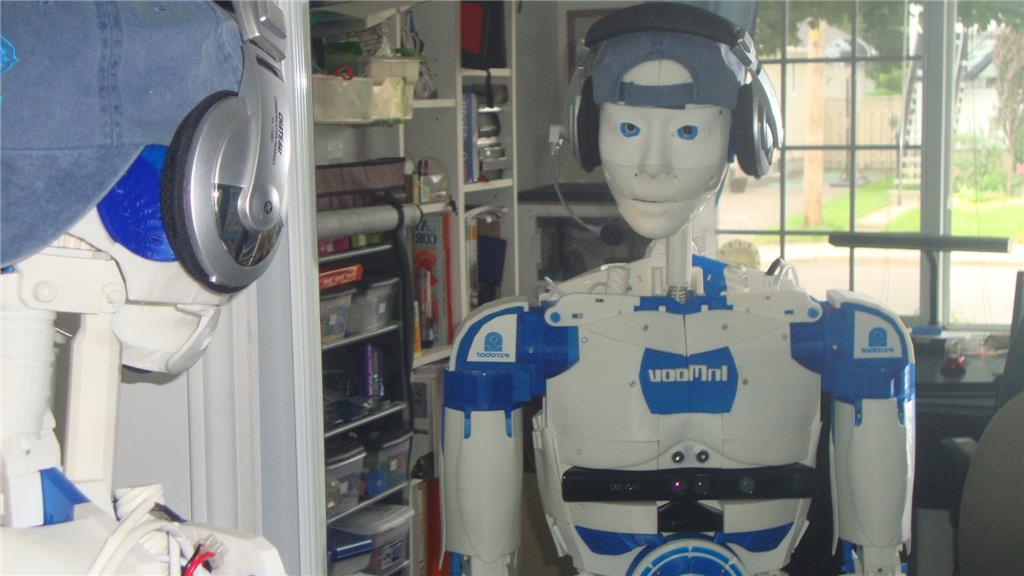
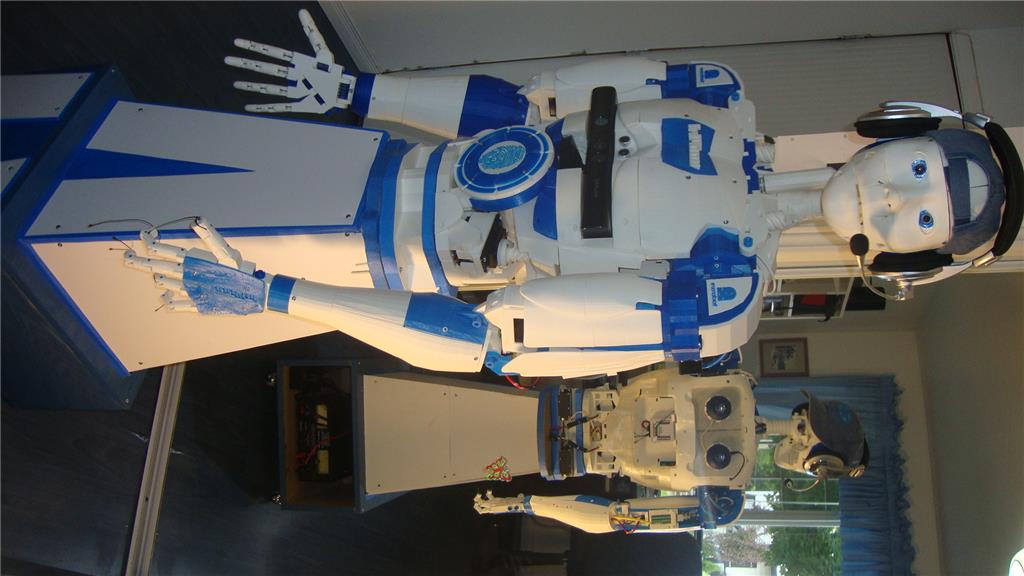
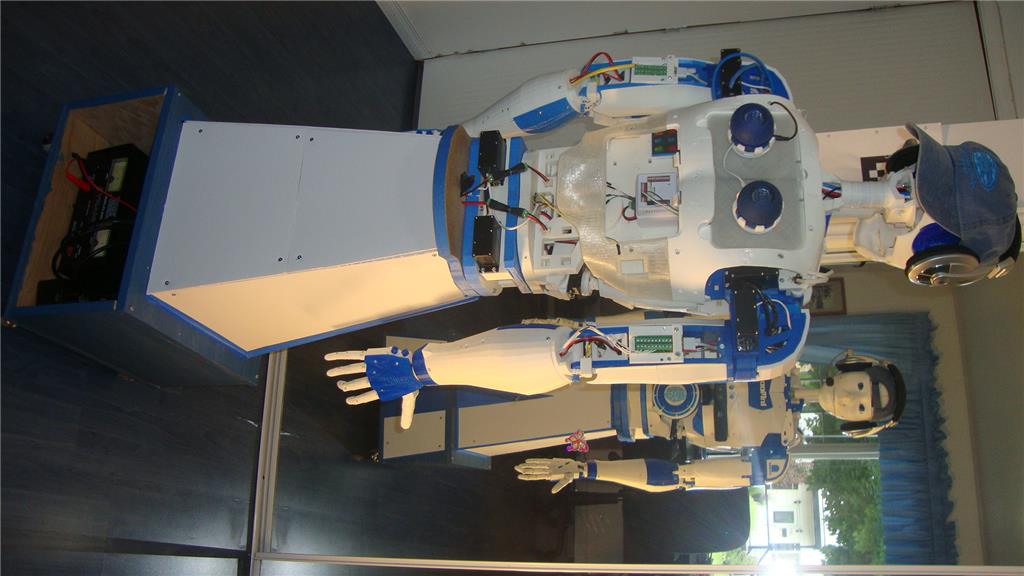
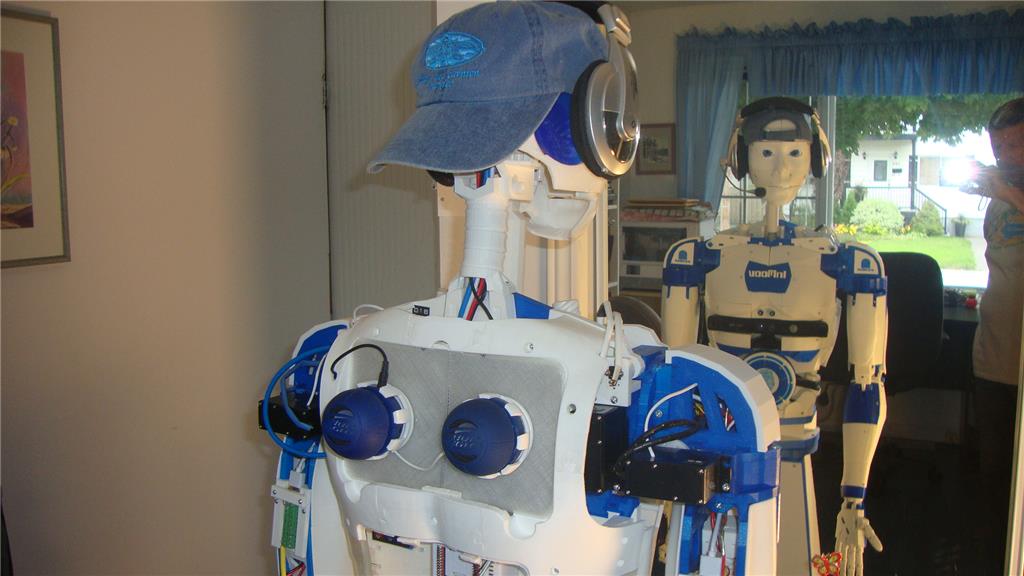
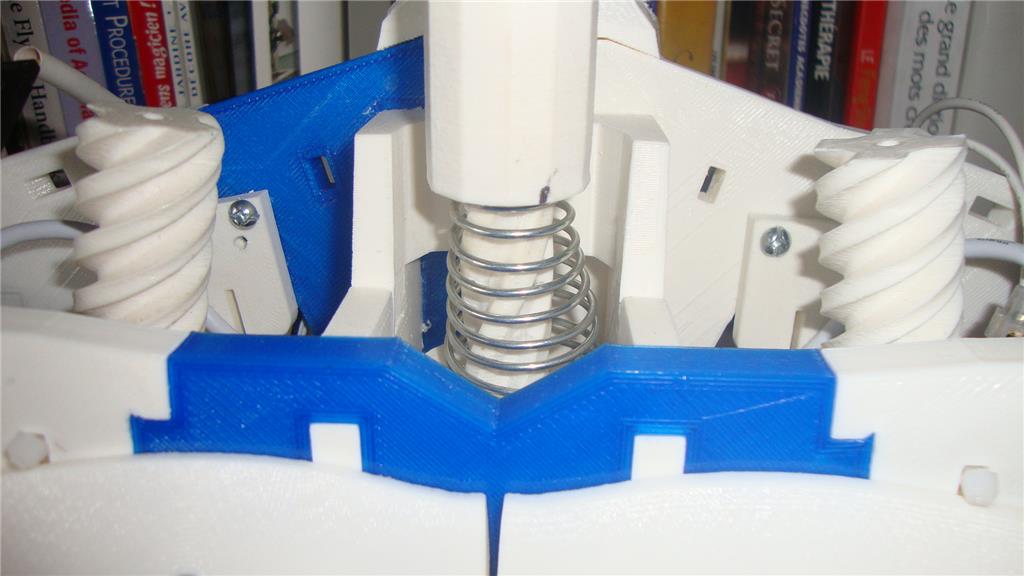
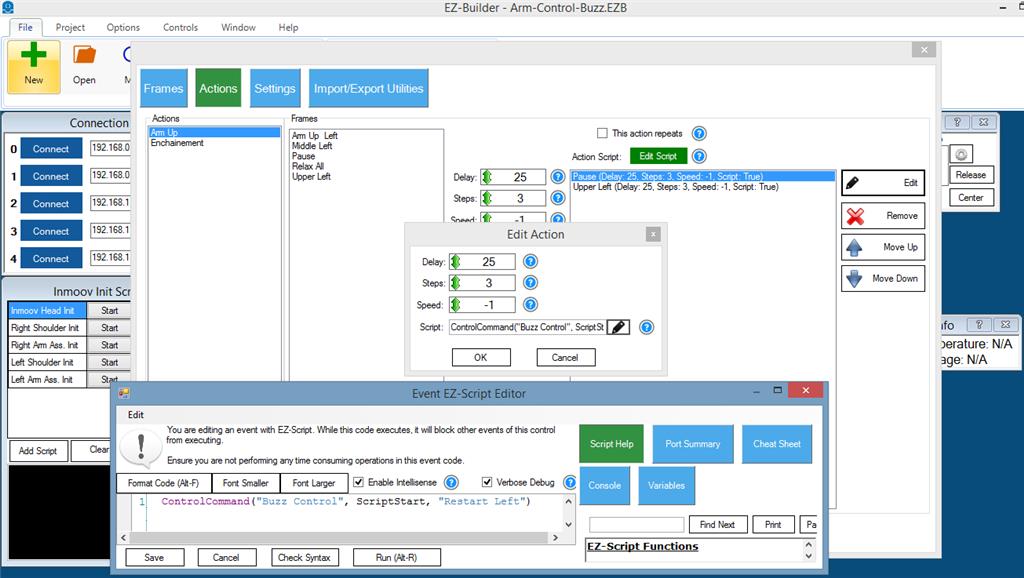
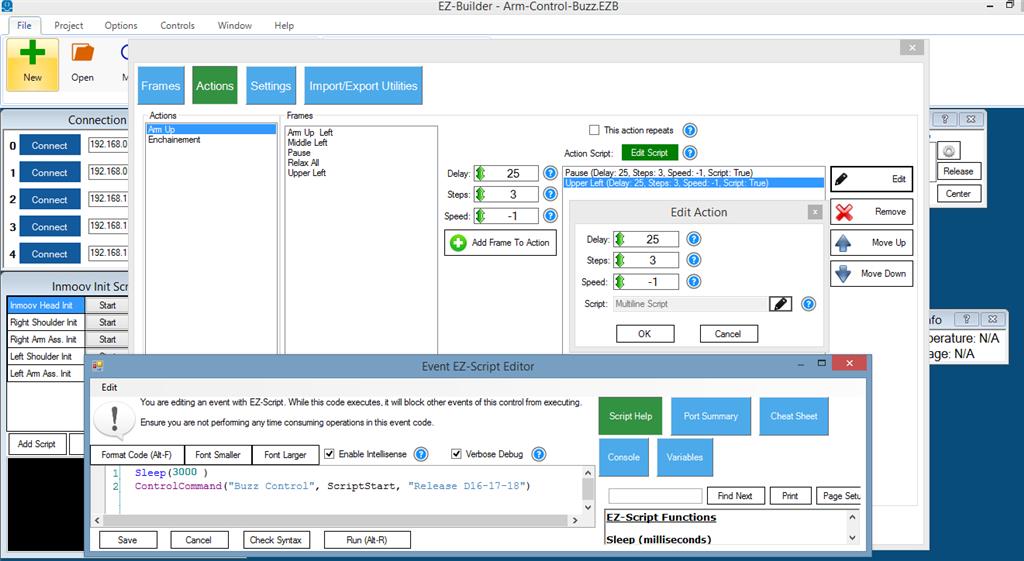
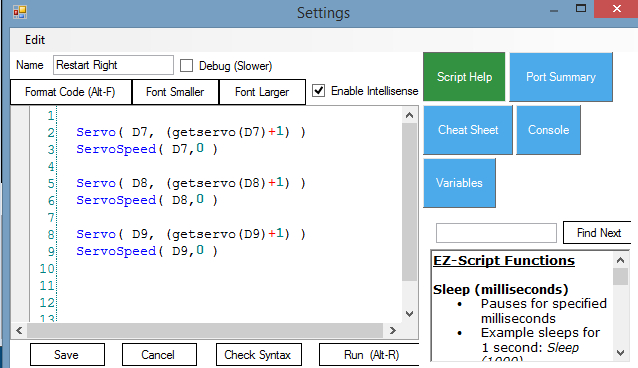
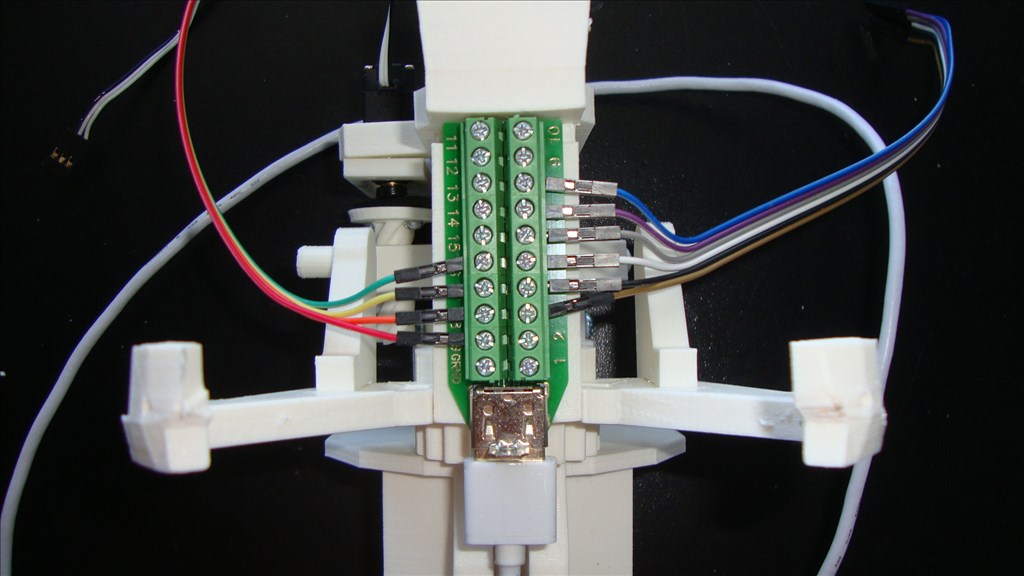
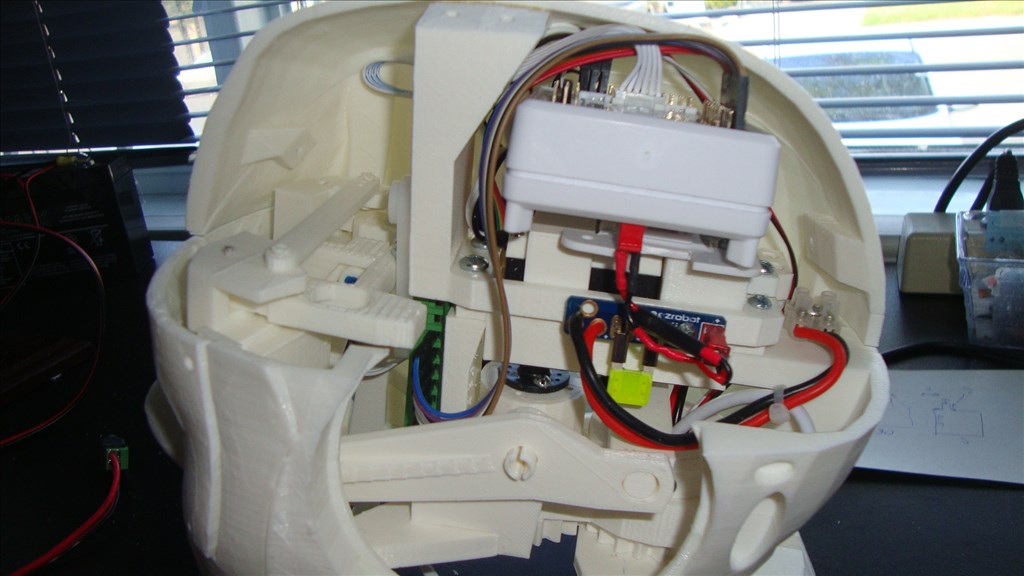
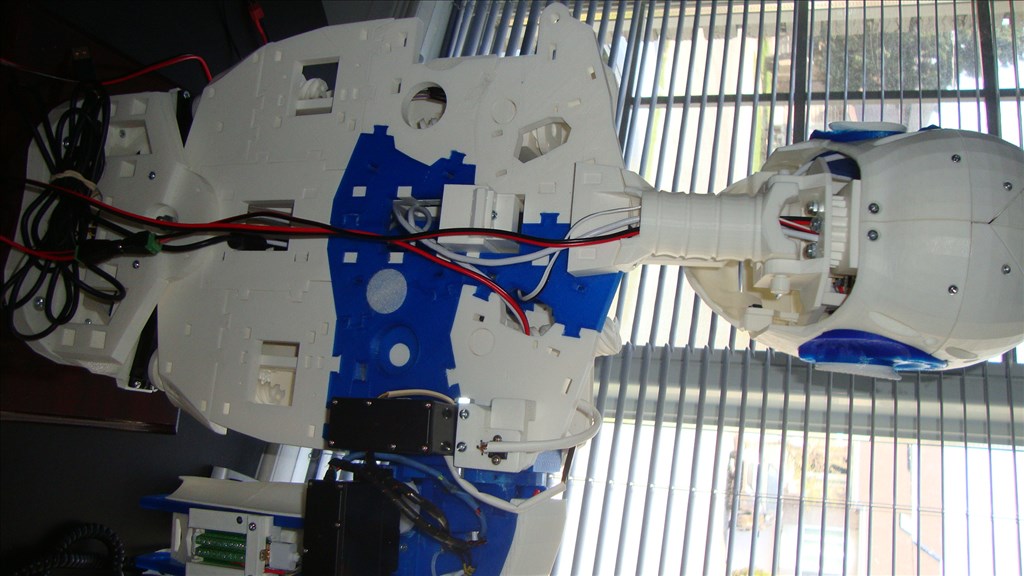
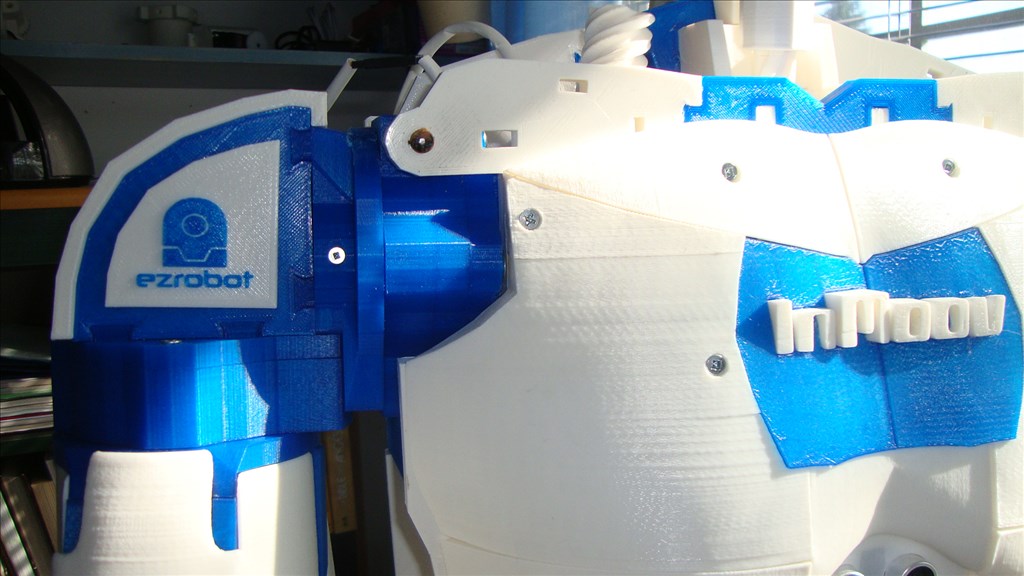
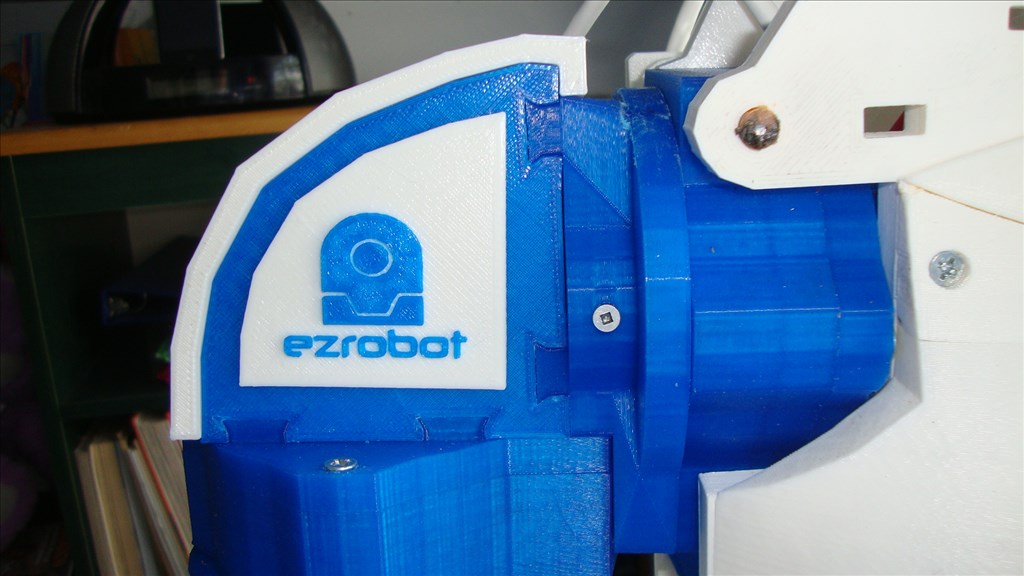
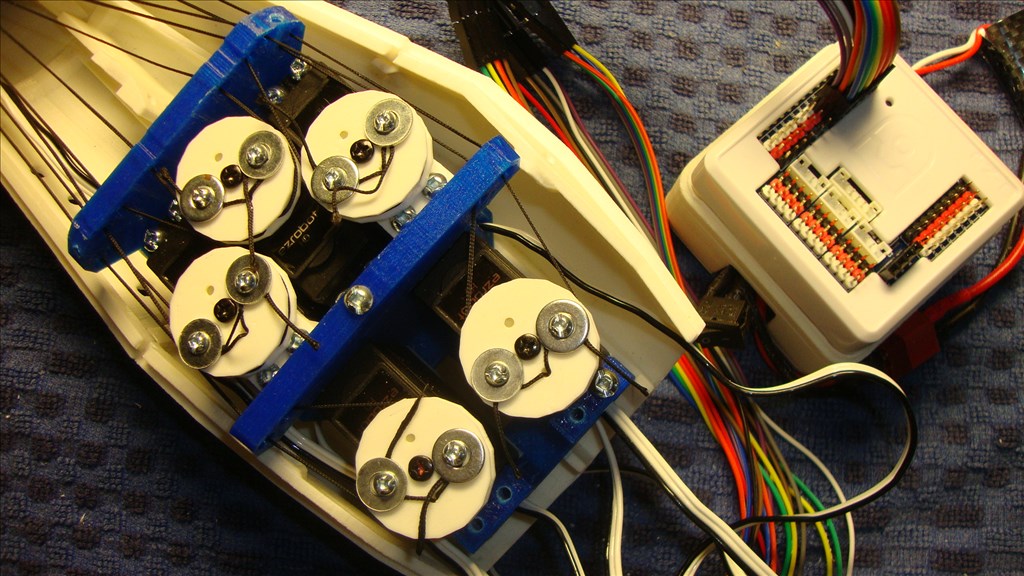
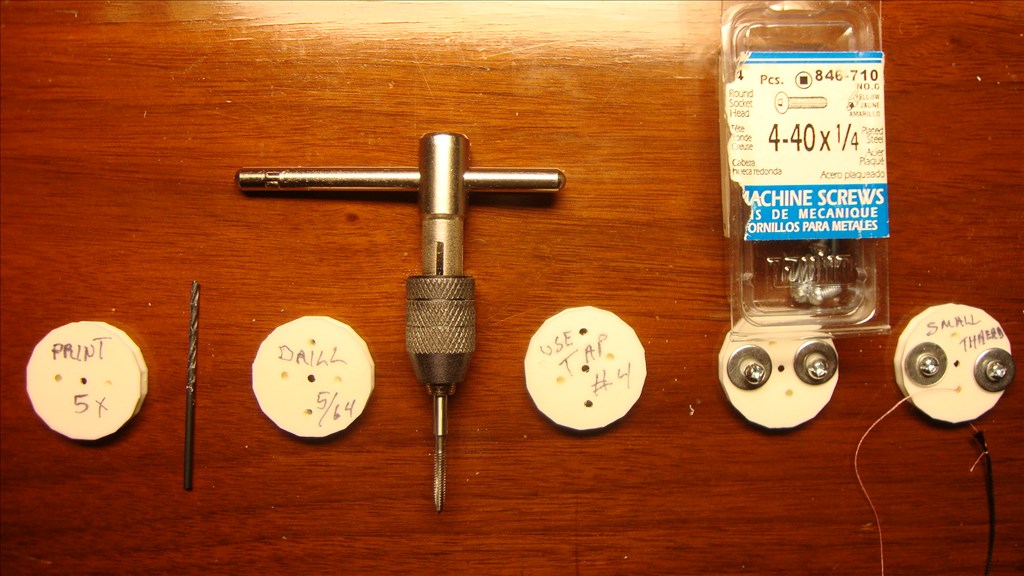
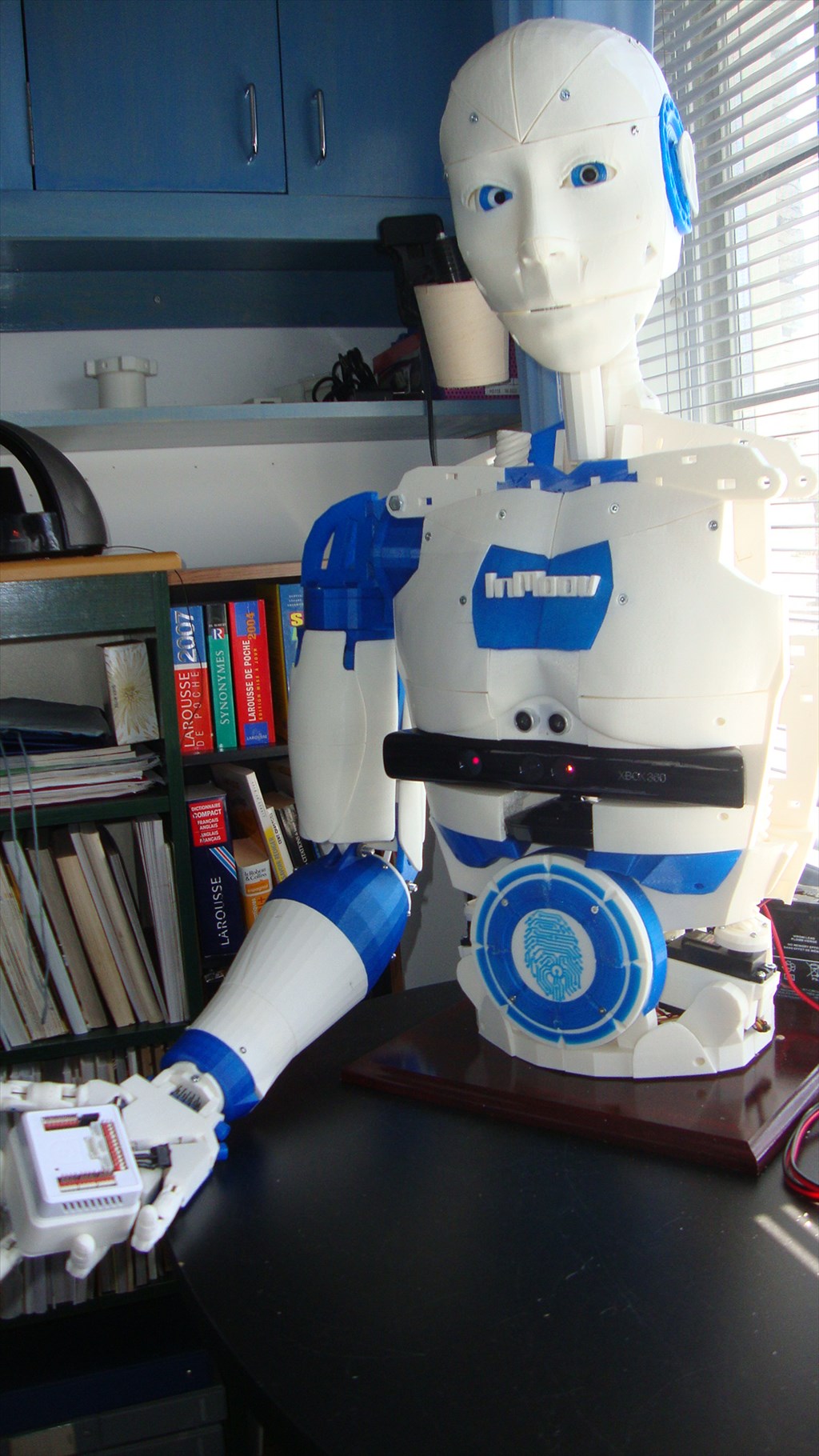
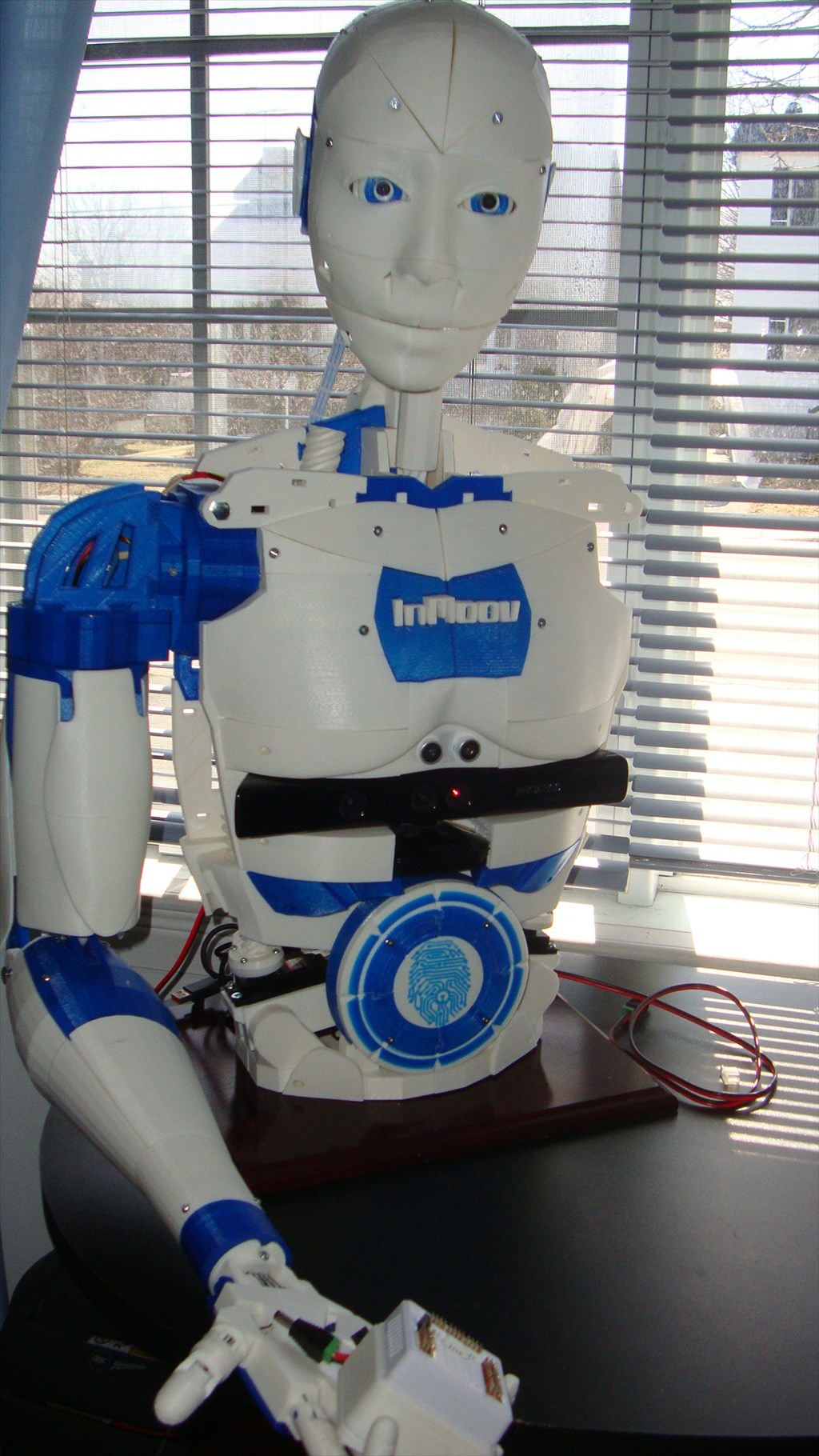
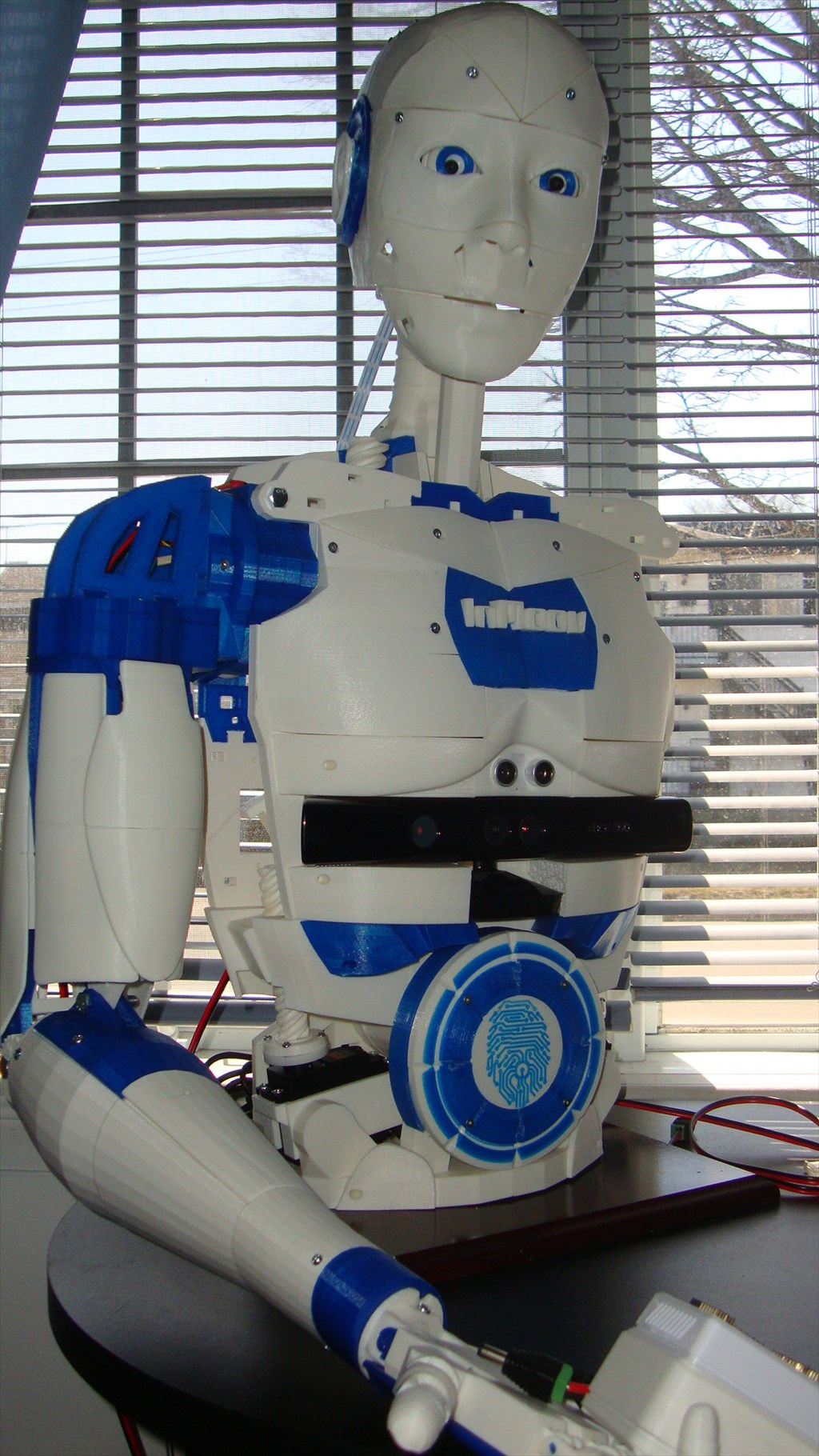
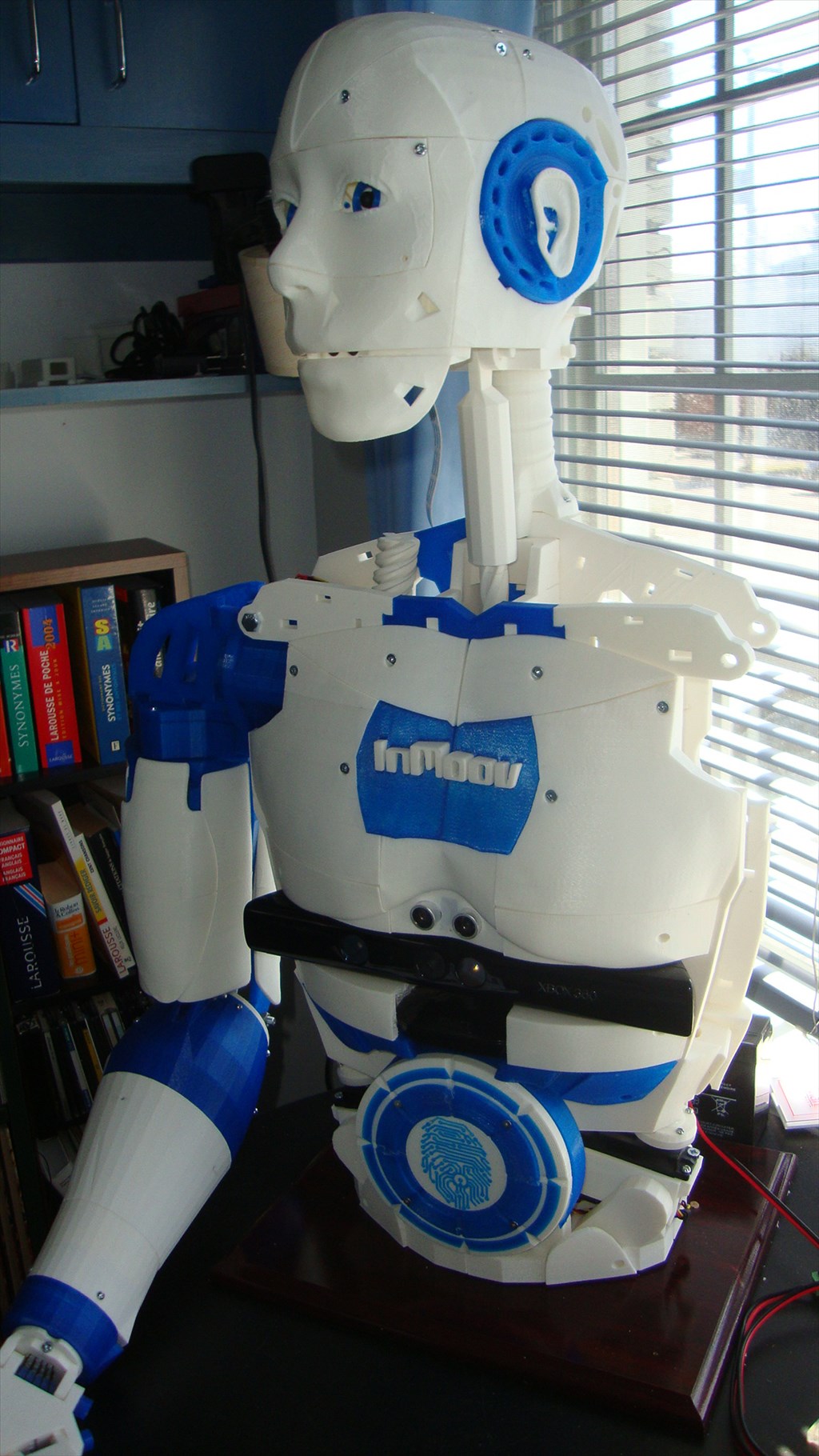
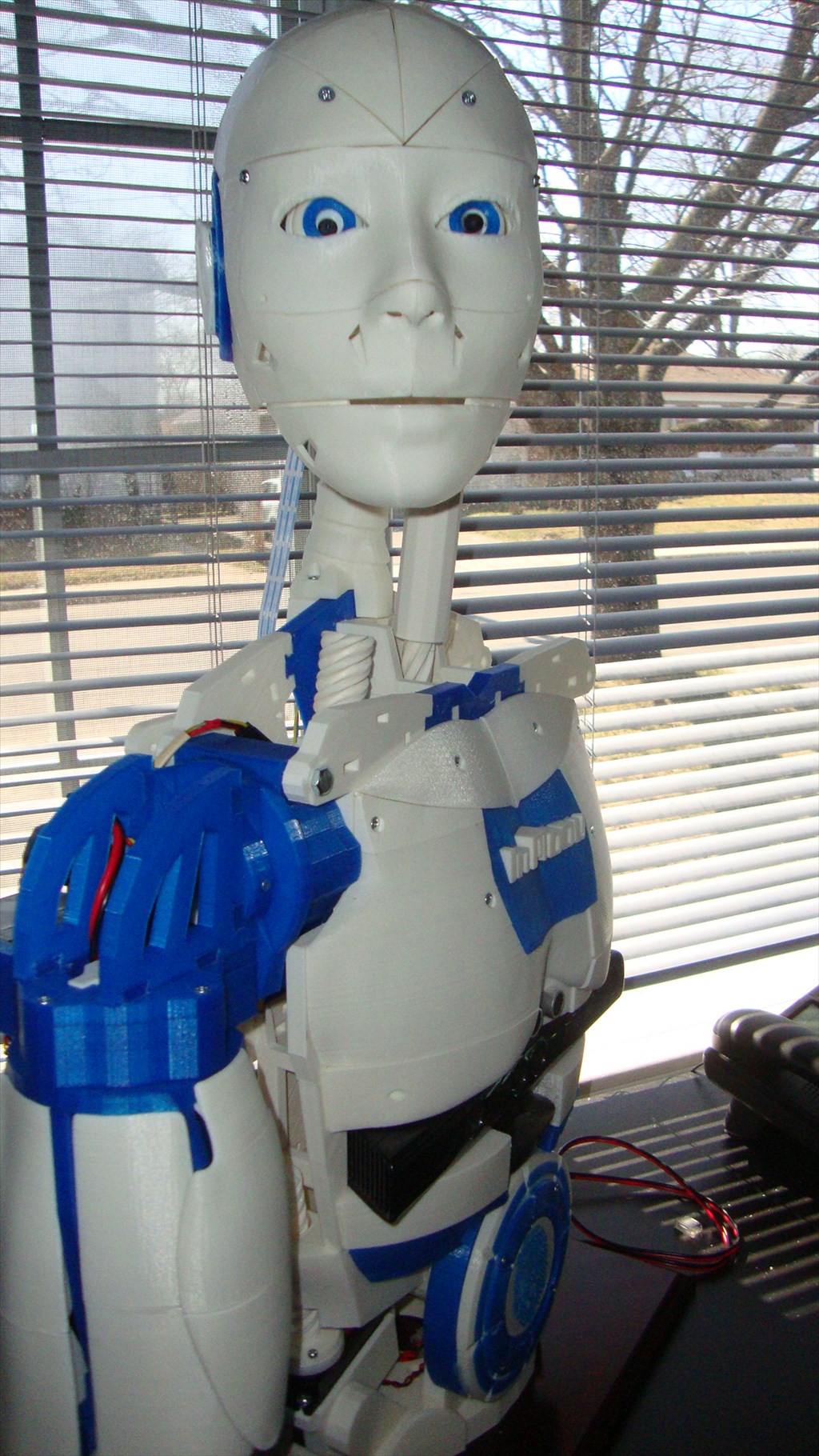
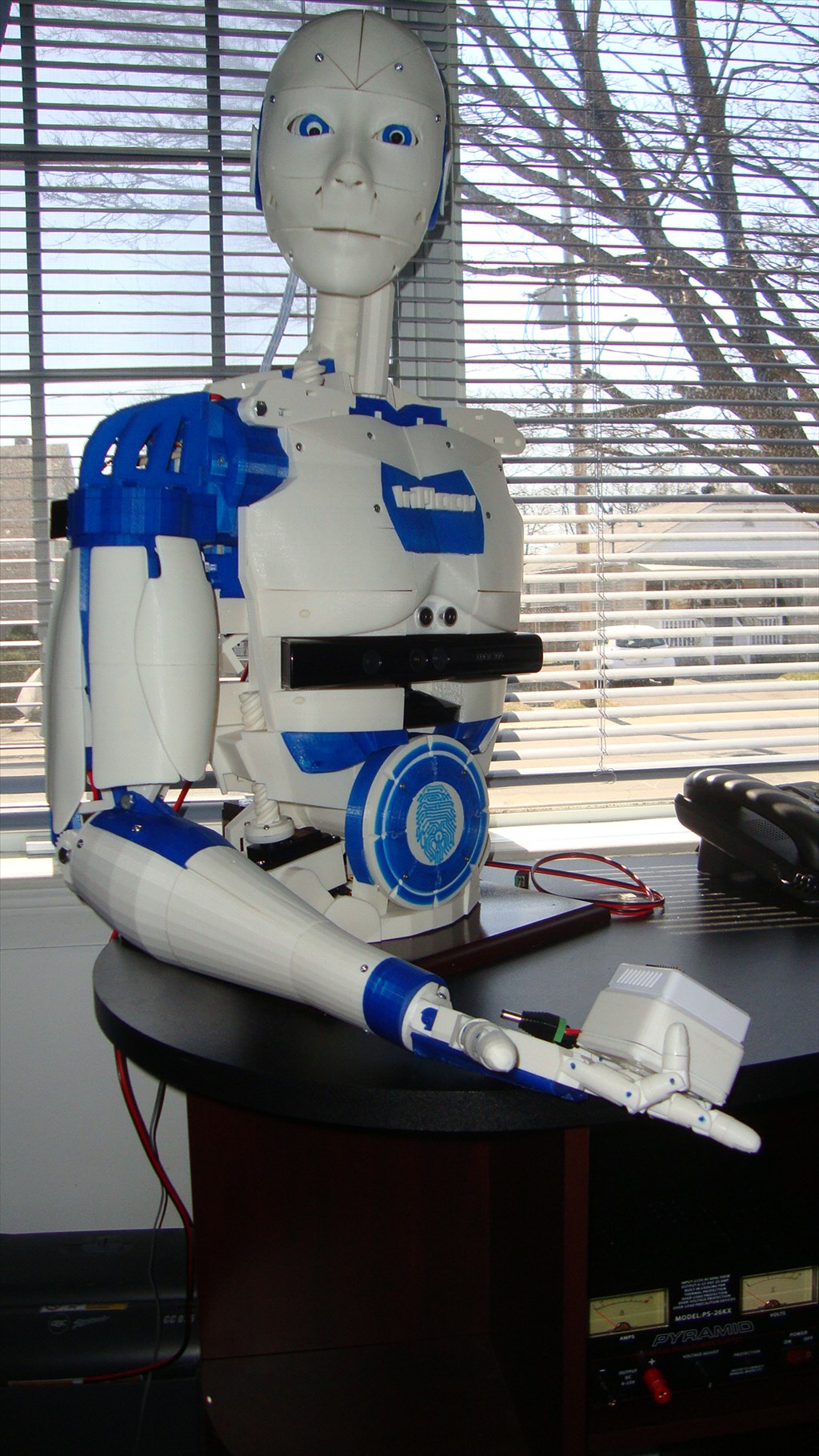
Let me introduce you my Inmoov version ,
(my 4 year grand daughter called it : ROBOTO)
The work is not yet complete , but I think promising.
I intend to take a break during the summer and will get back to my project later.
Surely if it rains outside I will probably start writing scripts
(it is so easy to get addicted to this kind of project)
By Aerius
— Last update
Discover more robots
DJ's Self Docking Robot
Synthiam ARC enables phone control and simple self-docking for Ohmnilabs telepresence robots using a Logitech camera...
Luis's Lcd Display For Ezb4 - Using Arduino Mini As...
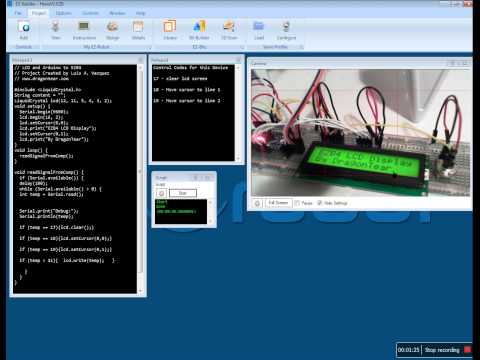
Connect a 16x2 LCD to EZB4 via Arduino: wiring, Arduino sketch and EZ-Builder UART script to display text, control...
Rich's My Project Jarvis
Build a physical JARVIS robot with RAD V1 and EZ-B using Synthiam ARC, scripting and house automation integration for...

@69developer, I am able to open it in CAD 123D Design and in my FlashForge slicer sw. confused
Any one else having problem to open this file?
Arm_Servo_pulley_X5_12-26-14.stl
@Aerius The file you just posted now opens no problem..... (in post #67)
Tanks Richard
@Aerius and @Richard, I still cant get the file to open in Simplify3d, but it will open in my other CAD software. Strange.
Richard was you opening it in Simplify3d?
When I open it in MeshMixer, there are all standing up on ends instead of flat down, and that may be the problem. Not smart enough to make them lay flat...
Yep, Simplify3d... They are all lying flat when I open them.... try opening it in your CAD program and then resaving it as an stl....
I had to open in MeshMixer and rotate 90. Strange
I'm using Simplify3d 2.2.1 on a Mac.
I have the PC version so maybe that's the difference....?
@InMoov guys, can you take some pictures of the arm, both assembled and unassembled, if you can. Take multiple shots at different angles.
I am assuming the left and right forearm are the same? As when I look at the inmoov website of STL parts, I don't see any covers for the forearm?