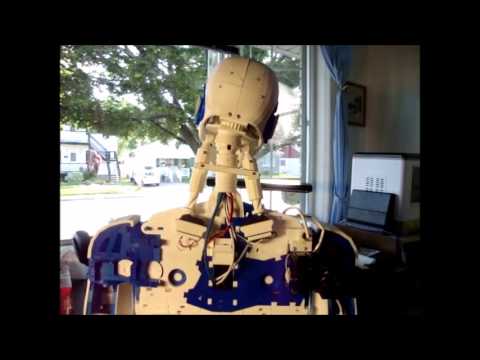
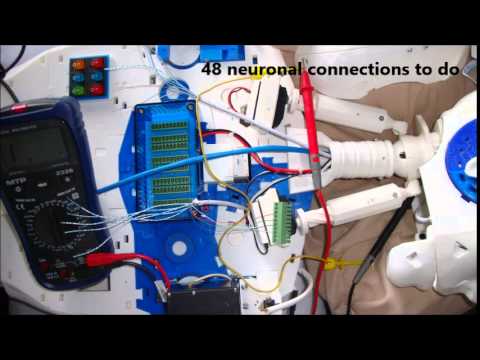
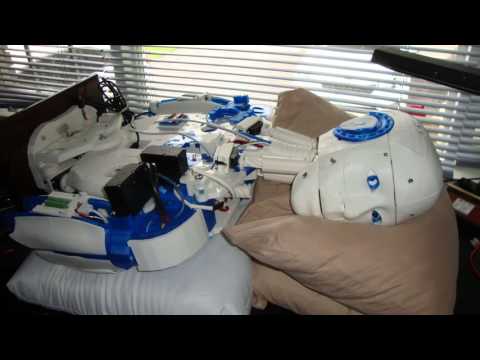
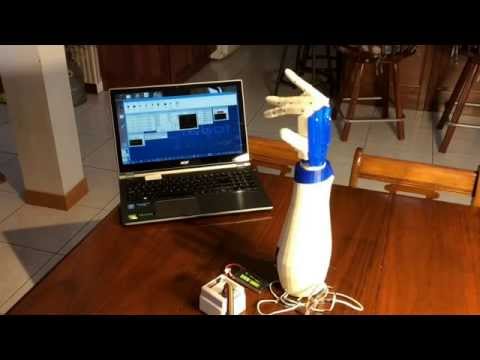
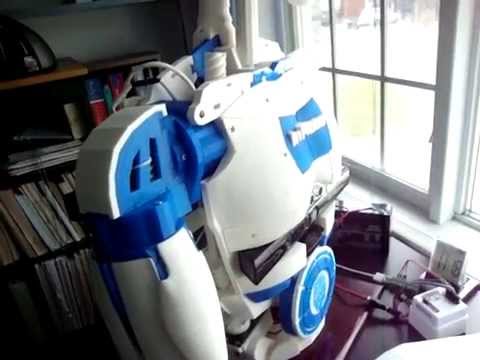
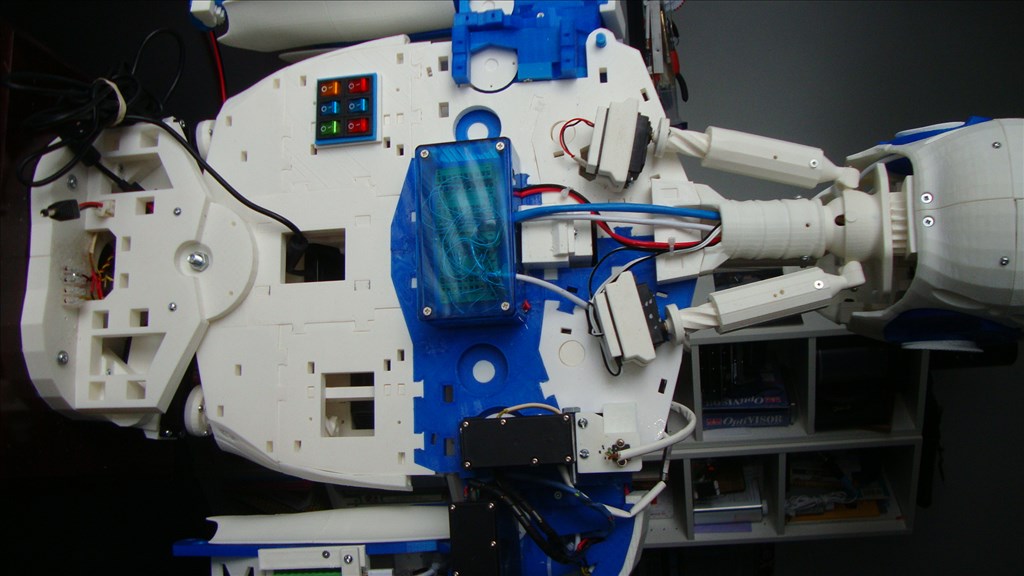
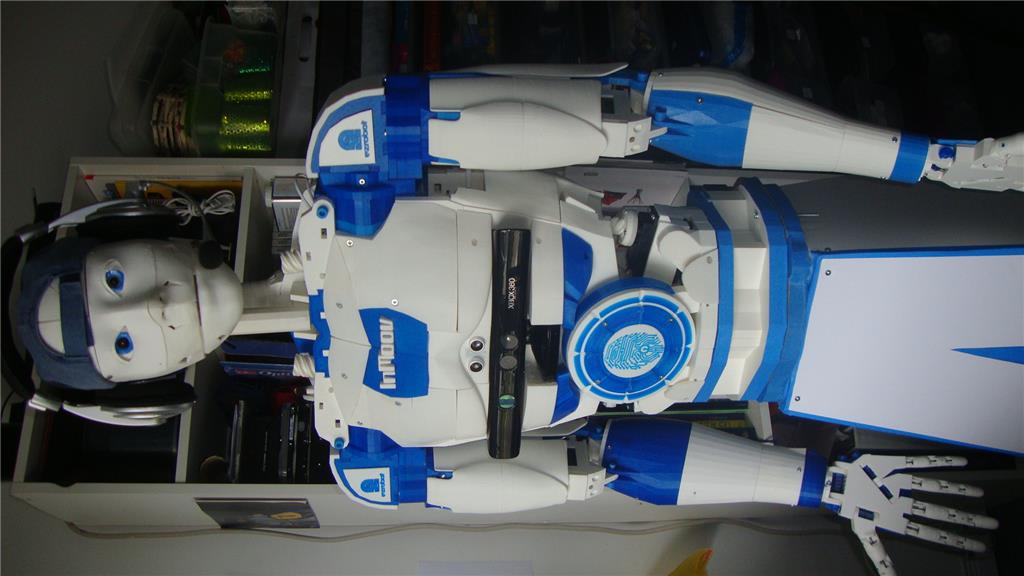
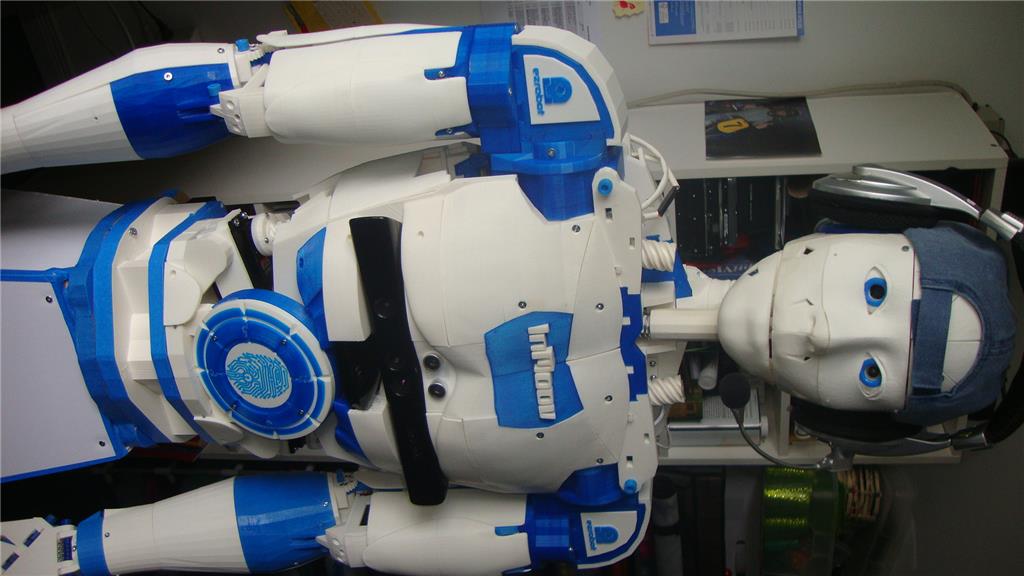
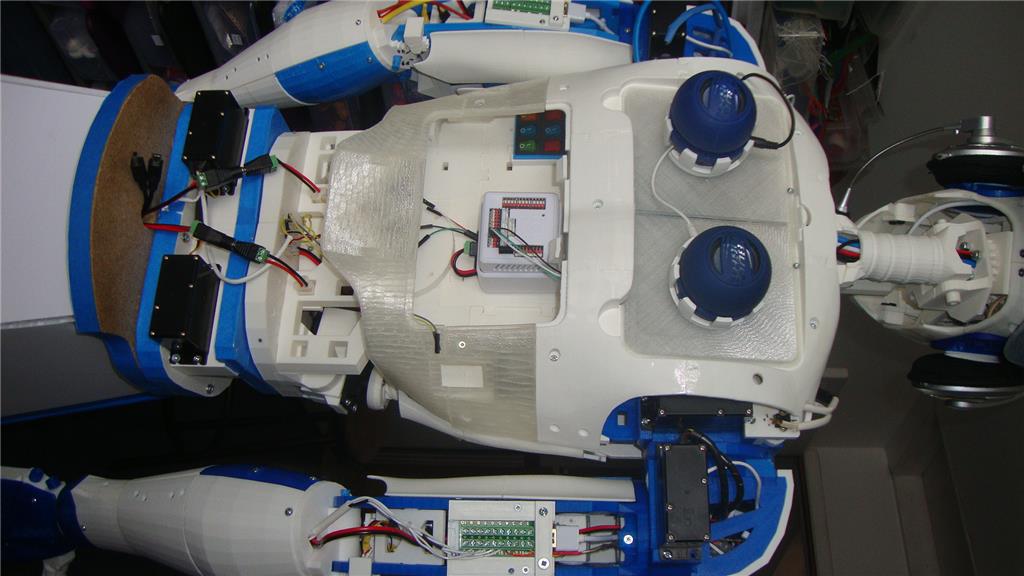
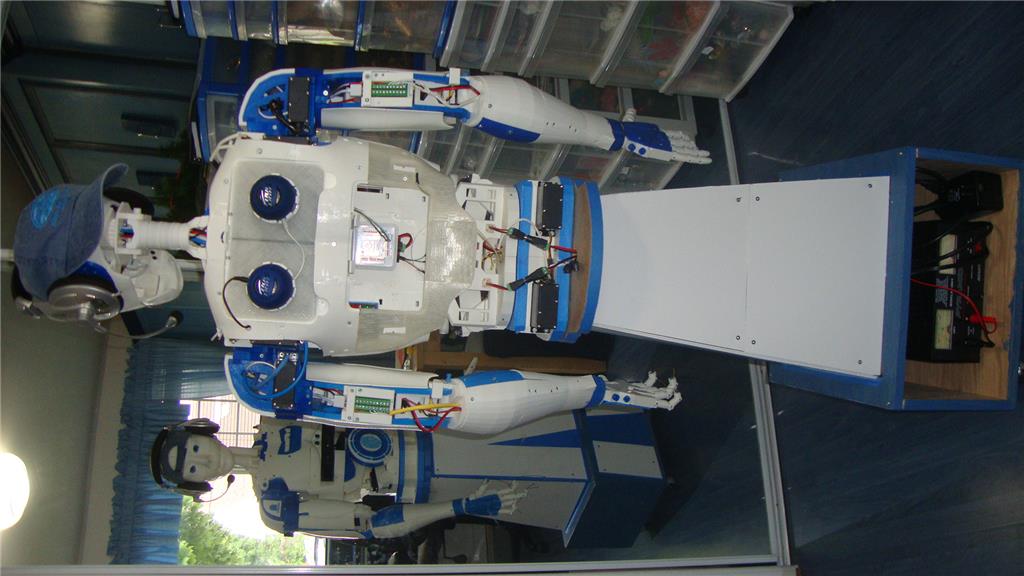
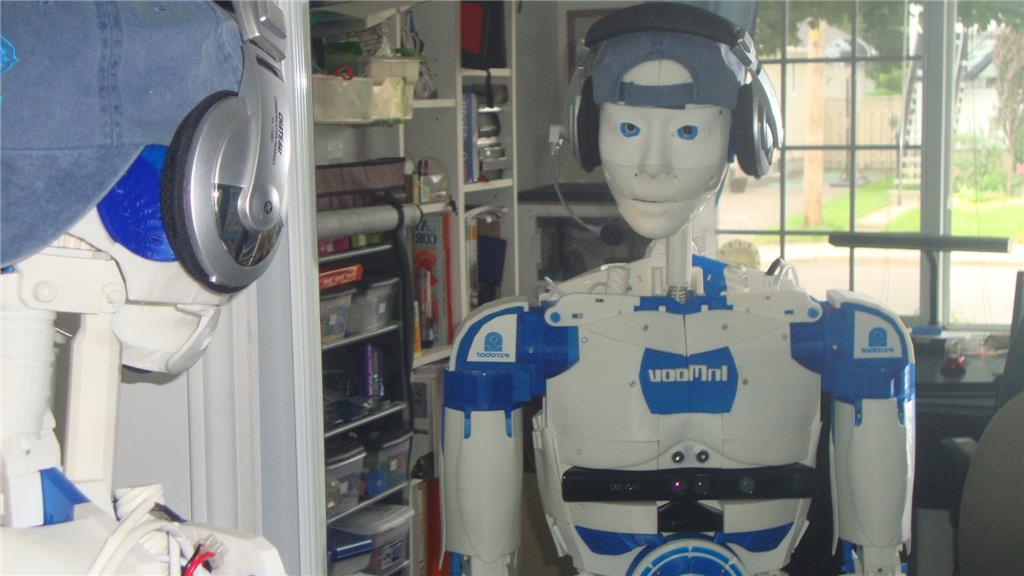
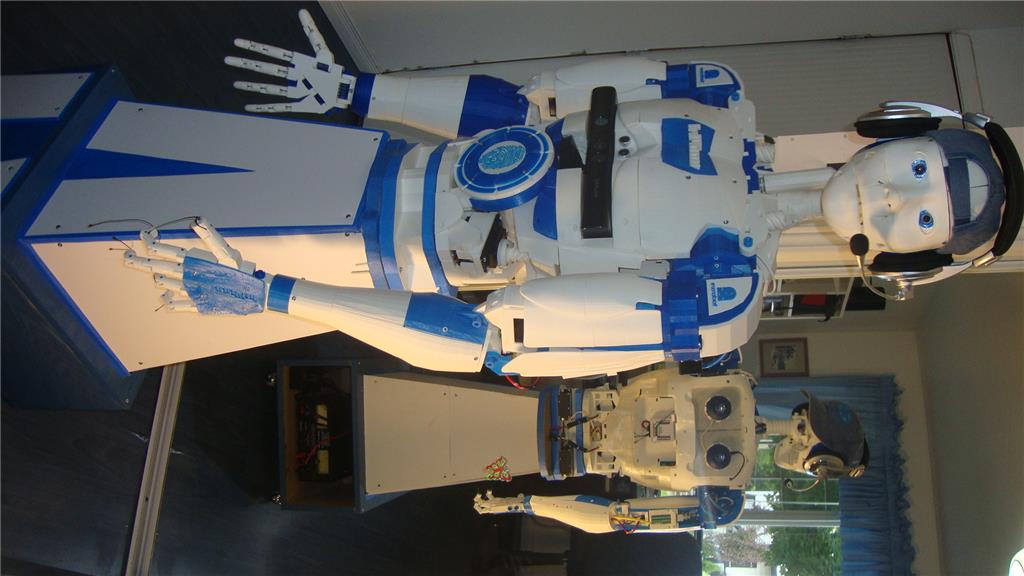
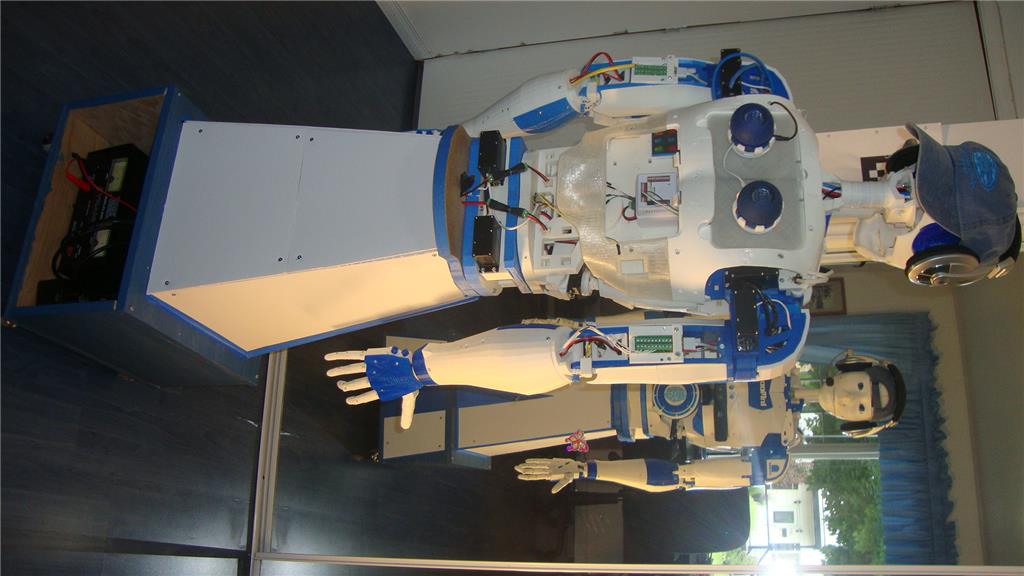
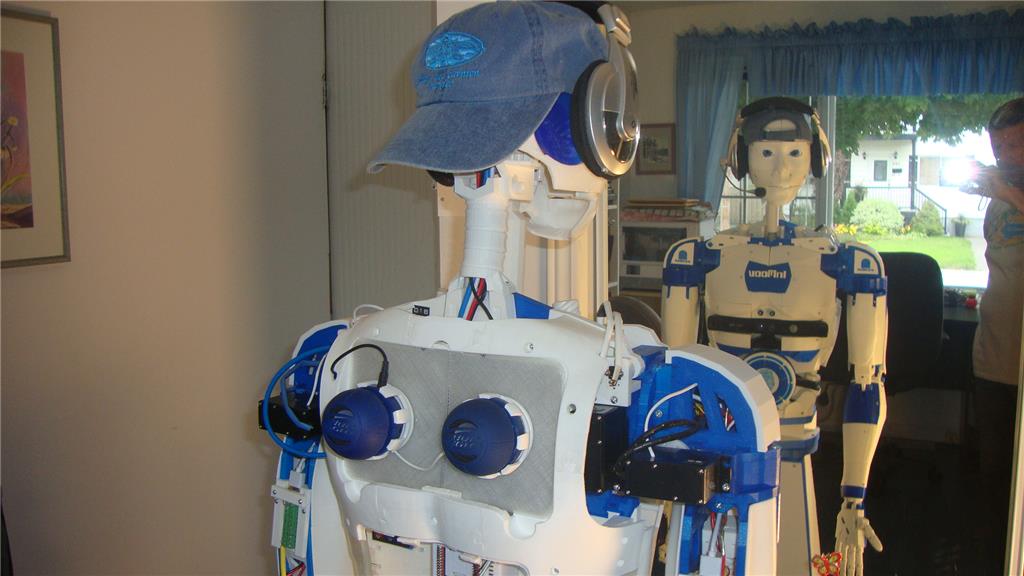
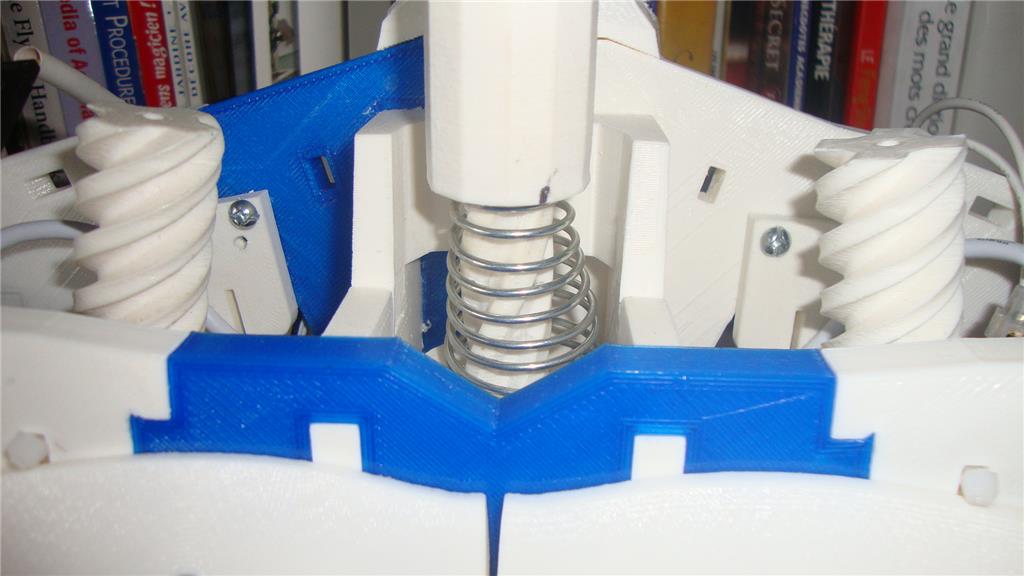
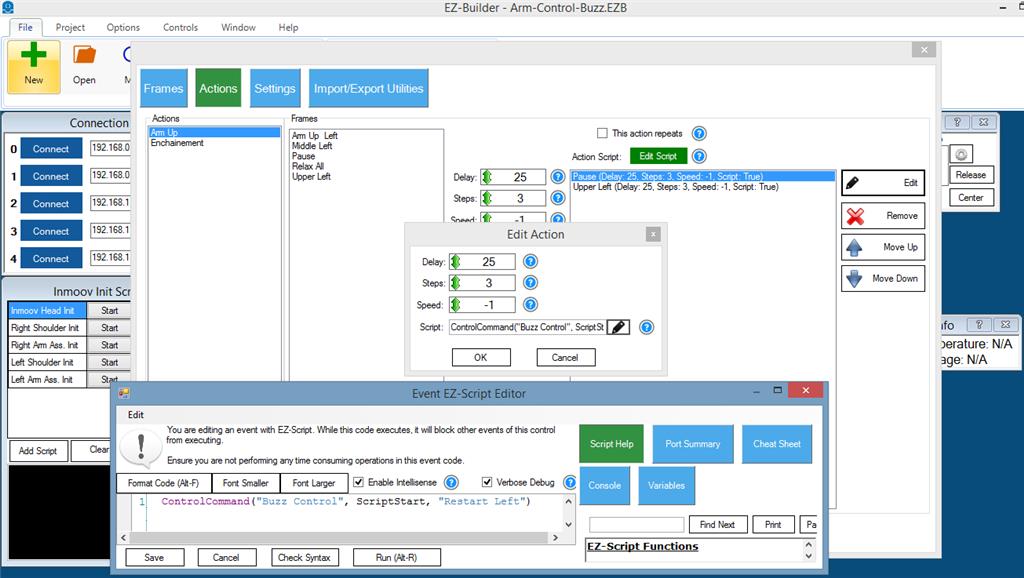
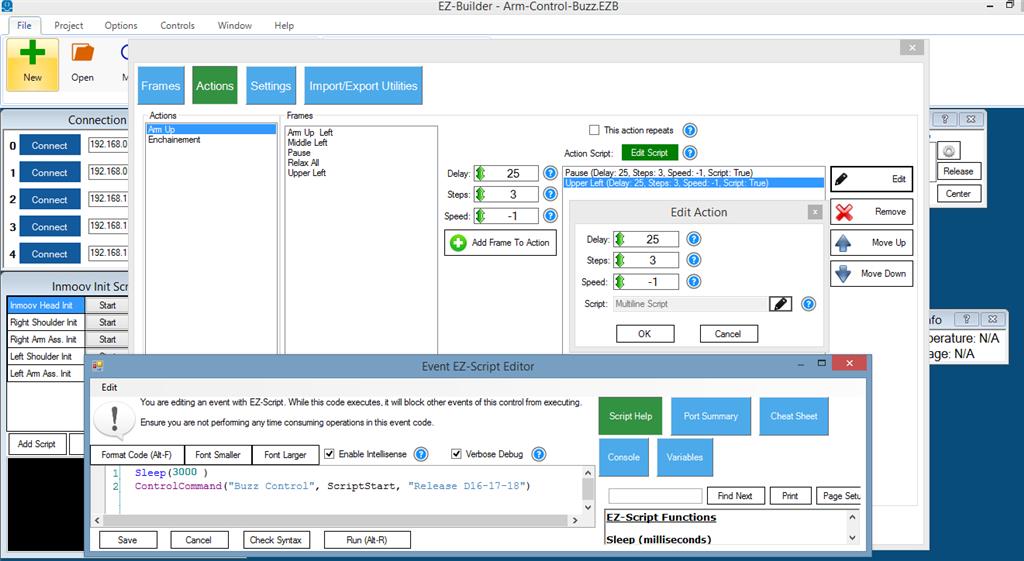
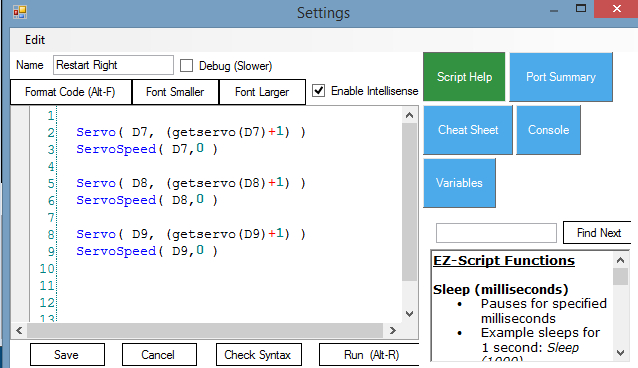
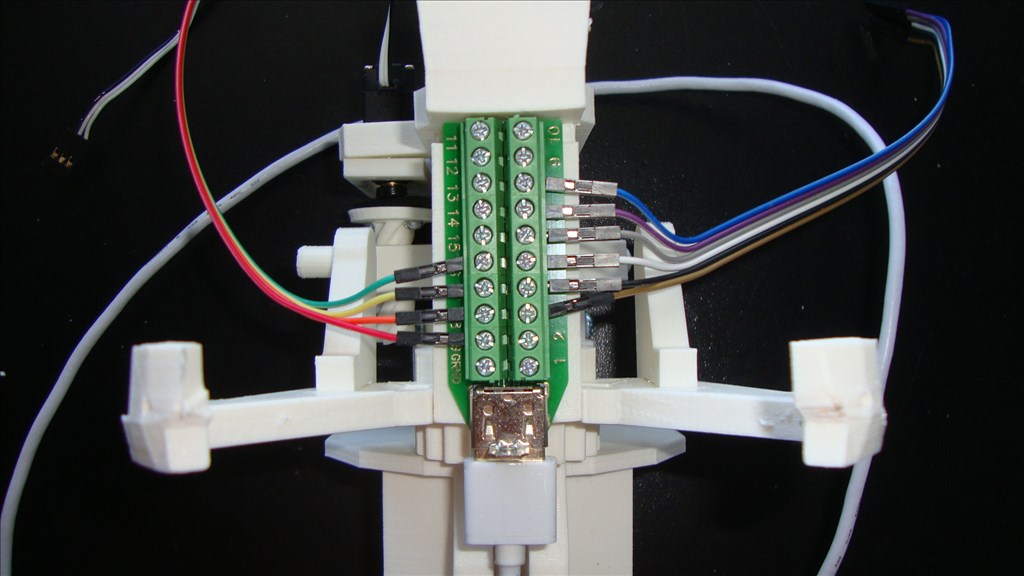
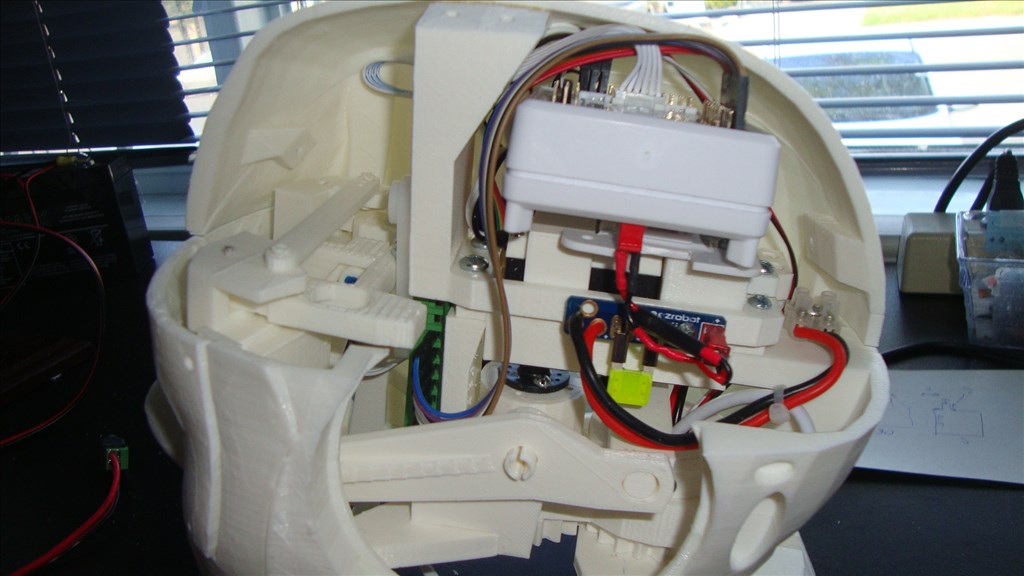
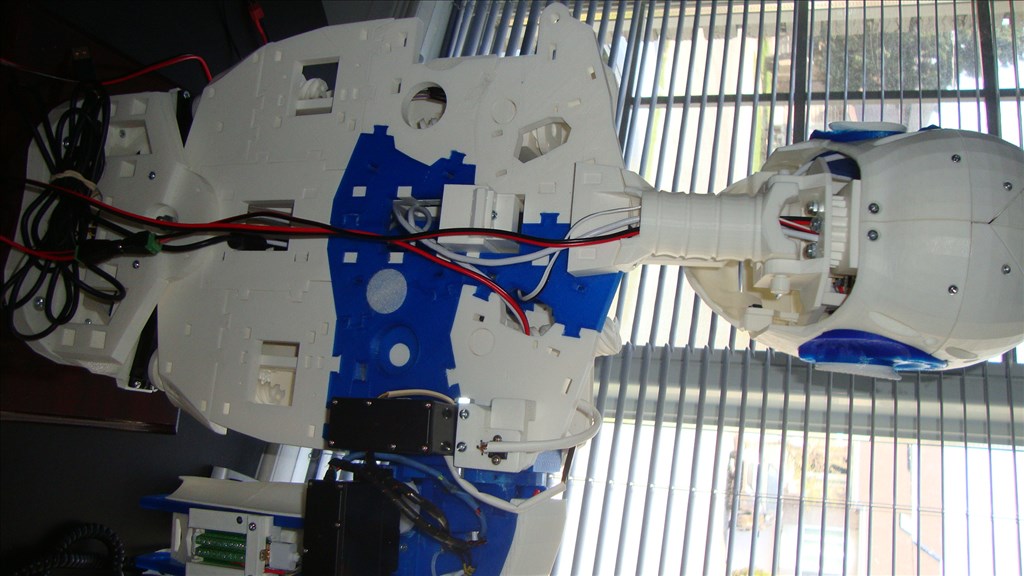
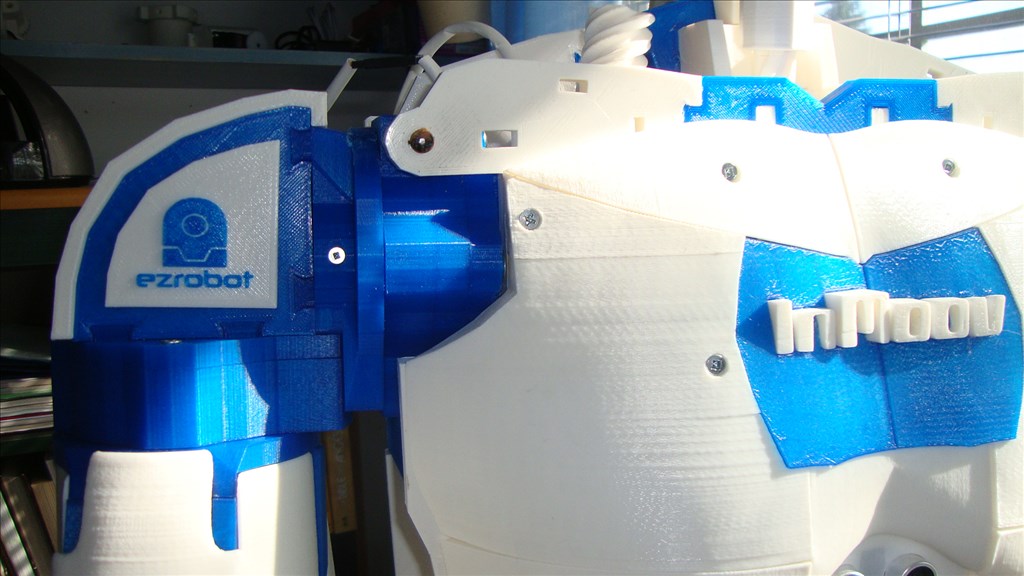
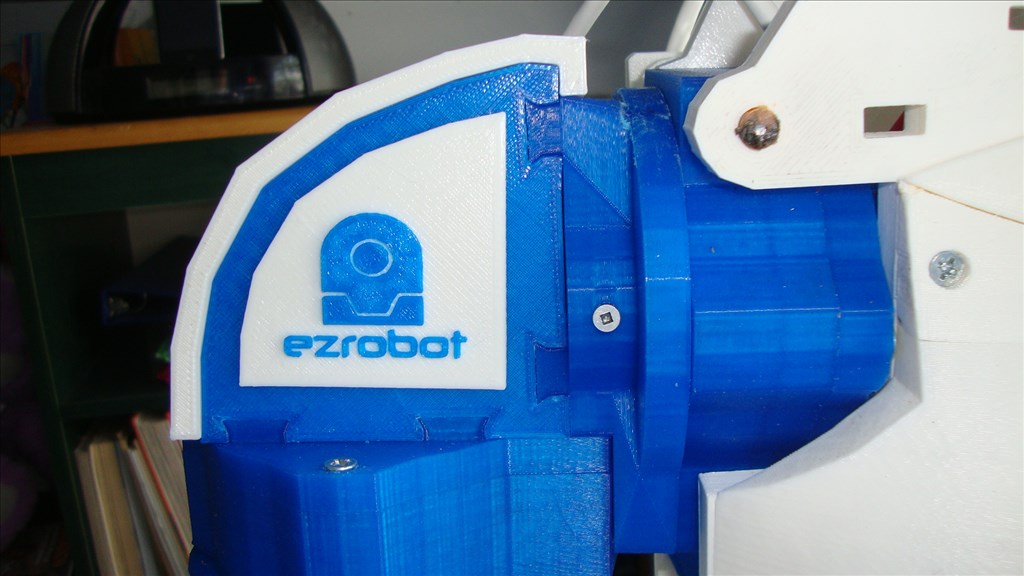
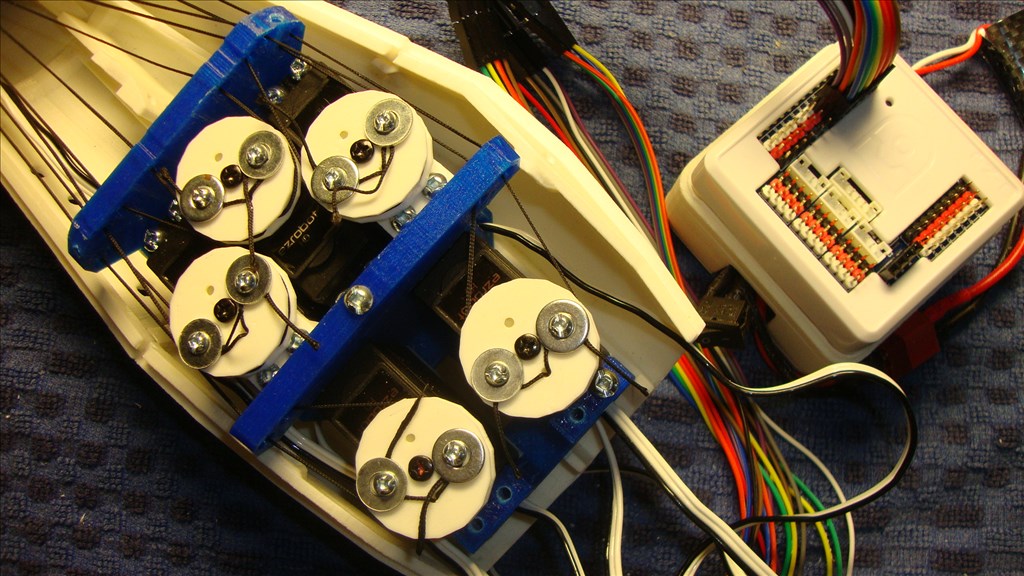
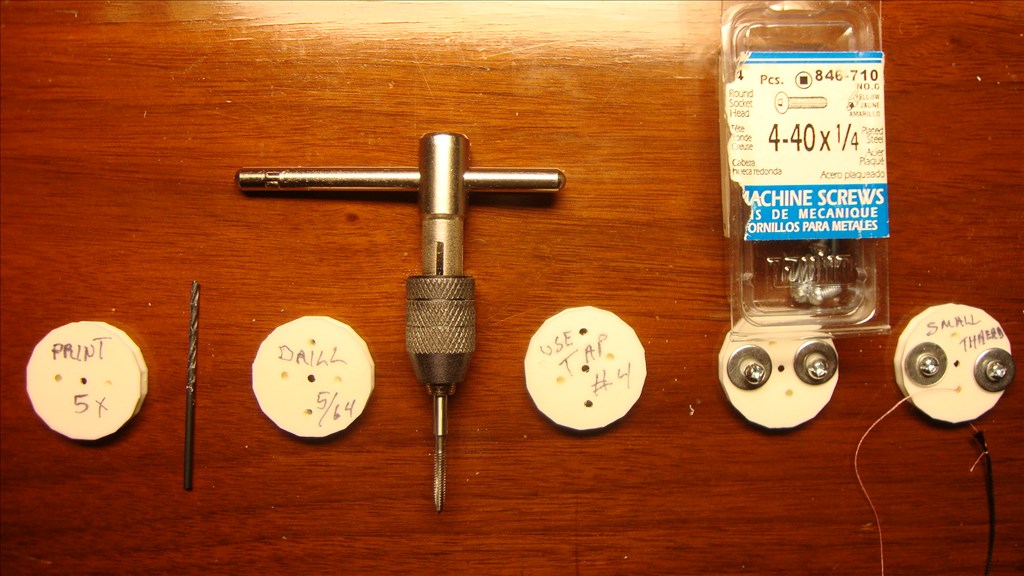
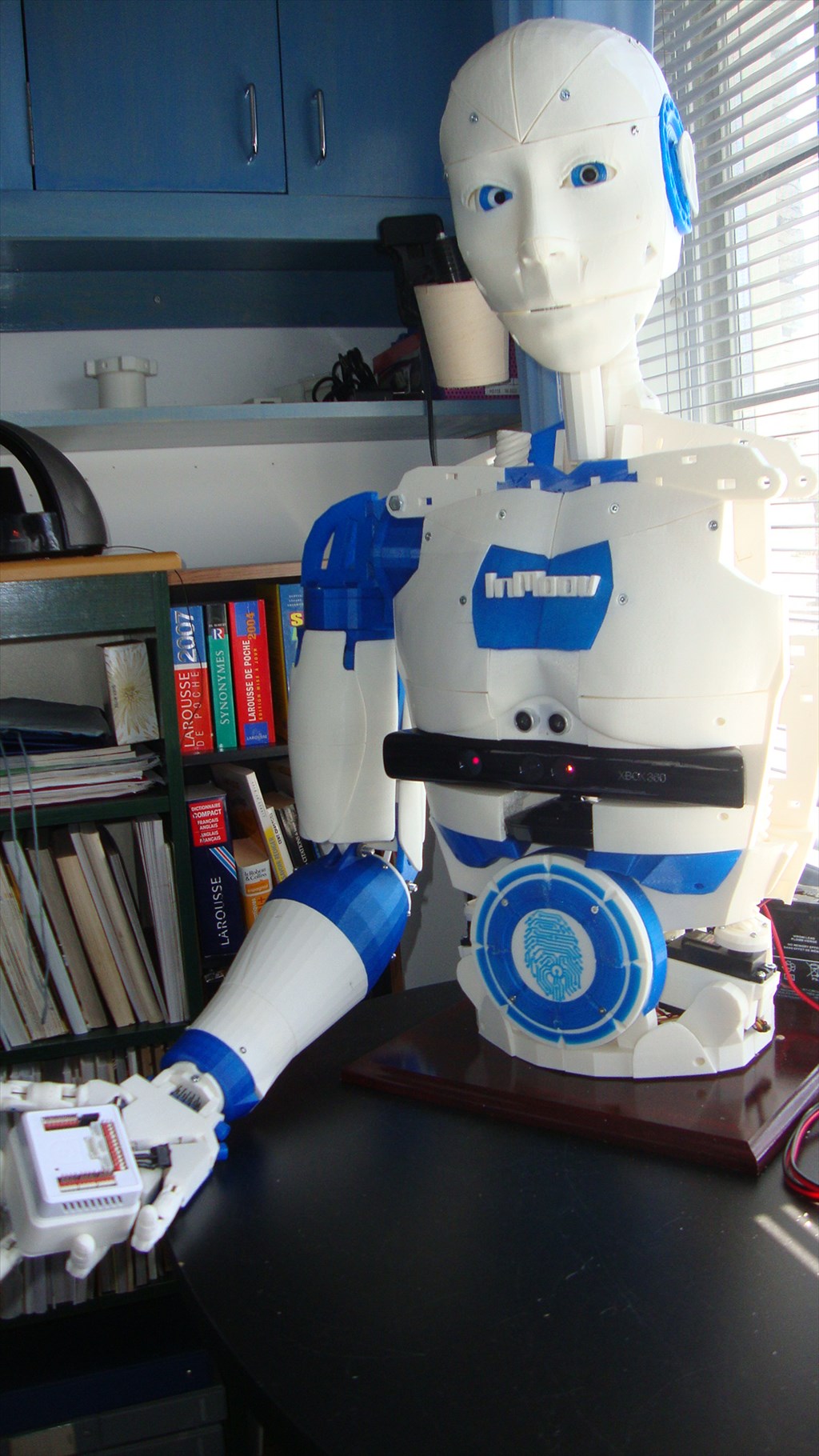
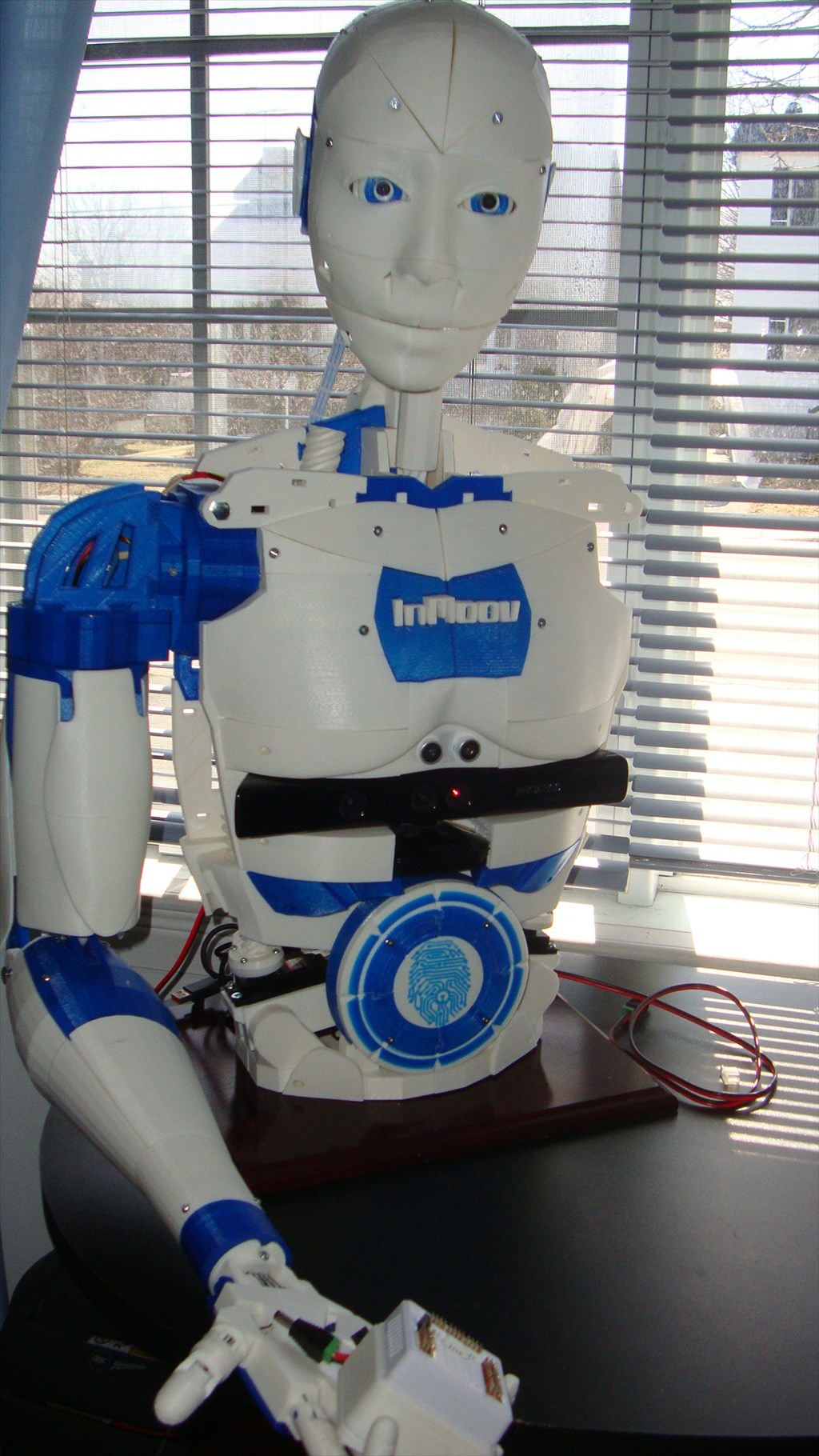
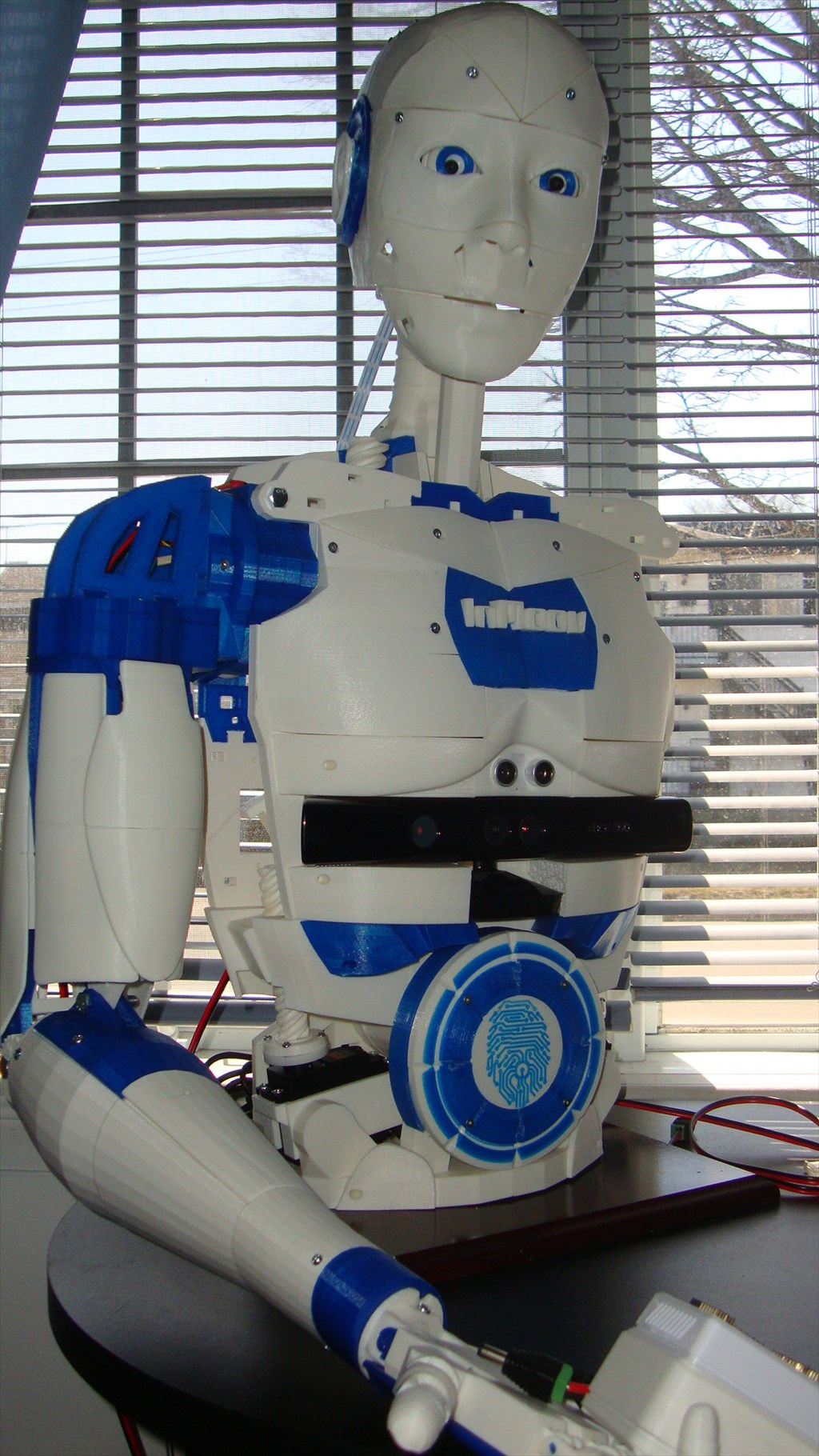
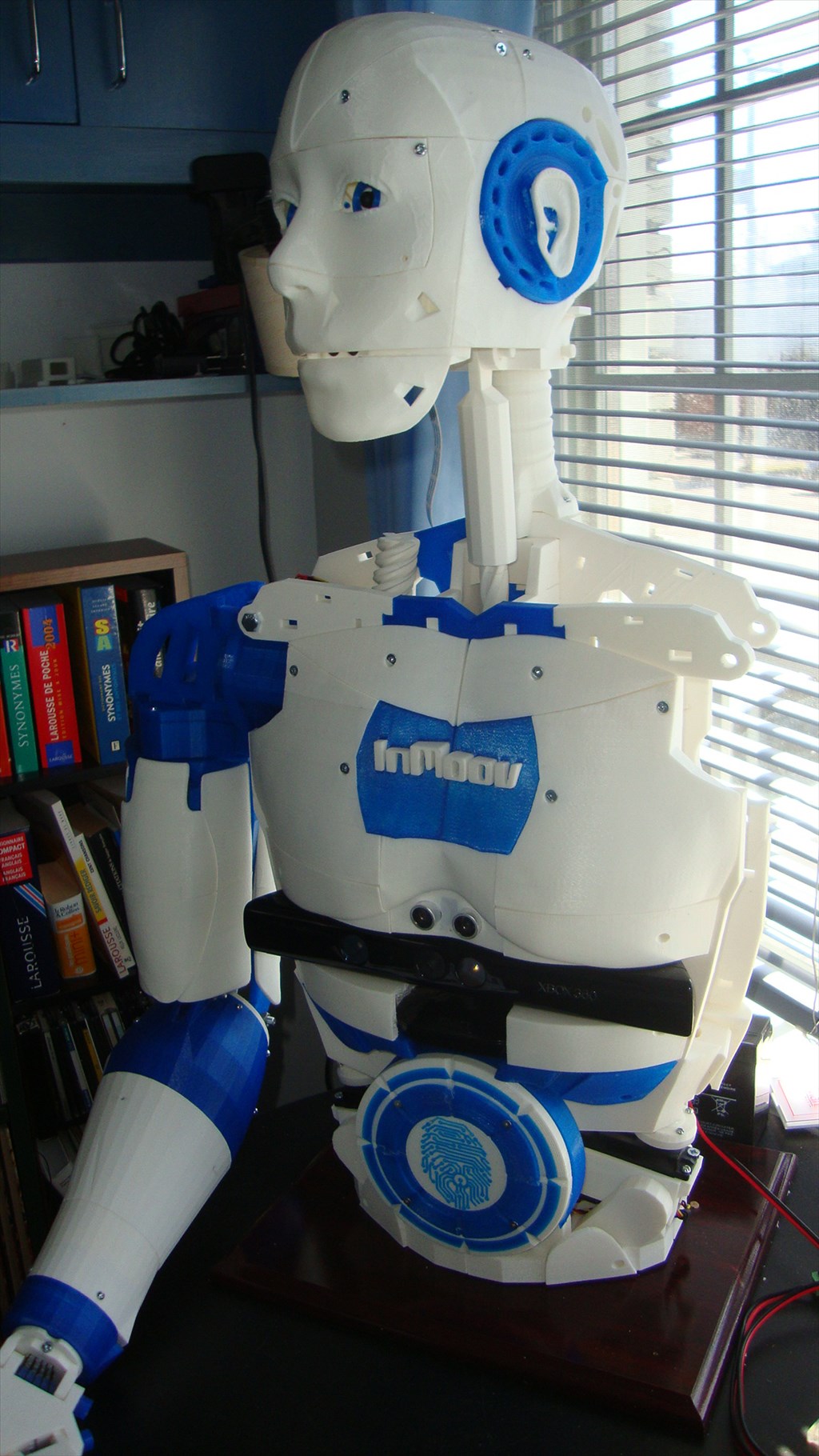
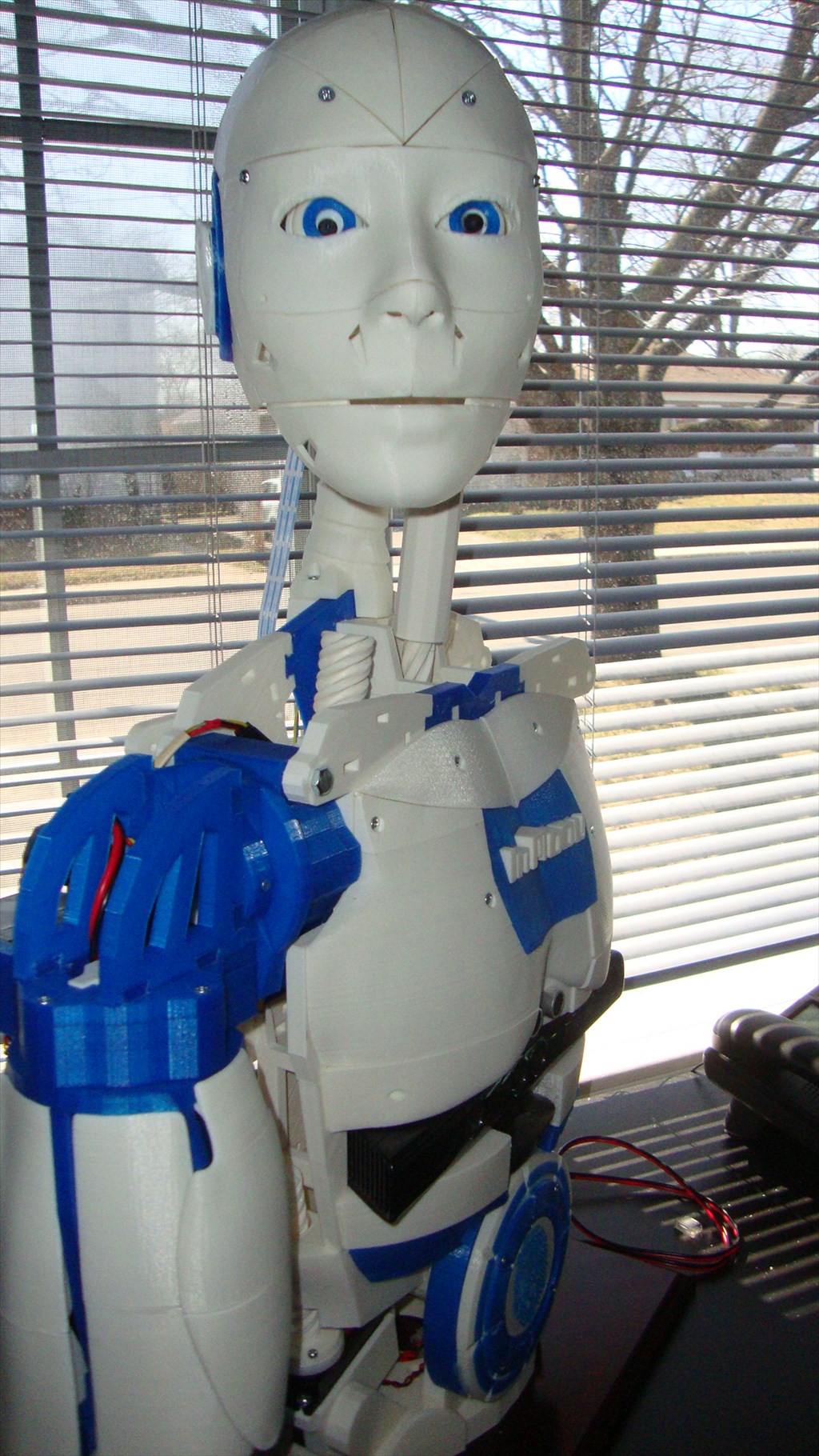
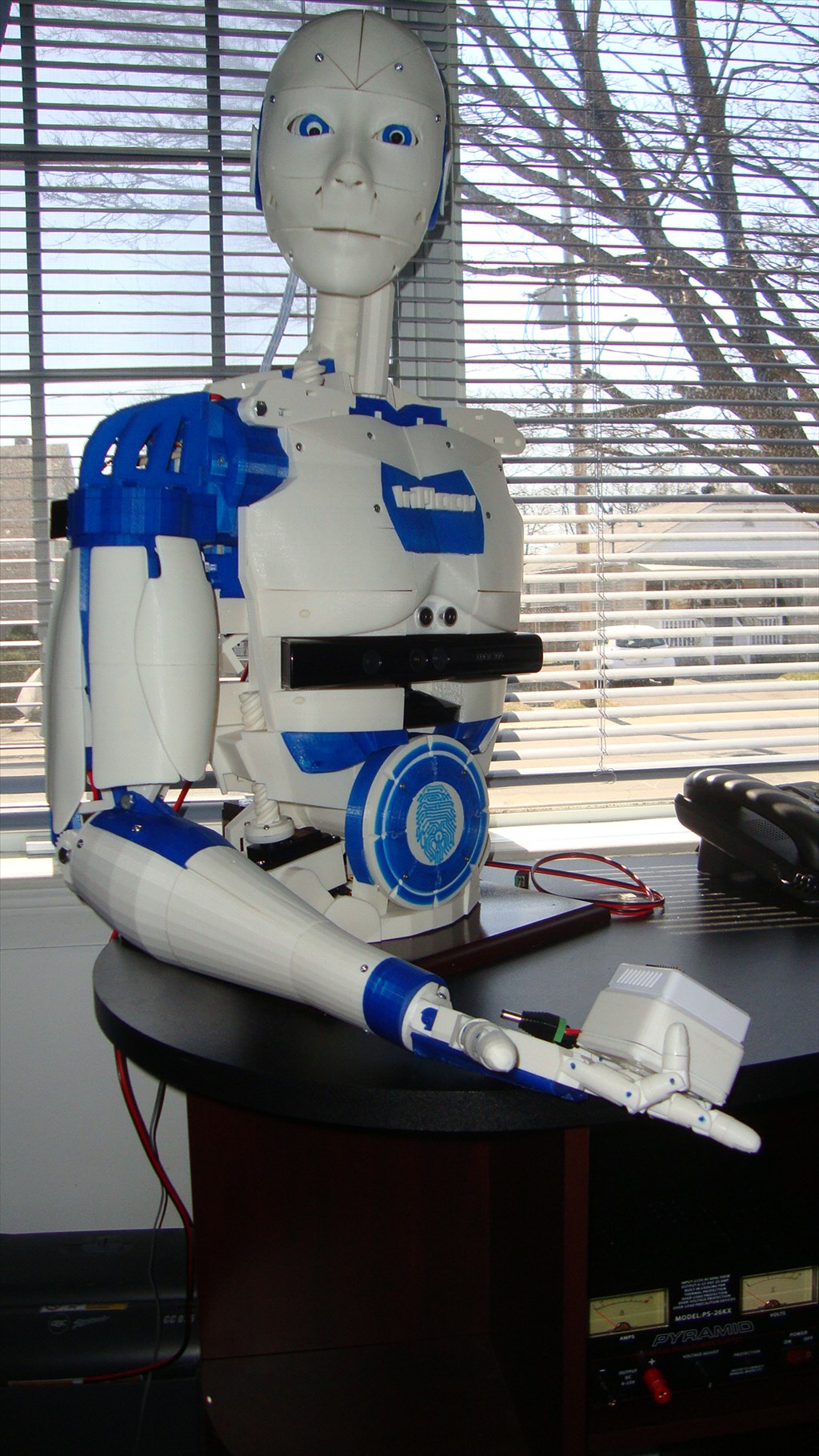
Let me introduce you my Inmoov version ,
(my 4 year grand daughter called it : ROBOTO)
The work is not yet complete , but I think promising.
I intend to take a break during the summer and will get back to my project later.
Surely if it rains outside I will probably start writing scripts
(it is so easy to get addicted to this kind of project)
By Aerius
— Last update
Discover more robots
Ezang's Beginning 3D Printed Hand, Some Moves - Voice...
New hand project needs rework with better string, other commands and tips pending; still many tasks and development work...
DJ's DJ's Omnibot 2000
Omnibot 2000 showcases Synthiam ARC: Wii Remote control, Glyph vision recognition, Tablet PC touch control and materials...
Cardboardhacker's 1/2 R2d2 Scratch Build
Build a compact R2-D2 using a cement pillar tube shell, ribbed papier-mache dome, and wooden inner frame to mount legs...

@69developer, I am able to open it in CAD 123D Design and in my FlashForge slicer sw. confused
Any one else having problem to open this file?
Arm_Servo_pulley_X5_12-26-14.stl
@Aerius The file you just posted now opens no problem..... (in post #67)
Tanks Richard
@Aerius and @Richard, I still cant get the file to open in Simplify3d, but it will open in my other CAD software. Strange.
Richard was you opening it in Simplify3d?
When I open it in MeshMixer, there are all standing up on ends instead of flat down, and that may be the problem. Not smart enough to make them lay flat...
Yep, Simplify3d... They are all lying flat when I open them.... try opening it in your CAD program and then resaving it as an stl....
I had to open in MeshMixer and rotate 90. Strange
I'm using Simplify3d 2.2.1 on a Mac.
I have the PC version so maybe that's the difference....?
@InMoov guys, can you take some pictures of the arm, both assembled and unassembled, if you can. Take multiple shots at different angles.
I am assuming the left and right forearm are the same? As when I look at the inmoov website of STL parts, I don't see any covers for the forearm?