
Change Release Notes
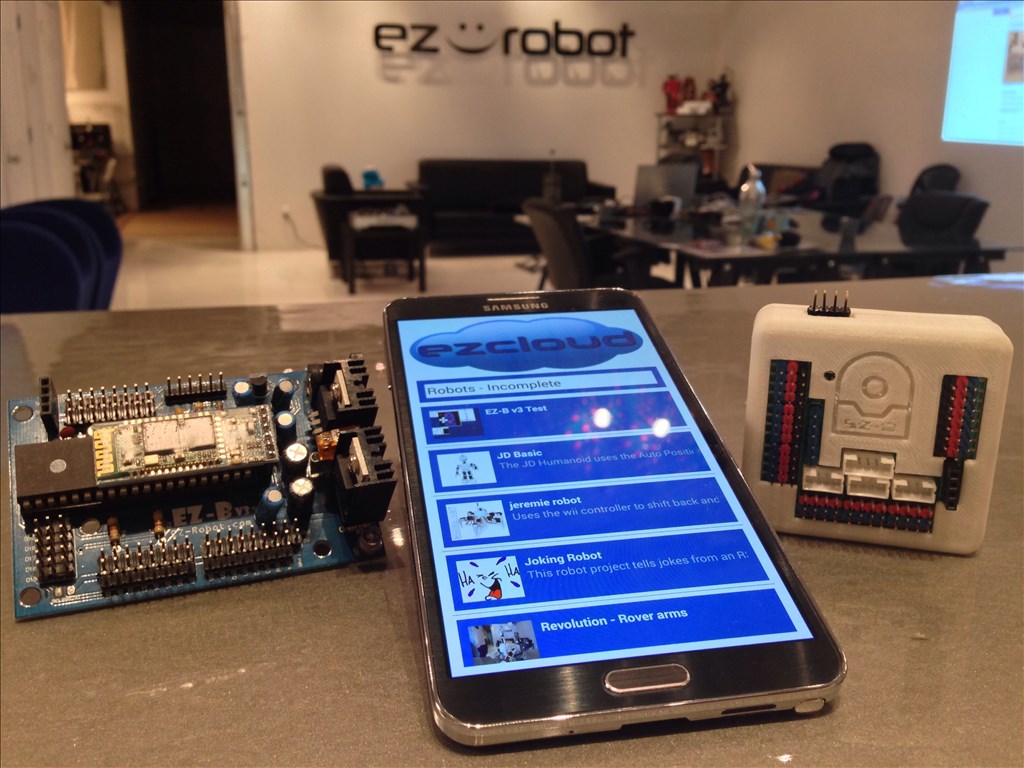
You may now control your EZ-Robot from your Android Mobile Device! This includes both EZ-B v3 and EZ-B v4 Robots! The Android App can be installed on your Android Phone, Android Tablet, or Android Game Device. The ARC Mobile for Android Application will load ARC files that you created and save to the EZ-Cloud.
This is the beta release of the ARC Android Mobile App. There are a few known bugs, specifically with the EZ-B v3. As usual, we will continue updating the app and making it more awesome and reliable.
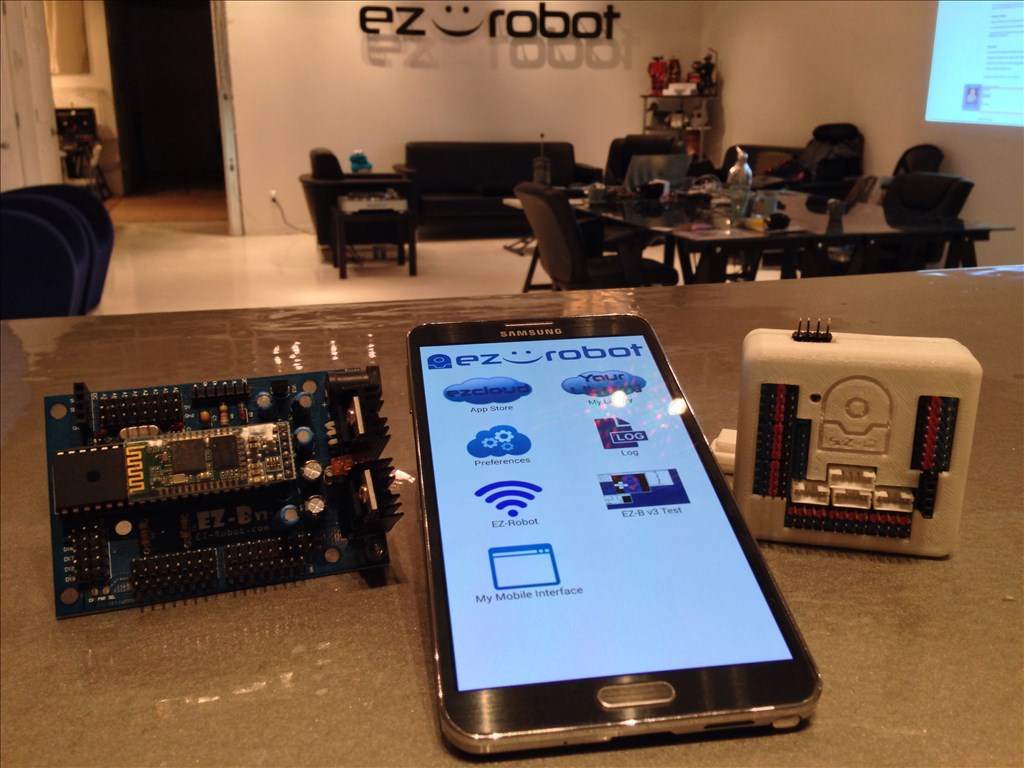
Installation Instructions
From your Android Device, select the download link: https://www.ez-robot.com/ARC
Once downloaded, select Open from your notification menu
You will be prompted to active Unknown Sources from the Settings menu. This is because you are downloading the file from our website and not Google Play or Amazon, etc...
ARC Downloads
ARC
FREE- 1 third-party plugin skill per project
- Trial cloud services
- Personal, DIY & education use
- Updated every 6–12 months
 Download
ARC
PRO- Use on 2+ PCs simultaneously
- Unlimited robot skills
- Cloud backup & revision history
- Weekly features & bug fixes
- Business use permitted
ARC
RUNTIME- Load & run any ARC project
- Read-only mode
- Unlimited robot skills
- Includes early access fixes & features
- Minimum requirements: Windows 10 or higher, 2 GB RAM, 500 MB free disk space.
- Recommended: Windows 10 or higher, 8 GB RAM, 1 GB free disk space.
- Prices are in USD.
- More about each edition: Download & install guide.
- Latest changes: Release notes.
Compare Editions
| Feature |
ARC
FREE
|
ARC
PRO
|
|---|---|---|
| Get ARC Free | View Plans | |
| Usage | Personal · DIY · Education | Personal · DIY · Education · Business |
| Early access to new features & fixes | — | ✓ |
| Simultaneous microcontroller connections * | 1 | 255 |
| Robot skills * | 20 | Unlimited |
| Skill Store plugins * | 1 | Unlimited |
| Cognitive services usage ** | 10 / day | 6,000 / day |
| Auto-positions gait actions * | 40 | Unlimited |
| Speech recognition phrases * | 10 | Unlimited |
| Camera devices * | 1 | Unlimited |
| Vision resolution | max 320×240 | Unlimited |
| Interface builder * | 2 | Unlimited |
| Cloud project size | — | 128 MB |
| Cloud project revision history | — | ✓ |
| Create Exosphere requests | — | 50 / month |
| Exosphere API access | — | Contact Us |
| Volume license discounts | — | Contact Us |
| Get ARC Free | View Plans |
* Per robot project
** 1,000 per cognitive type: vision recognition, speech recognition, face detection, sentiment, text recognition, emotion detection, azure text to speech

Upgrade to ARC Pro
ARC Pro is more than a tool; it's a creative playground for robot enthusiasts, where you can turn your wildest ideas into reality.
I just came across this tutorial for sideloading apps on a Kindle Fire:
https://www.howtogeek.com/178357/how-to-sideload-apps-onto-your-kindle-fire/
Hope it is helpful.
Alan
@thetechguru- Lol, I never really paid attention but I guess you're right about the XDA forums.
Alan the "thetechguru" , I finally have EZ-Robot Mobile running on my Kindle 8.9 HD thanks to you. After looking @ your last post, I downloaded the app "ES File Explorer". I did not have to sideload to my pc then Kindle. I opened ES File app and I could browse around my Kindle! I found ARC.apk, clicked on it, and then hit install. The app showed on my app menu. I could not retrieve my mobile app from the cloud because it was too large? I created a new small file and mobile app on my PC and saved it. It loaded on the Kindle, and I was able to pair. My custom Movement Panel mobile app., that works on my PC mobile app screen, would not work on the Kindle. I understand the app is beta. I created the generic Roomba Movement Panel back on my PC and it later worked on my Kindle! I can not connect to EZB3 and my Bluetooth speaker @ the same time. Thank you for your extra effort! EZ Robot is kind. Will try other options later. Steve S
Fantastic news. Glad I could help.
Alan
I had a similar issue with the Mobile app and my RoboSapien. I had to change the movement scripts from forward() to RoboSapien("Move Forward") [or what ever the command is.] You may want to try that.... Never mind I just looked and there doesn't appear to be any kinda of roomba movement script commands. So it looks like you'll probably have to wait for EZ-Robot co. to update the Mobile App to support it.
I was going to mention estrongs but I wasn't sure if you could get it. I haven't touched a Fire since we bought one for a niece the christmas they came out so I couldn't remember how limited its access to the Play Store (Market back then) was. Estrongs is a great app and it just gets better all of the time. It's been on every Android device I've owned since the OG, Droid 1 came out. I just didn't want to send you on a wild goose chase.
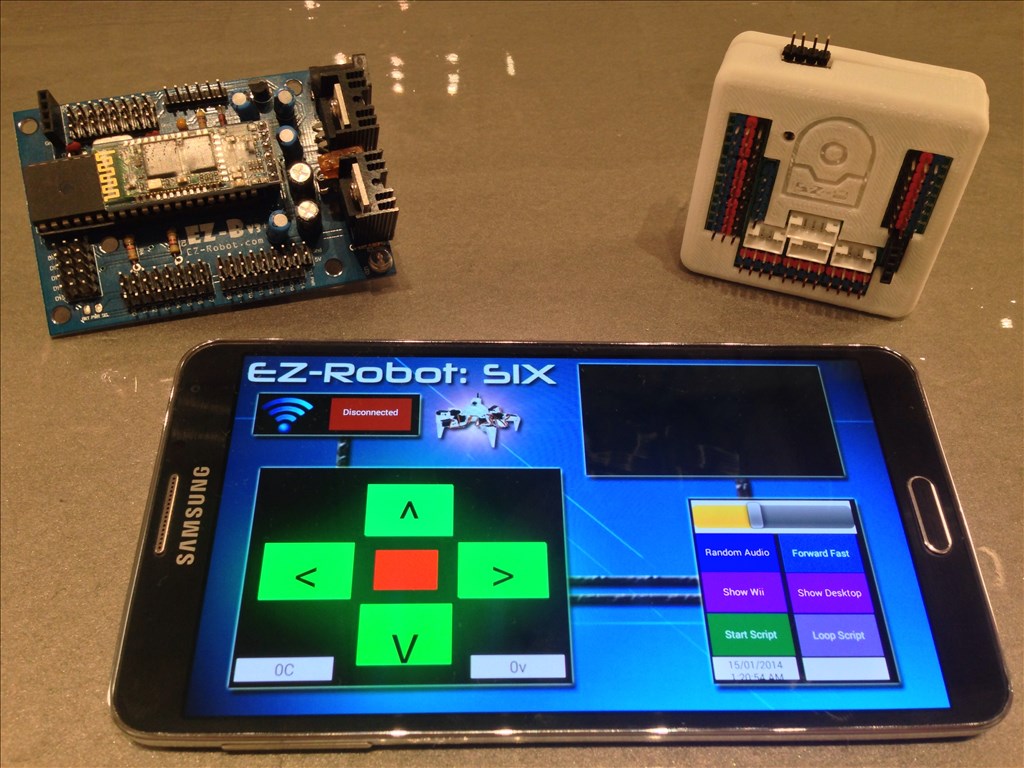
If you're Movement Panel doesn't work, I would recommend building a custom interface anyway. You can click on the ? button in the Mobile Interface Builder control to view a tutorial video.
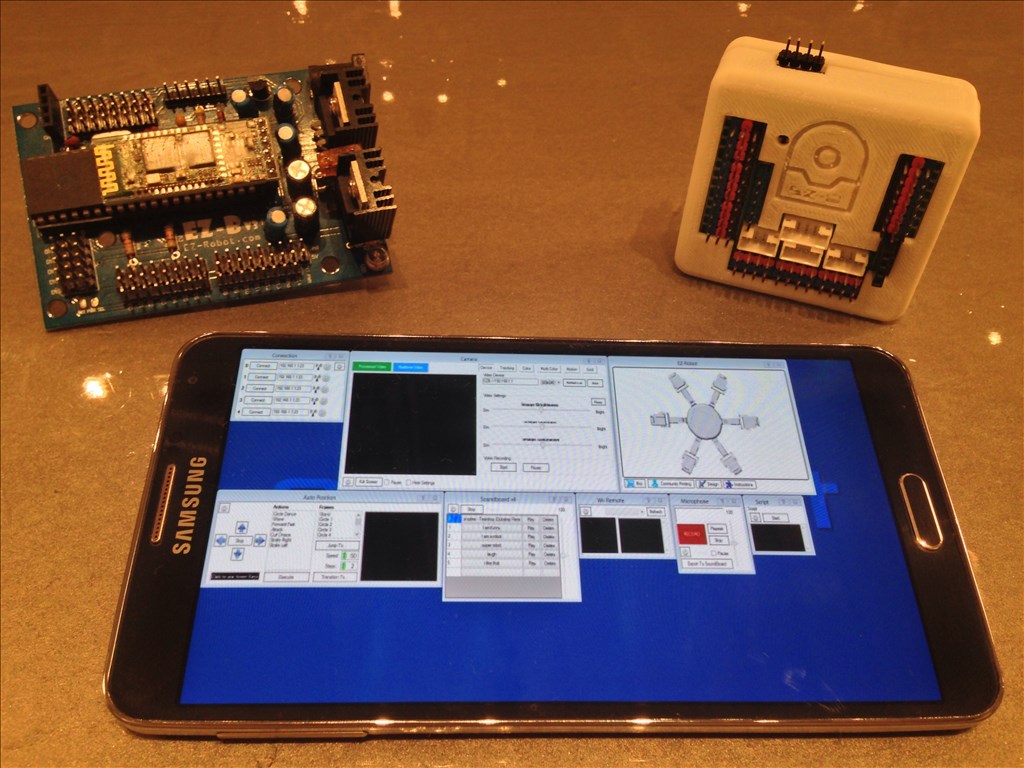
There really isn't a point to using the desktop view - specifically since you can create custom mobile interfaces.
I install the app on my smartphone whit android 4.1.1, I activate the Bluetooth and paired whit my ez-robot. But when I try to connect to the robot from the app, the app says "Please Wait...." but never doses anything more. Any help? Thx!
im also having this issues with 2014-02-08.