Change Release Notes
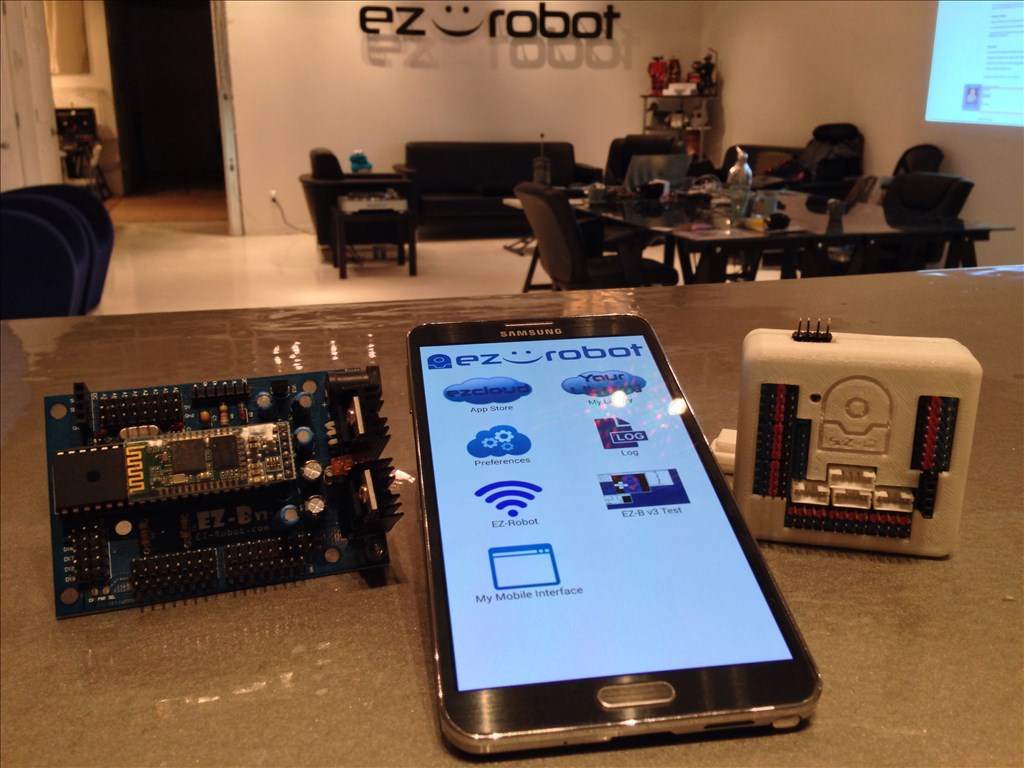
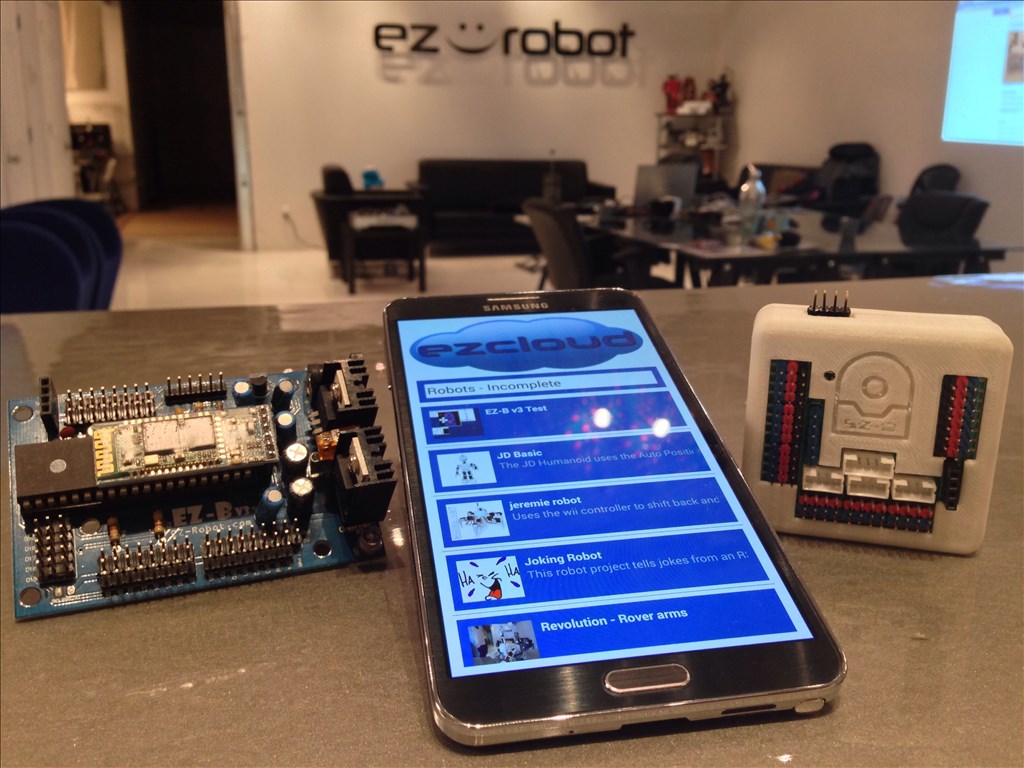
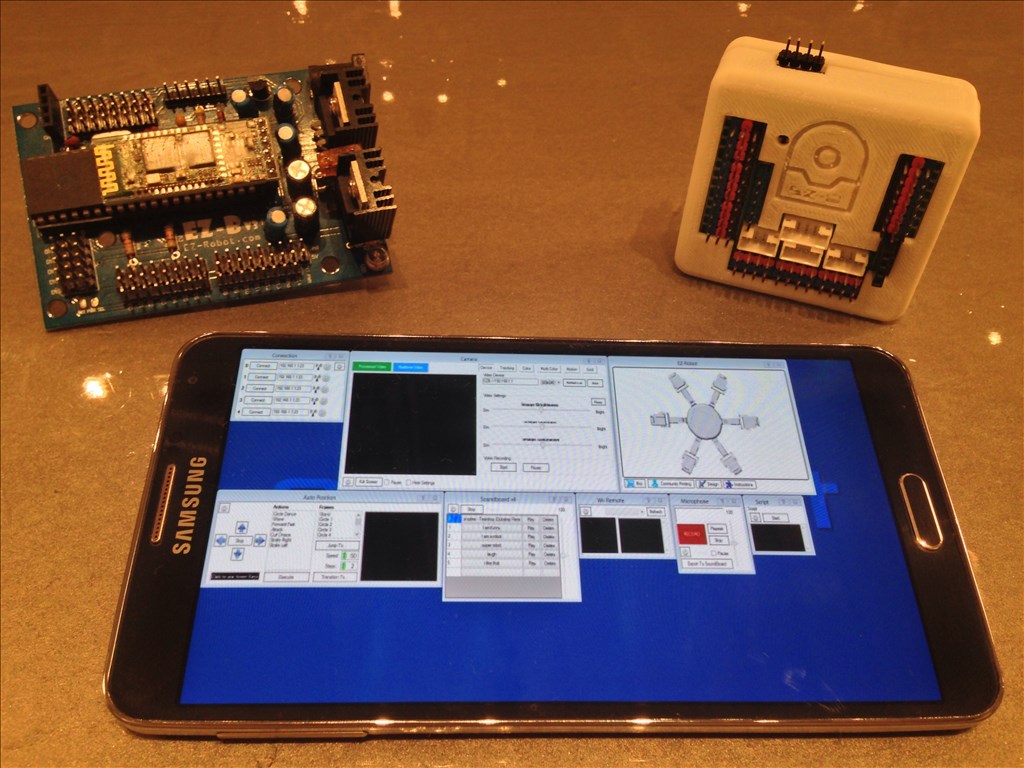
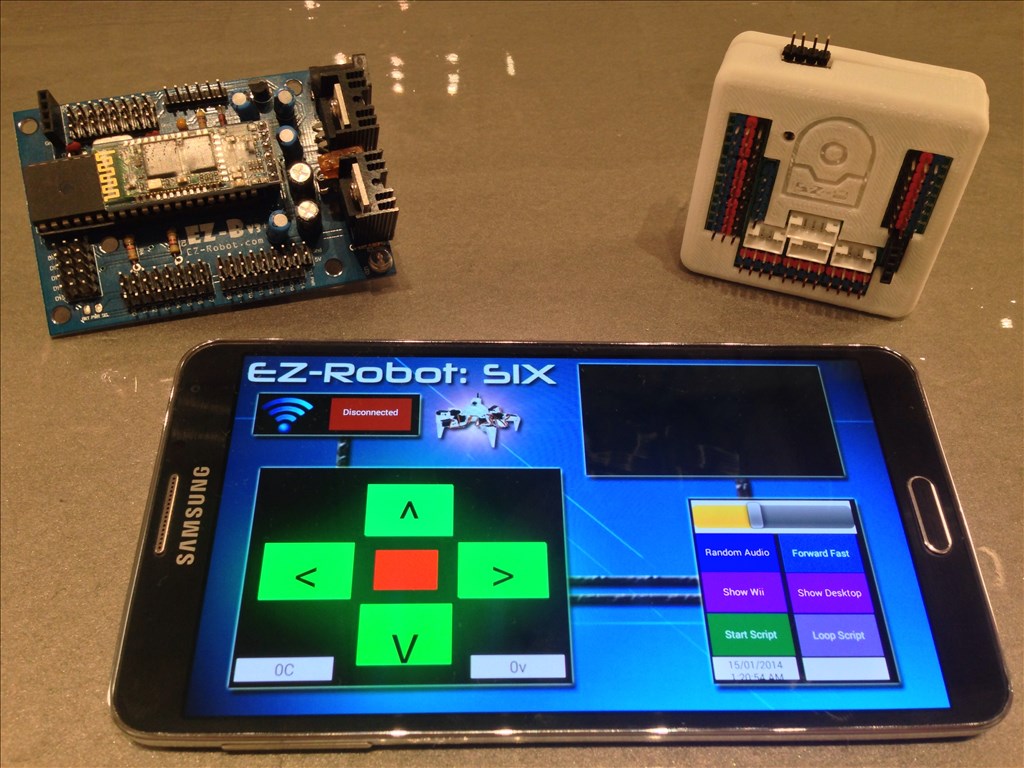
You may now control your EZ-Robot from your Android Mobile Device! This includes both EZ-B v3 and EZ-B v4 Robots! The Android App can be installed on your Android Phone, Android Tablet, or Android Game Device. The ARC Mobile for Android Application will load ARC files that you created and save to the EZ-Cloud.
This is the beta release of the ARC Android Mobile App. There are a few known bugs, specifically with the EZ-B v3. As usual, we will continue updating the app and making it more awesome and reliable.
Installation Instructions
From your Android Device, select the download link: https://www.ez-robot.com/ARC
Once downloaded, select Open from your notification menu
You will be prompted to active Unknown Sources from the Settings menu. This is because you are downloading the file from our website and not Google Play or Amazon, etc...
ARC Downloads
ARC
FREE- 1 third-party plugin skill per project
- Trial cloud services
- Personal, DIY & education use
- Updated every 6–12 months
 Download
ARC
PRO- Use on 2+ PCs simultaneously
- Unlimited robot skills
- Cloud backup & revision history
- Weekly features & bug fixes
- Business use permitted
ARC
RUNTIME- Load & run any ARC project
- Read-only mode
- Unlimited robot skills
- Includes early access fixes & features
- Minimum requirements: Windows 10 or higher, 2 GB RAM, 500 MB free disk space.
- Recommended: Windows 10 or higher, 8 GB RAM, 1 GB free disk space.
- Prices are in USD.
- More about each edition: Download & install guide.
- Latest changes: Release notes.
Compare Editions
| Feature |
ARC
FREE
|
ARC
PRO
|
|---|---|---|
| Get ARC Free | View Plans | |
| Usage | Personal · DIY · Education | Personal · DIY · Education · Business |
| Early access to new features & fixes | — | ✓ |
| Simultaneous microcontroller connections * | 1 | 255 |
| Robot skills * | 20 | Unlimited |
| Skill Store plugins * | 1 | Unlimited |
| Cognitive services usage ** | 10 / day | 6,000 / day |
| Auto-positions gait actions * | 40 | Unlimited |
| Speech recognition phrases * | 10 | Unlimited |
| Camera devices * | 1 | Unlimited |
| Vision resolution | max 320×240 | Unlimited |
| Interface builder * | 2 | Unlimited |
| Cloud project size | — | 128 MB |
| Cloud project revision history | — | ✓ |
| Create Exosphere requests | — | 50 / month |
| Exosphere API access | — | Contact Us |
| Volume license discounts | — | Contact Us |
| Get ARC Free | View Plans |
* Per robot project
** 1,000 per cognitive type: vision recognition, speech recognition, face detection, sentiment, text recognition, emotion detection, azure text to speech

Upgrade to ARC Pro
Experience early access to the latest features and updates. You'll have everything that is needed to unleash your robot's potential.
I guess I'm asking what would you plug that USB dongle into. And how do you set up the ezb software into it?
Very interested in this android USB.
Well hellooooo, Gamechanger. hoolagen, bro, look closer. thats an HDMI. Stick that into the back of any tv/projector/whateverdisplaywithanHDMI...thats awesome, I want one.
Many thanks to DJ and his crew for making this android app happen:) I'm gonna find the tiniest droid I can and attach it to my humanoid lol
One more thing: Anybody who is thinking about backing out of the pre-order will be missing out big time. All I can say is the wait WILL be worth it. Not may, but will. Ive recieved two courtesy emails and I thank ez-robot for giving me the opportunity to have a refund.
BUT.....
I wouldn't miss out on this for anything:)
ahhhhh i see it now. i was thinking that can be used as an On board ultra small "pc" for the likes of my wall-e and otherr super small robots.
There are (or were at least) some major issues with the wifi on those small android "convert your TV to a smart TV" boxes. This one I believe is one which has received a lot of negativity from it's poor WiFi (amongst other things).
you're right RICH!
Be sure to read the test and review before you buy. There is the worst and the best with all these small PC android.
But many people asking too many things to this type of PC, but for our use it can be perfect!
It is the same hardware that a tablet but embeddable!
My concerns would be:
The OS version make sure it is 4.0.0 minimum
Processor type and speed. The MHz speed of a processor is not enough to understand it's MIPS and core count. ARC Mobile is multi threaded to take advantage of multiple cores
@DJ Sures wrote: "- Processor type and speed. The MHz speed of a processor is not enough to understand it's MIPS and core count. ARC Mobile is multi threaded to take advantage of multiple cores"
Thanks for this point. I was thinking of embedding one of my older Android phones, but only my newest phone and tablet are multi-core, so I may instead either use one of the tablets (I hardly ever use my Xoom) or buy a device specifically for the purpose if it works well enough that I give up my initial plans of embedding a Windows PC.
Alan
@thetechguru
see that's what I was thinking can we (now with the mobile app) use a capable android phone as an embedded pc.?
I think it would work because: (no p.c. needed, except to set up the phone with the proper "apps")
I think it wont work because: other than the camera (now doesn't need the wifi dongle) we don't have any usb ports to add devices although off the top of my head I cant think of anything you would need since the v4 has sound and video......
can we use a capable android phone as an embedded pc?