
Change Release Notes
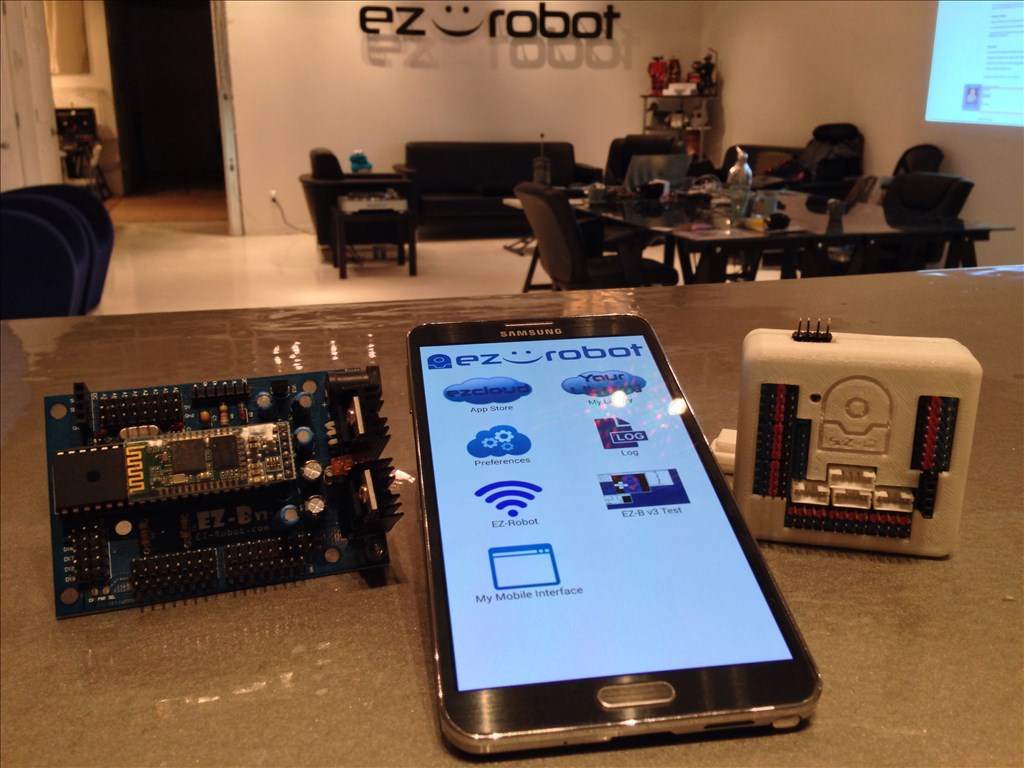
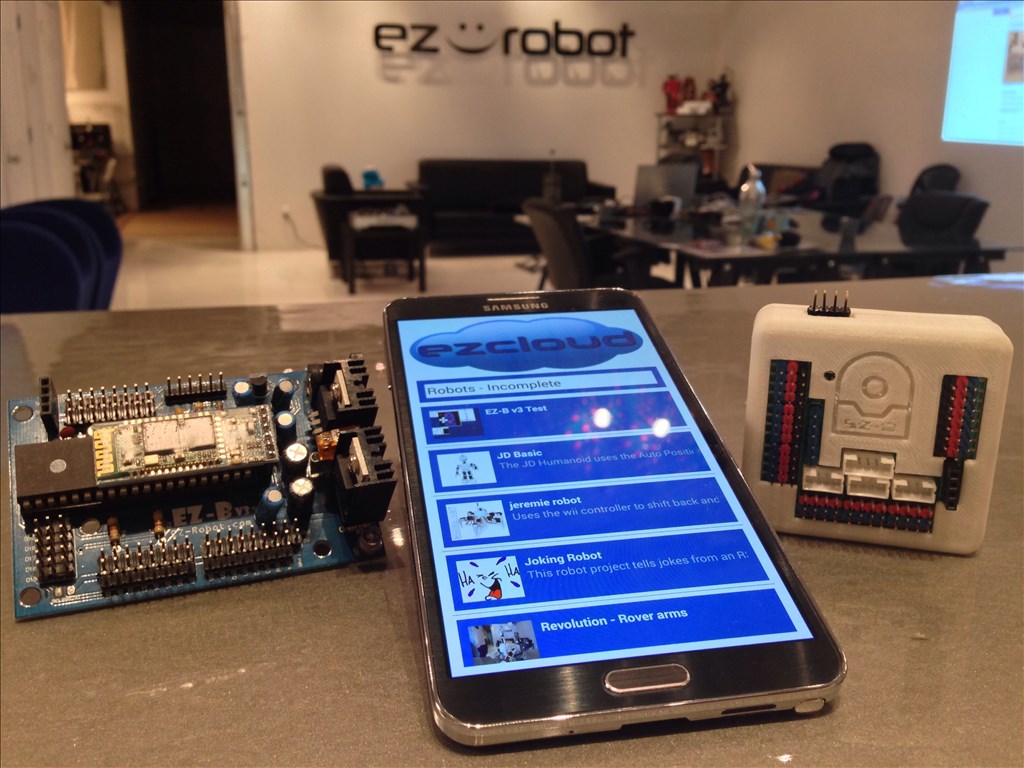
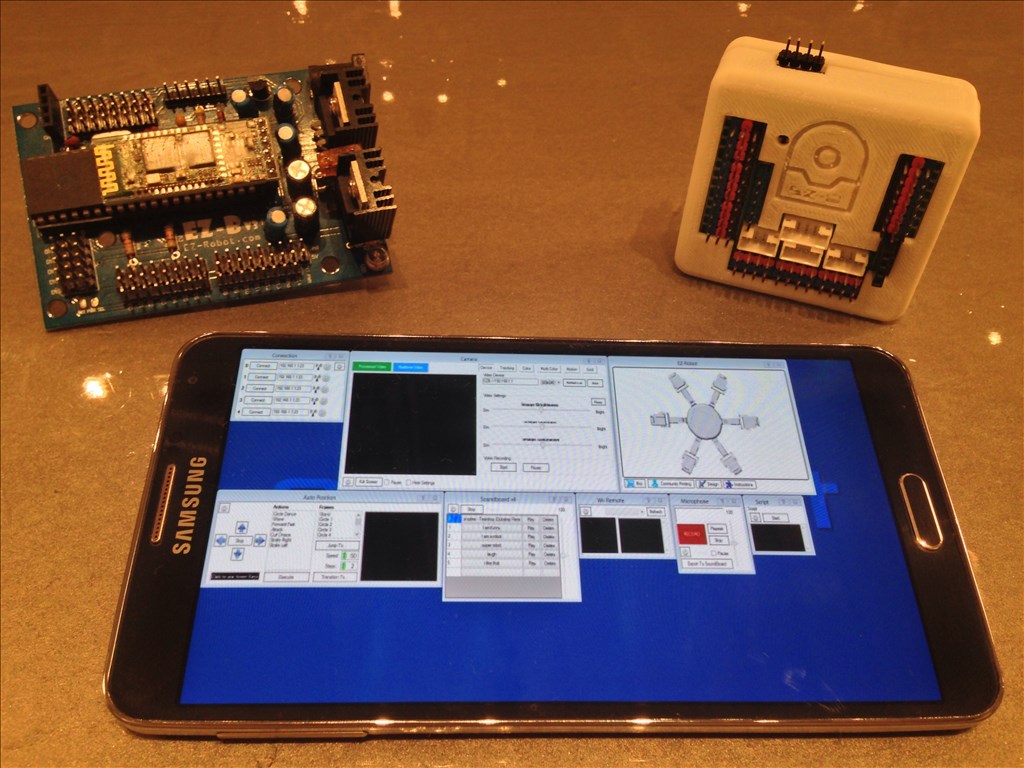
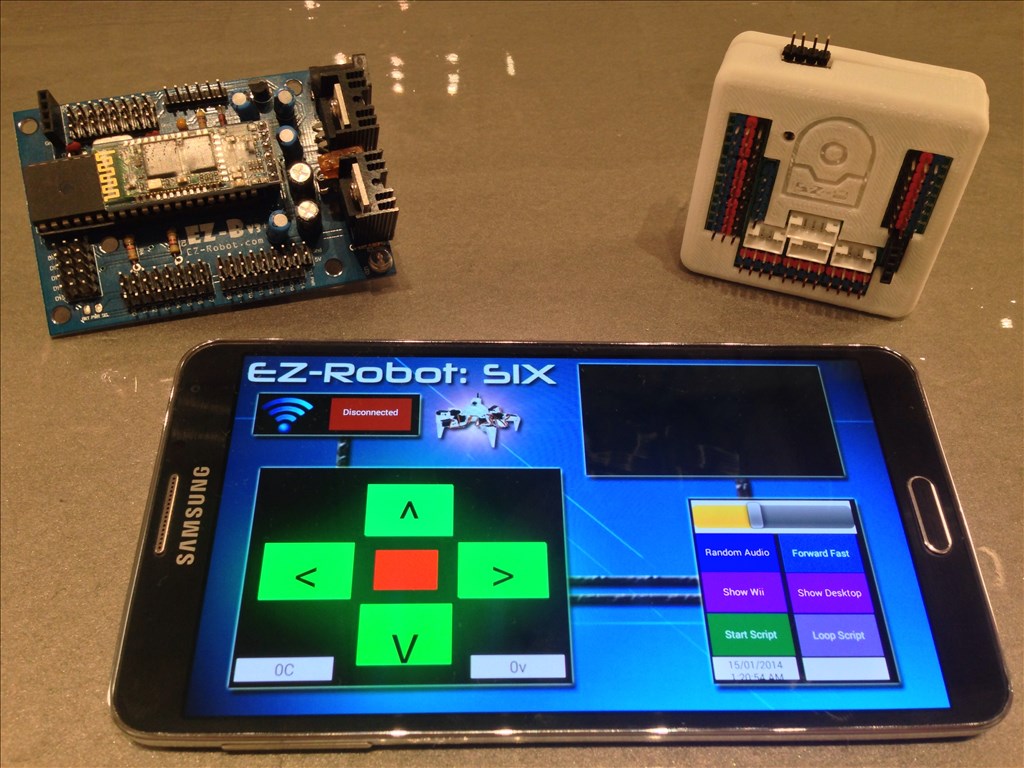
You may now control your EZ-Robot from your Android Mobile Device! This includes both EZ-B v3 and EZ-B v4 Robots! The Android App can be installed on your Android Phone, Android Tablet, or Android Game Device. The ARC Mobile for Android Application will load ARC files that you created and save to the EZ-Cloud.
This is the beta release of the ARC Android Mobile App. There are a few known bugs, specifically with the EZ-B v3. As usual, we will continue updating the app and making it more awesome and reliable.
Installation Instructions
From your Android Device, select the download link: https://www.ez-robot.com/ARC
Once downloaded, select Open from your notification menu
You will be prompted to active Unknown Sources from the Settings menu. This is because you are downloading the file from our website and not Google Play or Amazon, etc...
ARC Downloads
ARC
FREE- 1 third-party plugin skill per project
- Trial cloud services
- Personal, DIY & education use
- Updated every 6–12 months
 Download
ARC
PRO- Use on 2+ PCs simultaneously
- Unlimited robot skills
- Cloud backup & revision history
- Weekly features & bug fixes
- Business use permitted
ARC
RUNTIME- Load & run any ARC project
- Read-only mode
- Unlimited robot skills
- Includes early access fixes & features
- Minimum requirements: Windows 10 or higher, 2 GB RAM, 500 MB free disk space.
- Recommended: Windows 10 or higher, 8 GB RAM, 1 GB free disk space.
- Prices are in USD.
- More about each edition: Download & install guide.
- Latest changes: Release notes.
Compare Editions
| Feature |
ARC
FREE
|
ARC
PRO
|
|---|---|---|
| Get ARC Free | View Plans | |
| Usage | Personal · DIY · Education | Personal · DIY · Education · Business |
| Early access to new features & fixes | — | ✓ |
| Simultaneous microcontroller connections * | 1 | 255 |
| Robot skills * | 20 | Unlimited |
| Skill Store plugins * | 1 | Unlimited |
| Cognitive services usage ** | 10 / day | 6,000 / day |
| Auto-positions gait actions * | 40 | Unlimited |
| Speech recognition phrases * | 10 | Unlimited |
| Camera devices * | 1 | Unlimited |
| Vision resolution | max 320×240 | Unlimited |
| Interface builder * | 2 | Unlimited |
| Cloud project size | — | 128 MB |
| Cloud project revision history | — | ✓ |
| Create Exosphere requests | — | 50 / month |
| Exosphere API access | — | Contact Us |
| Volume license discounts | — | Contact Us |
| Get ARC Free | View Plans |
* Per robot project
** 1,000 per cognitive type: vision recognition, speech recognition, face detection, sentiment, text recognition, emotion detection, azure text to speech

Upgrade to ARC Pro
Experience the transformation – subscribe to Synthiam ARC Pro and watch your robot evolve into a marvel of innovation and intelligence.
rryerson , Thank you for the response, but I wish I could use my current Kindle 8.9 HD tablet. Maybe I am not doing something right? Is it working ok on your Galaxy Tab 3? Steve S
Yep, works great on my Tab 3
I don't think you can sideload apps on a Kindle without rooting it. It runs Android, but it is an Amazon modified version of Android and doesn't have access to Google Apps, the Google Play store, or many other functions typical of Android tablets (like I don't think the Kindle has GPS or Compass sensors).
Alan
Alan, Thank you for the response, what is "rooting It" ? I think you mentioned in previous response about downloading to a PC, then an Android? How would I do that? Maybe it not compatible with Kindle? I received no responses from anyone who has successfully used it on a Kindle. If not, it is a nice feature that I look forward to on my IOS. Maybe there will be an app for theEZB4 and EZB3 with IOS? Thank You, Steve S
Rooting is basically breaking the built-in security to give you access to the underlying operating system functions. I don't even know if it can be done on a kindle . It was trivial on the first Nook. Best to start your search for information on Android or Kindle forums. Search for "sideload apk on a kindle" to get started.
Alan
@Steve- I'll save you a little time and recommend going to xda developers web site. You can search for your device and begin more research there. I've rooted most of my Android devices. This is one of the best places I've found for information on this subject. I hope that helps.
Thank you Alan and Antron007, I did find the option to allow outside apps on my Kindle and changed it to allow, but still no app. I will have look into the web sites on rooting. Steve S
I would have recommended XDA, but some of the threads can be fairly deep and unfriendly to people who ask beginner questions. You'll find what you need there for sure, but do some searching before asking any questions or you will be treated unkindly
You might find easier tutorial or beginner instructions going to Kindle specific forums vs XDA.
Just my two cents.
Alan