Change Release Notes
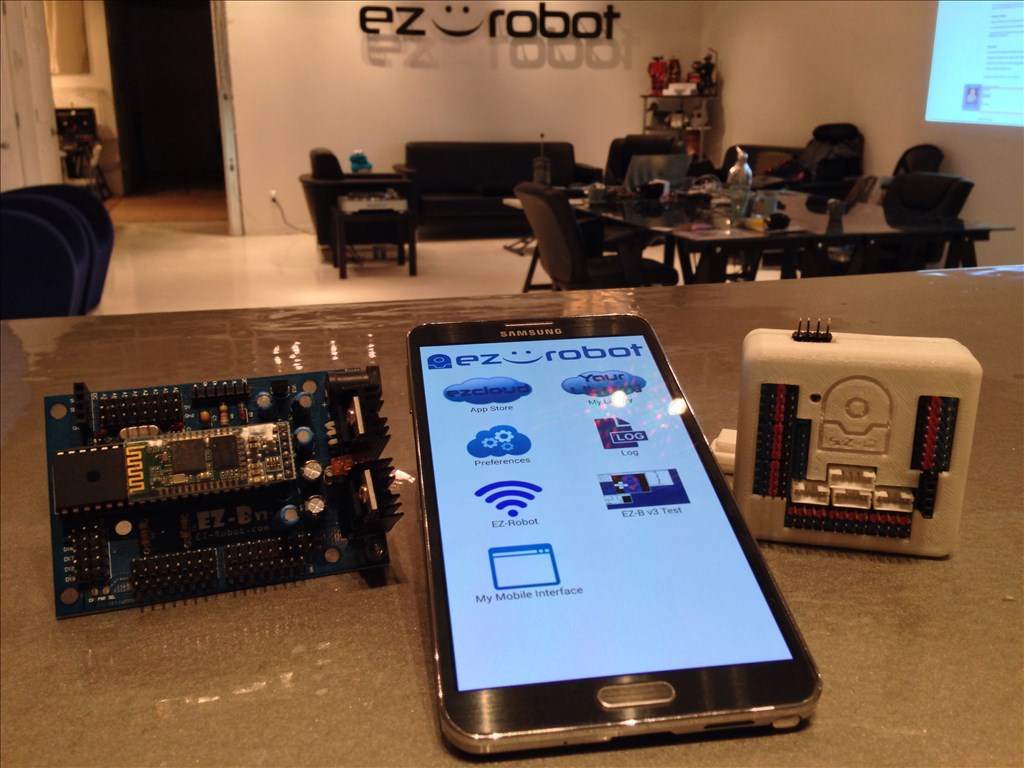
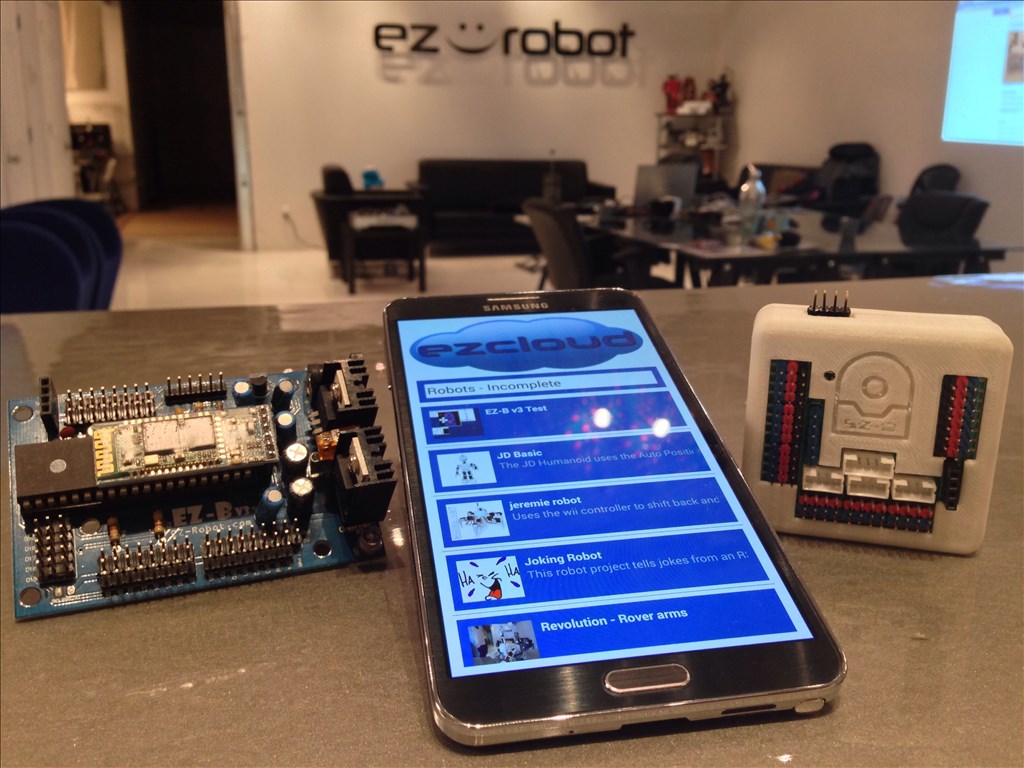
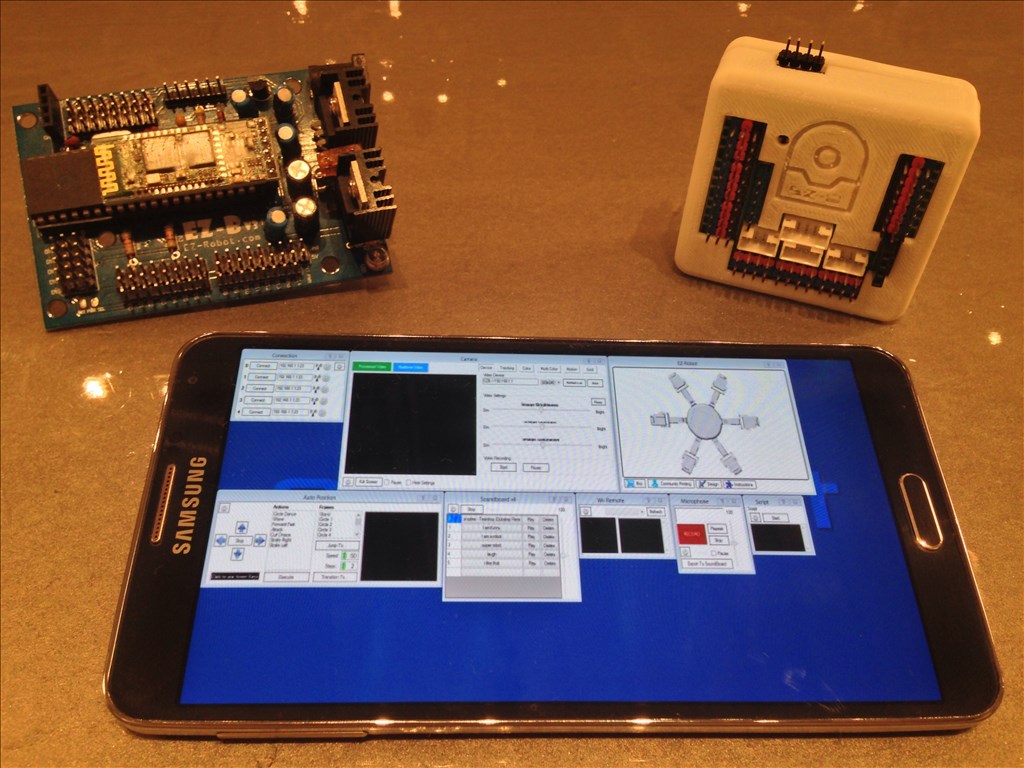
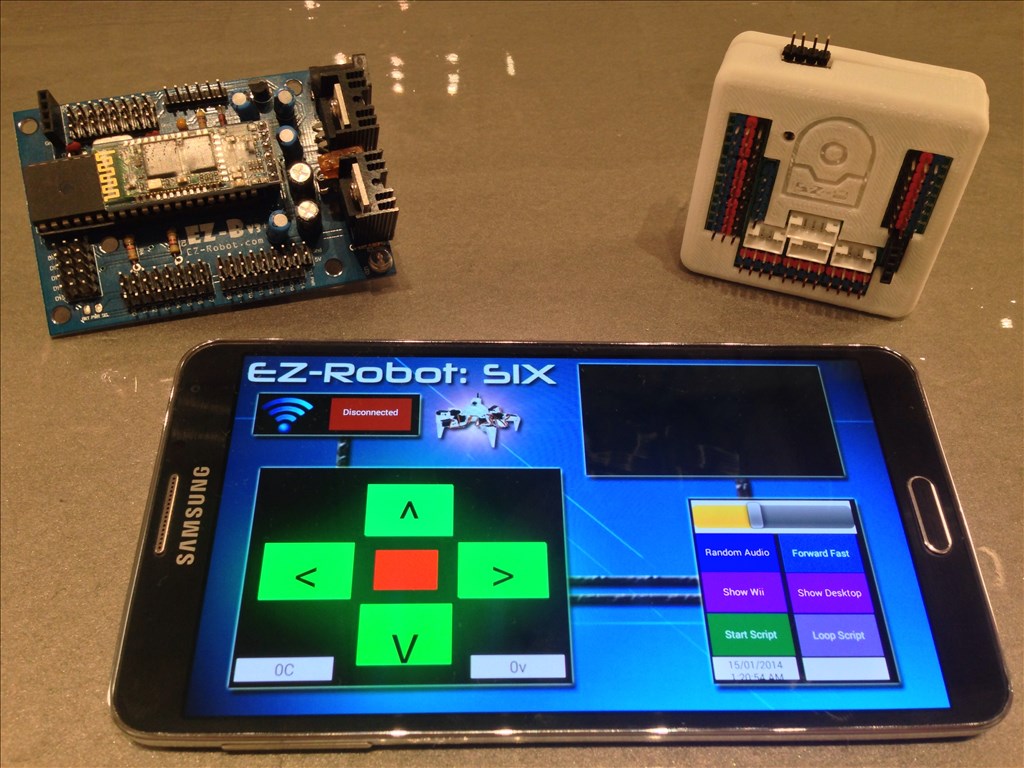
You may now control your EZ-Robot from your Android Mobile Device! This includes both EZ-B v3 and EZ-B v4 Robots! The Android App can be installed on your Android Phone, Android Tablet, or Android Game Device. The ARC Mobile for Android Application will load ARC files that you created and save to the EZ-Cloud.
This is the beta release of the ARC Android Mobile App. There are a few known bugs, specifically with the EZ-B v3. As usual, we will continue updating the app and making it more awesome and reliable.
Installation Instructions
From your Android Device, select the download link: https://www.ez-robot.com/ARC
Once downloaded, select Open from your notification menu
You will be prompted to active Unknown Sources from the Settings menu. This is because you are downloading the file from our website and not Google Play or Amazon, etc...
ARC Downloads
ARC
FREE- 1 third-party plugin skill per project
- Trial cloud services
- Personal, DIY & education use
- Updated every 6–12 months
 Download
ARC
PRO- Use on 2+ PCs simultaneously
- Unlimited robot skills
- Cloud backup & revision history
- Weekly features & bug fixes
- Business use permitted
ARC
RUNTIME- Load & run any ARC project
- Read-only mode
- Unlimited robot skills
- Includes early access fixes & features
- Minimum requirements: Windows 10 or higher, 2 GB RAM, 500 MB free disk space.
- Recommended: Windows 10 or higher, 8 GB RAM, 1 GB free disk space.
- Prices are in USD.
- More about each edition: Download & install guide.
- Latest changes: Release notes.
Compare Editions
| Feature |
ARC
FREE
|
ARC
PRO
|
|---|---|---|
| Get ARC Free | View Plans | |
| Usage | Personal · DIY · Education | Personal · DIY · Education · Business |
| Early access to new features & fixes | — | ✓ |
| Simultaneous microcontroller connections * | 1 | 255 |
| Robot skills * | 20 | Unlimited |
| Skill Store plugins * | 1 | Unlimited |
| Cognitive services usage ** | 10 / day | 6,000 / day |
| Auto-positions gait actions * | 40 | Unlimited |
| Speech recognition phrases * | 10 | Unlimited |
| Camera devices * | 1 | Unlimited |
| Vision resolution | max 320×240 | Unlimited |
| Interface builder * | 2 | Unlimited |
| Cloud project size | — | 128 MB |
| Cloud project revision history | — | ✓ |
| Create Exosphere requests | — | 50 / month |
| Exosphere API access | — | Contact Us |
| Volume license discounts | — | Contact Us |
| Get ARC Free | View Plans |
* Per robot project
** 1,000 per cognitive type: vision recognition, speech recognition, face detection, sentiment, text recognition, emotion detection, azure text to speech

Upgrade to ARC Pro
Subscribe to ARC Pro, and your robot will become a canvas for your imagination, limited only by your creativity.
I'll be interested to see if (or how well) voice commands work on Android, and if they need any screen interaction to start. That would be key to me using it as embedded.
Even if not, it gives a great option for remote control. If I just want to move my robot from one place to another, or do some simple remote presence, I would leave the PC off or disconnected and use my phone. When I want autonomous or more advanced behaviors, I would power on or connect the PC (and still be able to use my Android phone as a remote control when voice commands invariably fail - noisy conditions, etc...).
I just see so much opportunity here for really cool ways of interacting. I'll be happy with whatever we get (I am thrilled with the V3 support. I'll still probably eventually replace it with another V4, but this removes some of the pressure to do so right away), but I am sure I will be making many suggestions to continue to push the envelope as development continues.
I first discovered EZ-B when I heard about https://www.cellbots.com/ (which seems to have died out) and started looking around for the hardware needed to make it work. But I was dis-satisfied with the limitations (I wanted a grasping arm, and the software basically just did movement and remote presence through Google Talk) and found the far more powerful EZ-B. I had totally given up on using an Android phone as the computer brain until a few weeks ago when DJ showed the work in progress, so I am totally re-thinking everything now and haven't come to any solid conclusions about direction yet.
Alan
With respect to the iOS app, when will we see that in the App Store, I don't have android.
will the iOS app offer the same features as android, would you say one is better than the other? Besides form not being EZ-B V3 compatible are there any other notable differences?
There are plenty of inexpensive android 8" tabs out there so I am willing to invest if the benefit outweighs the cost..
I want to be 100% ready for when the V4 turns up in my post box (EXCITED)
Thanks
Works on my kindle just fine fyi
Andy1939, I did not realize the new Android mobile app would work on a Kindle? I bought my wife a Kindle 8.9 HD. What controls do you have it doing? Any V.R.? Thank You, Steve S
@Steve, Yep the Kindle Fire and all subsequent release (like the HD) are basically Android tablets. We got a Fire for one our nieces for xmas the year they came out. That's what made me decide to buy a tablet of my own. I was pretty impressed with it.
It installs on the kindle but I have yet to see my library via kindle but I have one using the desktop ARC. A bug or cockpit error?
Andy1939 , Did you get the Android app working on your Kindle? Does the app show on your kindle? Mine tries to download, but no app. I read you must "allow" apps from non typical sites. I cannot find that option on my Kindle and it does not ask me during download. I am trying to download it on my wife,s Kindle 8.9 HD. Maybe I have to wait for my IOS phone? Hope not, works so cool on my desktop. Such a great feature for the EZB3. Has anyone successfully used it on a Kindle? Thank You, Steve S
Hey Steve, just buy a cheap Galaxy Tab 3... Got a 7inch from Best Buy for $149 just after Christmas...