








All Community Content



Drive Real Robots, Anywhere
Remotely operate robots around the world or add live telepresence to your own build — straight from your browser.
Discover Exosphere
I Make Robots Crew Socks

Advanced Speech Reco…
Azure Cognitive Speech recognition for ARC with custom API credentials, scripting, language control,...

Audio File Out EZB
Stream MP3 or WAV files from your PC to the primary EZ-B speaker for robot audio playback, alerts,...
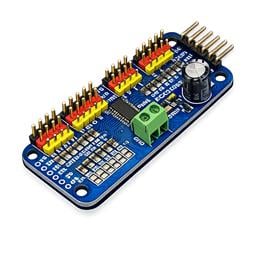
PCA9685 Servo Driver
Drive 16 servos over EZB I2C with a PCA9685 PWM controller, using ARC servo commands and...

Full-screen popup display for ARC: show custom text with configurable timeout, font, text/background color, size and position via controlCommand().
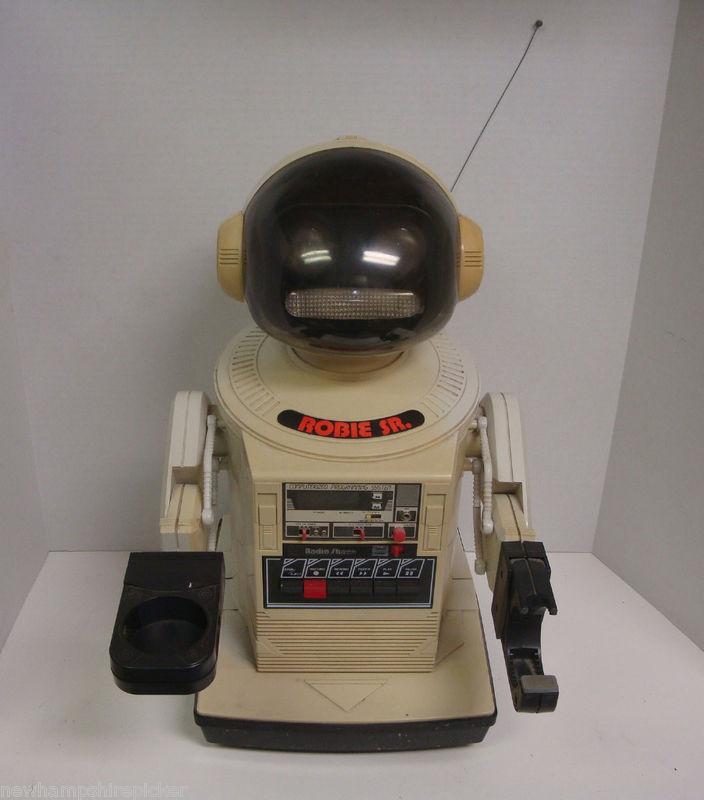
Restoring a Robie SR for EZ-B-ification: raising height ~6 in, adding a turning/tilting neck, new paint, learning soldering and parts gathering

Javascript Question - Var Or Setvar?
@Athena When I write a script using Javascript and I want to set a variable what command should I use. I've used both setVar and simply just Var.... 65
65
 3 k
3 k
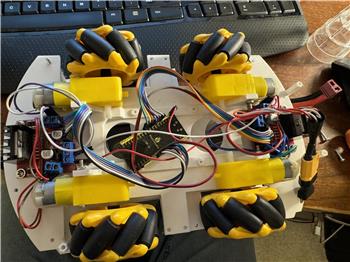
Connect Wiring For Iotiny To Arduino
Hello, How do I connect the iotiny to the arduino, wiring that is? I want to use arduino for motors and led. Also what skill would I use? Do you...
16
2 k
Community Robots
.I have not been on community forum for a while but I noticed that there almost no new robots project show case? Any reason ?
17
2 k
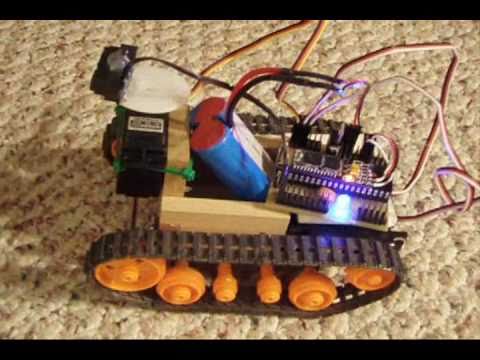
DJ's Tamiya Bulldozer Robot
Convert Tamiya Bulldozer to use modified servos for precise speed control and greater strength, driven and controlled via Synthiam ARC.
3
5 k
How To Send 'Controlcommand' Via Custom Skill C# Code?
how to send 'ControlCommand' via custom skill c# code? I'm trying to add Talk Servo v2 skill, then add my custom skill, and in code use: ``` base.SendCommand("Talk Servo v2", "Speak", transcribedText);
2
987
3D Bit Library Will Not Sync
I click the "Open" tab and choose the JD robot. I am prompted to "Sync 3D Bit Library". Once I click "sync", I get an error message saying "Error downloading from Synthiam: The operation has timed out". What might cause this issue and what are some possible solutions to fix the error?
6
459
Wii Remote As Accelerometer For Robot
I know that other accelerometers exist for robots, but what if Wii Remotes could be used? There already is support for them on ARC, so there could be a plug-in to support it.
5
936
Remove Or Parts In Bit-Builder
Ive been adding parts to bit-builder as described, but now ive made changes & changed some parts that arent required. How do i remove/modify these, Thanks
6
696
Will Ezrobot Make A EZ-B-V5
In this post, I will NOT be promoting EZ-Robot Inc. or its affiliated products. About 10 years ago, the EZ-B-v4 was released. Over time, it has been upgraded with its top board being sold separately for upgrading. It's been 10 years, will they be making a new version, maybe called the EZB-v5? Does anyone know?
27
3 k

DJ's First Live Robot Hack
Rebuild a lost Playskool Digger into an EZ-Robot JD Humanoid with a thrift-store hack and facility tour; Build-a-Bear costume fits perfectly
42
7 k
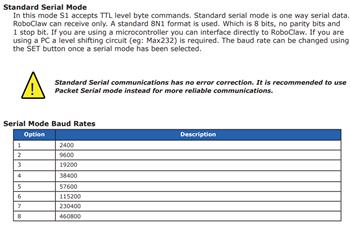
Roboclaw Packet Serial Comm
Has anyone written a skill or script that will support the RoboClaw Packet Serial Mode communications? Specificly, a skill/script that can set the motor speed,...
43
6 k
Can The USB Of An RP Lidar Be Wireless?
Trying to keep my computer at a fixed location and have the bot moving around and was wondering if there is a way to make RP Lidar USB cord have an adapter to make it wireless? Is there an adapter/transmitter available somewhere? Thanks
1
764