
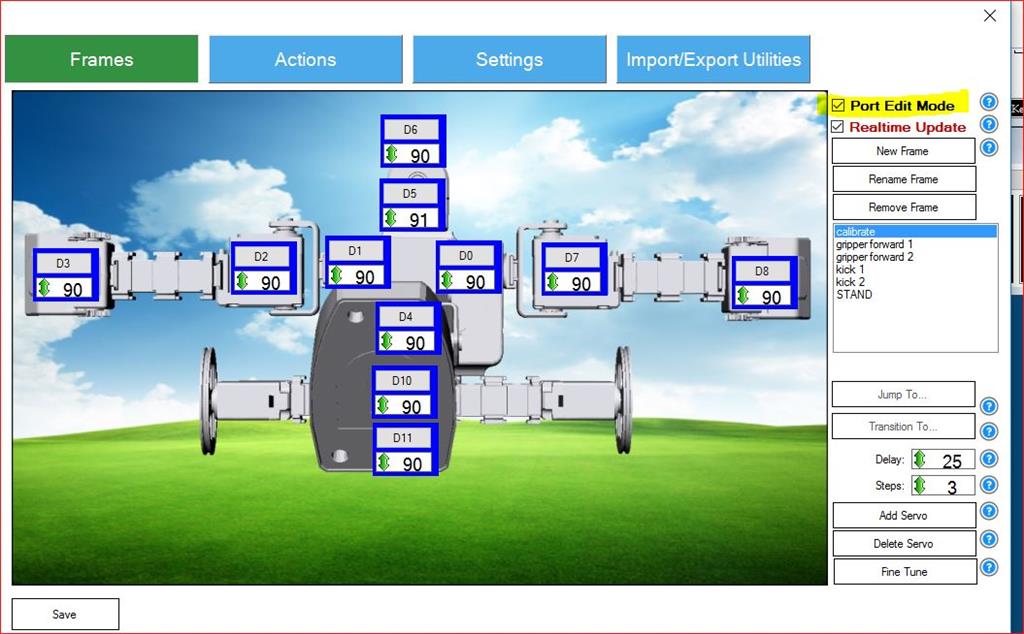
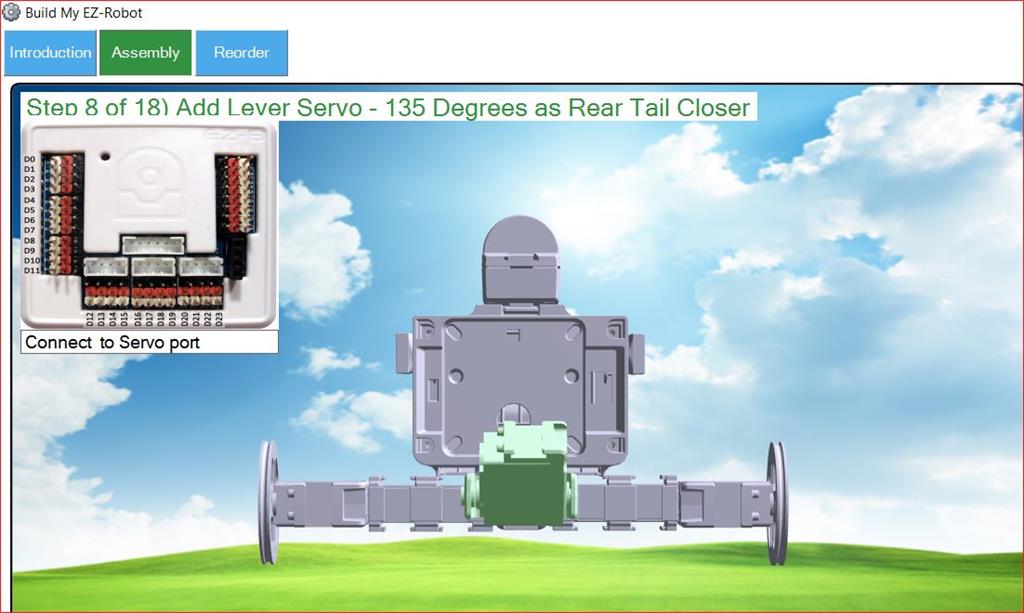
I don't see the actual port numbers defined in the instructions as they are for other projects.
I didn't see the ports listed under Project Details either
I need this info to execute the Auto Position Actions such as Kick
Thanks, Frank
By faengelm
— Last update


Discover more robots
Waynea's Tall Tower Light Controller - Ezb V4
Monitor 19 broadcast tower strobe lights remotely with EZ-B v4-easy relay integration, fault signaling and simple alerts...
Jeremie's Treat-O-Matic 2020
Convert a claw-style candy machine into a contactless Halloween dispenser with Atomic Pi, Arduino EZB, camera, PIR,...
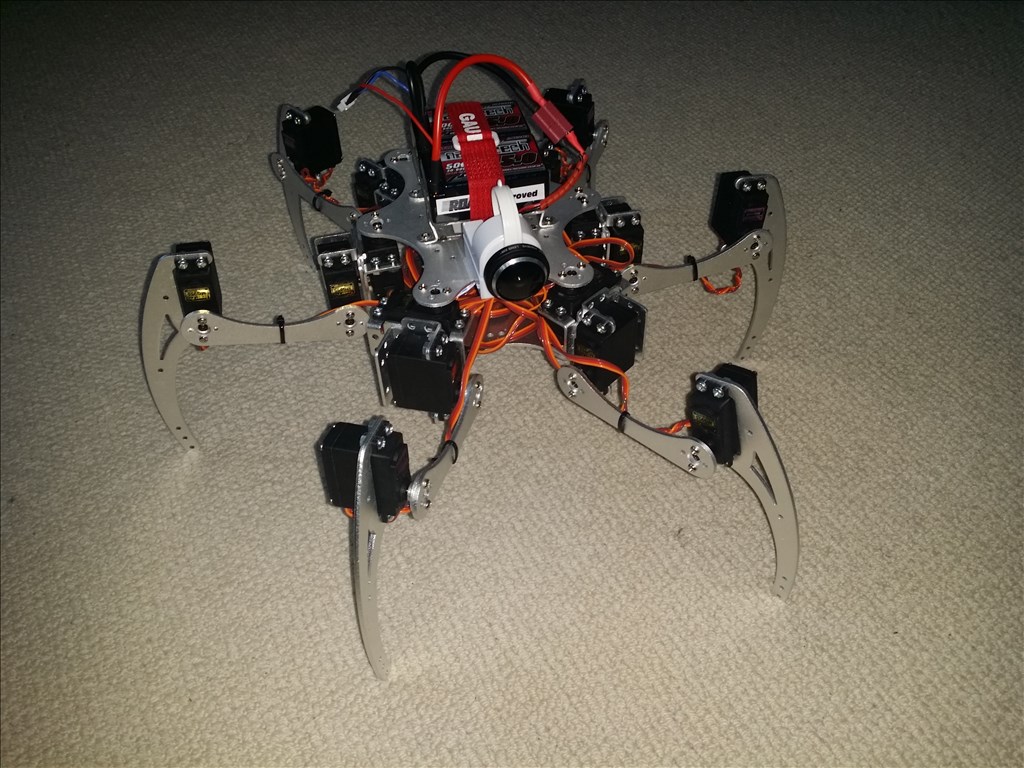
Drephreak's New Robot
Hexapod using EZ-B and Synthiam ARC-walking in 2 hours; easy programming, aluminum chassis, servos, sensors, planned...

If you open the settings on the autoposition, click on the calibrate frame, and click the "live edit" checkbox, it will show you the port numbers except for the wheels. You can get the port numbers for the wheels from the Movement Panel settings.
Alan
@thetechguru
Hi Alan,
Thanks... that answers my question!
BTW, it looks like "live edit" has been renamed to "Port Edit Mode"
regards, Frank