
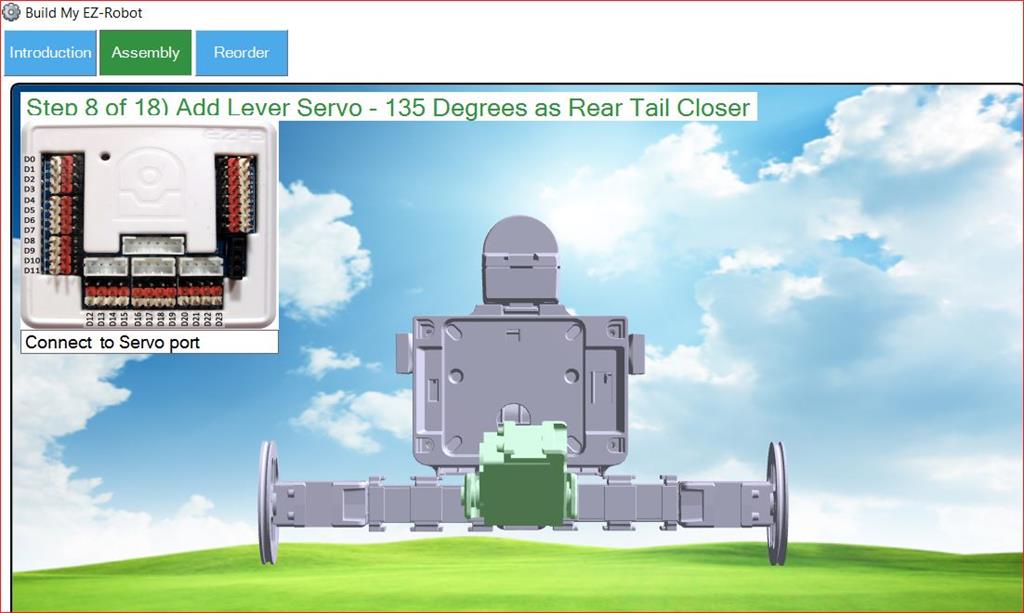
I don't see the actual port numbers defined in the instructions as they are for other projects.
I didn't see the ports listed under Project Details either
I need this info to execute the Auto Position Actions such as Kick
Thanks, Frank
 EZ-B Settings
— Configures and pushes WiFi SSID, password, system name and channel to EZ-Robot EZ-B v4 from ARC; saves settings with project for quick redeploy.
Try it →
I don't see the actual port numbers defined in the instructions as they are for other projects.
I didn't see the ports listed under Project Details either
I need this info to execute the Auto Position Actions such as Kick
Thanks, Frank
Other projects from the same builder.
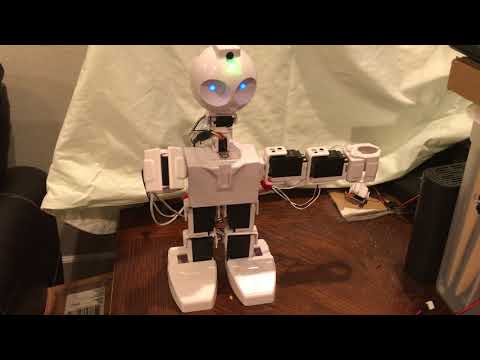
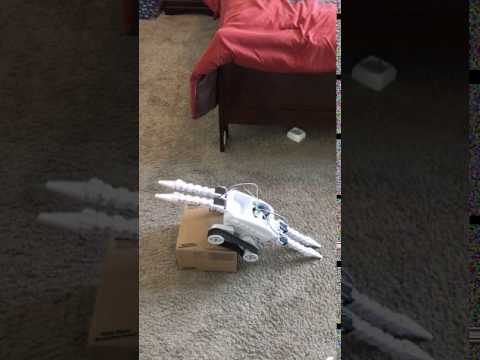
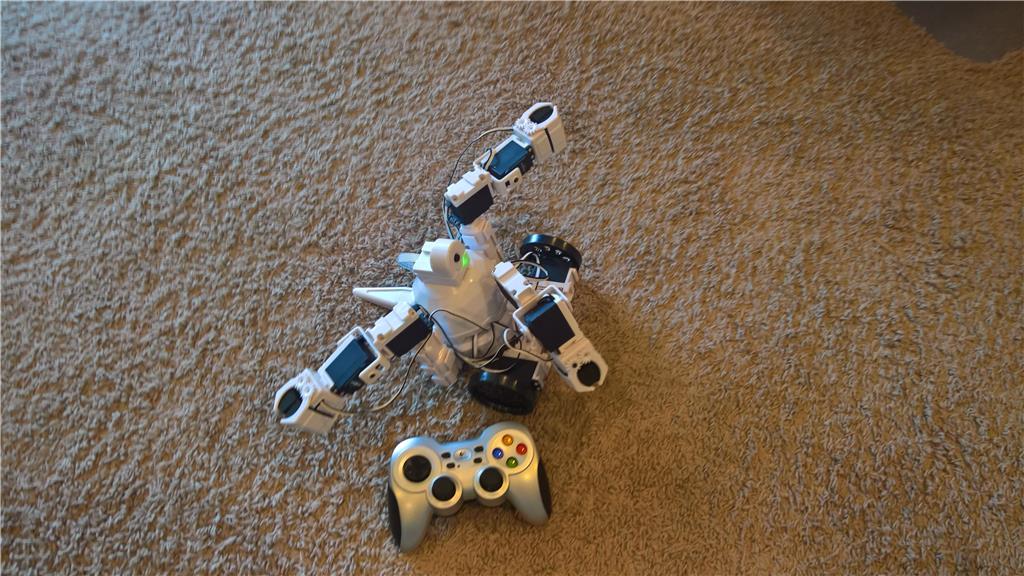
Robots the community built with Synthiam ARC. Get ideas for your next build.
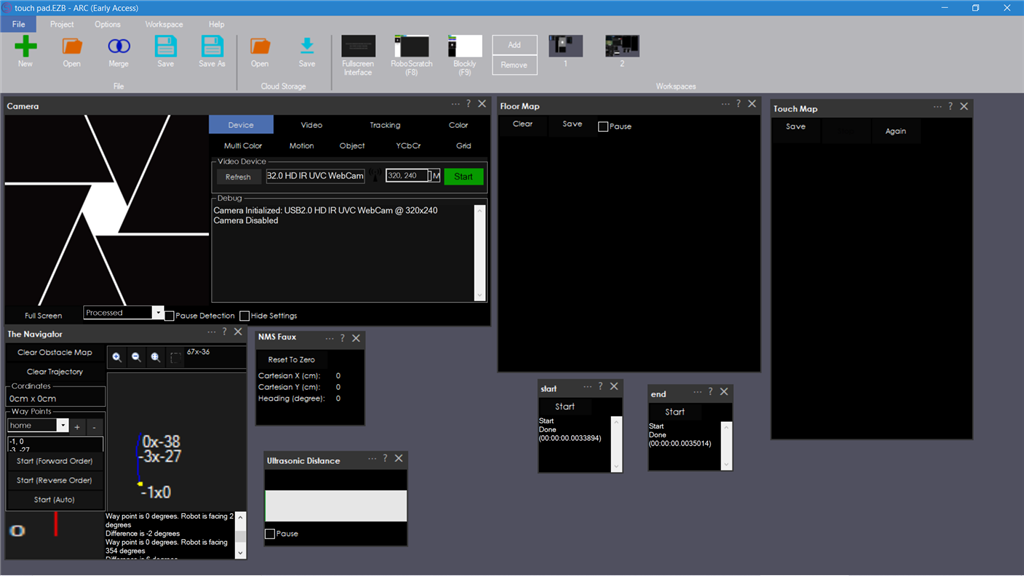

If you open the settings on the autoposition, click on the calibrate frame, and click the "live edit" checkbox, it will show you the port numbers except for the wheels. You can get the port numbers for the wheels from the Movement Panel settings.
Alan
@thetechguru
Hi Alan,
Thanks... that answers my question!
BTW, it looks like "live edit" has been renamed to "Port Edit Mode"
regards, Frank