
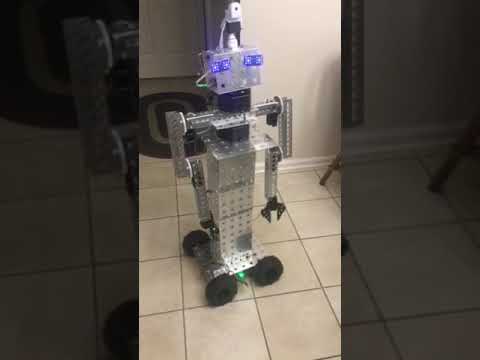

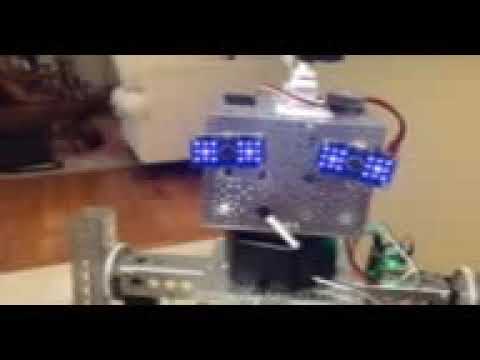
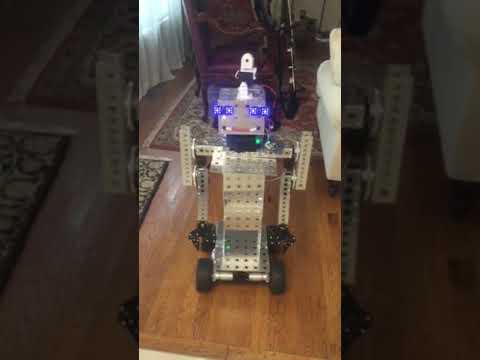
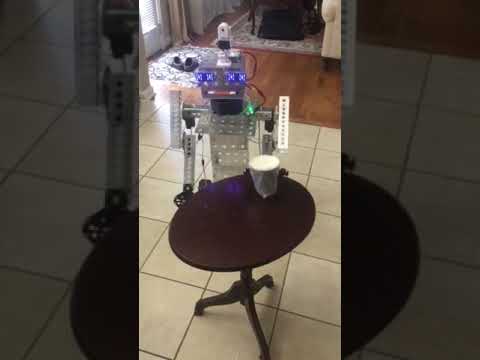
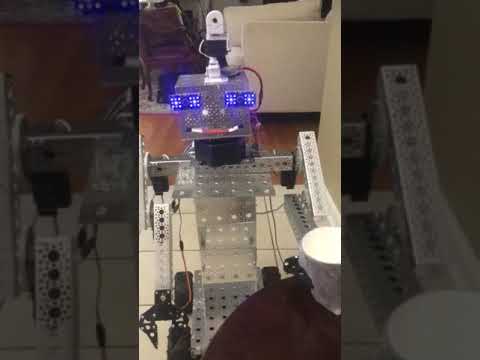
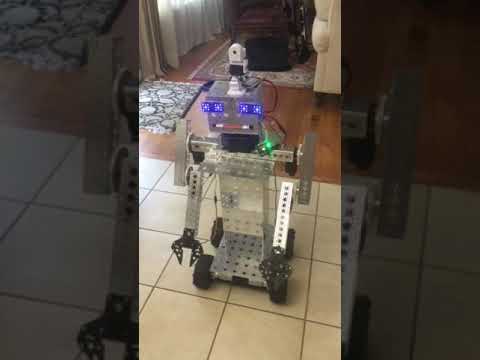

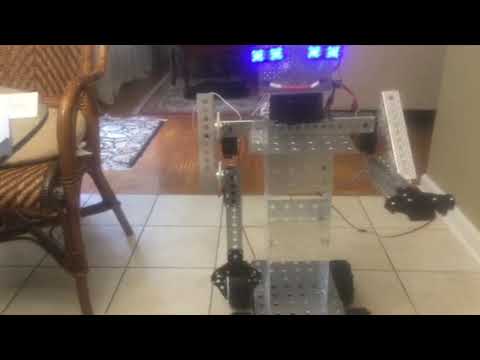
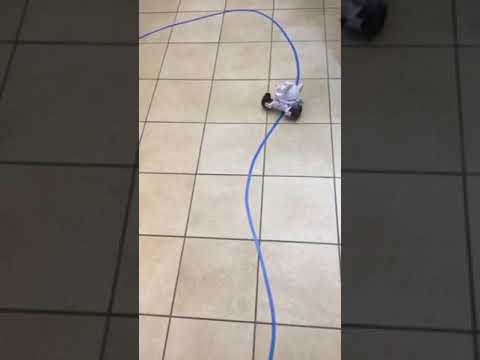
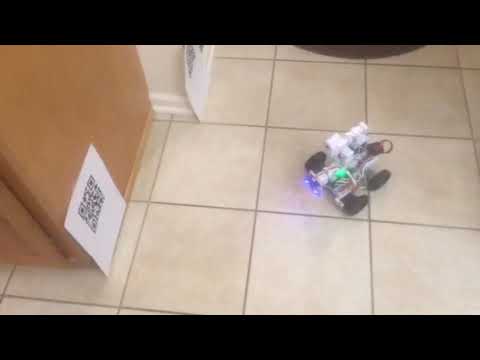
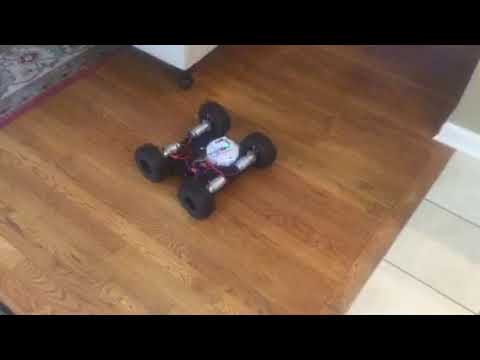
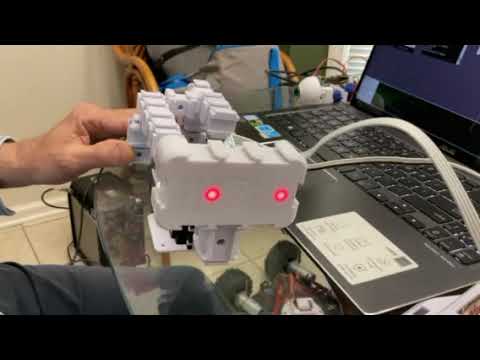
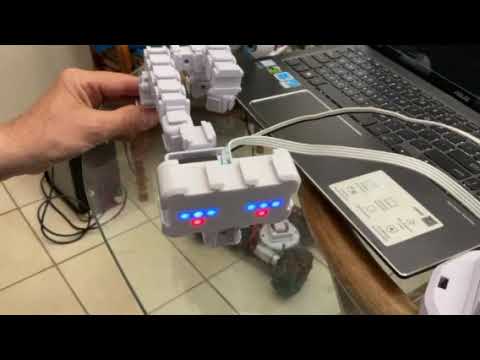
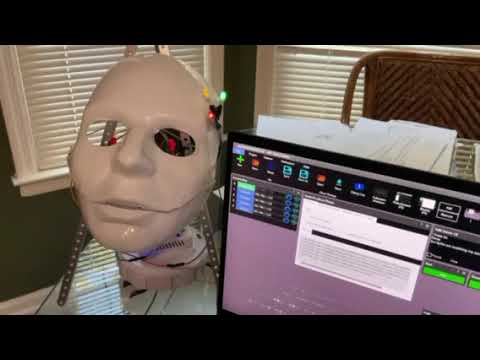

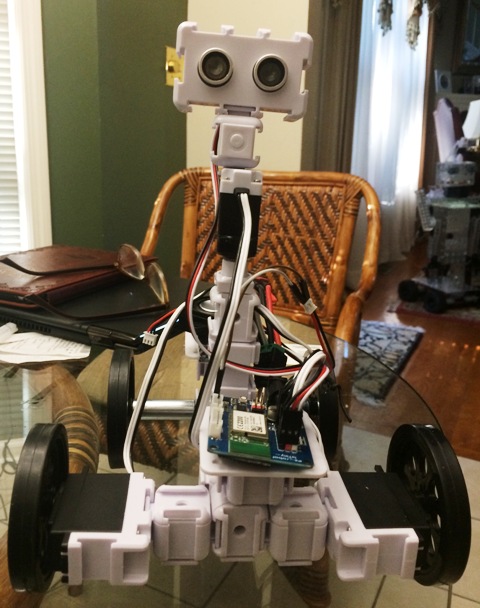
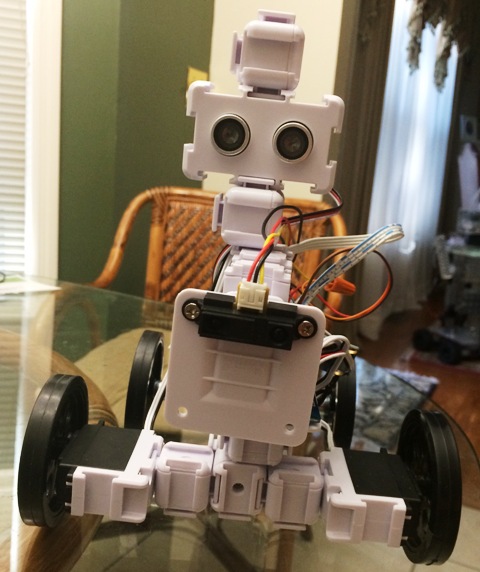
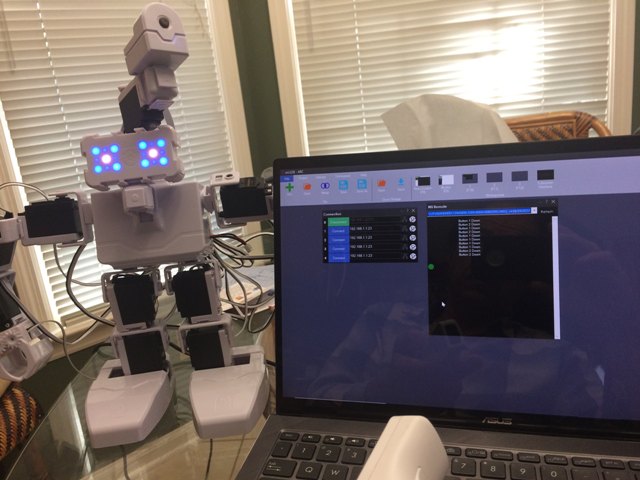
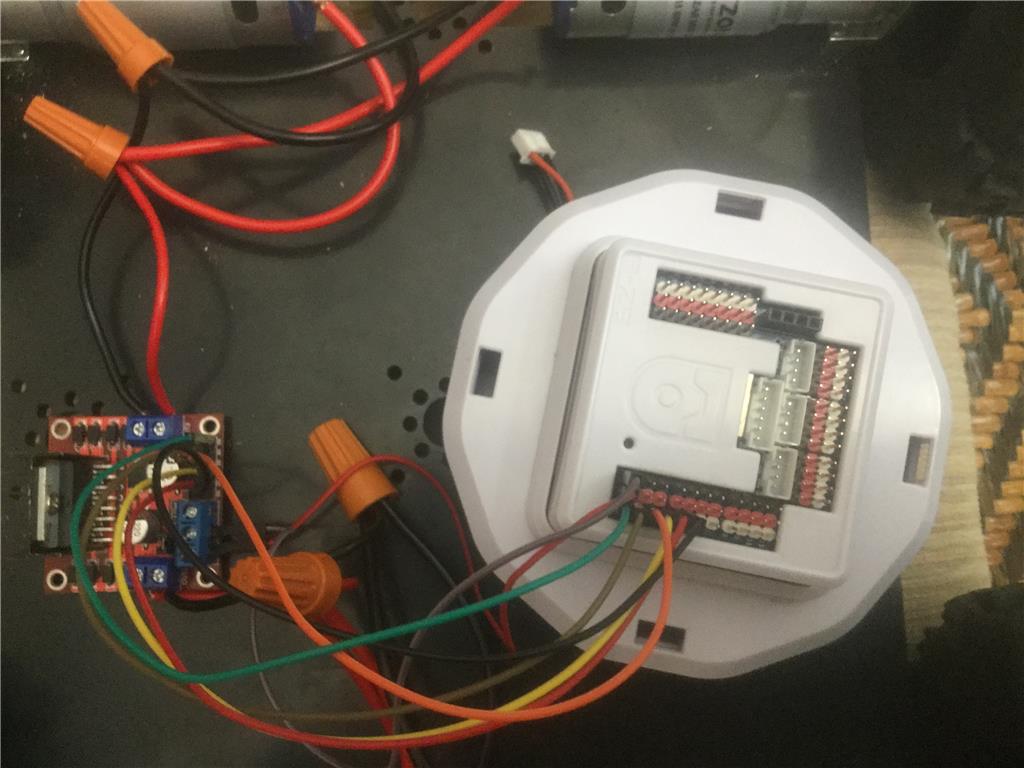
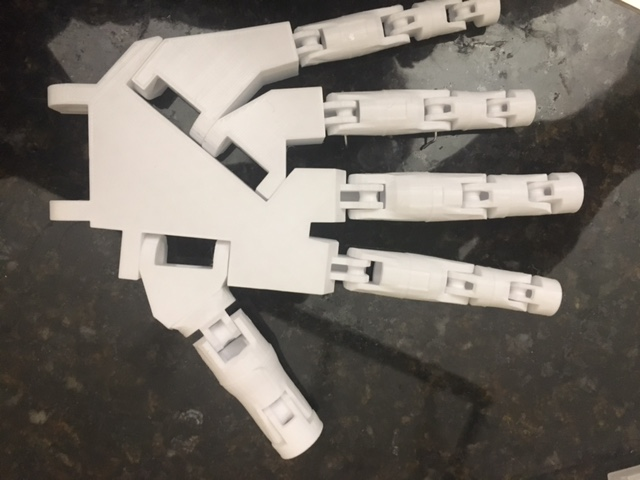
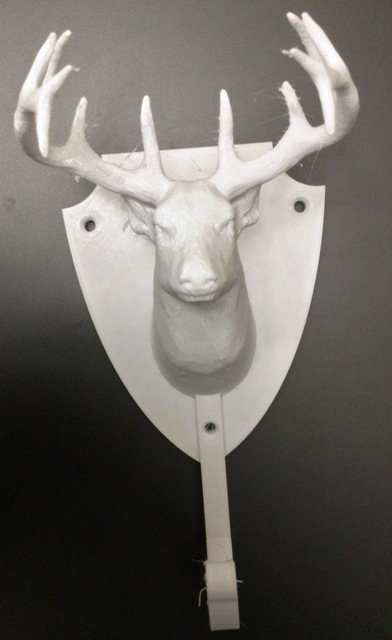
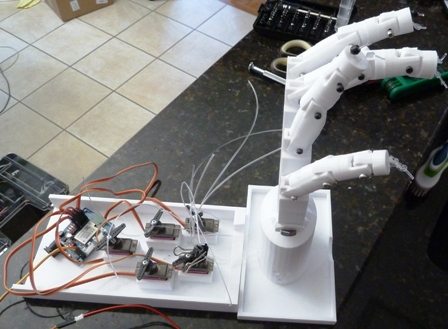

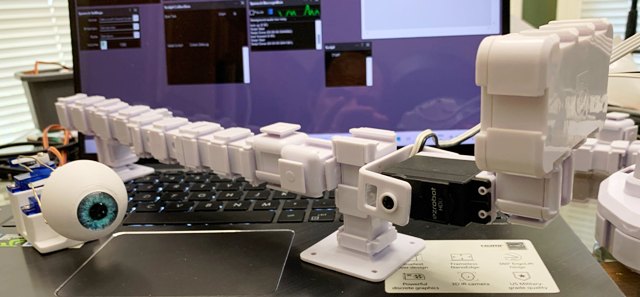
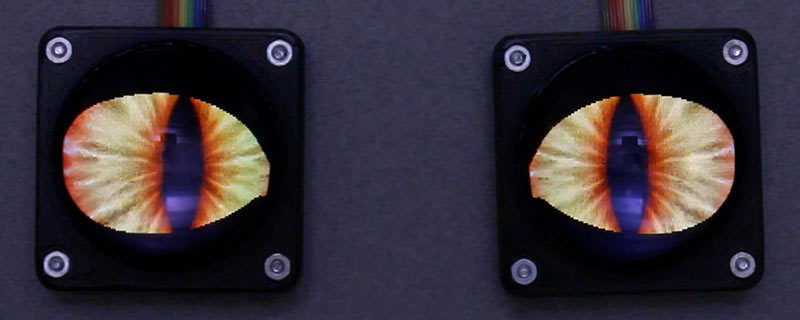
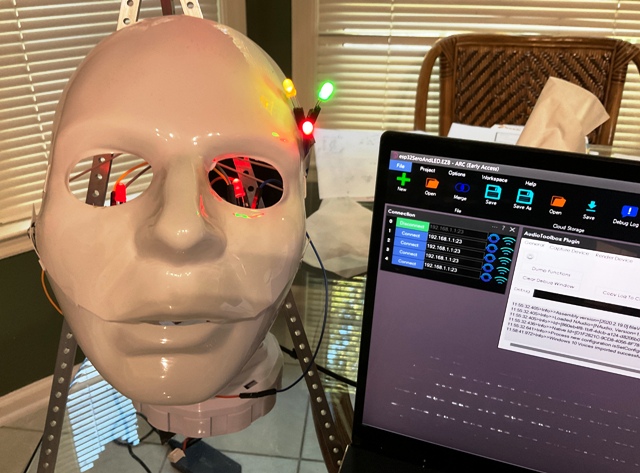
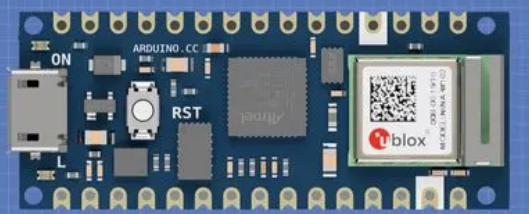
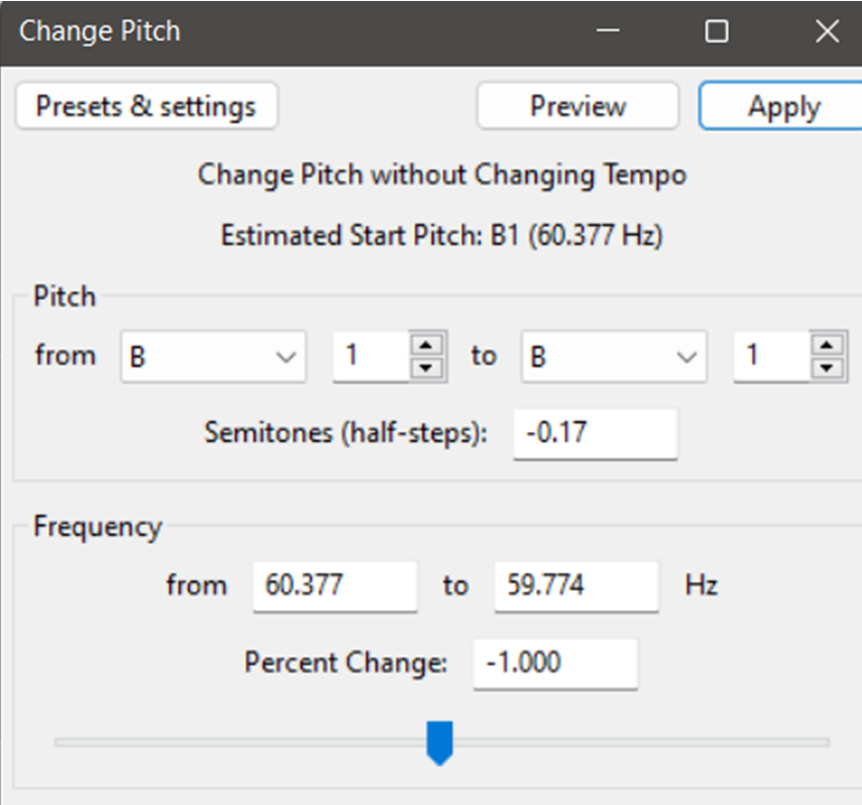
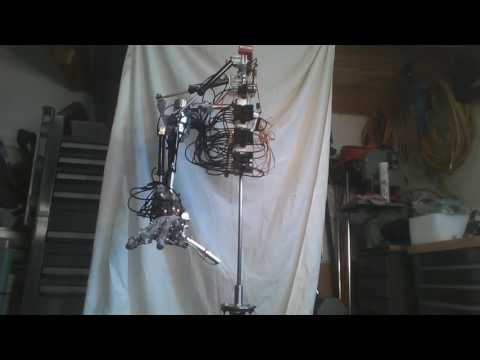
I am using ARC software with 2 iotinys controller, 2 EzB4 controllers - 3 EZ-ROBOT 1300 lithium batteries for the four Ez 360 HDD servos for the two arms, two 996R servos for the grippers, 2 DFRobot rotation hex bases for head movement and body movements. with 2 EZ-robot servos HDD, 2 RGB for the eyes - EZ-Robot HDD servo and moving camera - still need a mouth
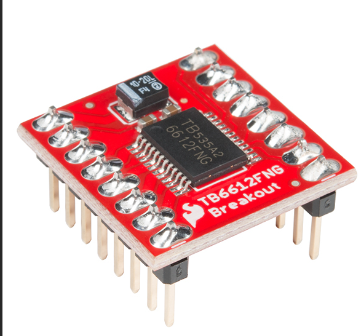
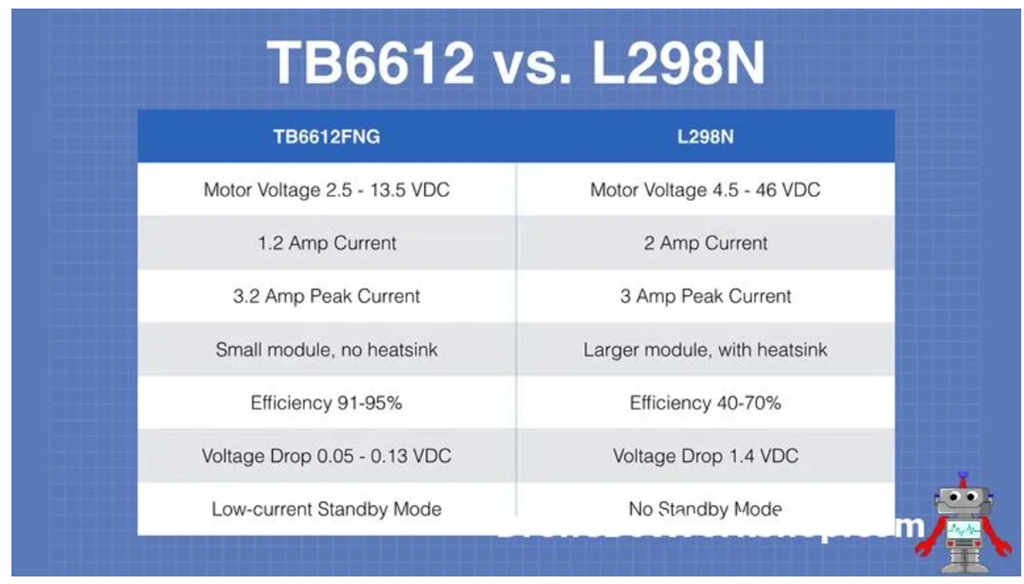
from servo City: 4 gearboxes , channels, parts, extensions, Prowler Robot Kit (wheels, 4 motors, h-bridge pwm motor controller
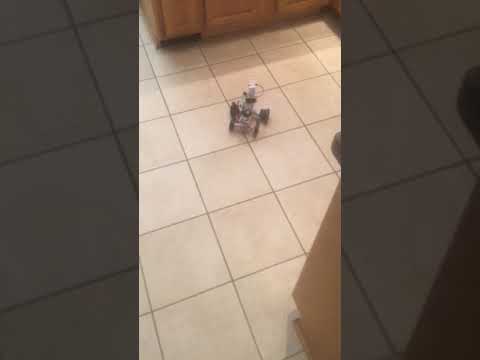
Here is a sample video
EzAng
By EzAng
— Last update
Discover more robots
Jeremie's R.O.B. Robotic Operating Buddy
Hack and modernize NES ROB using Synthiam ARC and EZ-B: RGB eyes, servos, IoTiny, LiPo, speakers, motors, scripts, 3D...
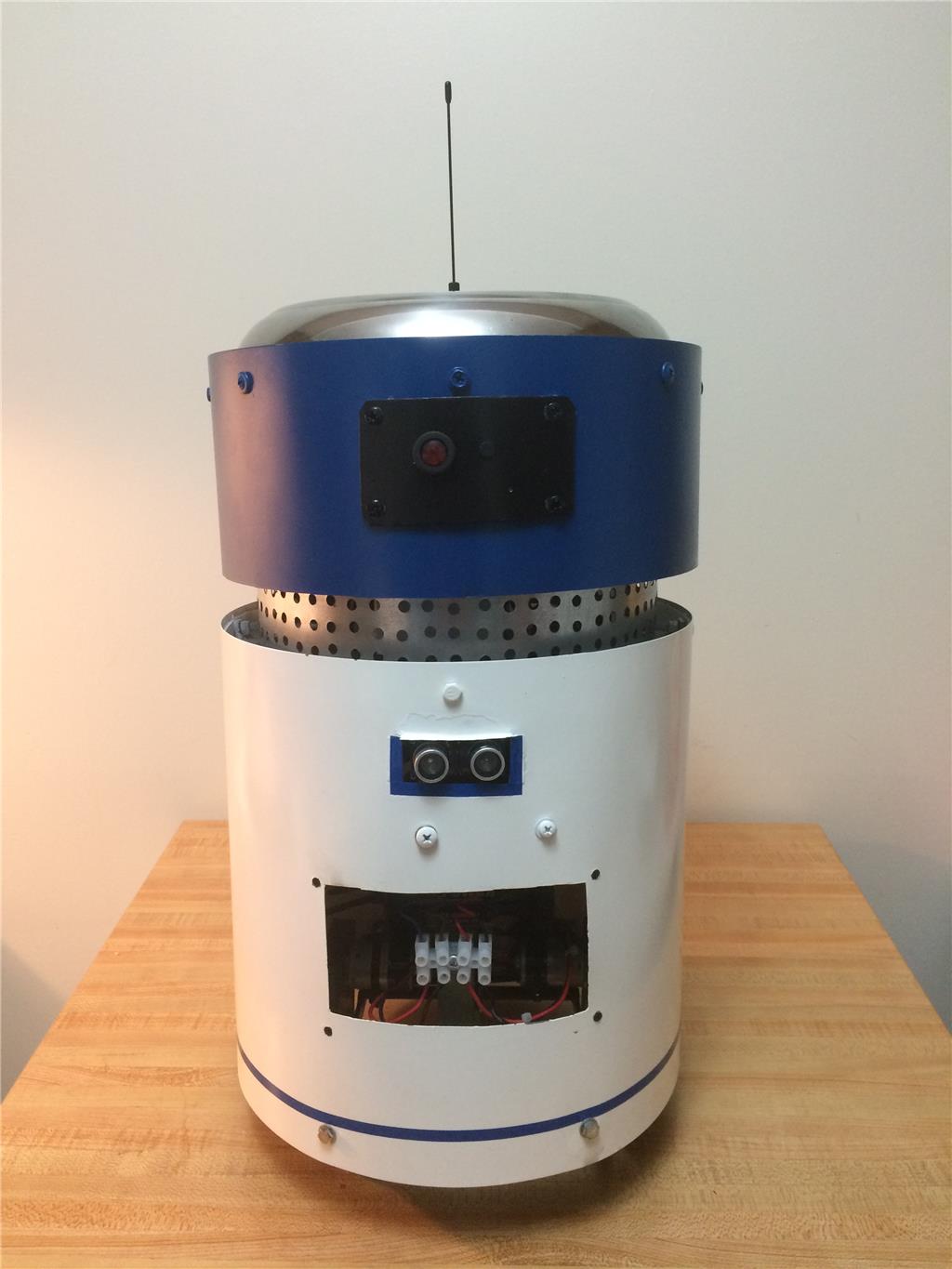
Mikej's My First Robot: Ubm1
Multi-functional robot built with ez-robot kit: rotating metal-gear camera head, servo-scanned sonar, stainless steel...
Cliffordkoperski's Hydrualic Arm And Hand
Hydraulic system operated with EZB4 controller

the question mark just goes to a site with no info
I guess I will just test myself and figure it out,
Has anyone seem DJ lately?
thanks,
EzAng
is this what you need?
servo recorder
no dj here ,he's incognito
I know, sad, :-(
We shall push on
EzAng
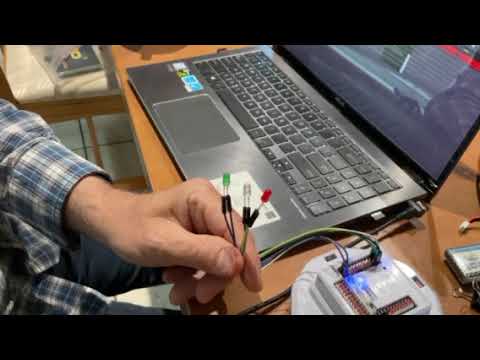
I got the sound servo working, with a LED, flashes in sync with the script I wrote.
Also I wrote a script for it just to blink
EzAng
ezang
can you post yourre script ?
good work.;)
Sure
first script:
You can say anything, I write in a script:
SayEZBWait("Good evening.") sleep(80) SayEZBWait("Almost time for dinner.") sleep(80) SayEZBWait("Are you hungry?") sleep(80) SayEZBWait("What are we having?.") sleep(80) SayEZBWait("some thing lite I hope.") sleep(80) SayEZBWait("I am still full from lunch.")
The blink:
ServoSpeed(d0, 2)
:loop
Set LED On
pwm(d0, 100)
wait some time for the pwm to do its ramping thing
sleep(1000)
#set LED Off pwm(d0, 0)
wait some time for the pwm to do its ramping thing
sleep(1000)
goto(loop)
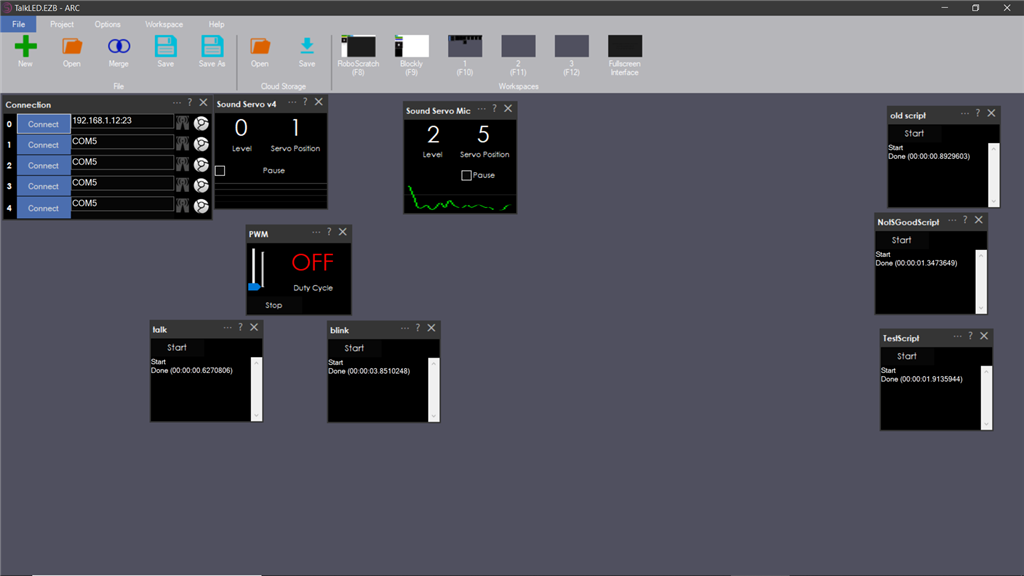
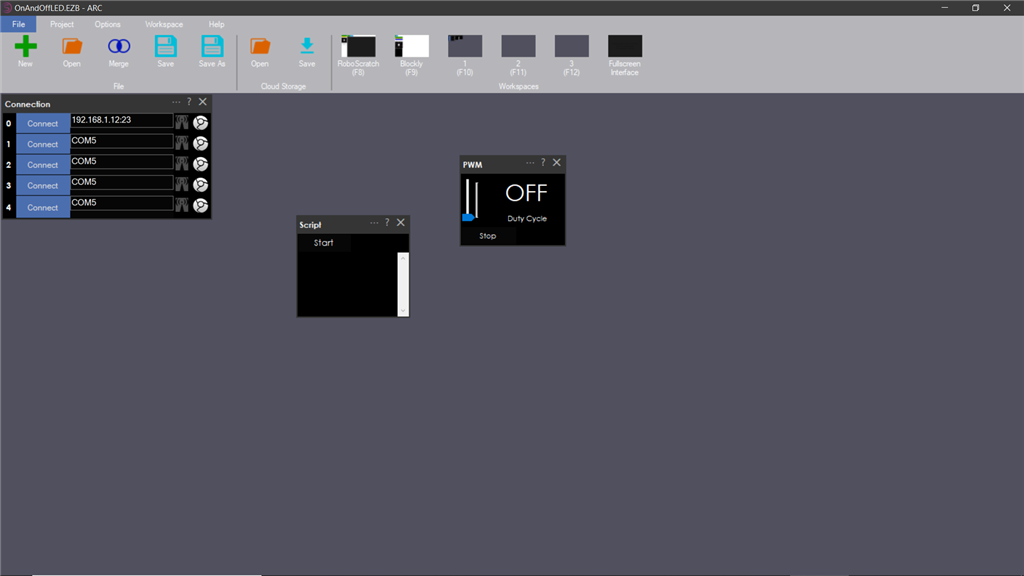
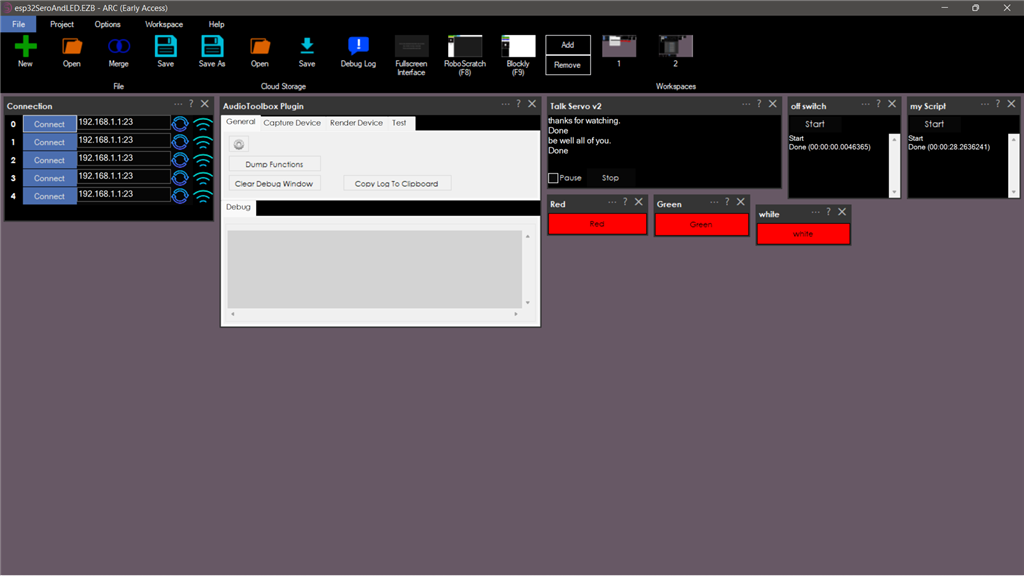
I have opened the PWM, sound servo(PC)and sound servo(EZB) controls.
here is my screen: ignore the scripts on the right
On a Blink on and off
set the servo speed to 2
ServoSpeed(d0, 2)
:loop
Set LED On
pwm(d0, 100)
wait some time for the pwm to do its ramping thing
sleep(3000)
#set LED Off pwm(d0, 0)
wait some time for the pwm to do its ramping thing
sleep(3000)
goto(loop)
EzAng
thank you ezang
have a go with it.
On the LED, or whatever you are using, attach one wire to the ground, one wire to the signal
I used two female to female wires I had to hook up the LED to my IoTiny
EzAng