
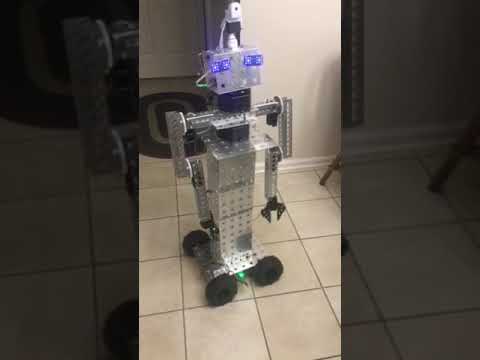
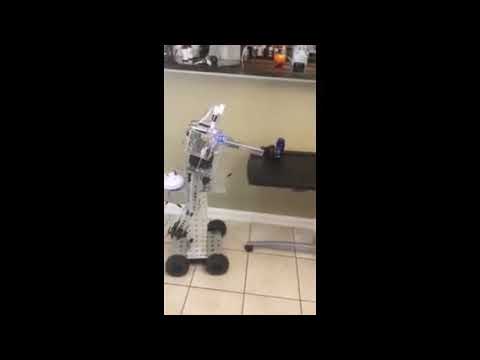
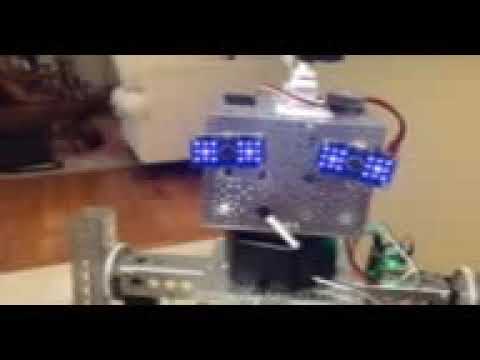
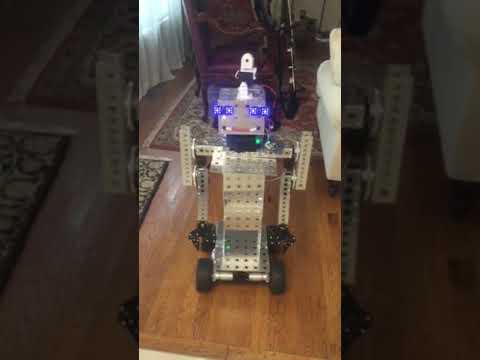
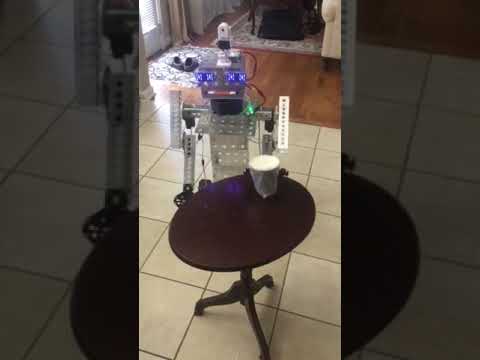
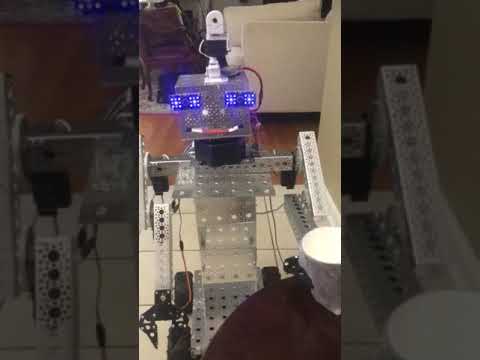
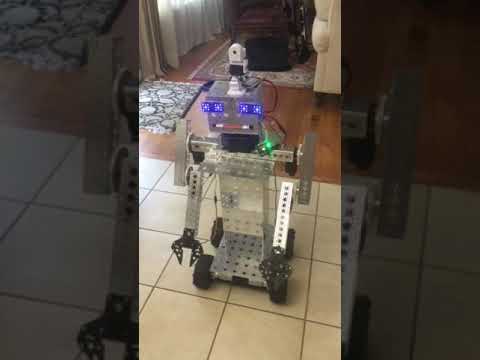

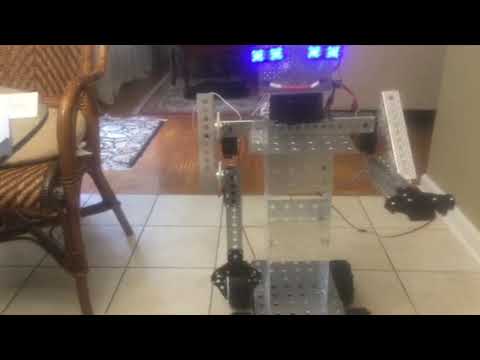
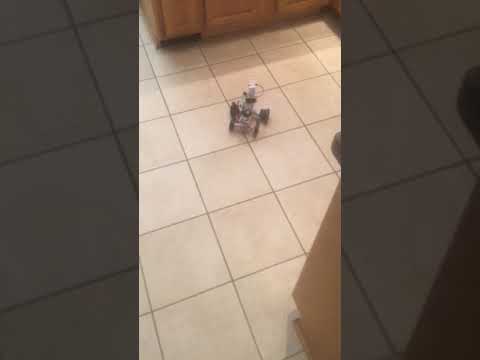
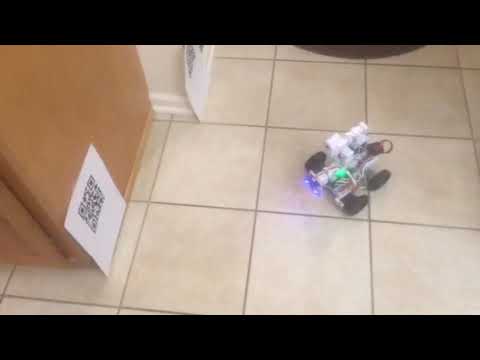
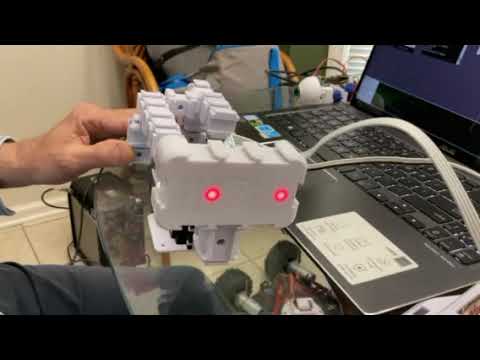
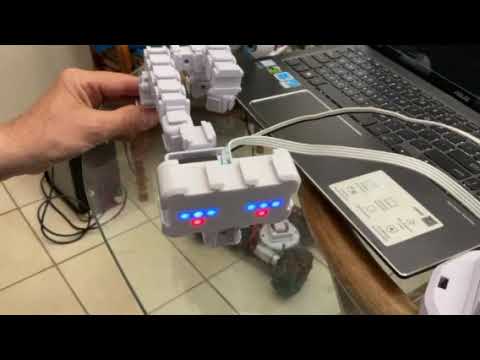
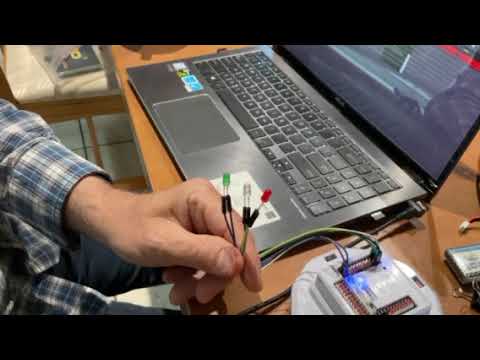
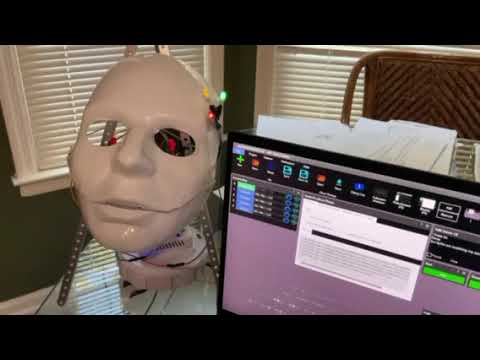
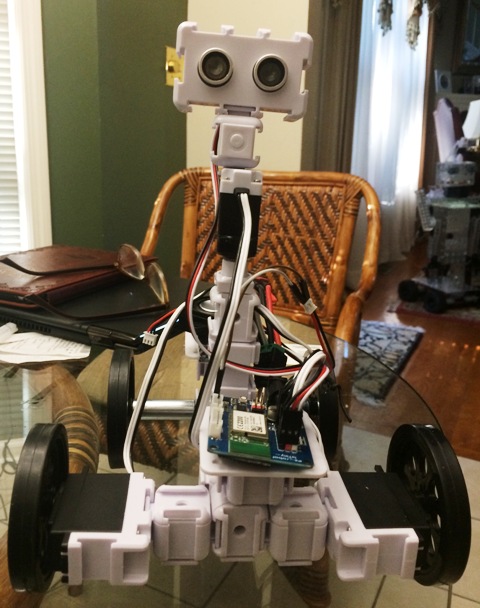
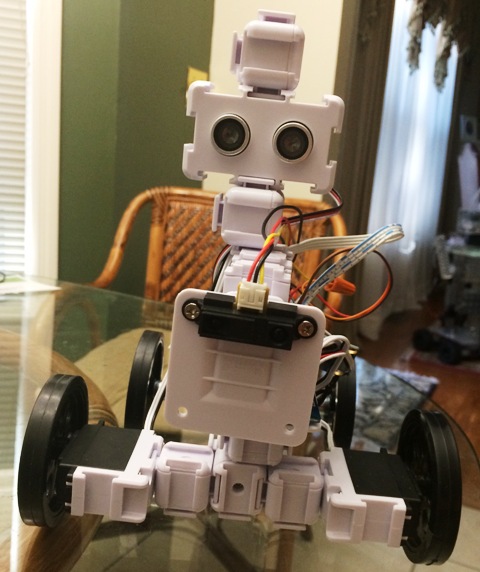
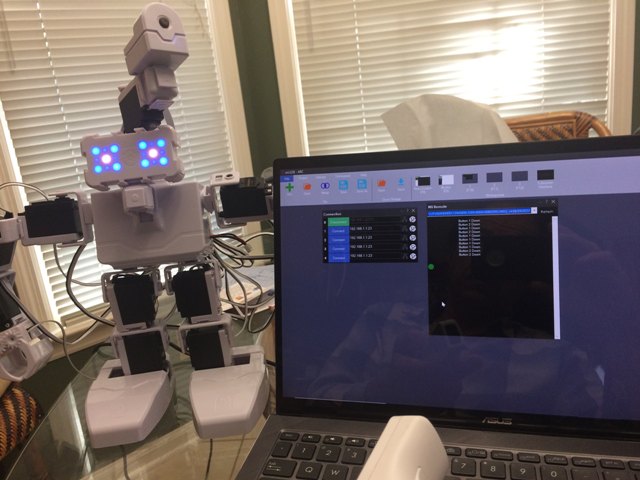
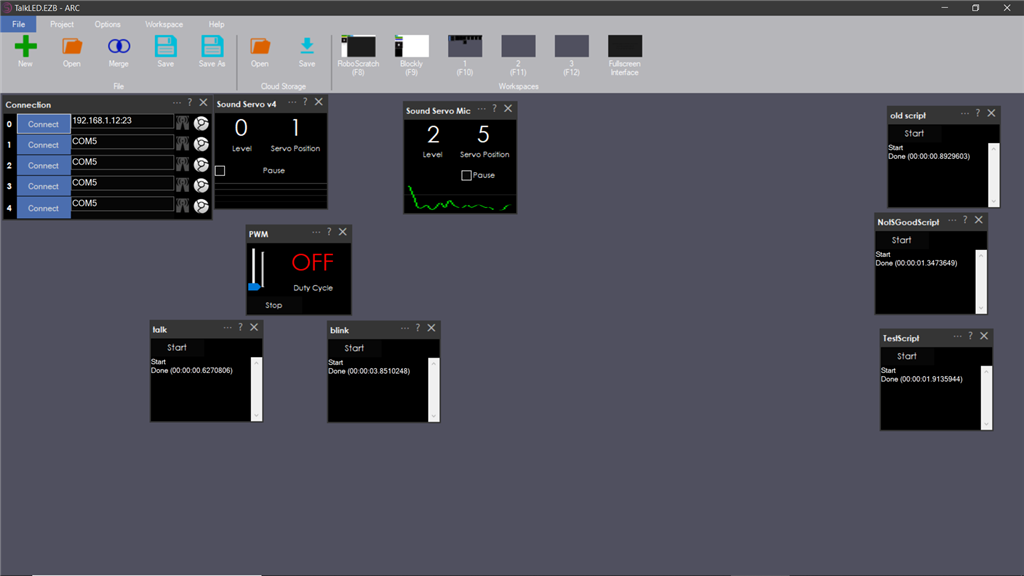
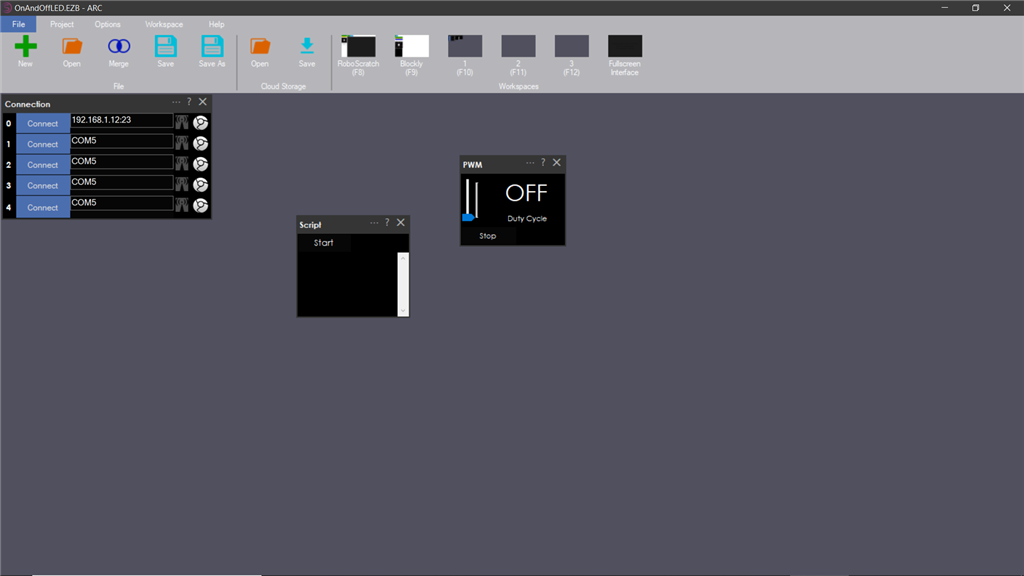
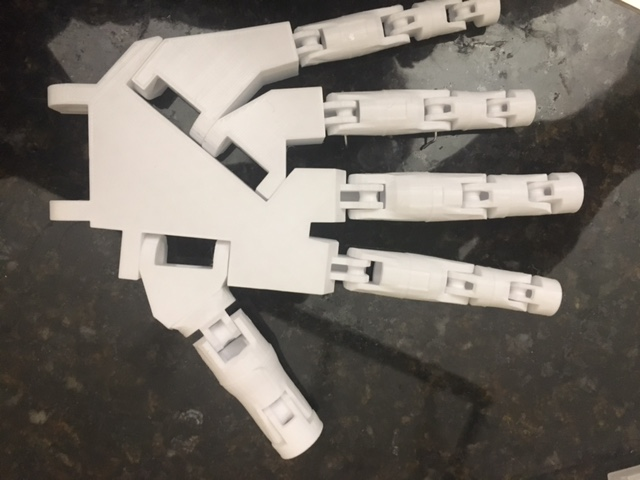
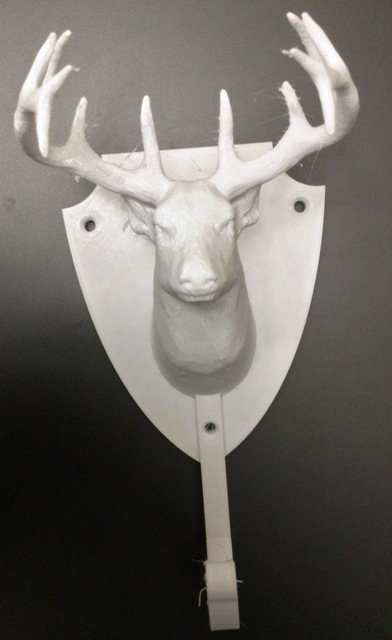
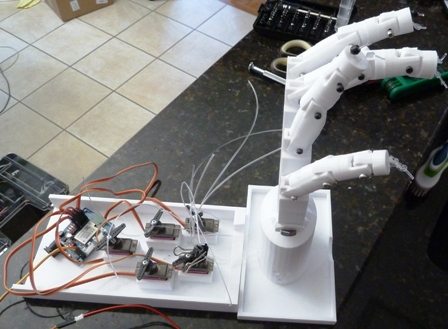

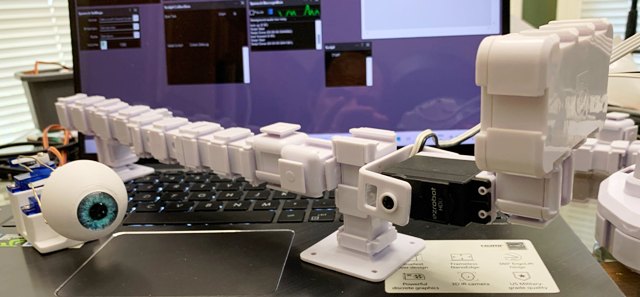
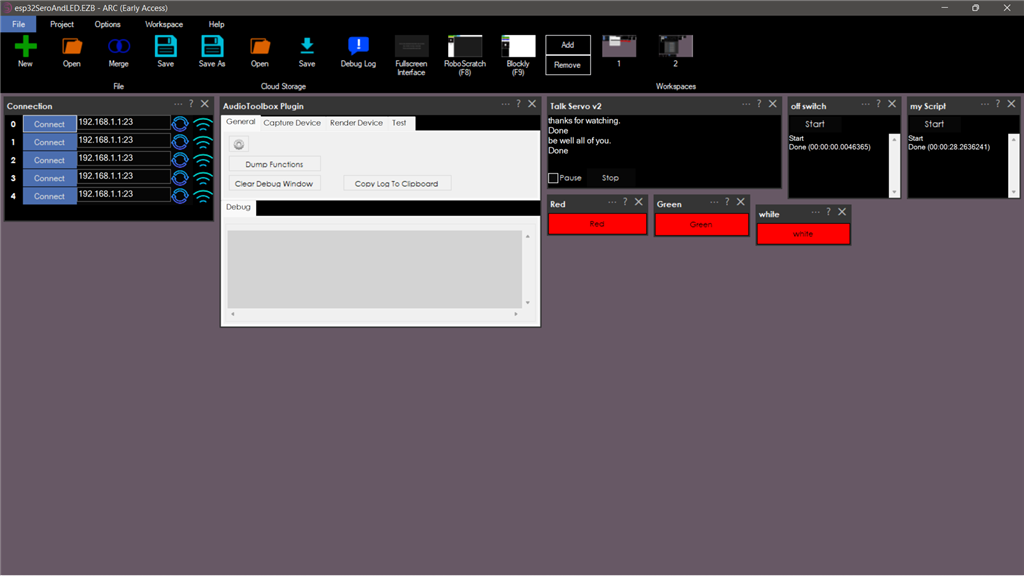
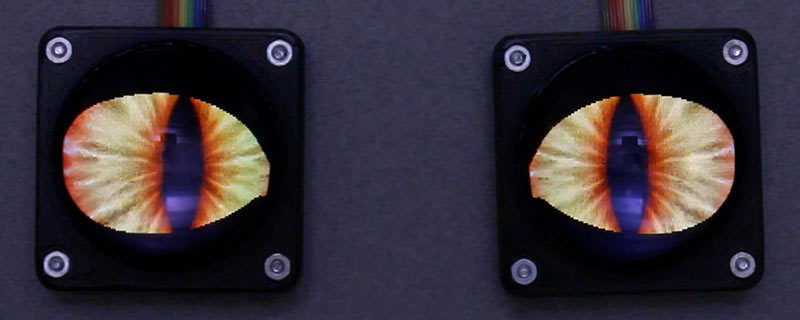
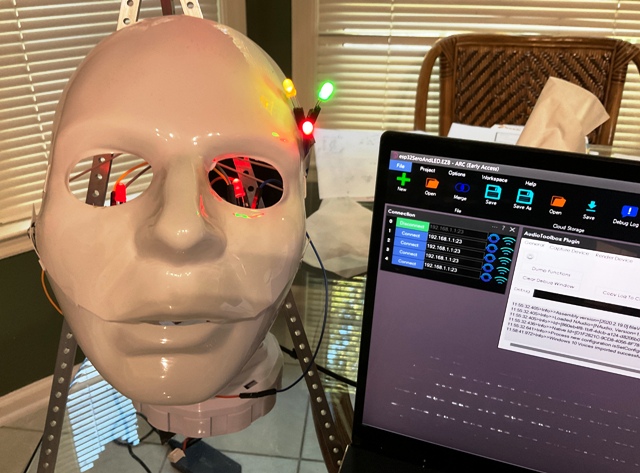
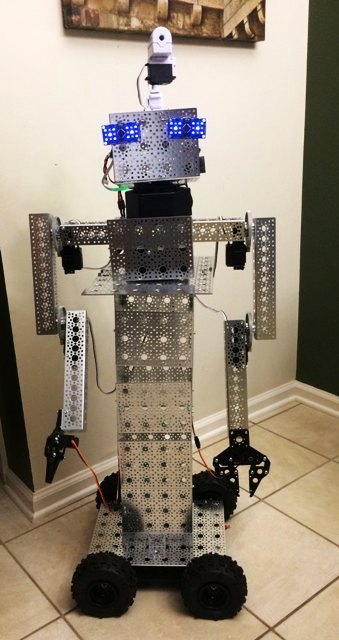
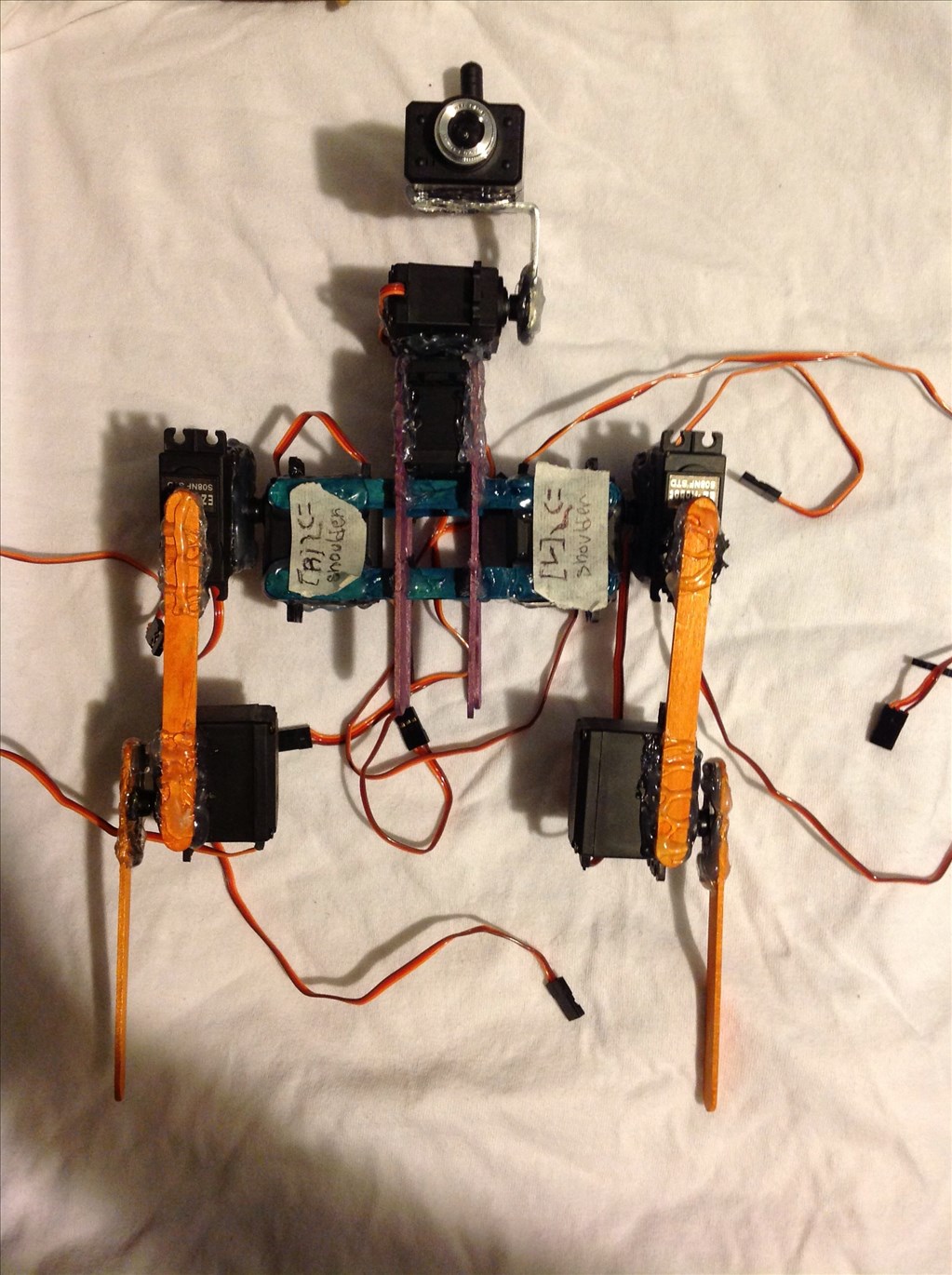
I am using ARC software with 2 iotinys controller, 2 EzB4 controllers - 3 EZ-ROBOT 1300 lithium batteries for the four Ez 360 HDD servos for the two arms, two 996R servos for the grippers, 2 DFRobot rotation hex bases for head movement and body movements. with 2 EZ-robot servos HDD, 2 RGB for the eyes - EZ-Robot HDD servo and moving camera - still need a mouth
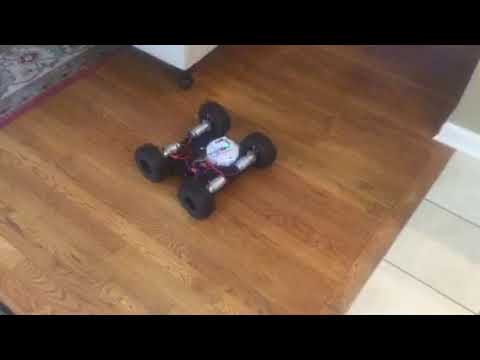
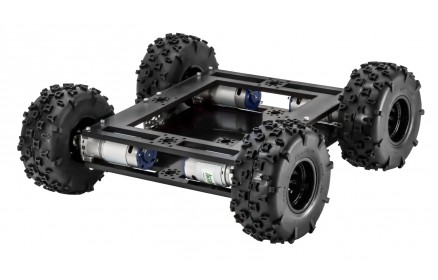
from servo City: 4 gearboxes , channels, parts, extensions, Prowler Robot Kit (wheels, 4 motors, h-bridge pwm motor controller
Here is a sample video
EzAng
By EzAng
— Last update
Discover more robots
A's Teddy Robot
Humanoid teddy robot upper-body project inspired by the movie A.I.; Bluetooth restored via new laptop, photo build...

DJ's Vision Tracking Robot
EZ-B Vision color-tracking test robot by DJ Sures tracks and follows colored objects with a camera head; modified toy...
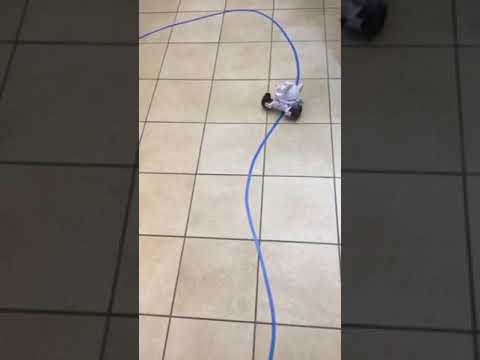
Ezang's Following, Tracking The Blue Line With ARC
Synthiam ARC camera movement tracking for easy object tracking; troubleshooting tip: tail orientation can cause...

Good afternoon all:
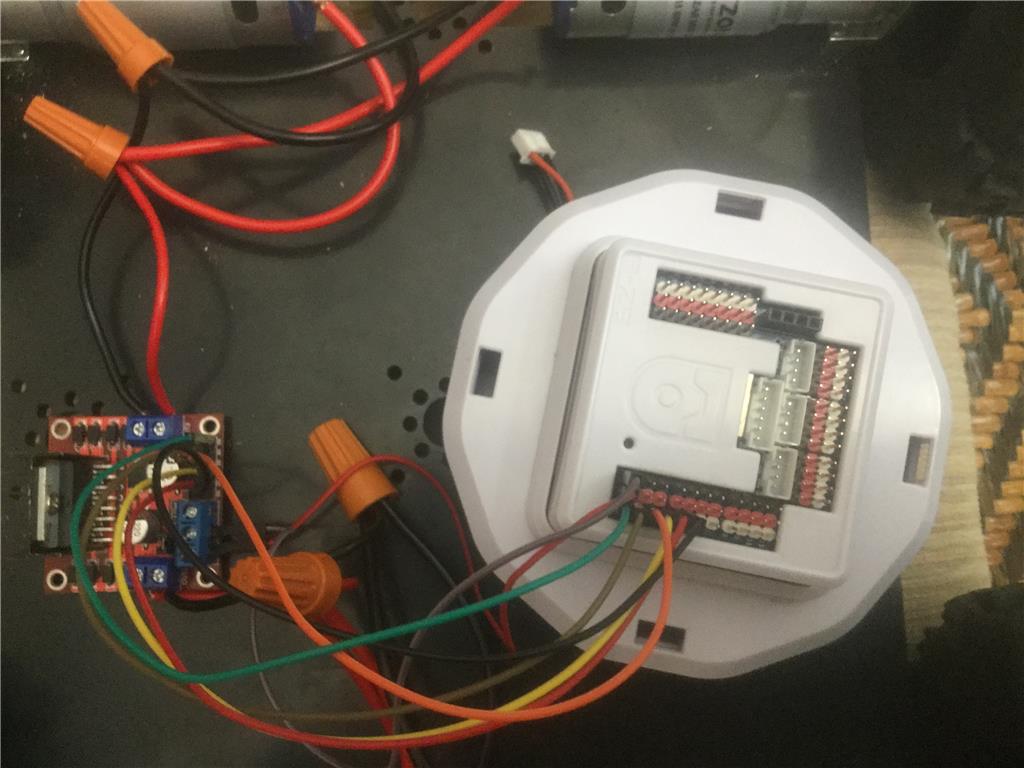
The L298N Motor Drive Controller Board Module and the EZB4 with battery
My connections to the servo City - Prowler Robot Kit Chassis that I use with my Mr. Metal robot
My settings for the L298N and the EzB4
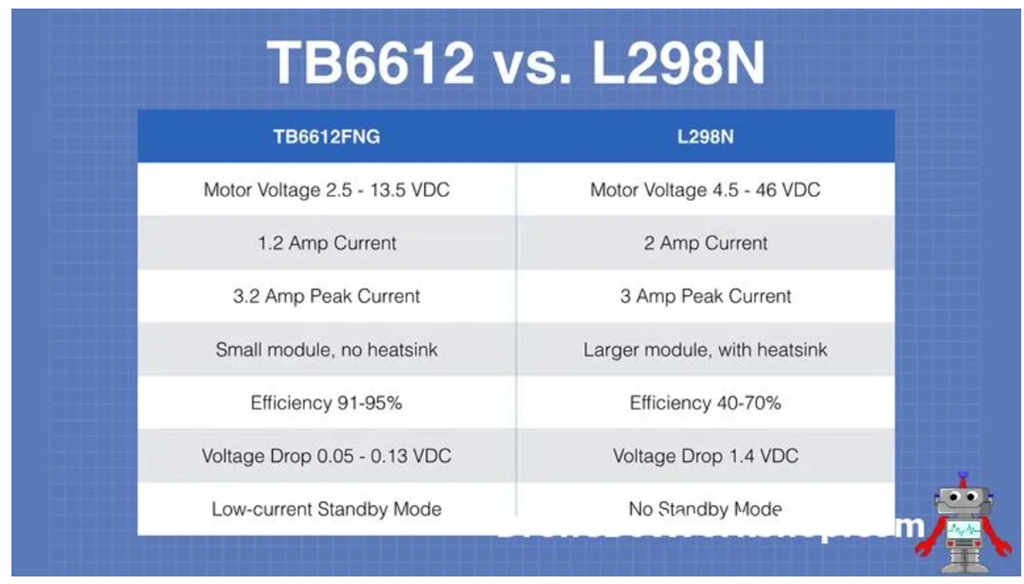
The L298N can handle up to 3 amperes at 35 Volts DC, which is suitable for most hobby motors
Connect L298N VCC to either your battery supply positive (red) or EZ-B power (red) on pin D0
Connect L298N GND to either your battery supply negative (black) or EZ-B (black) on pin D0
Connect ENB - L298N to EZ-B Signal Pin D0 (white) All on the EZB4 pin D0
Connect L298N IN4 to EZ-B Signal Pin D1 (white)
Connect L298N IN3 to EZ-B Signal Pin D2 (white)
Connect L298N IN2 to EZ-B Signal Pin D3 (white)
Connect L298N IN1 to EZ-B Signal Pin D4 (white)
Connect L298N ENA to EZ-B Signal Pin D5 (white)
Connect L298N OUT1 to Motor 1
Connect L298N OUT2 to Motor 2
Servo City Motor Specs:
quantity 4 motors
313 RPM HD Premium Planetary Gear Motor These are Brushed DC or you can use Brushless DC (which are better and last longer, a little more expensive)
Output Shaft Style D-shaft Motor Type Brushed DC Output Shaft Support Dual Ball Bearings Gear Material brass primary, nylon secondary, steel tertiary Weight 11.6 oz (328g) Voltage (Nominal) 12V Voltage Range (Recommended) 6V - 12V (I am using the EZ battery 7.4V) Speed (No Load @ 12VDC) 313 rpm Current (No Load @ 12VDC) 0.52A Current (Stall @ 12VDC) 20A Torque (Stall @ 12VDC) 417 oz-in (30 kgf-cm) Gearbox Style Planetary Connector Type Male Spade Terminal Gear Ratio 27:1
A short video to show it works!
Nice setup It moves awesome .
Thanks RoboHappy for viewing buddy...
EzAng
I found a great site some of you might enjoy
Garner Holt ANIMATRONICS
https://www.garnerholt.com/
if you browser blocks this site, just go to your browser and search for garner holt.
Here is an YouTube video - 1,501,718 views from Nov 28, 2017 https://www.youtube.com/watch?time_continue=532&v=F1PI1FOYJoM&feature=emb_logo
EzAng
Well today is 8/12/2020
recovering from being a litter sick = not Covid 19 - should be back to robot adventures by next week.
Maybe the Kinect next again, Microsoft Xbox 360 with the processing program,
I might go over the cognitive emotion, face, vision controls.
there are so many great controls that DJ created - need to speak about them again (or out of sight, out of mind)
everyone be well --
EzAng
EzAng
get well soon.seeya next week.;)
Feel better soon EzAng. Look forward to the next project.
Thanks Nomad and RoboHappy,
Feeling better today- about 98%
Looking forward to everyone next project :-)
EzAng.