
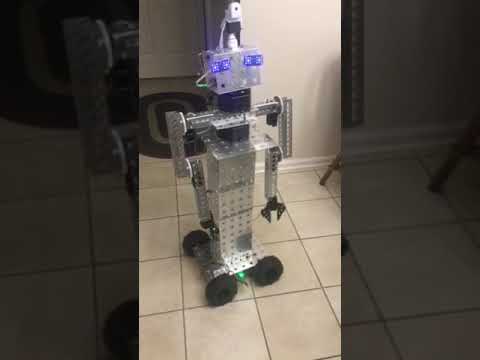

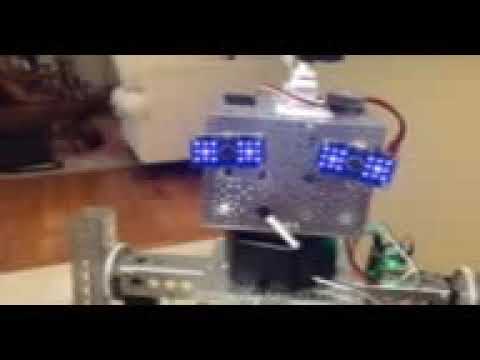
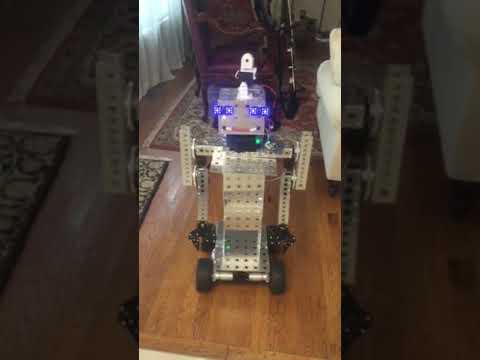
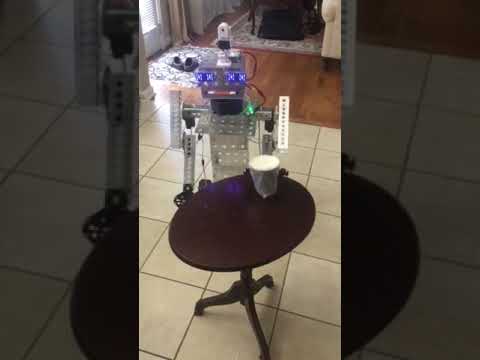
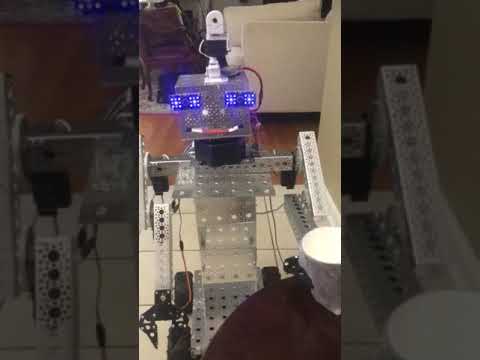
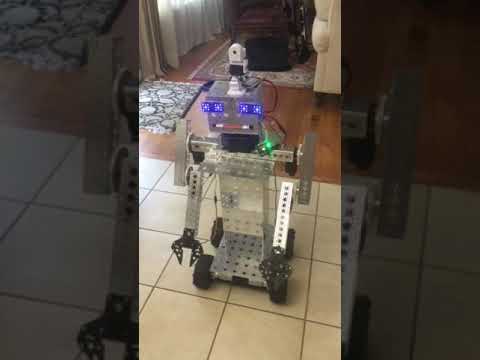

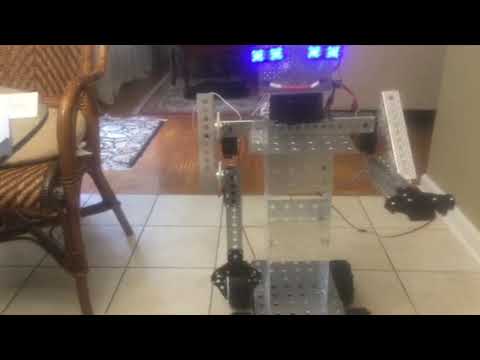
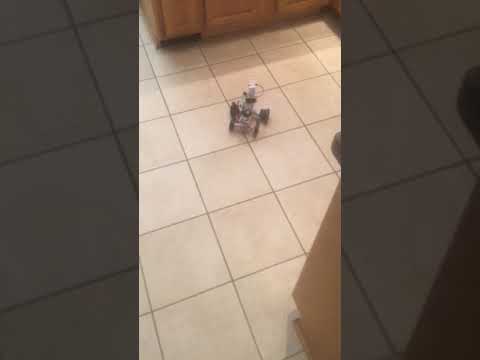
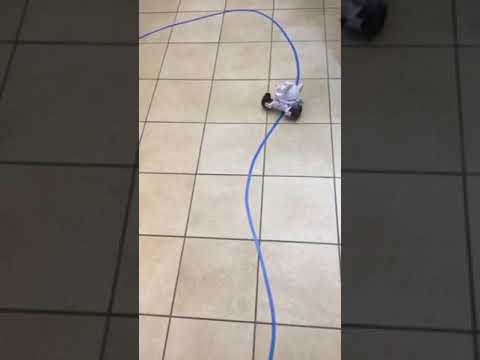
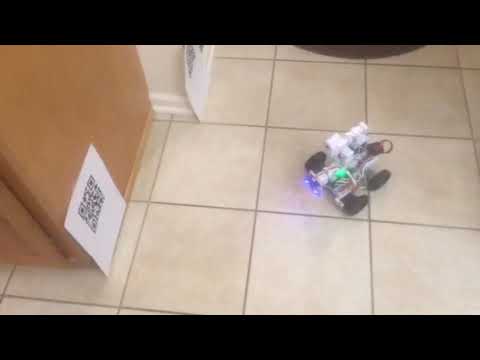
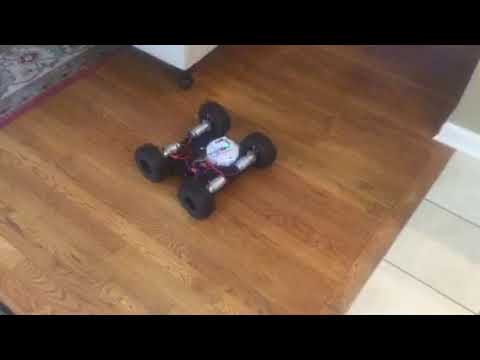
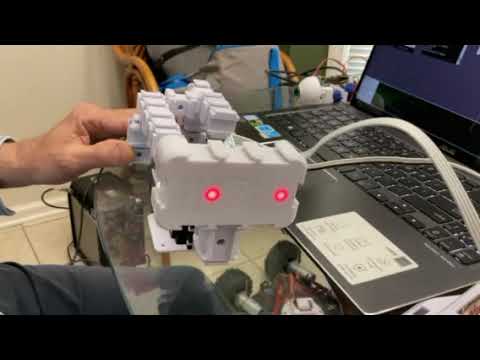
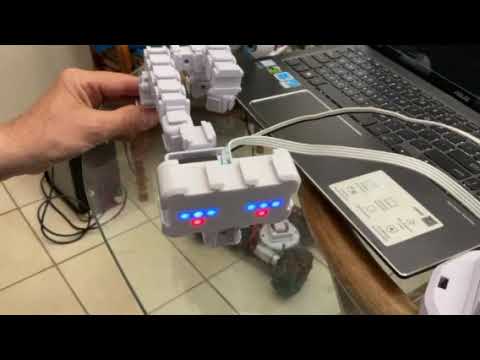
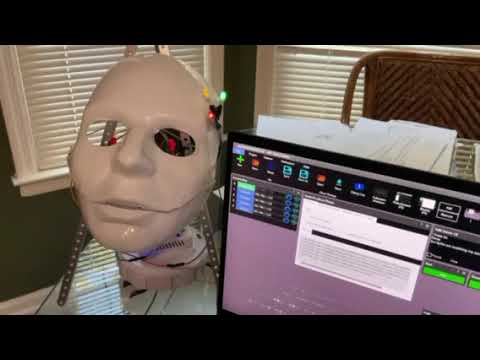
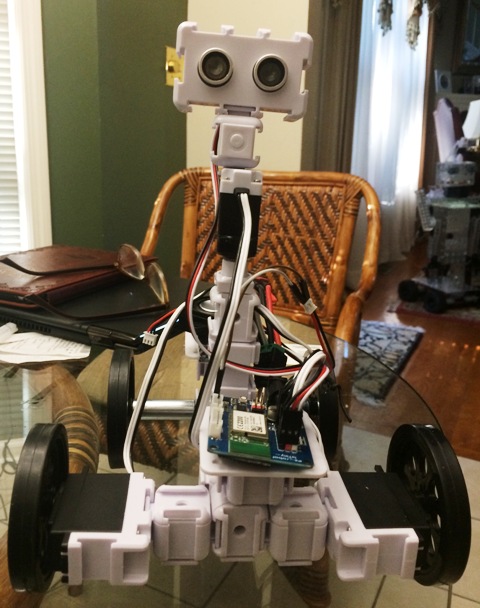
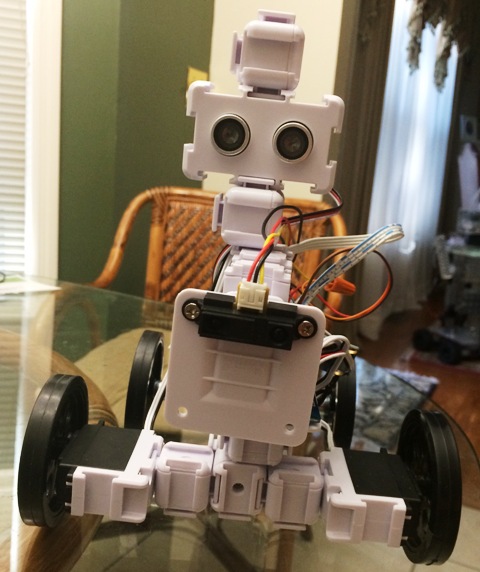
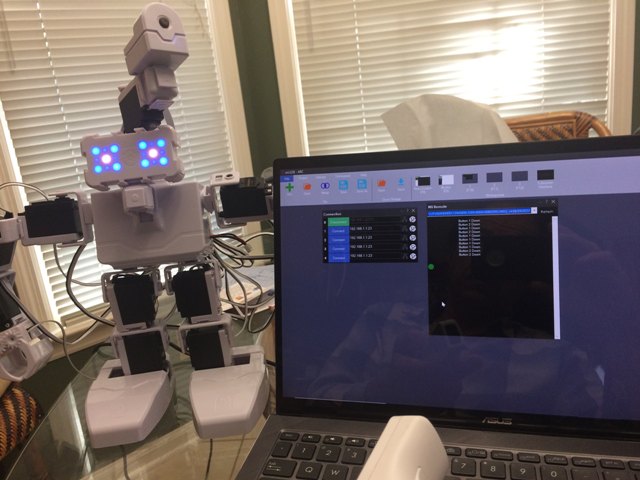
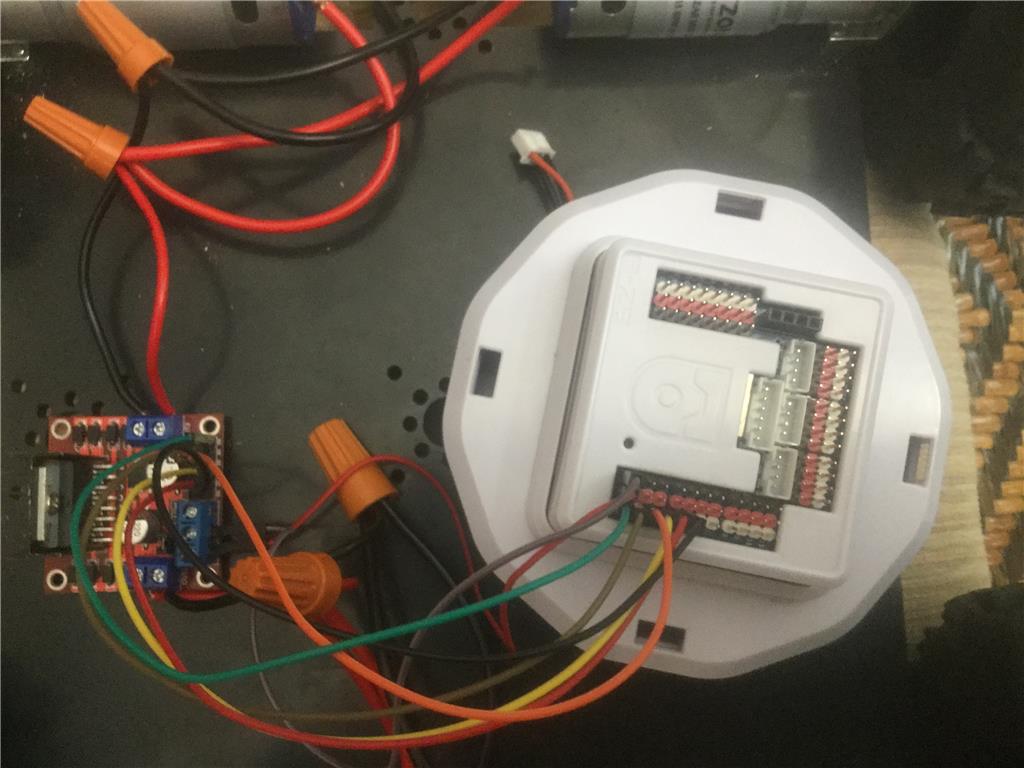
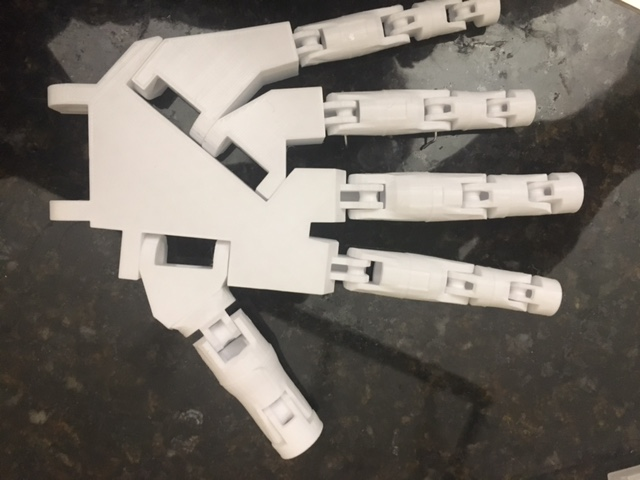
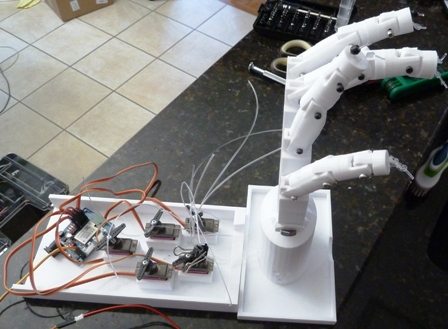

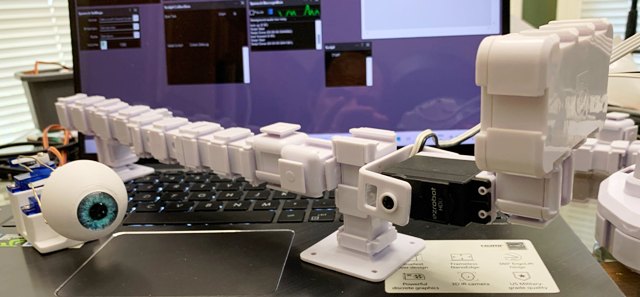
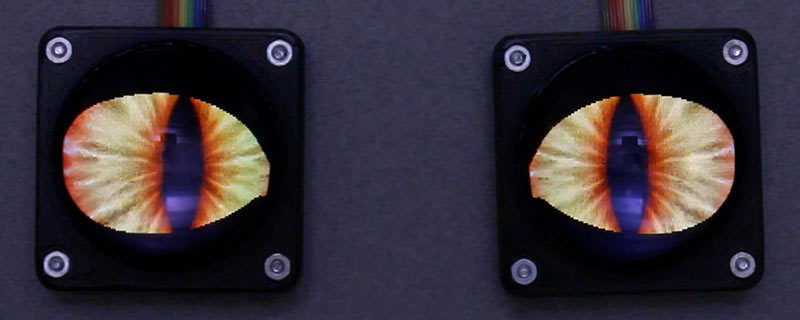
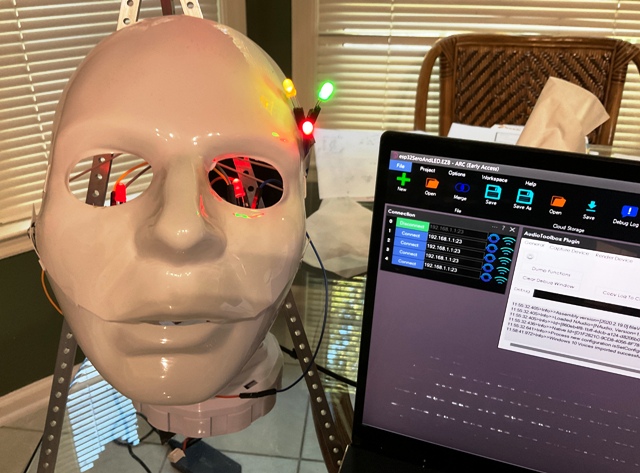
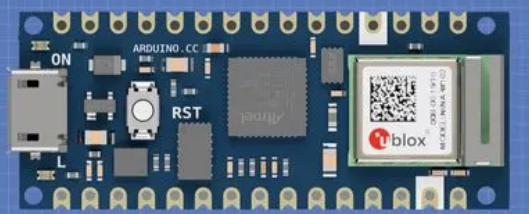
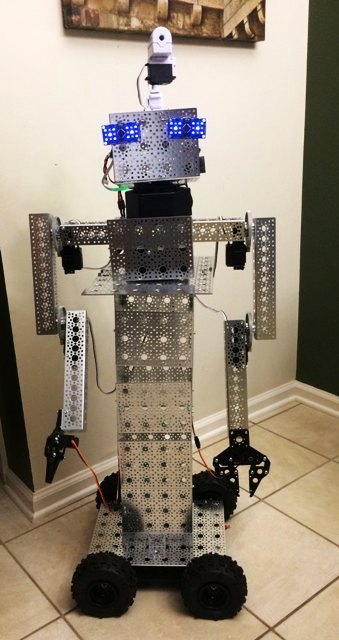
I am using ARC software with 2 iotinys controller, 2 EzB4 controllers - 3 EZ-ROBOT 1300 lithium batteries for the four Ez 360 HDD servos for the two arms, two 996R servos for the grippers, 2 DFRobot rotation hex bases for head movement and body movements. with 2 EZ-robot servos HDD, 2 RGB for the eyes - EZ-Robot HDD servo and moving camera - still need a mouth
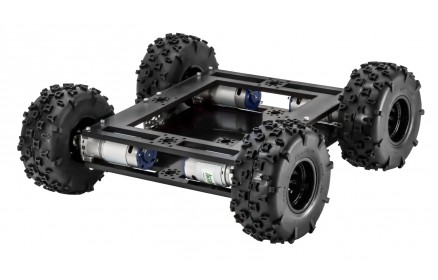
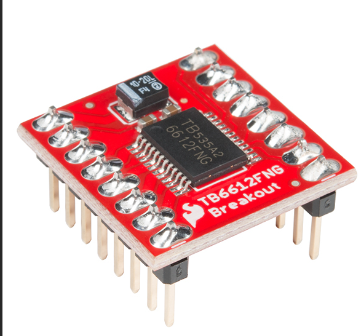
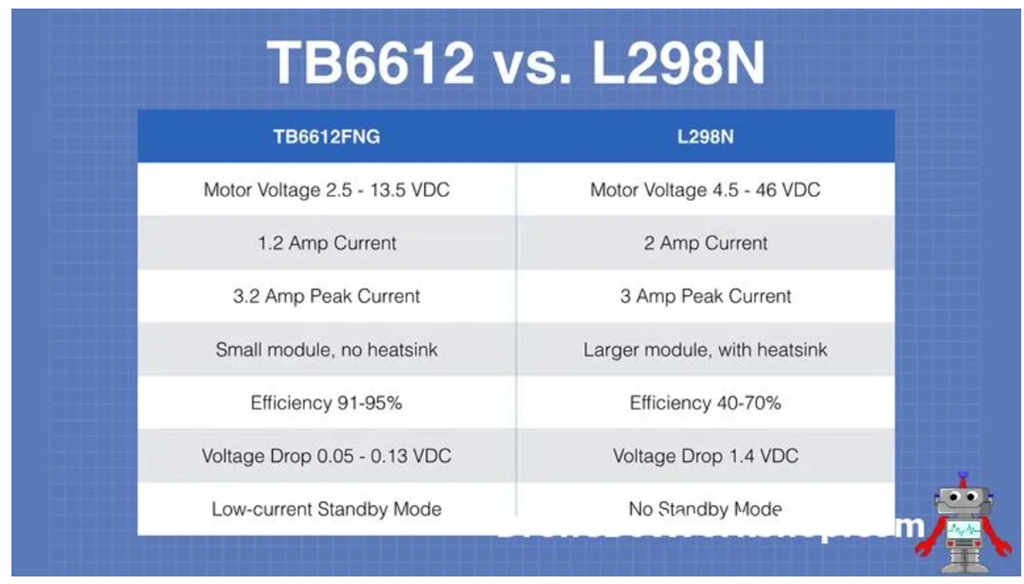
from servo City: 4 gearboxes , channels, parts, extensions, Prowler Robot Kit (wheels, 4 motors, h-bridge pwm motor controller
Here is a sample video
EzAng
By EzAng
— Last update
Discover more robots
Ezang's Happy New Year To All
2020 brings many new ideas and inventions to everyone, inspiring creativity and innovation.
Steve's Ez Robot Railroad Observation Car
Control an EZB4-powered camera observation car on a Silverton O Scale Railroad using EZ Robot and servos for live...
Mitzeljk's Meet Modi
Modi mobile voice-recognition robot controls a computer via EZ-B scripting and H-Bridge, built on an RC car base from...

the question mark just goes to a site with no info
I guess I will just test myself and figure it out,
Has anyone seem DJ lately?
thanks,
EzAng
is this what you need?
servo recorder
no dj here ,he's incognito
I know, sad, :-(
We shall push on
EzAng
I got the sound servo working, with a LED, flashes in sync with the script I wrote.
Also I wrote a script for it just to blink
EzAng
ezang
can you post yourre script ?
good work.;)
Sure
first script:
You can say anything, I write in a script:
SayEZBWait("Good evening.") sleep(80) SayEZBWait("Almost time for dinner.") sleep(80) SayEZBWait("Are you hungry?") sleep(80) SayEZBWait("What are we having?.") sleep(80) SayEZBWait("some thing lite I hope.") sleep(80) SayEZBWait("I am still full from lunch.")
The blink:
ServoSpeed(d0, 2)
:loop
Set LED On
pwm(d0, 100)
wait some time for the pwm to do its ramping thing
sleep(1000)
#set LED Off pwm(d0, 0)
wait some time for the pwm to do its ramping thing
sleep(1000)
goto(loop)
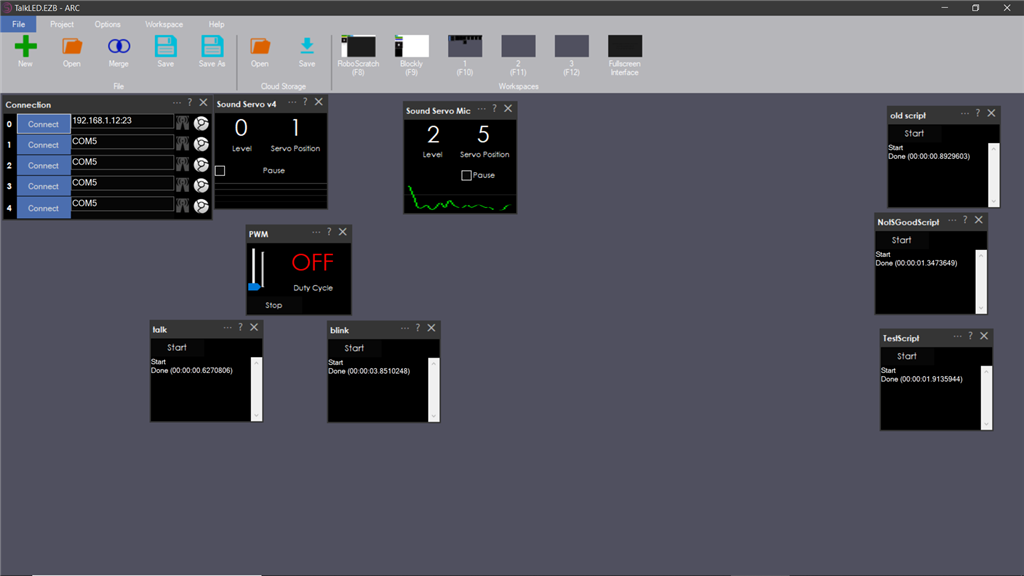
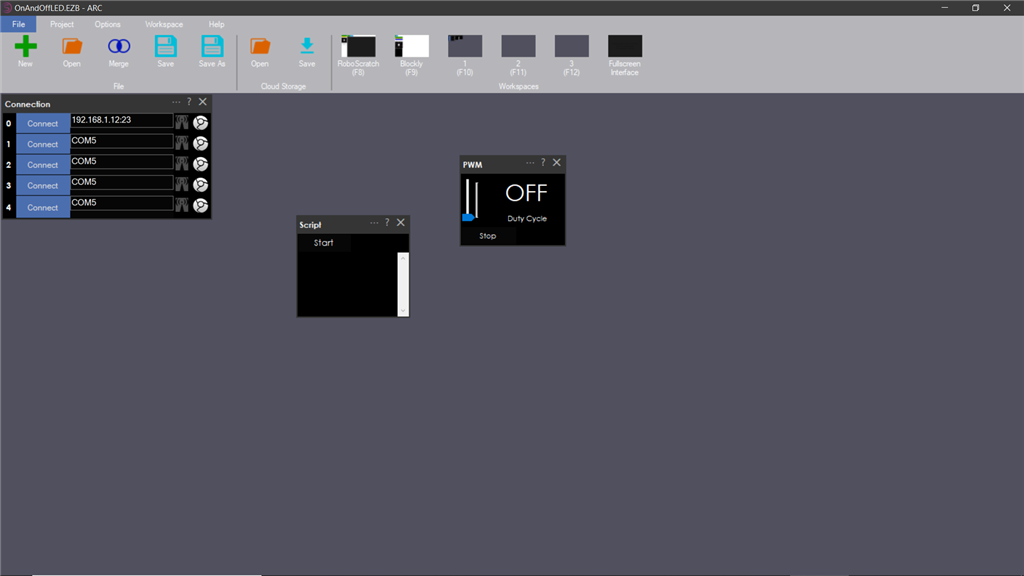
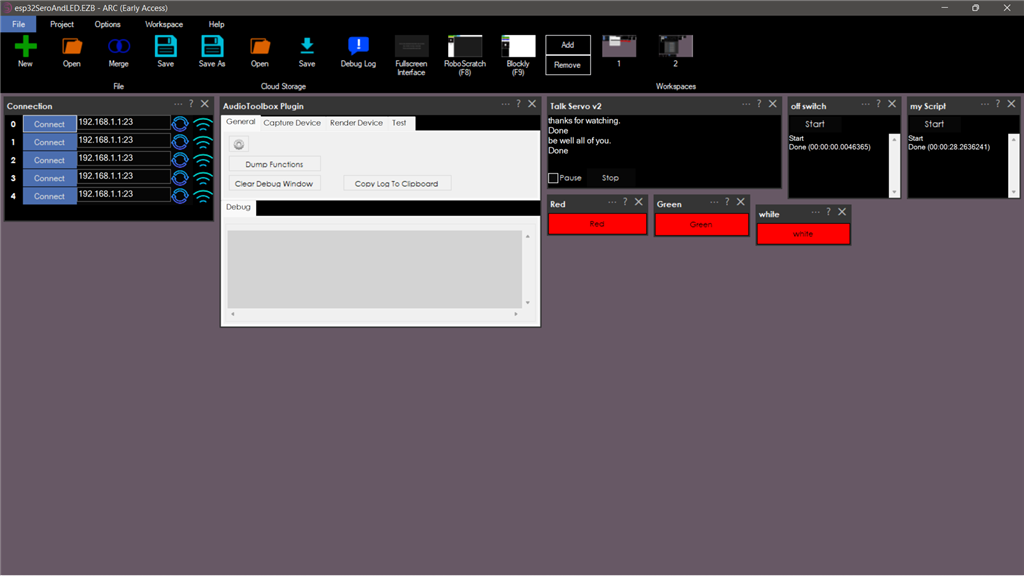
I have opened the PWM, sound servo(PC)and sound servo(EZB) controls.
here is my screen: ignore the scripts on the right
On a Blink on and off
set the servo speed to 2
ServoSpeed(d0, 2)
:loop
Set LED On
pwm(d0, 100)
wait some time for the pwm to do its ramping thing
sleep(3000)
#set LED Off pwm(d0, 0)
wait some time for the pwm to do its ramping thing
sleep(3000)
goto(loop)
EzAng
thank you ezang
have a go with it.
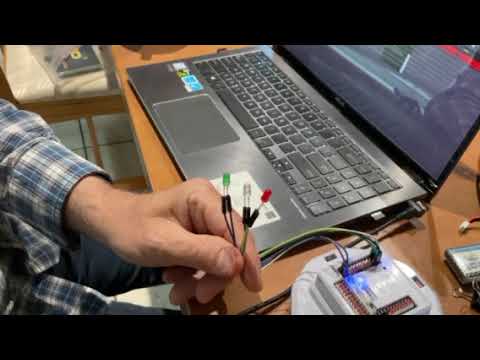
On the LED, or whatever you are using, attach one wire to the ground, one wire to the signal
I used two female to female wires I had to hook up the LED to my IoTiny
EzAng