
Change Release Notes
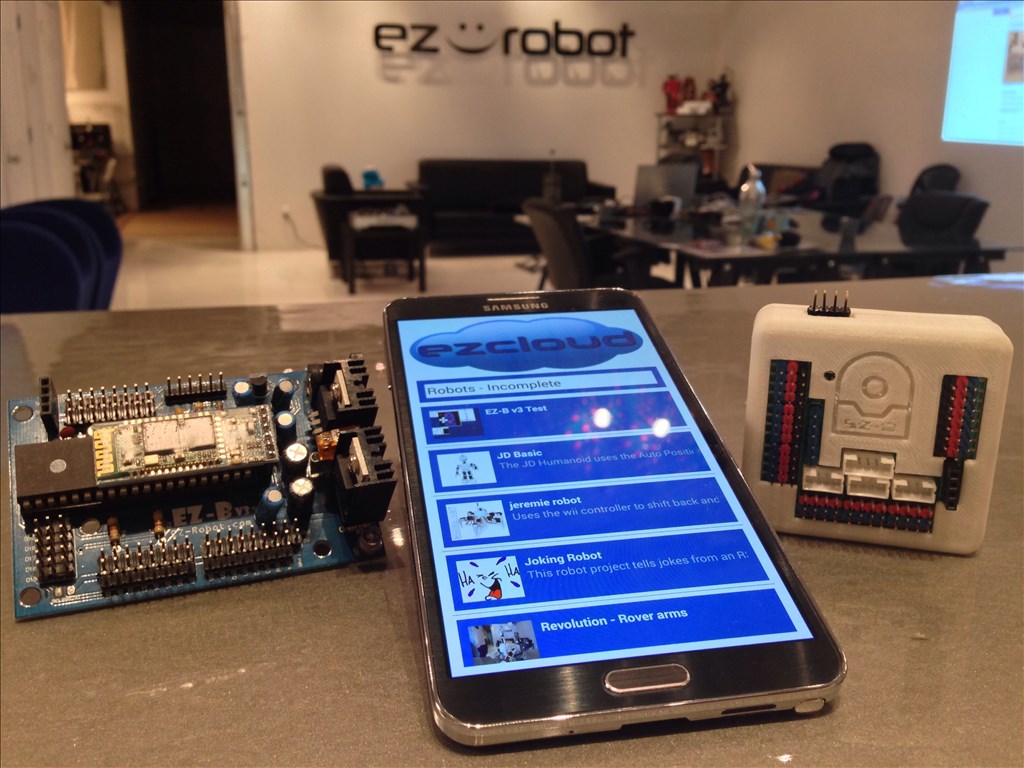
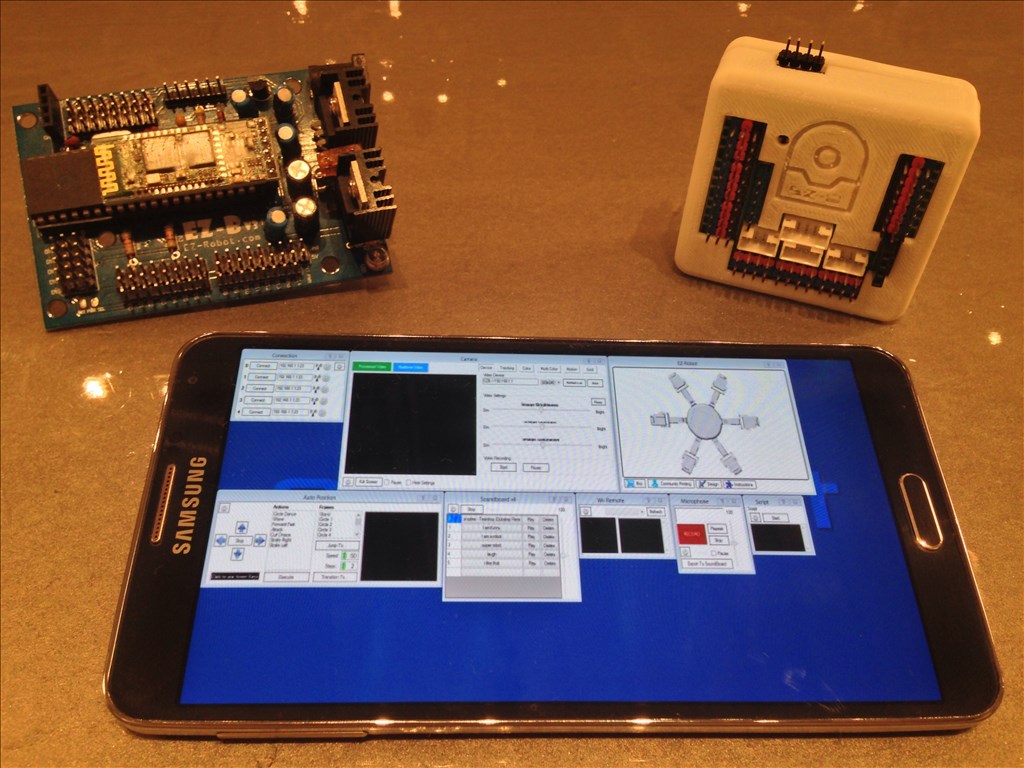
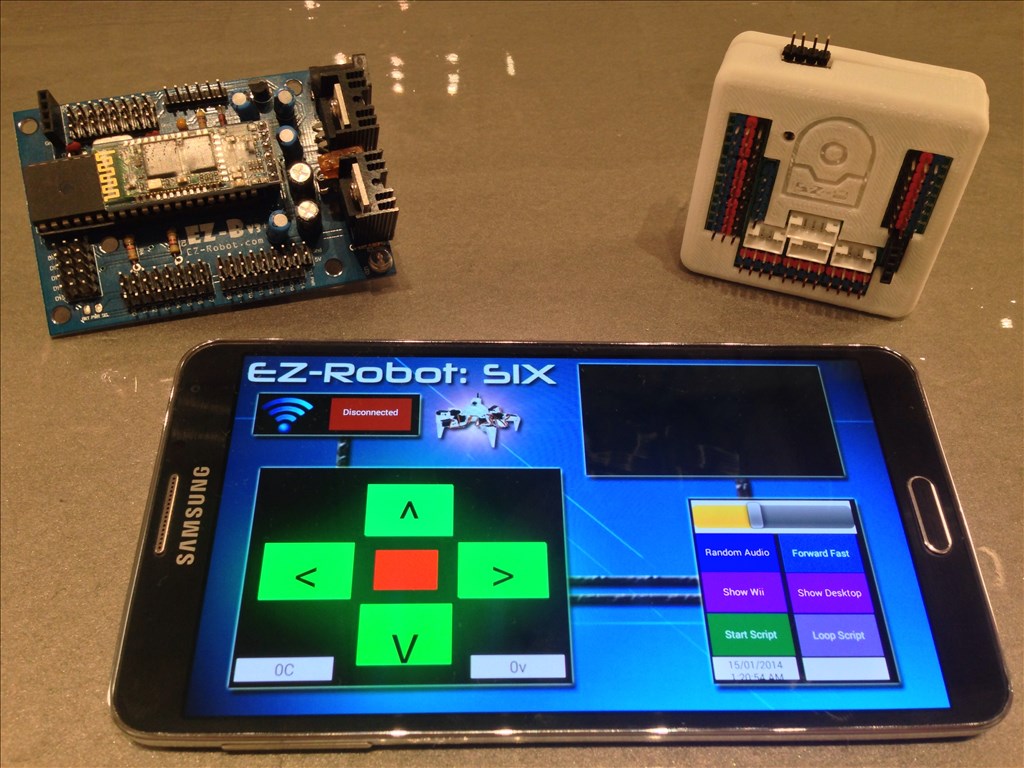
You may now control your EZ-Robot from your Android Mobile Device! This includes both EZ-B v3 and EZ-B v4 Robots! The Android App can be installed on your Android Phone, Android Tablet, or Android Game Device. The ARC Mobile for Android Application will load ARC files that you created and save to the EZ-Cloud.
This is the beta release of the ARC Android Mobile App. There are a few known bugs, specifically with the EZ-B v3. As usual, we will continue updating the app and making it more awesome and reliable.
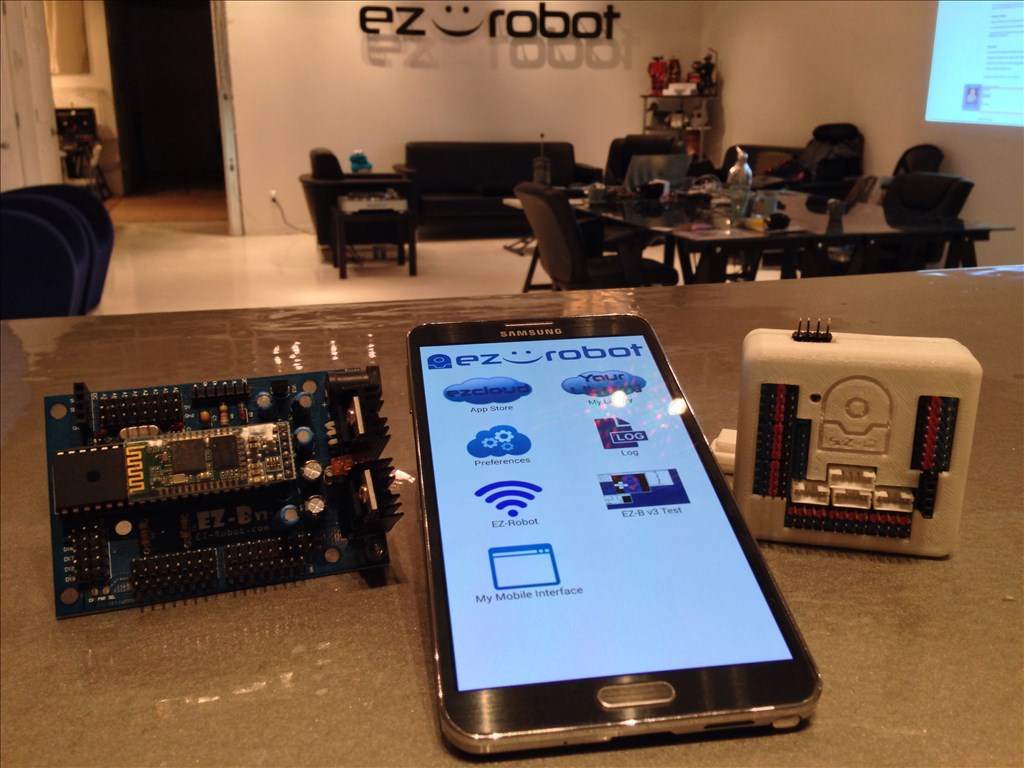
Installation Instructions
From your Android Device, select the download link: https://www.ez-robot.com/ARC
Once downloaded, select Open from your notification menu
You will be prompted to active Unknown Sources from the Settings menu. This is because you are downloading the file from our website and not Google Play or Amazon, etc...
ARC Downloads
ARC
FREE- 1 third-party plugin skill per project
- Trial cloud services
- Personal, DIY & education use
- Updated every 6–12 months
 Download
ARC
PRO- Use on 2+ PCs simultaneously
- Unlimited robot skills
- Cloud backup & revision history
- Weekly features & bug fixes
- Business use permitted
ARC
RUNTIME- Load & run any ARC project
- Read-only mode
- Unlimited robot skills
- Includes early access fixes & features
- Minimum requirements: Windows 10 or higher, 2 GB RAM, 500 MB free disk space.
- Recommended: Windows 10 or higher, 8 GB RAM, 1 GB free disk space.
- Prices are in USD.
- More about each edition: Download & install guide.
- Latest changes: Release notes.
Compare Editions
| Feature |
ARC
FREE
|
ARC
PRO
|
|---|---|---|
| Get ARC Free | View Plans | |
| Usage | Personal · DIY · Education | Personal · DIY · Education · Business |
| Early access to new features & fixes | — | ✓ |
| Simultaneous microcontroller connections * | 1 | 255 |
| Robot skills * | 20 | Unlimited |
| Skill Store plugins * | 1 | Unlimited |
| Cognitive services usage ** | 10 / day | 6,000 / day |
| Auto-positions gait actions * | 40 | Unlimited |
| Speech recognition phrases * | 10 | Unlimited |
| Camera devices * | 1 | Unlimited |
| Vision resolution | max 320×240 | Unlimited |
| Interface builder * | 2 | Unlimited |
| Cloud project size | — | 128 MB |
| Cloud project revision history | — | ✓ |
| Create Exosphere requests | — | 50 / month |
| Exosphere API access | — | Contact Us |
| Volume license discounts | — | Contact Us |
| Get ARC Free | View Plans |
* Per robot project
** 1,000 per cognitive type: vision recognition, speech recognition, face detection, sentiment, text recognition, emotion detection, azure text to speech

Upgrade to ARC Pro
With Synthiam ARC Pro, you're not just programming a robot; you're shaping the future of automation, one innovative idea at a time.
Awesome DJ. I'm looking forward playing with this. (Sorry if was being annoying with all of the recent solicitations )
)
[update] I've got it and although I've only looked at it and loaded my latest project (it's not really configured for either 3 or 4 yet). It loaded fine.
To add to Rich's list, Variable Watch is not available either. Not picking, just keeping track.
So how exactly do we really use this? We'll start with V3 because it's the one most of us have right now. Do we simply pair our phone to the ezb?
Thanks again EZ Crew. [/update]
We will post a quick video tutorial on how to use the App. Not all controls are supported - and some controls simply can't be supported. However, you will receive a message when you see one that isn't.
The video will be up soon that gives you a walk-though on how to create a specific robot app.
You're amazing DJ. I look forward to the video. Thanks.
Thanks for the nice words everyone We do have an iPhone app too - but it only works with EZ-B v4 because of WiFi. The iPhone cannot connect Bluetooth to the EZ-B v3 due to software limitations on the iPhone. The iPhone is locked down preventing the SPP protocol from being used... This is why the iPhone app is limited to EZ-B v4
Hello !
This little PC can be use ?
MiniPC android 4.2.2 quadcore
If it has wifi then yup and 4.0.0 minimum
There is wifi
It's just a tablet without screen/battery/casing
So....can you use a USB port with that android USB plug and boom?