
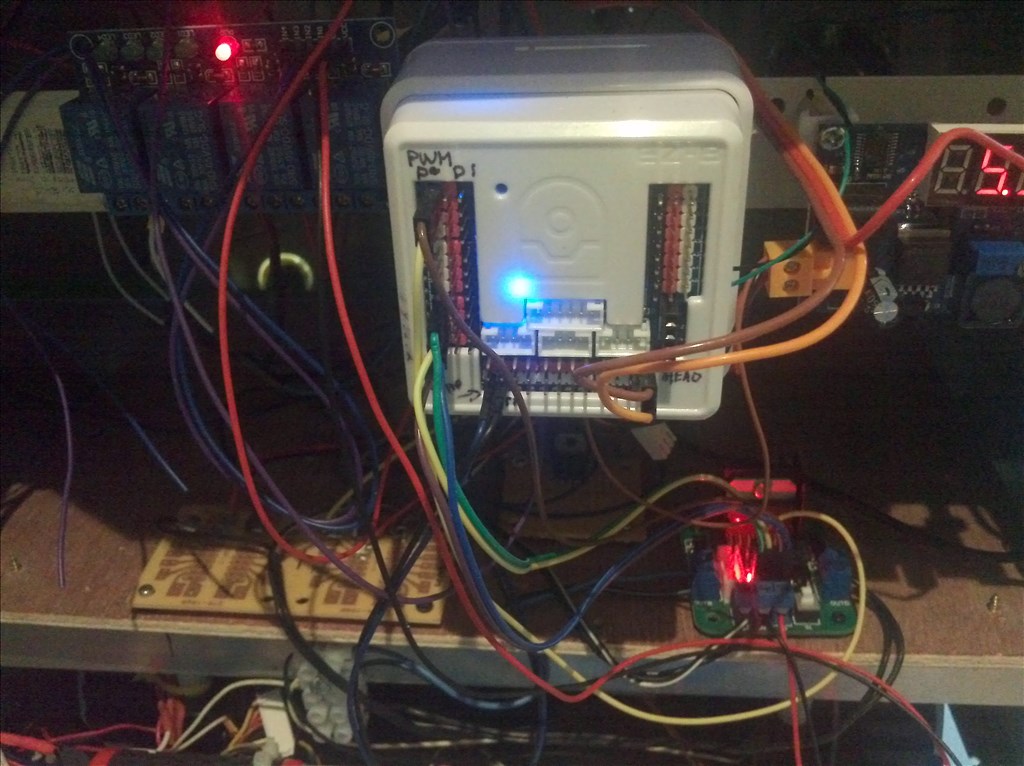
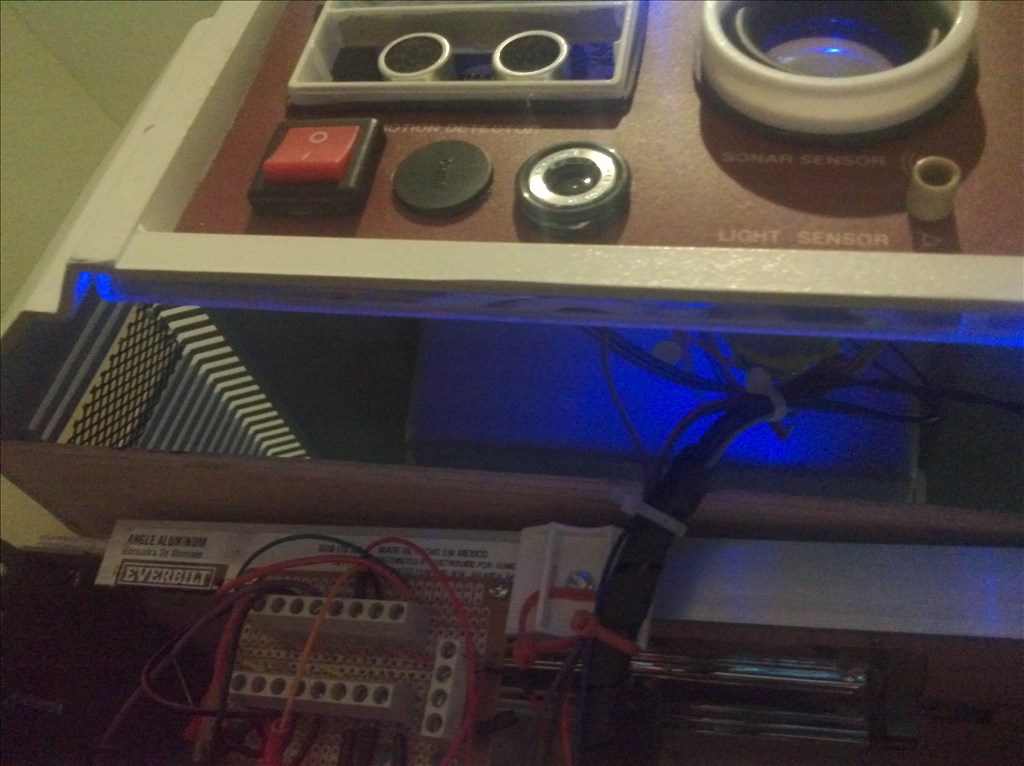
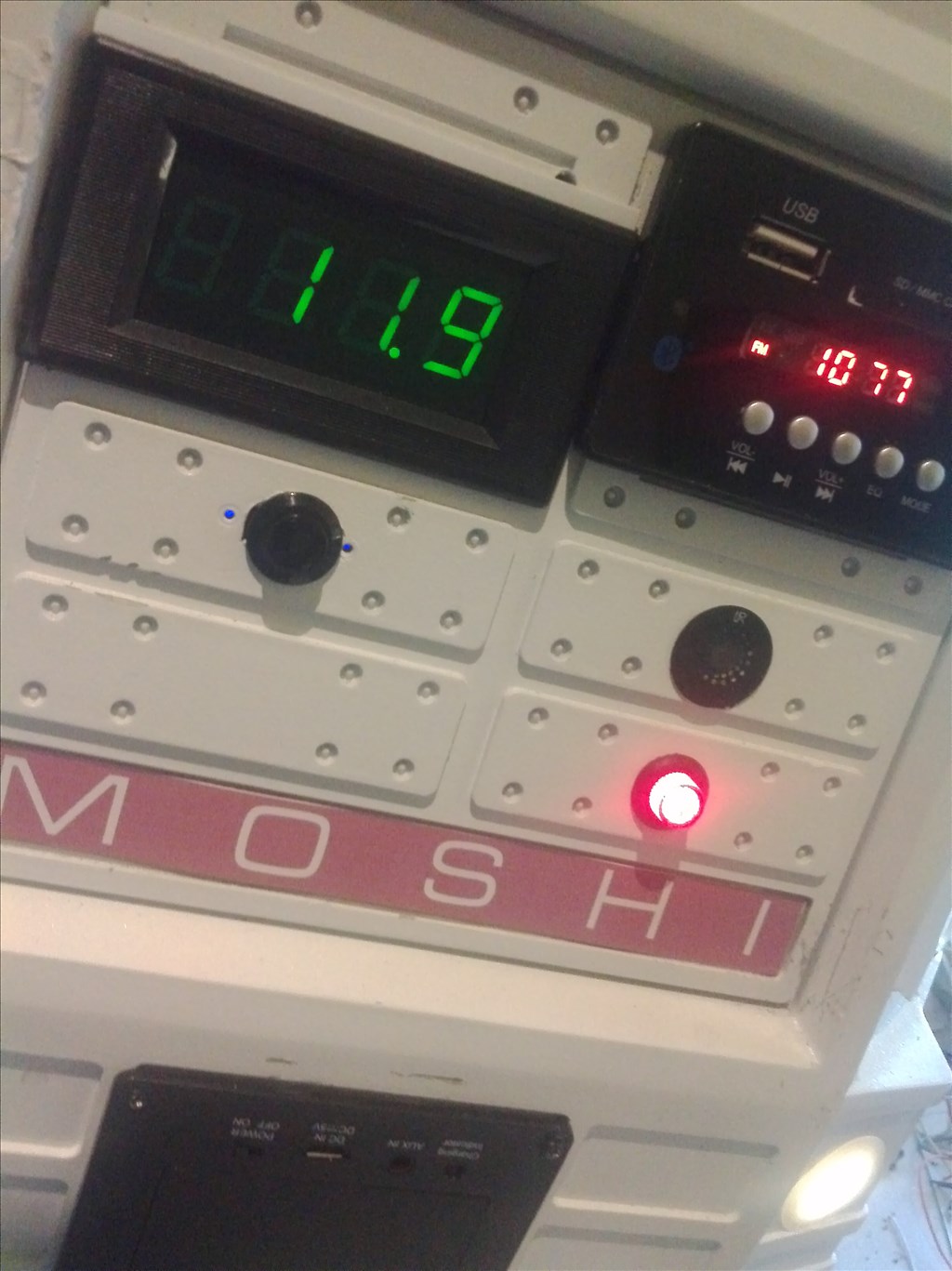
Well i finally got EZB 4 installed and connected inside MOSHI. Everything works great.I have a few cosmetic items to do and add additional sensors to install.I replaced the motor drive asm with a base from a Sharper Image evac.This makes and excellent drive for it.Quiet and powerful..This has 4 inch wheels. I connected the audio on EZB from board connection prior to amp to a Craig bluetooth sound system.Great audio which has a infrared remote(also installed on my tablet).Keep in mind that i started with a Hero jr shell body panels only..Made internal frame from aluminum stock...This makes a terrific droid robot. I am very please with the EZB 4..Thank you all for support and interest...and a great product from EZ Robot !
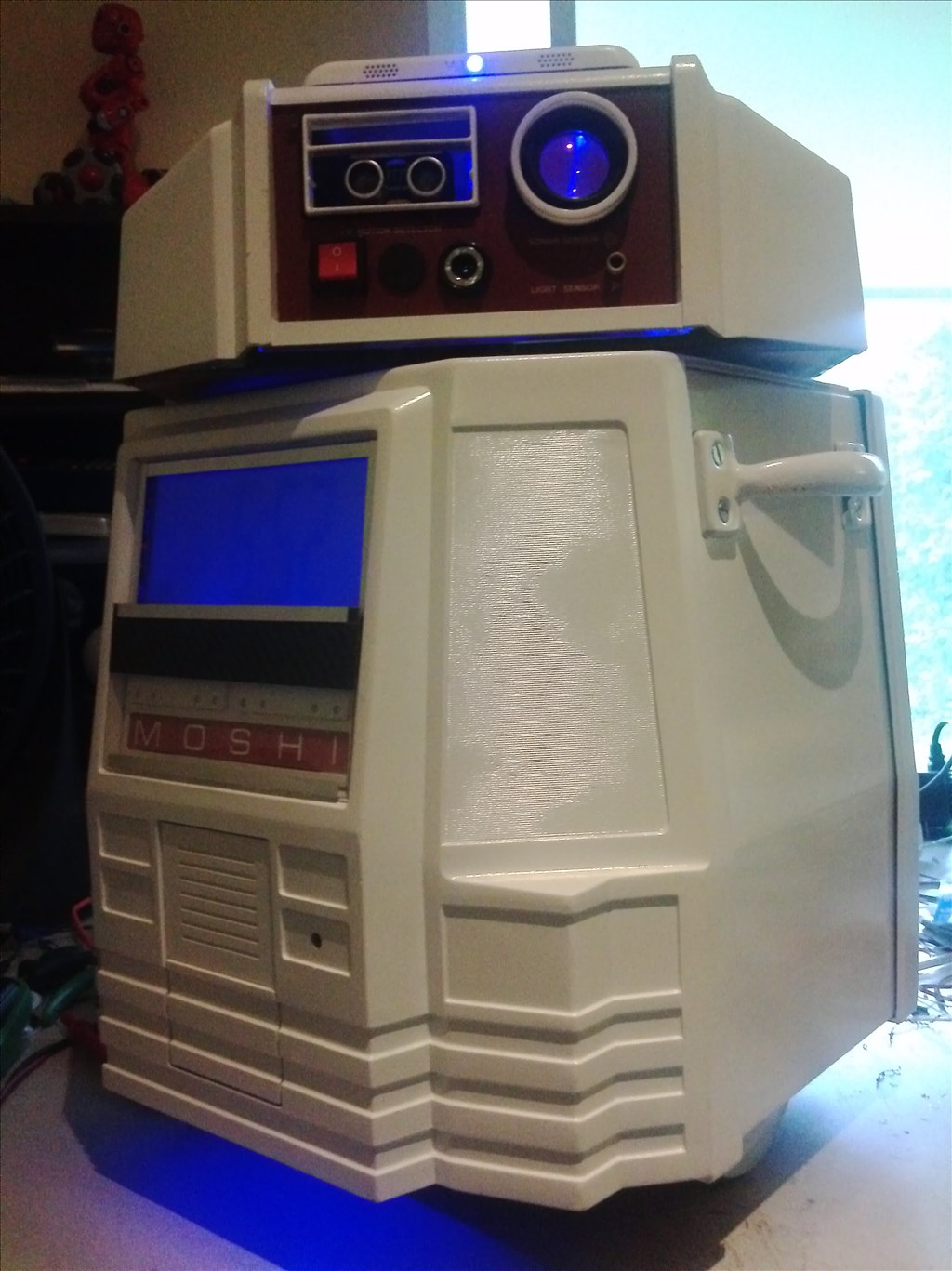
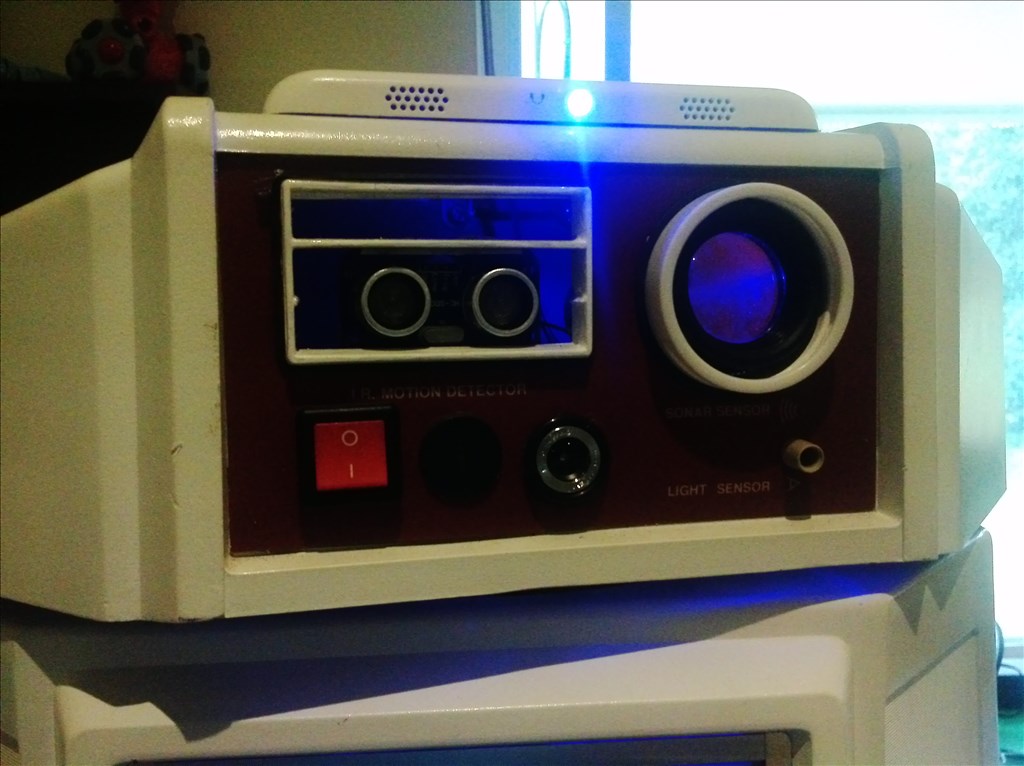
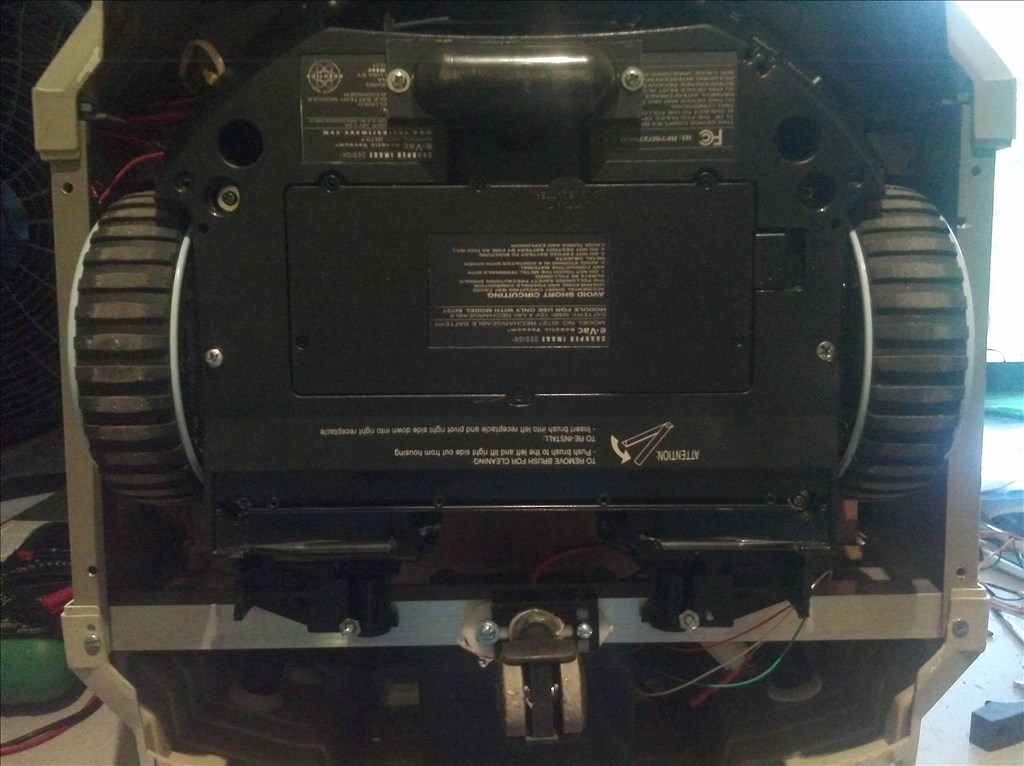

By rb550f
— Last update

Discover more robots
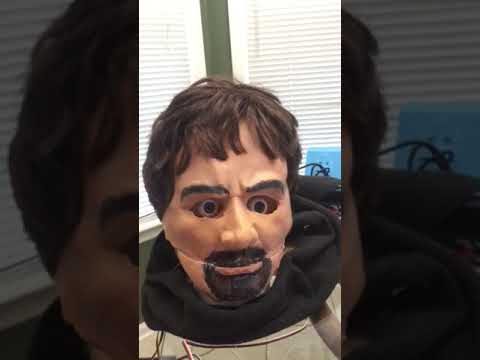
Ezang's Happy New Year To All
2020 brings many new ideas and inventions to everyone, inspiring creativity and innovation.
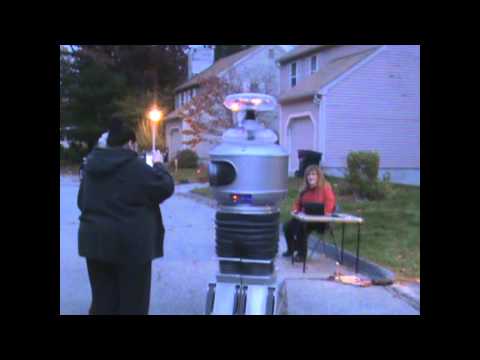
Gwen4156's G-Bot Video
G-Bot Halloween video showcasing the robot in action and thanking collaborators who prepped him
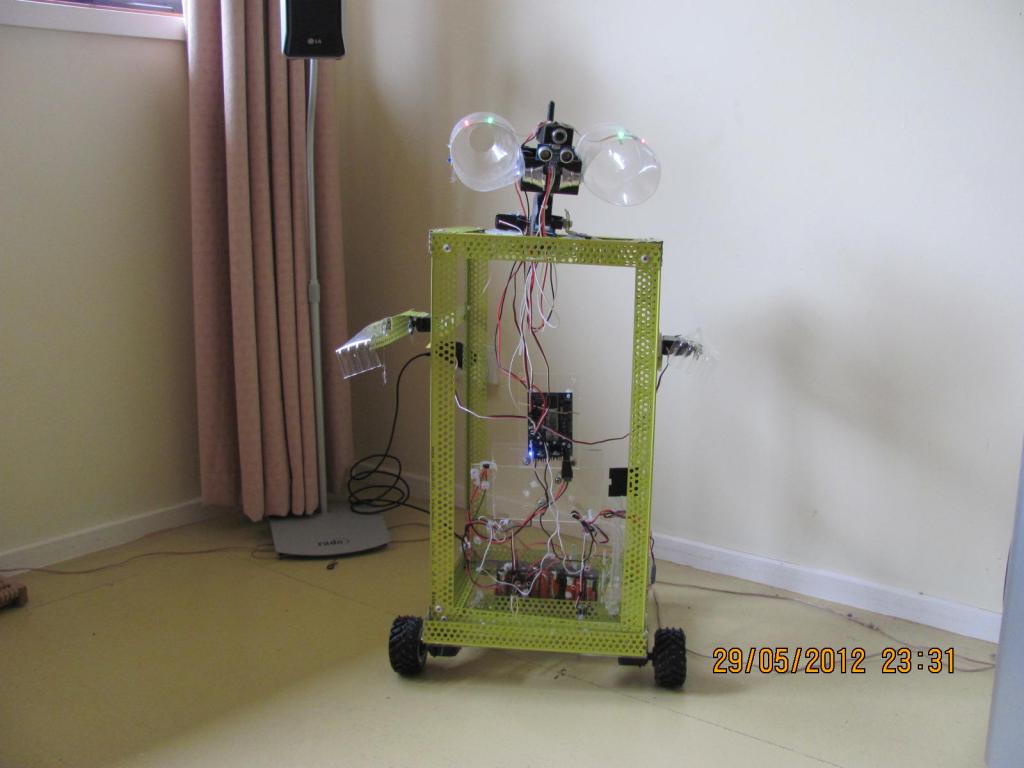
Hazbot's Bob Built On Bits
Bob, a 3 ft house robot built from an Ez-Robot kit and lightweight riveted angle-bead frame; plastic-bottle head; soon...

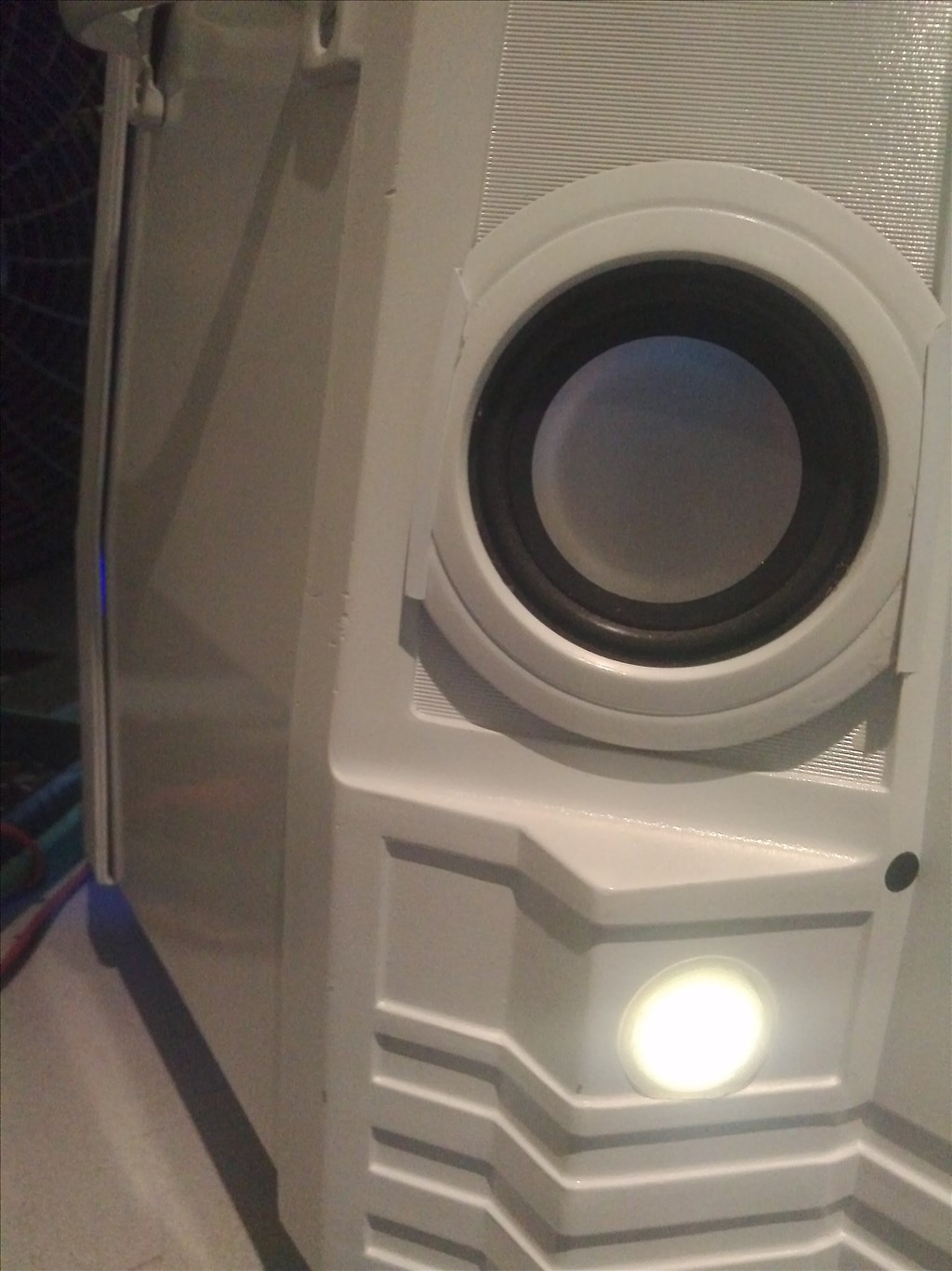
The light bar at the bottom is for ground effects lighting.It can be controlled to change to four colors.Can be on or flashing. I will post video as soon as i have time...
Great job! I'm replacing my Hero 1 guts with a v4. Can't wait to get it!
Man I love your Moshi robot it reminds me of the Liebrarian robot from robot and frank but like the awsome 2.0 version. Love this this robot
@TN Mike , what part of TN
Doing the same thing! very cool! I really would like to see a video of him in action.
@jstarne1 ,upper east TN, - Kingsport